Delete Your Facebook Account in Pakistan, or Undo It Within 30 Days
Delete or deactivate your Facebook account in Pakistan, step by step. What each option removes, and how to cancel a deletion by logging in within 30 days.
To delete your Facebook account, open Settings, then Accounts Center (or Meta Account), then Personal details, Account ownership and control, and Deactivation or deletion. Choose Delete account and confirm. Facebook keeps the account for 30 days, and logging back in during that time lets you tap Cancel deletion.
Most people in Pakistan who search for this want one of two things. Some want a clean break from Facebook. Others want to hide for a while, after a fight in a family group or a stalker in the comments. Facebook has a different button for each, and picking the wrong one is hard to undo.
We read Meta's own Help Center pages on deleting and deactivating a Facebook profile on 2 October 2026. Here is what each option does, the exact menu path, and the 30 day window that lets you change your mind.
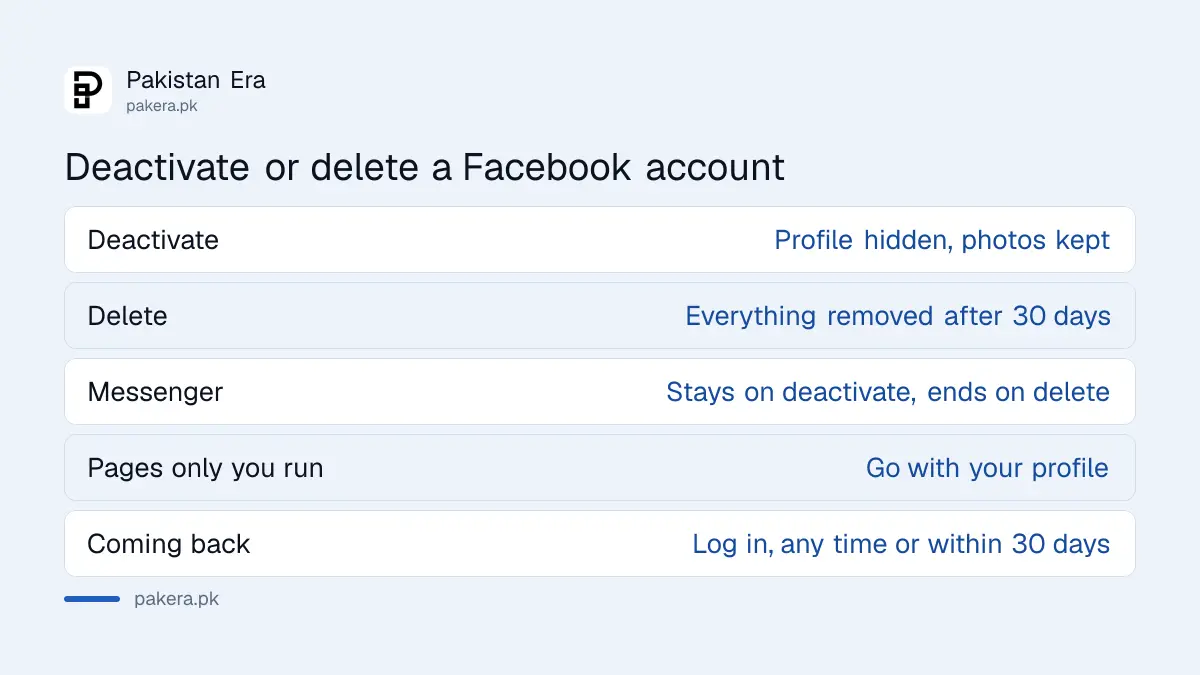
Deactivate hides your profile, delete removes it for good
Deactivation hides your profile and keeps everything, and you return by logging in. Deletion removes your photos, posts and videos permanently after 30 days. If you are unsure, deactivate first. You can still delete later, but a finished deletion cannot be reversed.
| What happens | Deactivate | Delete |
|---|---|---|
| Your profile | Hidden from everyone | Removed after 30 days |
| Photos, posts and videos | Kept, hidden | Permanently deleted |
| Messenger | Can stay active | Stops working |
| Log in to other apps with Facebook | Still linked | Stops working |
| Pages only you control | Deactivated too | Deleted too |
| Messages you sent friends | May still be visible | Stay in their inboxes |
| Coming back | Log in any time | Only within 30 days |
Meta says that when you deactivate, friends may still see your name in their own friends list, and group admins may still see your old posts and comments. So deactivation is privacy, not a full disappearance.
How to delete your Facebook account step by step
You must be logged in to delete an account, on the app or a browser. The path runs through Settings and Accounts Center, which Meta is renaming Meta Account for some users. The button sits under Deactivation or deletion in both versions.
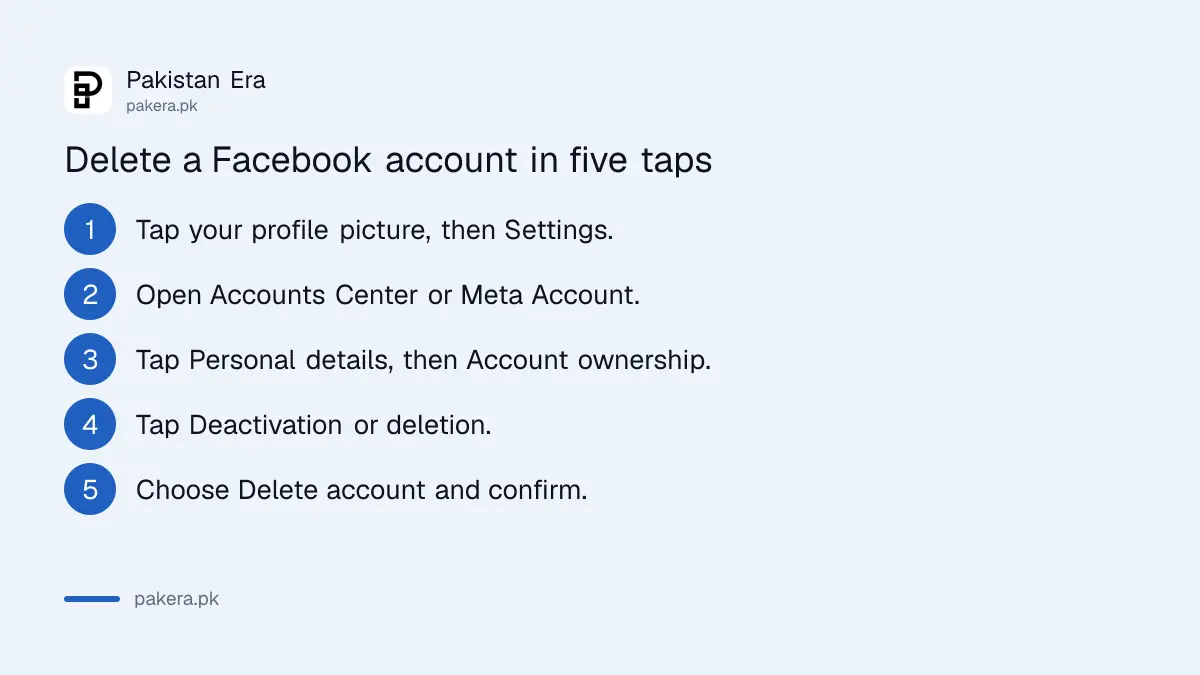
- Tap your profile picture at the top right of Facebook.
- Open Settings and privacy, then Settings.
- Open Accounts Center or Meta Account. Meta says you may see either name, as it moves people to Meta Accounts.
- Open Personal details, then Account ownership and control. On the newer layout, tap Manage account and then Manage.
- Tap Deactivation or deletion and choose the Facebook profile.
- Select Delete account, tap Continue, and follow the instructions on screen to confirm.
Before step 6, download a copy of your data. Meta offers an Export your information tool for photos and posts, and it says that after deletion you "won't be able to retrieve anything you've added". Family photos are the easiest thing to lose this way.
If you run a business Page alone, it goes with your profile. Meta's fix is simple: give another person full control of the Page first. The profile can then be deleted without the Page.
You have 30 days to cancel a deletion
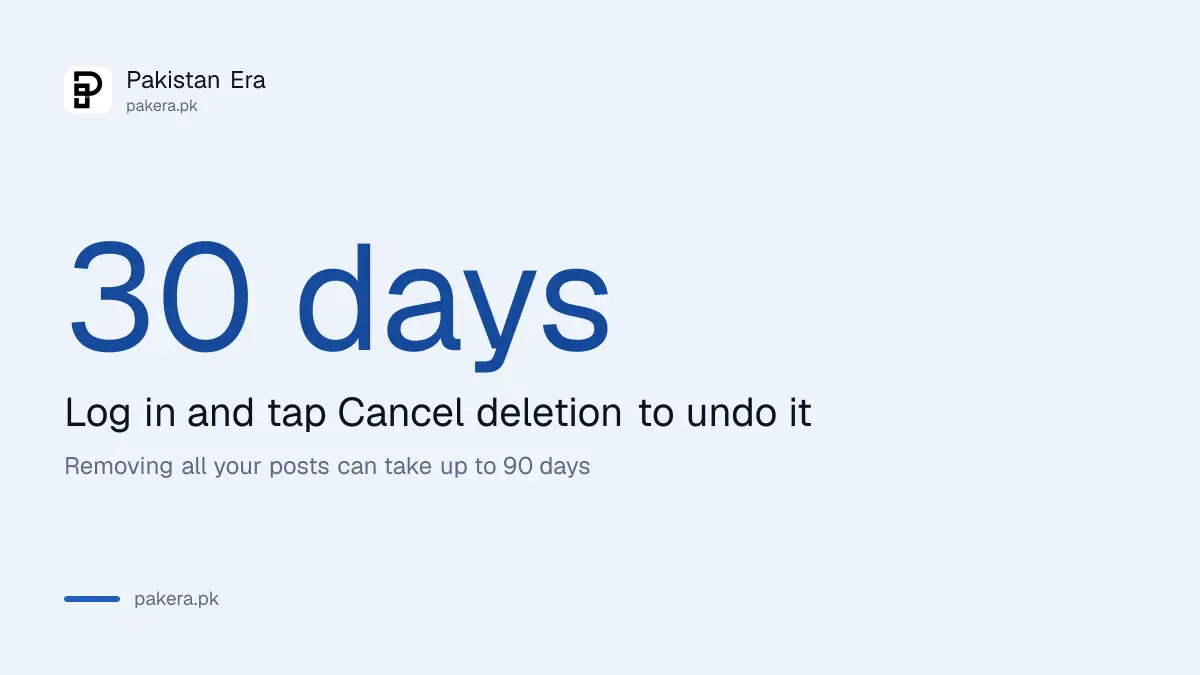
Facebook does not delete an account the moment you press the button. For 30 days you can log back in and tap Cancel deletion, and the account returns as it was. After 30 days the account and its information are gone for good.
Meta's own steps are short: log into your Facebook account within 30 days of deleting it, then click Cancel deletion. That is all.
Two details matter here. First, Meta adds a note that "the number of days that you can cancel an account deletion varies by region". Its page did not list a different number for Pakistan, so plan on 30 days and do not wait until day 29. Second, logging in is what cancels a deletion. So log out on every device before you delete, so an old phone does not undo it by mistake.
Full removal takes longer behind the scenes. Meta says it can take up to 90 days from the start to delete everything you posted, and that copies may stay in backup storage after that. While this happens, other users cannot see the content.
How to deactivate Facebook instead
Deactivation uses the same menu. Choose Deactivate account instead of Delete account, then confirm. To return, log back in or use Facebook to log into another app. You need access to the email or phone number on the account to reactivate.
- Open Settings and privacy, then Settings, then Accounts Center.
- Open Personal details, then Account ownership and control.
- Tap Deactivation or deletion, pick the profile, and choose Deactivate account.
- Tap Continue and confirm.
Messenger keeps working if you leave it logged in. Meta says your profile picture still shows in chats and people can still find you by name to message you. Deactivate Messenger separately if you want to vanish completely.
The reactivation rule is the one to note. If your phone number has changed since you made the account, update it in Accounts Center before you deactivate. Otherwise you may struggle to get back in.
Deleting does not fix a hacked or fake account
Deletion needs you to be logged in, so it cannot remove an account a hacker controls or a fake profile in your name. Those have their own routes through Meta's recovery and reporting forms.
If someone else is inside your account, start with how to recover a hacked Facebook account and take it back first. If the problem is an impostor using your name and photos, report the fake Facebook profile while your own account still exists to compare against.
And if what bothers you is security rather than Facebook itself, there is a middle path. Keep the account and turn on two-step verification, so a stolen password alone is not enough to get in.
Your Instagram is a separate profile. Meta says other profiles in your Meta Account are not affected when you delete Facebook.
Common questions
How long does Facebook take to delete an account?
You can cancel for 30 days. After that the account is permanently deleted, and Meta says removing everything you posted can take up to 90 days.
Can I recover a deleted Facebook account after 30 days?
No. Meta says after 30 days the account and all its information are permanently deleted and cannot be retrieved.
Will deleting Facebook delete my Messenger chats?
You lose Messenger. Messages you already sent may stay visible in your friends' inboxes, because they keep their own copies.
Does deleting Facebook delete my Instagram?
No. Meta says the other profiles in your Meta Account are not affected. Instagram has its own delete option.
Can someone else delete my Facebook account for me?
No. You must be logged in to request deletion. For a hacked account, recover it first.
Can I deactivate Facebook and keep using Messenger?
Yes. If you stay logged into Messenger when you deactivate, Messenger stays active and friends can still message you.
How we verified this
What we checked, where we read it, and what we could not confirm.
Last checked on 2 October 2026. We read Meta's Help Center pages Permanently delete your Facebook profile (menu paths, what deletion removes, the 30 day cancel window, the 90 day removal and the regional note) and Temporarily deactivate your Facebook profile (menu path, Messenger, reactivation by logging in). We did not delete a live account to test it. Meta is moving users from Accounts Center to Meta Account, so menu names may differ slightly on your phone.
About the author

Tax, Bills and Technology Writer
Ali Akhtar is a young and curious voice here at Pakistan Era. He is currently pursuing his A-Levels and has a growing interest in Pakistan’s changing industrial landscape and educational trends. Ali likes to write in a way that helps him explain and explore the world around him. His writing reflects the perspective of the new generation navigating the evolving trends of Pakistan where technology, youth innovation, and shifting opportunities are reshaping the country’s future.