How to Add a Missing Place or Fix a Wrong Address on Google Maps in Pakistan
Add a missing place, fix a wrong address or pin, or draw a missing road on Google Maps in Pakistan for free, then check if Google accepted your edit in 3 taps.
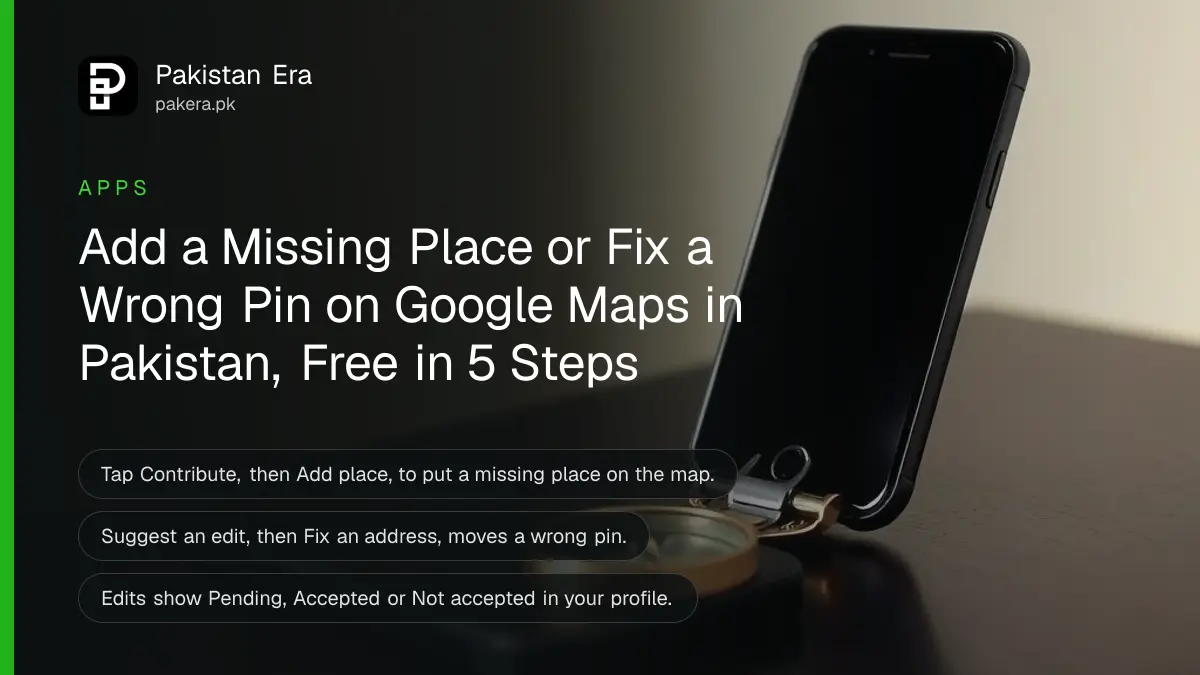
To add a missing place on Google Maps, open the app, tap Contribute, then Add place, and follow the steps. To fix a wrong address or pin, search the address, tap Suggest an edit, then Fix an address, move the map to the centre of the building and tap Submit. It is free. Track every edit under Contribute, View your profile, Edits.
Pakistani streets often have no official numbers, so Maps gets mosques, schools, clinics, new housing societies and whole streets wrong. Anyone with a Google account can fix that. Google checks each edit before it goes live, so a careful edit with the right pin is the one that gets accepted.
Which Google Maps fix you need
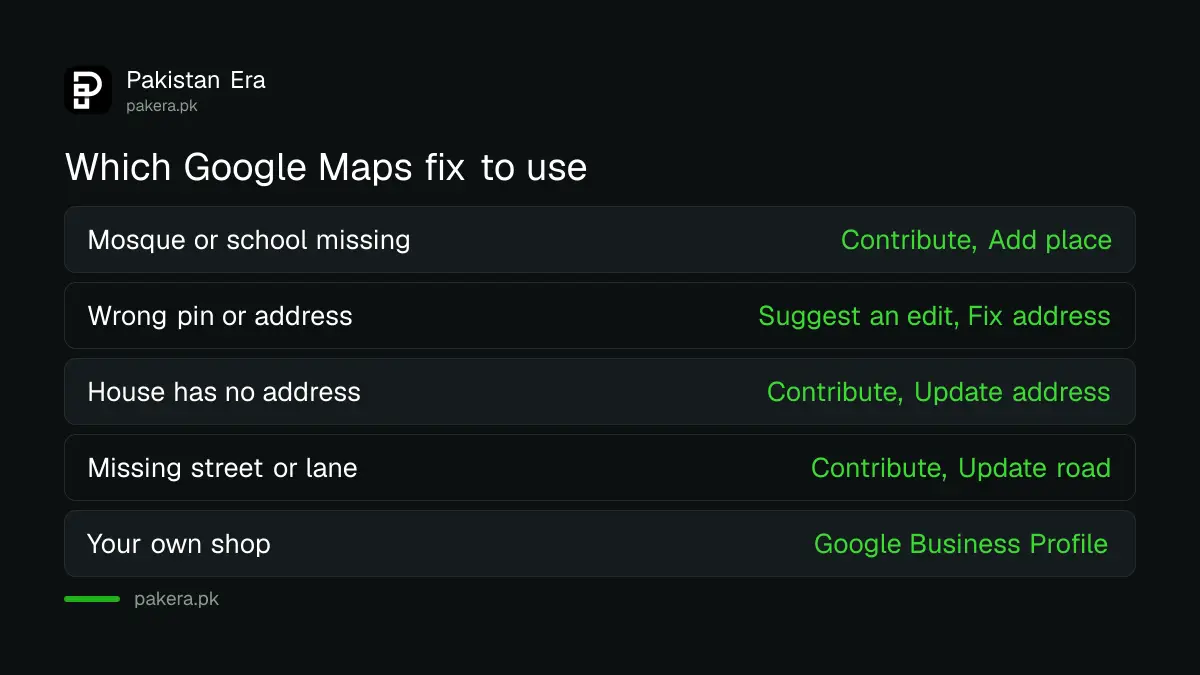
Google Maps has separate tools for places, addresses, roads and businesses. Pick the right one first: a shop owner should use a Business Profile, a missing mosque or school is a place, a wrong house pin is an address, and a missing lane is a road.
| Problem | Tool in the Maps app | Shows publicly? |
|---|---|---|
| Mosque, school, park or clinic missing | Contribute, Add place | Yes, after Google checks it |
| House or building address wrong, or pin in the wrong spot | Suggest an edit, Fix an address | Yes |
| Your house has no address on the map | Contribute, Update address | Yes |
| Street or lane missing, wrong name, wrong one-way | Contribute, Update road | Yes |
| Your own shop or office | Google Business Profile | Yes, after verification |
| Just want "Home" saved for yourself | Private label | No, only you see it |
How to add a missing place on Google Maps
Use Add place for public places people visit: landmarks, mosques, schools, parks, ATMs and local businesses. Google says the place shows publicly once it is added. Your own home is private property and cannot be added as a place.
On an Android phone or iPhone
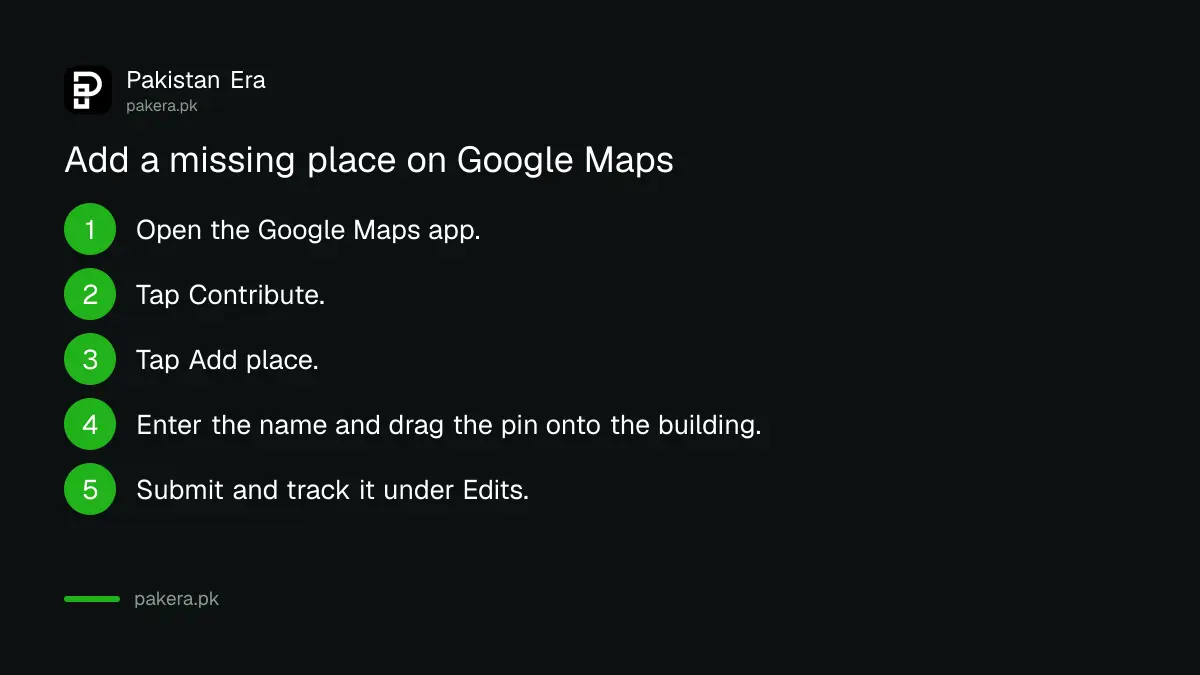
- Open the Google Maps app and sign in.
- Tap Contribute at the bottom.
- Tap Add place.
- Enter the name, category and address, then drag the pin onto the building.
- Add hours, phone and a photo if you have them, then submit.
On a computer
- Open Google Maps in a browser.
- Search for the address of the missing place.
- Click Add a missing place and fill in the details.
Use the name written on the board, not a description. "Jamia Masjid Farooqia" is right; "Big mosque near the market" is not. Google's rules also reject taglines, phone numbers and words in capitals inside the name.
How to fix a wrong address or pin location
Fix an address moves a wrongly placed pin or corrects the street, house number or area. The update is public, so delivery riders, ride apps and guests see the corrected spot. Zoom in and switch to satellite view before you place the pin.
- Open Google Maps and search for the address.
- Tap Suggest an edit, then Fix an address.
- Move the map until the pin sits on the centre of the building.
- Enter the correct address details: house number, street, block, sector or phase, and city.
- Tap Submit.
If your house has no address on the map at all, tap Contribute, then Update address, move the map to the centre of the building, enter the address and submit. Each address goes in separately.
To save your home for yourself only, add a private label instead. Only you see it, in your map, your search suggestions and Your places. This suits anyone who does not want their house public.
How to add a missing road or fix a road name
New societies and village link roads are often missing from Maps. Update road lets you draw a missing road, fix a name, mark a road that does not exist, or correct one-way and two-way info. Google says road edits work only in some countries and regions.
- Open the Google Maps app and tap Contribute.
- Tap Update road, then Missing road.
- Move the map to where the road begins and tap Start drawing.
- Move the map to draw it, tapping Add point to shape the bends.
- Tap Next, choose the road type, add the name if known, then Submit.
If the Update road option does not appear in your area, use Send feedback from the Maps menu to report the error instead.
Check whether Google accepted your edit
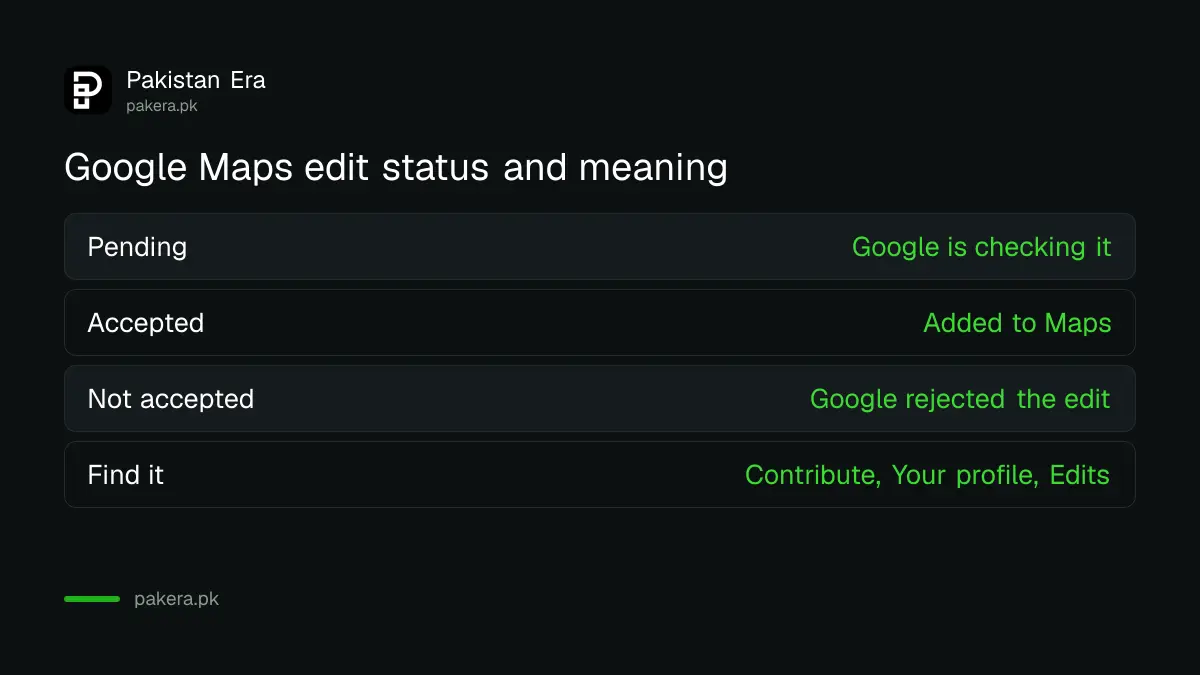
Every edit goes through Google's review and shows one of three statuses: Pending, Accepted or Not accepted. Open the Maps app, tap Contribute, View your profile, then Edits. An accepted edit can take a little longer to appear on the map.
You cannot cancel or recall an edit once sent. Wait for the result, then send a new edit with corrected details. If an edit keeps being rejected, these are the usual reasons:
- The pin is on the road or a neighbour's plot, not the building.
- The name has extra words, a phone number or ALL CAPITALS.
- The category is vague, such as "Store" instead of "Clothing store".
- The place is private (your house) or has no fixed location.
- Someone else already added the same place.
Running a shop? Do not add it through Add place and stop there. Claim it with a Google Business Profile for your shop, then verify the profile so you control the name, hours and phone. A listing that already exists with the wrong details is fixed through editing the Business Profile.
Pin correct but your phone still shows you in the wrong spot? That is a GPS problem on the phone, covered in fixing GPS location on Android.
Common questions
Can I add my house to Google Maps?
You can add its address with Contribute, Update address, and that address is public. You cannot add your house as a named place, because Google treats a home as private property. Use a private label to save it for yourself.
How long does Google take to approve a Maps edit?
Google does not give a fixed time. Check the status under Contribute, View your profile, Edits. An accepted edit can take a little longer to show on the map.
Is adding a place on Google Maps free?
Yes. Adding places, fixing addresses and roads, and creating a Business Profile are all free. Ignore anyone who charges to "put you on Google Maps".
Why was my Google Maps edit not accepted?
Google found it could not be checked as correct. The usual causes are a pin in the wrong spot, extra words in the name, a vague category, or a private home added as a place.
Can I delete an edit I made on Google Maps?
No. Google says you cannot cancel or recall a submitted edit. Wait until it is accepted or rejected, then send a new edit with the right details.
How we verified this
What we checked and where we read it.
Last checked 24 November 2026. The steps, statuses and rules come from Google Maps Help: Add a missing place to Google Maps, Fix a missing address or wrong pin location, Add or fix a road, Find your Maps edits, and the Google Maps eligibility and name guidelines for places.
About the author

Technology Journalist & Multimedia Producer
Ahmad Ali is a technology journalist and multimedia producer at Pakistan Era, joining the team in October 2026. He covers consumer technology and digital life for Pakistani readers, combining research with hands-on product testing.