How to Verify Your Google Business Profile in Pakistan: Video, Phone, Email or Postcard
Verify your Google Business Profile in Pakistan: the five methods Google lists, how to film the video check, how long a postcard takes and what not to change.
Short answer: Google verifies a business profile by phone or text, email, a live video call, a recorded video or a postcard. You cannot pick the method. Google shows the ones open to your business. Allow up to 5 business days for review, and up to 14 days if a postcard is sent.
A tailor in Gujranwala creates a Google Business Profile for his shop. The listing sits on Maps, but customers cannot see his hours or photos because the profile says "not verified". He needs to prove the shop is his. This guide shows the options Google lists and how to avoid the mistakes that waste weeks.
We read Google's Business Profile help page on verification on 13 October 2026. What follows is what that page says. We did not verify a live profile from Pakistan for this guide, so the options you see may differ.
Google decides which verification method you get
Google's help page says the methods available depend on your business type, location and other factors, and that you cannot choose your preferred one. The screen shows only the options Google offers for your profile. Pick one of them and follow the prompts.
If you have not made the profile yet, first follow the steps in how to put your shop on Google Maps. Use the exact business name and the exact address that appear on your shop board. A mismatch is a common reason for delay.
The five methods Google lists
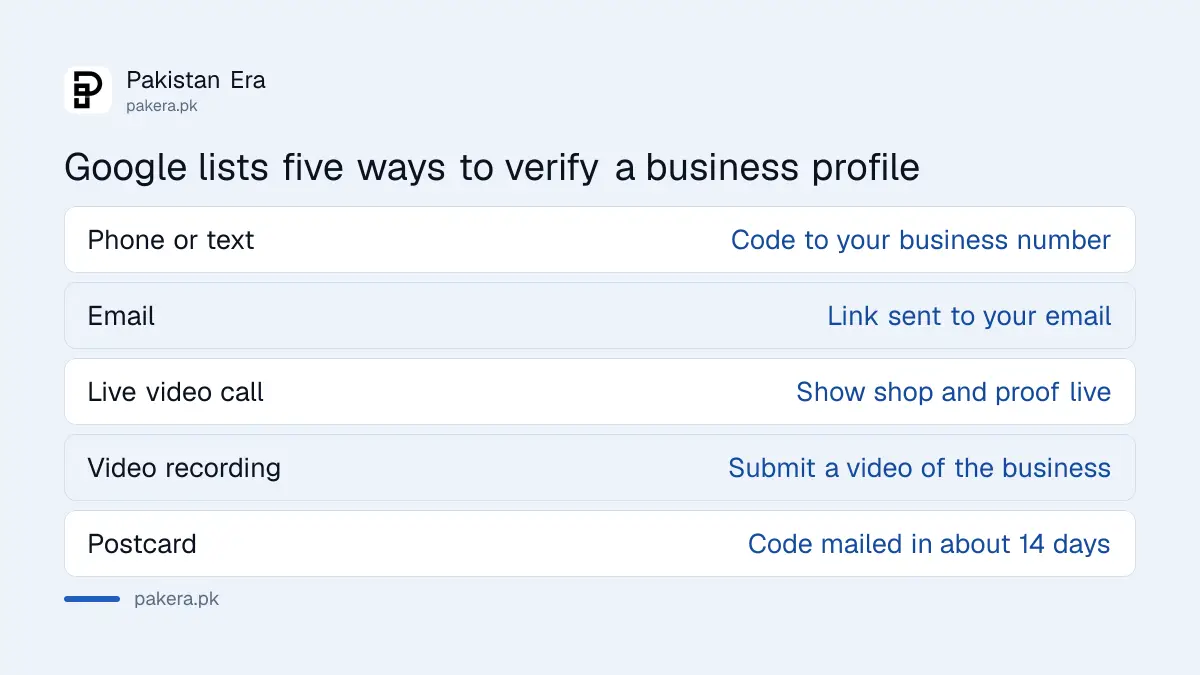
Google lists five ways: phone or text, email, live video call, video recording and postcard. Each has its own rules. The table below sums up what the help page says about every one.
| Method | What you do | Notes from Google |
|---|---|---|
| Phone or text | Receive a code on the business number | You must answer directly, automated phone menus do not work |
| Click a link sent to your email | Follow the steps in the message | |
| Live video call | Show your location, equipment and proof you manage it | May not be offered to every business |
| Video recording | Submit a video of the business | Google recommends it when you are eligible |
| Postcard | Enter the code mailed to your address | Most arrive within 14 days, codes expire after 30 days |
Prepare for a video check before you start
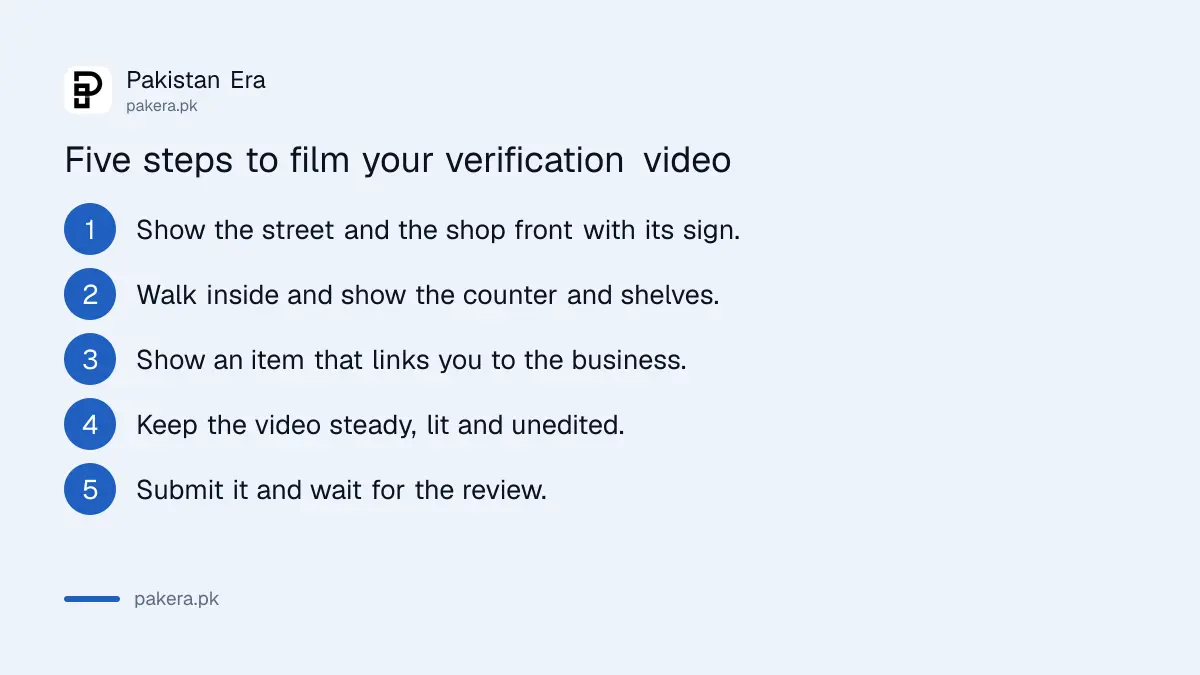
Google says a video check asks you to show your location, your business equipment and proof that you manage the business. Plan the walk before you press record. Film the shop front, the sign, the inside and your tools or stock in one clear take.
- Stand outside and show the street and the shop front with its sign.
- Walk inside and show the counter, shelves and any equipment.
- Show something that links you to the business, such as a licence, a tool in use or a business record.
- Keep the video steady and well lit, and do not cut or edit it.
- Submit it and wait for the review.
Google does not say here what proof it accepts in Pakistan, so use whatever real item shows you run the business, and do not use anything that does not belong to you.
Wait for the review and do not change your details
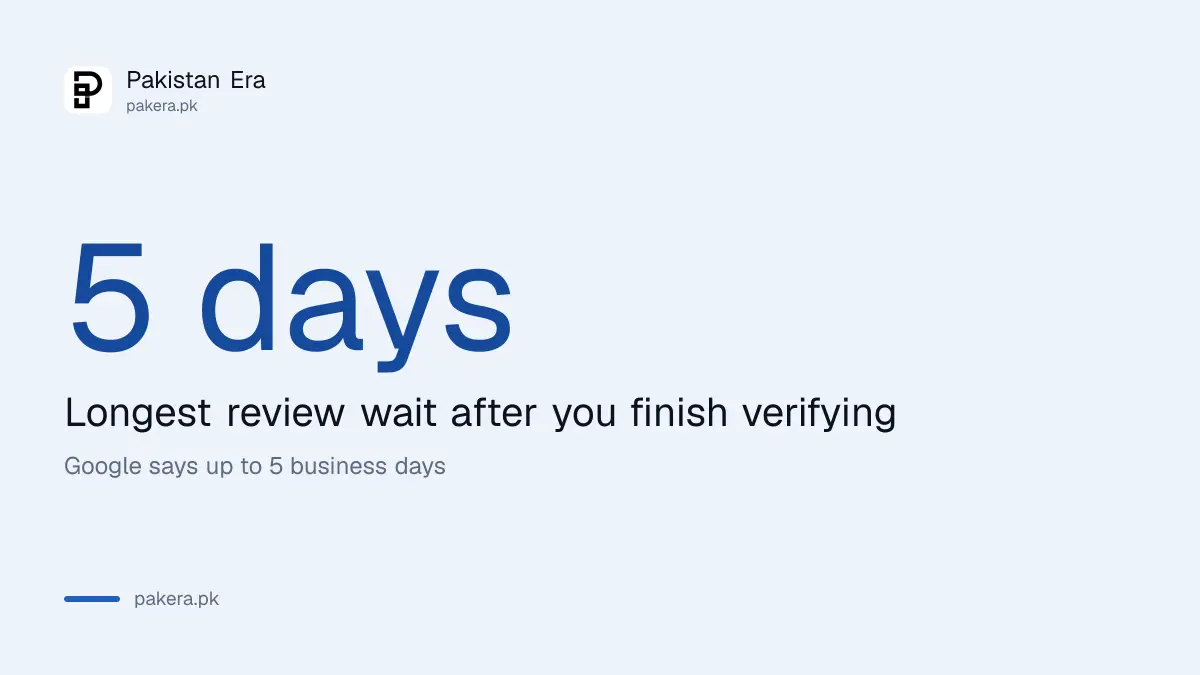
After you finish, Google says the review can take up to 5 business days. Some profiles verify instantly, for example through Google Search Console or bulk verification. While a code is pending, do not edit your business details, because Google says this invalidates mailed codes.
Three habits cause most delays. People edit the business name while a code is on its way. They give a phone number that nobody answers during shop hours. And they film a video that never shows the shop sign. Fix those three and most profiles pass on the first try. Keep your phone near you on the day you ask for a code, so you can answer at once.
If your website is already in Search Console, instant verification may be available. The guide to submitting a sitemap in Search Console shows how to open that account.
What to do once the profile is verified
Once verified, add your hours, phone number, photos and website. Then answer reviews. The steps are in replying to Google reviews on your Business Profile. If Google suspends the profile later, follow the suspended profile fix.
A website with LocalBusiness schema markup helps Google match your site to the profile. Keep your name, address and phone number the same everywhere.
Common questions
Can I choose the verification method myself?
No. Google's help page says the available method depends on your business type and location, and you cannot choose your preferred one.
How long does a postcard take?
Google says most codes arrive within 14 days and that codes expire after 30 days. Do not edit the profile while you wait.
Why does phone verification keep failing?
Google says you must be able to answer the call directly. An automated phone menu does not work for the code.
Can I verify without waiting for a postcard?
Sometimes. Google says instant verification is possible in certain cases, such as through Google Search Console, or by bulk verification.
How long does Google take to review a verified profile?
Up to 5 business days after you finish verification, according to Google's help page.
How we verified this
What we checked, where we read it, and what we could not confirm.
Last checked on 13 October 2026, Pakistan time. We read Google's Business Profile verification help page. We did not test verification on a live profile from Pakistan, and Google does not list on that page which methods it offers in Pakistan.
About the author

Technology Journalist & Multimedia Producer
Ahmad Ali is a technology journalist and multimedia producer at Pakistan Era, joining the team in October 2026. He covers consumer technology and digital life for Pakistani readers, combining research with hands-on product testing.