How to Add LocalBusiness Schema Markup to Your Shop Website in Pakistan
Copy a LocalBusiness JSON-LD example for a Pakistani shop, learn which fields Google lists, test it in the Rich Results Test and know what markup cannot do.
LocalBusiness markup is a short block of code that tells Google your shop's name, address, phone number, map position and opening hours. Google's documentation requires only name and address. The rest is recommended. It does not guarantee any special result in search.
Update, 11 October 2026: Google has dropped FAQ rich results, so check any FAQ schema.
Open Google Maps and search for any shop near you. The hours, phone number and address come mostly from the shop's Google Business Profile. Structured data on your website is a second, separate way to say the same facts, in a form a machine reads without guessing.
We read Google Search Central's Local Business structured data page on 7 October 2026 for every field below. The example is a made up Lahore shop. Replace every value with your own.
LocalBusiness markup says your shop's facts in a form Google can read
Structured data is a standard way to label facts on a page. Schema.org defines the labels. Google reads them in JSON-LD, a block of code placed in the page. For a shop, the label type is LocalBusiness or a more specific type.
Google tells you to use the most specific type possible, for example Restaurant or HealthClub. A cloth shop can use ClothingStore. A general shop can use Store. If you have several services, Google allows a list of types.
You put the code on any page of your site. Google says it may make more sense to put it on a page with information about your business, such as the contact page or home page.
Which fields Google lists for a local business
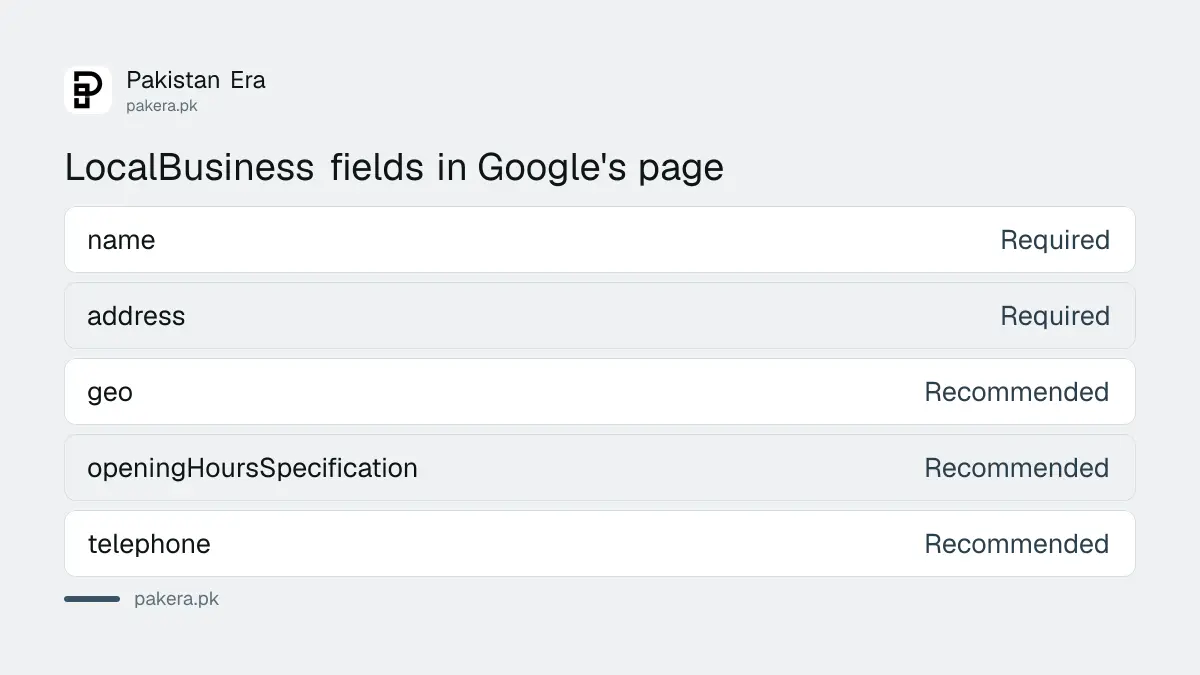
Google lists two required fields and several recommended ones. Required are name and address. Recommended include geo coordinates, opening hours, telephone, url and priceRange. Add as many as are true.
| Field | Status in Google's page | What to write |
|---|---|---|
| name | Required | The shop name as on your signboard |
| address | Required | Street, city, province, postal code, country |
| geo | Recommended | Latitude and longitude, at least 5 decimal places |
| openingHoursSpecification | Recommended | Days, opening time and closing time in hh:mm:ss |
| telephone | Recommended | Main contact number with country and area code |
| url | Recommended | A working link to the business location page |
The page also lists priceRange, which must stay under 100 characters. Skip it if you are unsure what to write.
A copy ready JSON-LD example for a shop in Lahore
This example is for a made up shop. Change every value, keep the quotation marks and commas exactly as shown, and remember that the code goes inside a script tag of type application/ld+json.
<script type="application/ld+json">
{
  "@context": "https://schema.org",
  "@type": "ClothingStore",
  "name": "Example Fabrics Lahore",
  "url": "https://www.example.pk/contact/",
  "telephone": "+92-42-35000000",
  "address": {
    "@type": "PostalAddress",
    "streetAddress": "12 Main Boulevard, Gulberg III",
    "addressLocality": "Lahore",
    "addressRegion": "Punjab",
    "postalCode": "54660",
    "addressCountry": "PK"
  },
  "geo": {
    "@type": "GeoCoordinates",
    "latitude": 31.51490,
    "longitude": 74.34330
  },
  "openingHoursSpecification": [
    {
      "@type": "OpeningHoursSpecification",
      "dayOfWeek": [
        "https://schema.org/Monday",
        "https://schema.org/Tuesday",
        "https://schema.org/Wednesday",
        "https://schema.org/Thursday",
        "https://schema.org/Saturday"
      ],
      "opens": "10:00:00",
      "closes": "21:00:00"
    },
    {
      "@type": "OpeningHoursSpecification",
      "dayOfWeek": "https://schema.org/Friday",
      "opens": "14:00:00",
      "closes": "21:00:00"
    }
  ]
}
</script>
Google lists the days as full schema.org links, such as https://schema.org/Monday, so the example uses that form. Use your real coordinates, to 5 decimal places or more. Open your shop on Google Maps, press and hold on the spot, and read the numbers that appear.
The telephone should be the main number a customer can actually reach, with +92 and the area code. Hours should match what is on your door, including the shorter Friday in this example.
Test the code with the Rich Results Test
Paste your page address or your code into Google's Rich Results Test. Fix every critical error it shows. Fixing the non-critical warnings can help quality, but Google says that is not needed to be eligible for rich results.
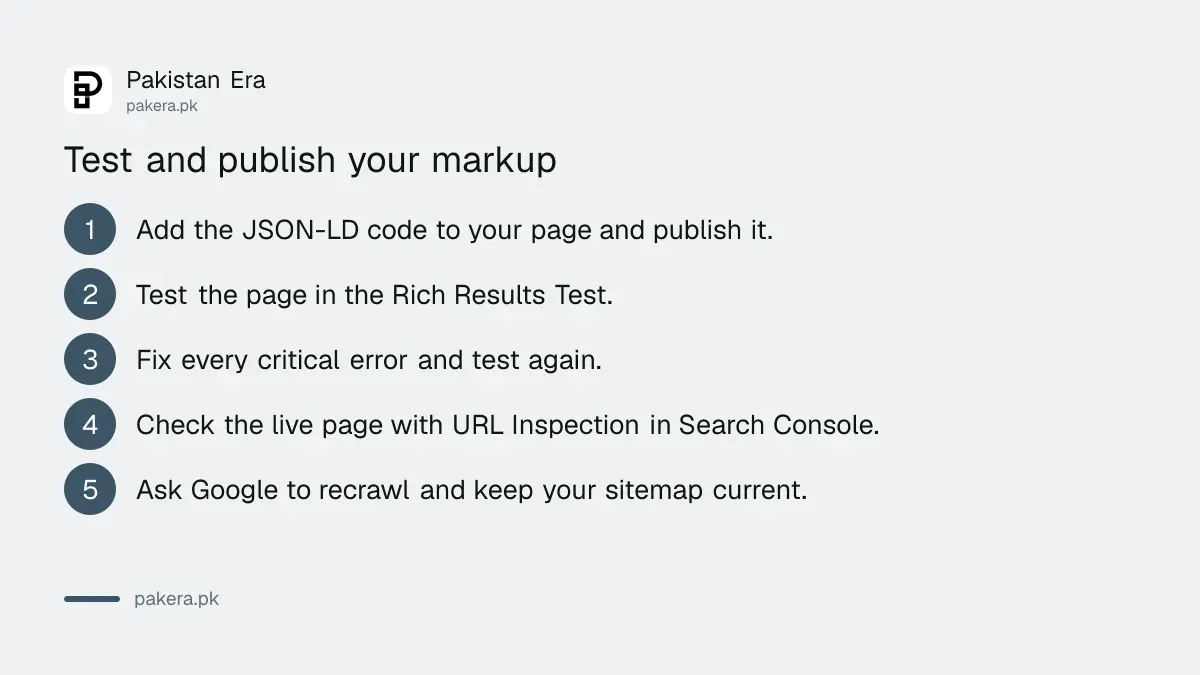
- Add the code to your page and publish it.
- Open search.google.com/test/rich-results and test the page address.
- Fix any critical error, then test again.
- Use the URL Inspection tool in Search Console to see how Google sees the live page.
- If the page is fine, ask Google to recrawl it, and keep your sitemap updated.
The page must not be blocked by robots.txt, a noindex tag or a login. Searching Google for your own shop one day later will not prove anything, because recrawling takes time. A verified Search Console property is what lets you use the URL Inspection tool.
Markup does not guarantee rich results
Google says plainly that it does not guarantee that features using structured data will show in search results. Correct code makes your page eligible and easier to read. It does not move you up the list.
So do the main job first. A complete Google Business Profile is what drives the Maps listing, the phone button and the opening hours people see. Putting your shop on Google Maps is the step to do first, for free, and it matters more than any code.
Also keep the markup honest. Facts in the code must match the facts on the page and on your Business Profile. Wrong hours in markup are worse than none. Google says a structured data manual action causes the markup on the page to be ignored.
Some owners hope markup will also help them in AI answers. Nobody outside Google can prove how much, so read what Google AI Overviews mean for a Pakistani business before you spend money chasing it.
Common questions
Do I need structured data to appear on Google Maps?
No. Maps listings come from your Google Business Profile. Markup on your website is optional and works separately.
Which fields are required for LocalBusiness?
Google lists name and address as required. Geo, opening hours, telephone and url are recommended, so add them if they are true.
Does LocalBusiness markup improve my ranking?
Google makes no such promise. It says only that markup can make a page eligible for features, and it does not guarantee they will show.
Where do I paste the code in WordPress?
Many SEO plugins have a local business setting that writes the code for you. Otherwise add it to your contact page with a custom HTML block.
What type should a general shop use?
Use the most specific type Google and schema.org offer for your trade. If none fits, use LocalBusiness itself.
How we verified this
What we checked, where we read it, and what we could not confirm.
Last checked 7 October 2026. We read Google Search Central's Local Business structured data documentation, including its required and recommended properties, its testing steps and its note that features are not guaranteed. We did not run the example through the Rich Results Test, because it describes a made up shop with a placeholder address and phone number. Test your own version before you publish it. The coordinates and postal code in the example are illustrative.
About the author

Founder and Editor
Umer Kureshi founded Pakistan Era in July 2024 and runs it as administrator, SEO lead and writer, overseeing website operations, search growth, content strategy and coverage of technology and current affairs.