Edit Google Business Profile in Pakistan: Change Name, Address, Phone and Category, and the 30 Day Review Rule
Change your shop's name, address, phone, hours or category on Google Business Profile in Pakistan. See the steps, review time, edit status and when to reverify.
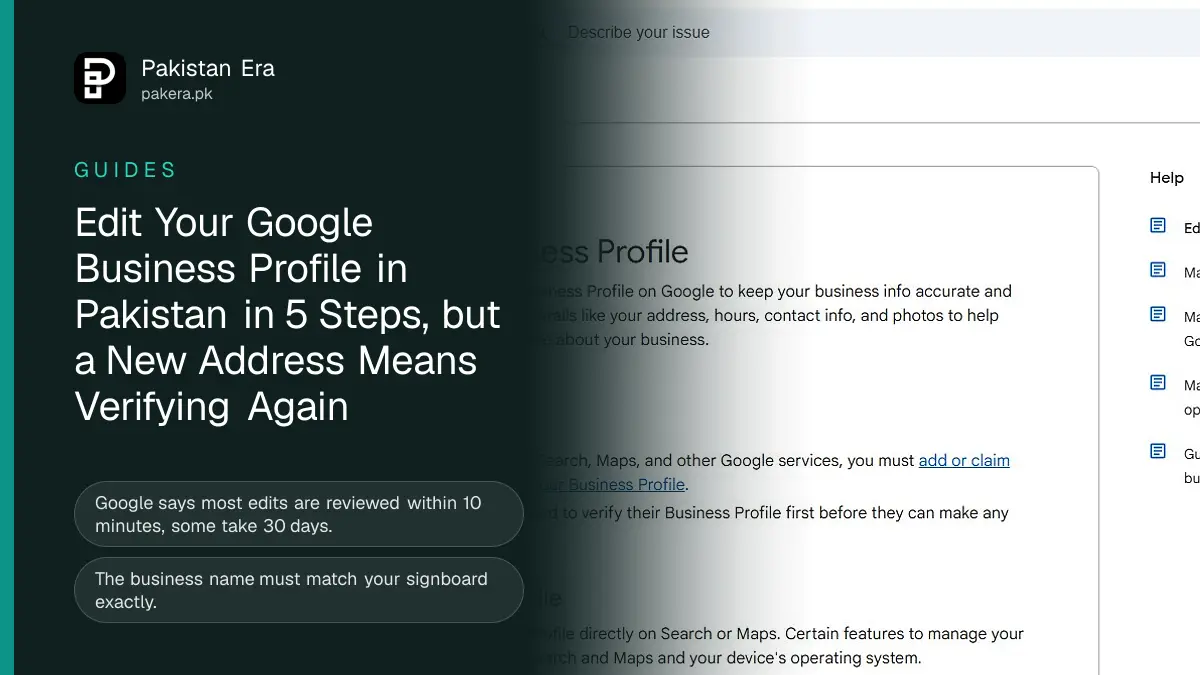
To edit your Google Business Profile in Pakistan, sign in to the Google account that manages it, search for your business on Google or open the Business tab in the Maps app, tap Edit profile, make the change and press Save. Google reviews every edit first. Its help page says most edits take up to 10 minutes, but some take up to 30 days.
Two edits carry a risk. Change your business name and you might have to verify again. Move to a new address and you must verify again. We read Google's own Business Profile help pages on 11 November 2026. Below are the steps on a computer and on a phone, the rule for each field, and what to do when Google says your edit was not approved.
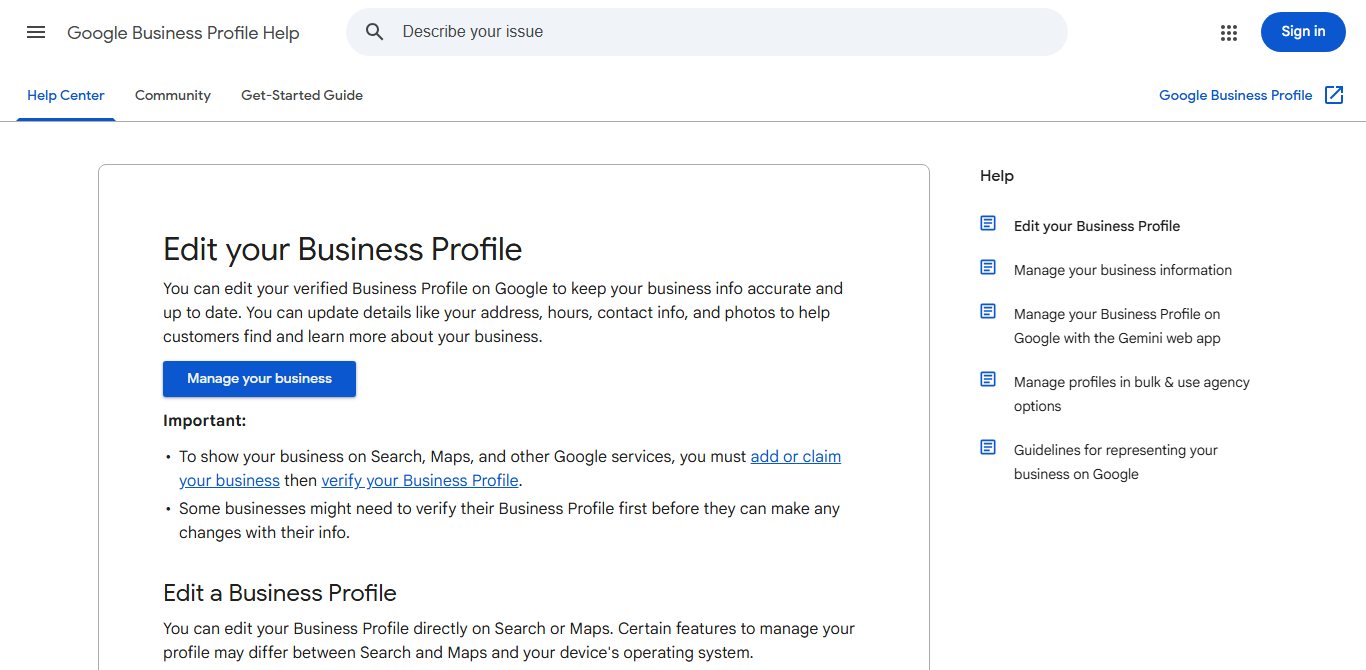
You can edit your profile on Google Search or in Maps
Google lets you edit a verified profile from Google Search on a computer or from the Google Maps app on a phone. Both reach the same profile. Some businesses must verify first before they can change anything, so if Edit profile is missing, start with our guide to verifying a Google Business Profile in Pakistan.
On a computer:
- Sign in to the Google account linked to your Business Profile.
- Go to business.google.com, or search your business name on Google.
- Select Edit profile.
- Change the field you need, such as hours, phone or website.
- Select Save, then wait for Google's review.
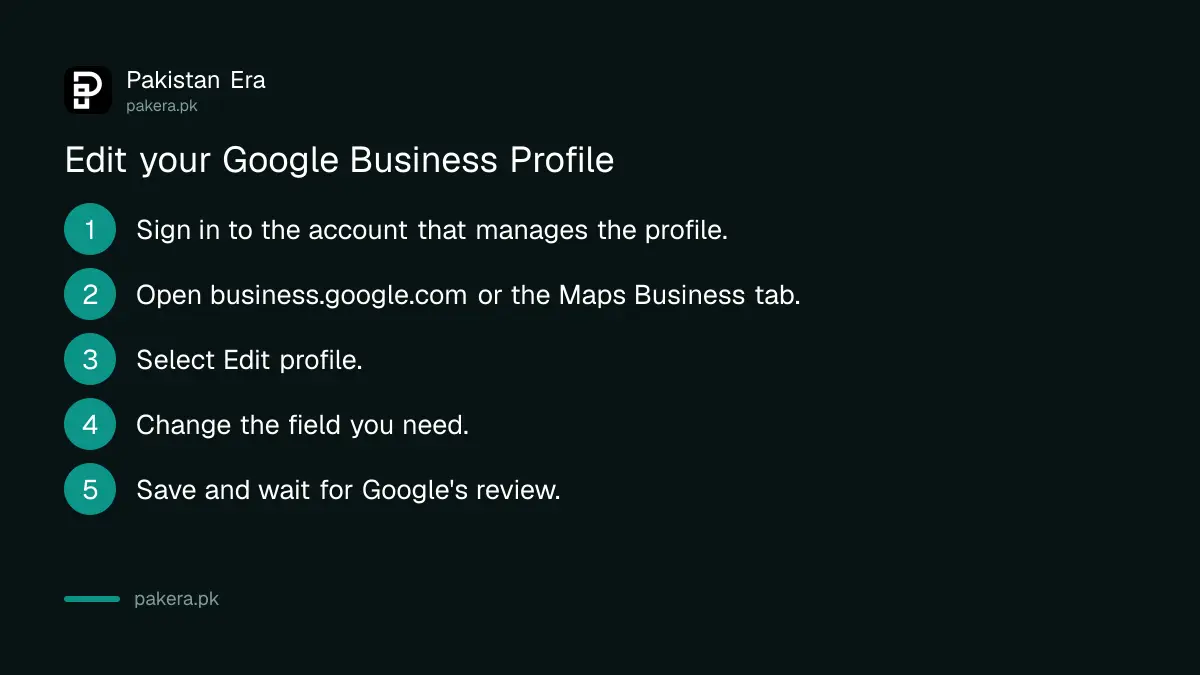
On a phone: open Google Maps, tap Business at the bottom right, tap Edit profile, make your change and tap Save. Google says some options may look different between Search, Maps and your phone's operating system.
Each field has its own rule
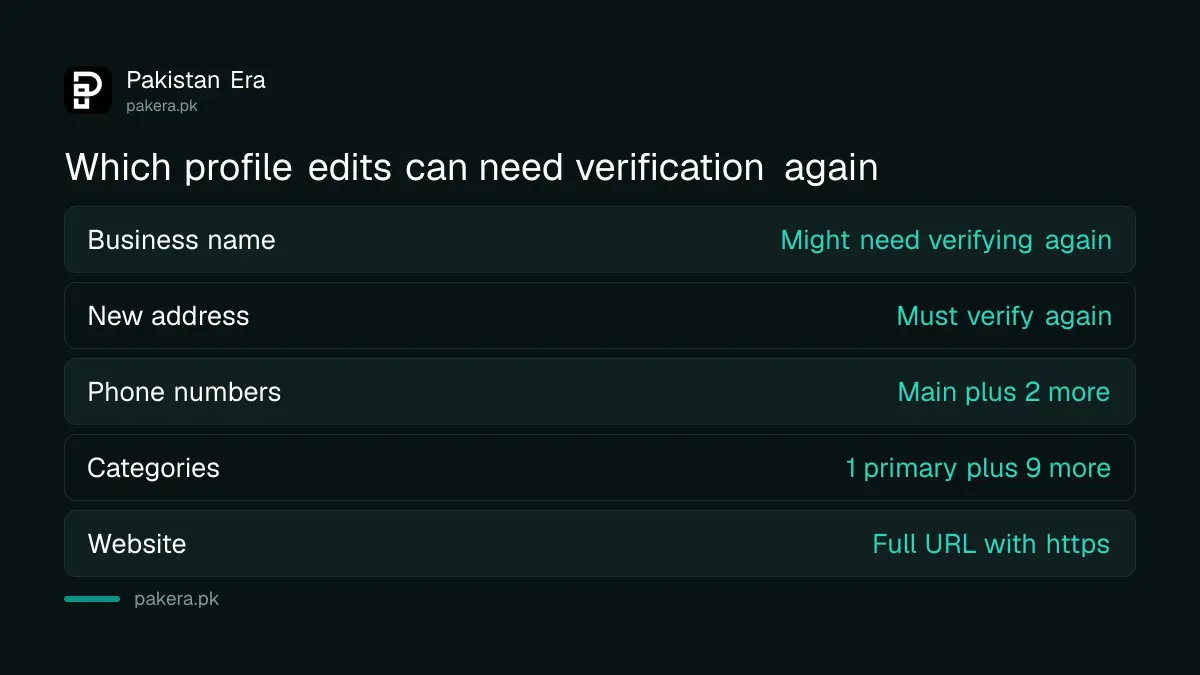
Google checks each field against its guidelines for representing a business. Getting a field wrong is the most common reason an edit is not approved. Here is what Google's help page says for the fields Pakistani shop owners change most often.
| Field | Google's rule | Risk |
|---|---|---|
| Business name | Exactly as on your signboard, stationery and branding | You might need to verify again |
| Address | Full and accurate; you can hide it if customers do not visit | A move means you must verify again |
| Phone | Main number plus up to two more; no fax numbers | Low |
| Category | The first one you pick is primary; add up to nine more | Medium |
| Website | Full URL, starting with http:// or https:// | Low |
Do not add a city name, a keyword or an offer to your business name. If the board outside says "Ali Mobiles", the profile name is "Ali Mobiles", not "Ali Mobiles Best Phone Shop Lahore". Names stuffed with keywords break Google's rules and can lead to a suspension, which we cover in fixing a suspended Google Business Profile.
Hide your phone number or address if you need to
Some home businesses do not want a personal number or a home address on Google. Both can be hidden. For the address, Google says you can choose not to show it if you do not meet customers there, and set a service area instead.
- To hide the phone number: go to More, then Business Profile settings, then Advanced settings, and turn on Don't show under Phone number.
- To hide the address: clear the address in Edit profile and add the areas you serve as a service area.
- Extra numbers: add up to two more, such as a shop landline and a WhatsApp number.
Opening hours have their own pages in Google's help centre. For Eid, public holidays and wedding season late openings, follow our guide to setting special hours on Google Business Profile.
Edits show as Pending, Accepted or Not approved
Google does not publish your change at once. It reviews it, and the edit shows one of three statuses. Google says edits usually take up to 10 minutes to review, but sometimes up to 30 days.
| Status | What Google says | What you do |
|---|---|---|
| Pending | Your edit is still under review | Wait; do not submit it again |
| Accepted | Your updated info shows on your profile | Nothing |
| Not approved | Google could not confirm the change is accurate | Check the field rules, then appeal |
If an edit is not approved, Google says you might be able to appeal the decision. Before you appeal, make sure the new detail matches what customers see in real life. A matching signboard, a utility bill at the new address, or your own website showing the same phone number all help Google confirm it.
Google can change your profile too, and you have 4 days
Your profile is not only edited by you. Google collects information from other sources, and if those sources say your details are wrong or out of date, Google may update the profile itself. Members of the public can also suggest edits.
- Watch for an email or an alert at the top of your profile about a Google update.
- Open Edit profile. Google marks the information it changed in blue text.
- Accept the change if it is right, or reject it if it is wrong.
- Do this within 4 days of the notice.
Google says that if you do not respond in 4 days, it may publish the edit, as long as other public information, such as your website, supports it. That is why your own website and social pages should show the same name, phone and hours as your profile. If someone else has taken control of your listing, see requesting access to a claimed profile.
Common questions
How long does a Google Business Profile edit take?
Google says edits usually take up to 10 minutes to review, but some can take up to 30 days.
Will changing my business name remove my reviews?
Google's help page does not say reviews are removed. It does say that after a name change you might need to verify your business again.
Do I need to verify again after moving my shop?
Yes. Google says if you move a verified business to a new address, you must verify it again.
Why was my edit not approved?
Google says it may not approve a change when it cannot confirm it is accurate. Match the edit to your signboard and website, then appeal.
Can I hide my home address on Google Maps?
Yes, if you do not meet customers there. Remove the address and set a service area instead.
How many categories can I add to my profile?
One primary category plus up to nine more. The first category you choose becomes the primary one.
New to all this? Our guide to putting your shop on Google Maps covers setting up a profile from the start.
How we verified this
What we checked, where we read it, and what we could not confirm.
Last checked 11 November 2026. We read Google's Business Profile help pages on editing your Business Profile, reviewing your changes and managing Google updates. We did not edit a live profile for this guide, and Google does not publish how often edits are rejected.
About the author

Founder and Editor
Umer Kureshi founded Pakistan Era in July 2024 and runs it as administrator, SEO lead and writer, overseeing website operations, search growth, content strategy and coverage of technology and current affairs.