How to Report a Facebook Marketplace Scam Seller in Pakistan, and What to Do If You Paid
Report a Facebook Marketplace scam seller in Pakistan in 5 taps, spot the 5 common scams, and what to do in the first hour if you paid by transfer or wallet.
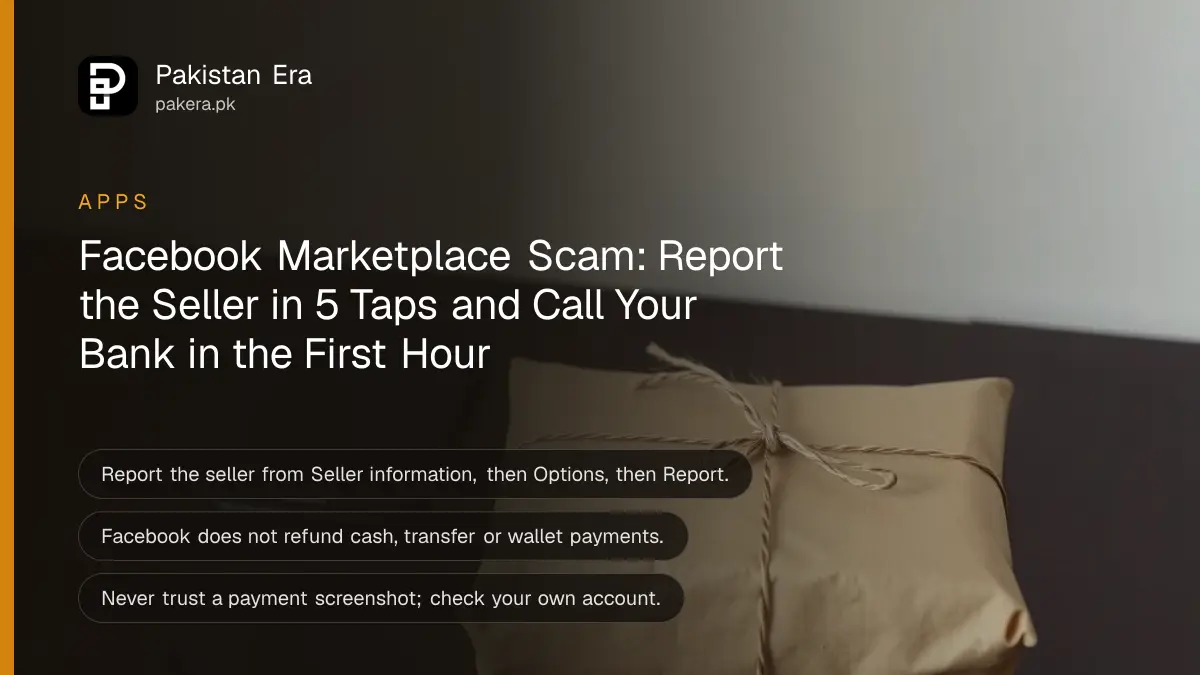
To report a Facebook Marketplace scammer, open one of the seller's listings, tap the seller's name under Seller information, tap Options (the three dots), then Report, and follow the steps. Then stop replying, block the person, and if you paid money, call your bank or wallet at once and file a cybercrime complaint with the NCCIA.
Report fast, but know the limit. Facebook says it does not refund person to person or off-site payments. In Pakistan almost every Marketplace deal is cash, bank transfer or a mobile wallet, so the report protects the next buyer, and your bank is the only place that might stop your money.
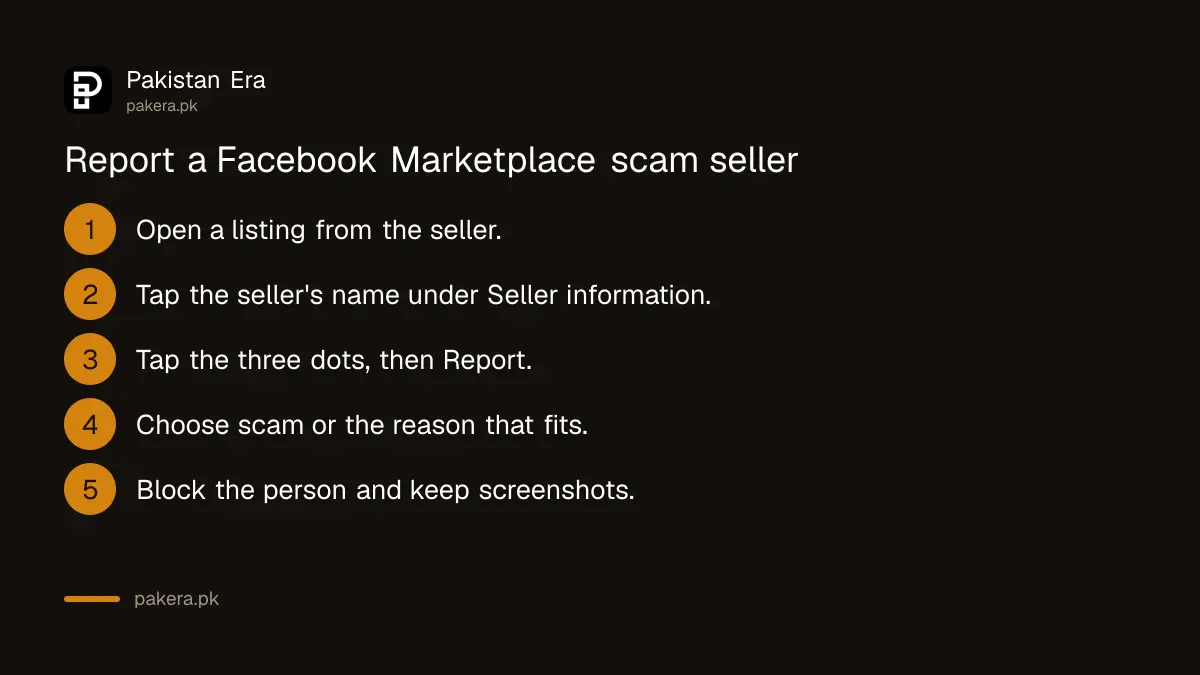
How to report a scam seller on Facebook Marketplace
Report the seller's profile, not only one listing, so Facebook reviews the whole account. The route runs through any listing the seller posted. Facebook says it may suspend or ban sellers who go against its Commerce Policies.
On the Facebook app
- Tap Marketplace and open a listing from the seller.
- Scroll to Seller information and tap the seller's name.
- Tap the three dots, then Report.
- Choose the reason that fits, such as a scam or a fake item.
- Follow the steps on screen and submit.
On a computer
- Log in to Facebook and click Marketplace in the left menu. If it is not there, click See more.
- Click a listing from the seller, then click the seller's name under Seller information.
- Click Options, then Report, and follow the instructions.
To report just one listing, open it, tap the three dots on the listing and choose Report listing. Do both when one seller has several fake items up.
Marketplace scams Pakistani buyers and sellers meet most
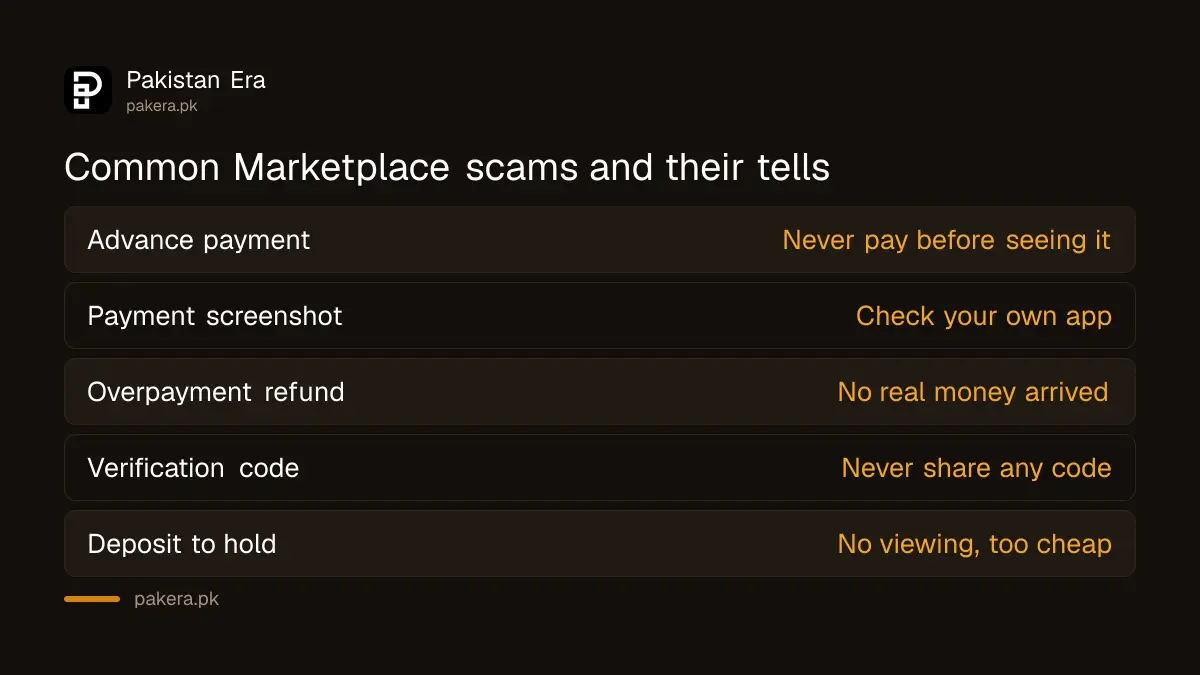
Facebook names the same few tricks again and again: advance payment, fake payment screenshots, overpayment, gift card payment, and requests for a verification code. Each one has a simple tell, and spotting it before you pay is far easier than getting money back.
| Scam | How it looks | The tell |
|---|---|---|
| Advance payment | Seller asks for a token or full payment before you see the item | Facebook says never pay for an item in advance |
| Fake payment screenshot | Buyer sends a screenshot of a bank or wallet transfer and asks you to hand over the item | No money in your own account or app |
| Overpayment | Buyer "sends too much" and asks you to return the extra | Refund requested before any real payment arrives |
| Verification code | Buyer asks for a code sent to your phone "to confirm you are real" | The code takes over your WhatsApp, Facebook or wallet |
| Deposit for a car, plot or flat | Seller abroad wants a deposit to "hold" a cheap item | No in-person viewing, price far below market |
Facebook also warns about buyers and sellers who push you to move the chat off Messenger early, who pressure you to finish quickly, and who price items far below market value. A profile with no ratings, no friends and no history is another warning.
What to do in the first hour after paying a scammer
Call your bank or wallet helpline first, because a transfer can sometimes be held only in the first hours. Then report the seller on Facebook, keep every screenshot, and file a complaint with the NCCIA, the federal cybercrime agency.
- Call your bank or wallet. Use the number printed on your card or inside the official app. Give the transaction ID, the amount, the time and the receiving account or number.
- Do not delete the chat. Take screenshots of the listing, the seller's profile link, the Messenger or WhatsApp chat and the payment receipt.
- Report the seller and the listing on Facebook, as above.
- Block the person so they cannot message you again with a "refund" offer.
- File a cybercrime complaint with the NCCIA, with the screenshots and the receiving account details. The NCCIA cybercrime office numbers list the regional offices.
Be wary of anyone who contacts you afterwards offering to recover your money for a fee. That is a second scam aimed at people who were just robbed.
What Facebook does and does not do after a report
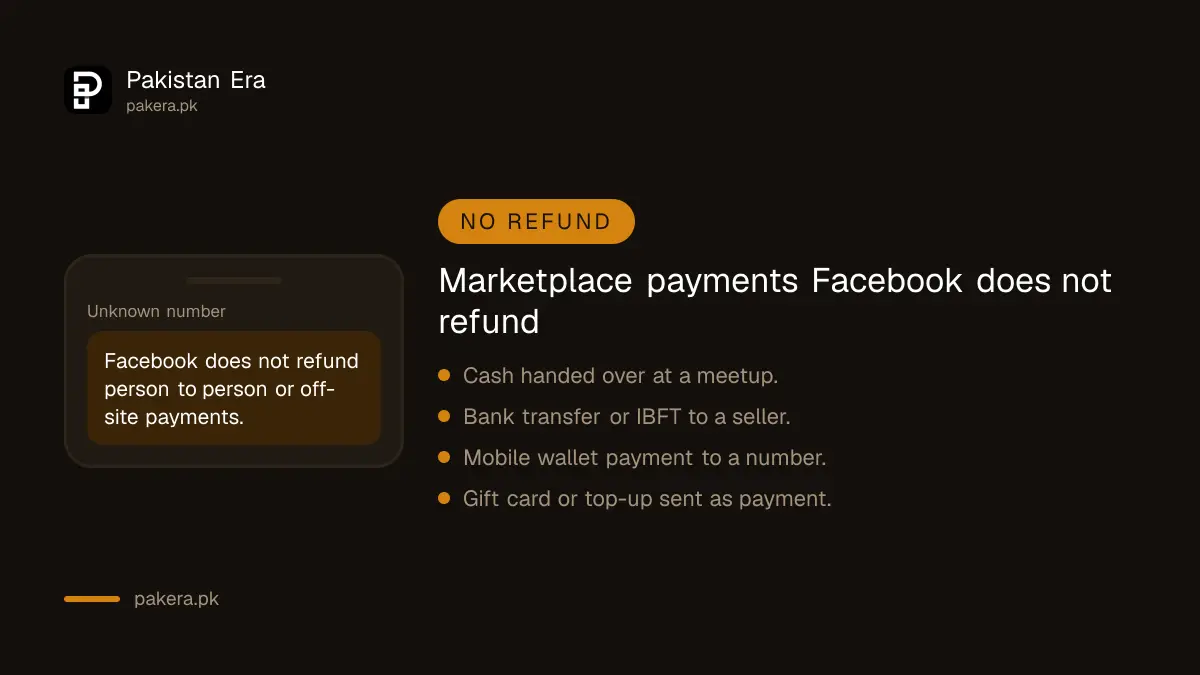
Facebook reviews the reported seller against its Commerce Policies and may suspend or ban them. It does not tell you the result in detail, and it does not refund cash, bank transfers or wallet payments made outside Facebook checkout.
Facebook's Purchase Protection covers only eligible items bought through checkout on Facebook or Instagram. Cash, local pickup and person to person payments are not covered, and that is how Marketplace deals in Pakistan are done. So treat every Marketplace deal as a cash deal with a stranger.
Buy and sell safely on Marketplace in Pakistan
Meet in a busy public place in daylight, see and test the item before paying, and pay only when the item is in your hand. As a seller, hand over the item only after the money shows in your own bank or wallet app, never on a screenshot.
- Check the seller's profile: how old it is, ratings, mutual friends and past listings.
- For a phone, check the IMEI is PTA approved before paying. Blocking a lost or stolen phone explains the PTA system behind this.
- Never share an OTP, PIN or verification code with a buyer or seller, for any reason.
- Tell a friend or family member where you are meeting and when.
- If a deal seems too cheap, it is. The same patterns appear in OLX scams in Pakistan.
Lost your own Marketplace access after a false report? That has a separate fix in Facebook Marketplace not showing or restricted.
Common questions
Will Facebook refund money I lost to a Marketplace scam?
No. Facebook says it does not refund person to person or off-site transactions. Only eligible Facebook checkout purchases have Purchase Protection, and that is not how Pakistani Marketplace deals are paid.
Does the seller know I reported them?
No. Facebook does not tell the person who reported them. Block them as well so they cannot keep messaging you.
Can I report a seller who already blocked me?
Yes, if you can still open one of their listings or their profile from a friend's account or a browser. Keep the profile link from your chat to make this easier.
Is a payment screenshot proof that a buyer paid?
No. Facebook says never trust screenshots of payments. Open your own bank or wallet app and check the money has arrived before handing over anything.
Where do I file a cybercrime complaint for a Marketplace scam?
With the NCCIA, the National Cyber Crime Investigation Agency, which handles online fraud. Take your CNIC, screenshots and the receiving account or wallet number.
How we verified this
What we checked and where we read it.
Last checked 24 November 2026. The reporting steps, scam types and refund rule come from the Facebook Help Centre pages About scams on Facebook Marketplace, How to report a Facebook Marketplace seller and Avoiding scams on Facebook. The seller report page gives the computer steps; the app steps follow the same menu.
About the author

Technology Journalist & Multimedia Producer
Ahmad Ali is a technology journalist and multimedia producer at Pakistan Era, joining the team in October 2026. He covers consumer technology and digital life for Pakistani readers, combining research with hands-on product testing.