How to Open a UPaisa Account in Pakistan: Dial *786#, Use the App or Visit a Retailer, Free
Open a UPaisa account in Pakistan free by dialling *786#, using the app on any network or visiting a retailer. CNIC rules, Level 1 upgrade, codes and fixes.
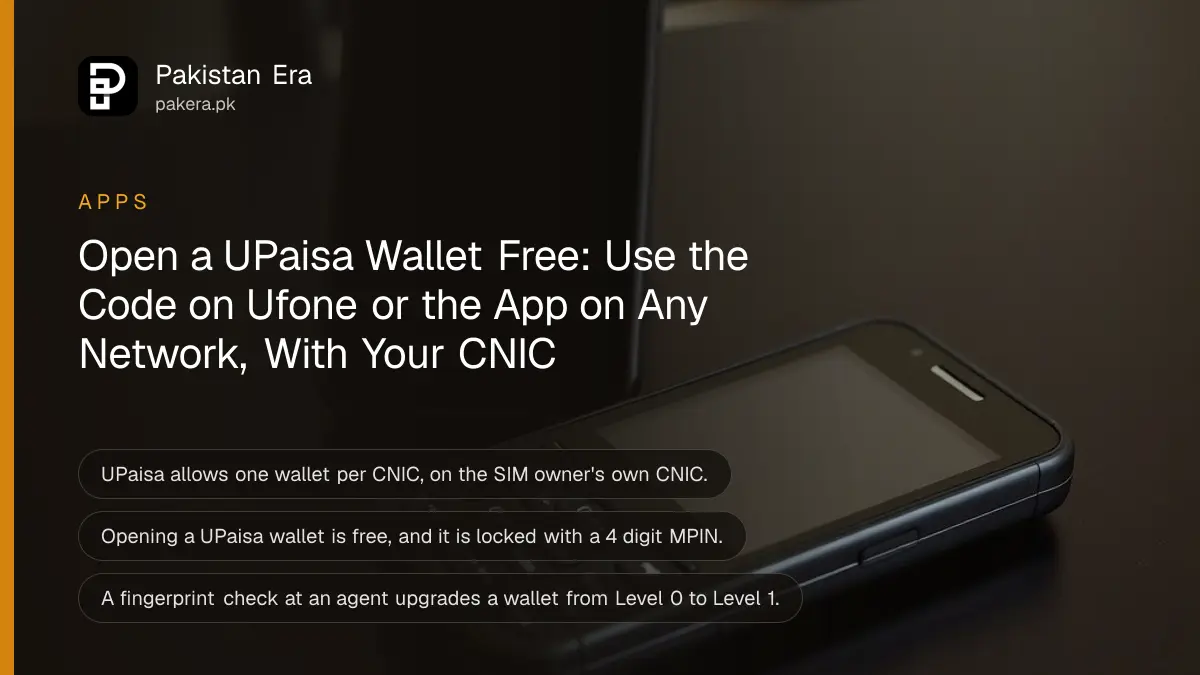
To open a UPaisa account, dial *786# from your Ufone number, or download the UPaisa app on any network, or visit a UPaisa retailer. You need a valid CNIC and a SIM registered on that same CNIC. Opening is free. You then set a 4 digit MPIN, and the wallet starts at Level 0 until a fingerprint check at an agent.
UPaisa is the mobile wallet run by Ufone and U Microfinance Bank. The *786# route works on a basic phone with no internet. The app route works on Jazz, Zong or Telenor numbers too. Here is each route, the codes you will use after opening, and what to do when it fails.
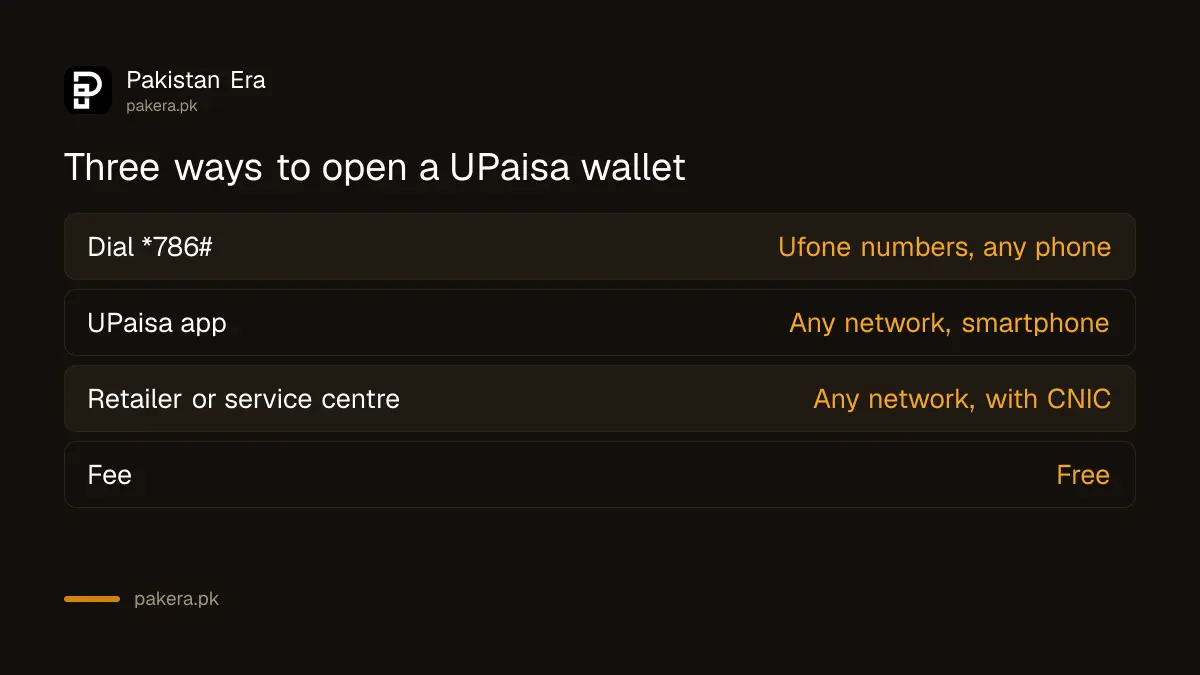
Three ways to open a UPaisa wallet, all free
You can open UPaisa by dialling *786# on a Ufone SIM, through the UPaisa app on any network, or at a UPaisa retailer. UPaisa charges nothing to open the wallet. Each route needs your CNIC, and the SIM must be registered in your own name.
| Route | Works on | What you need |
|---|---|---|
| Dial *786# | Ufone numbers, any phone | Your CNIC and the Ufone SIM in your name |
| UPaisa app | Any network, smartphone with internet | Your CNIC, the SIM in your name, and the SMS code |
| UPaisa retailer, Ufone service centre or franchise | Any network | Your CNIC and your SIM |
Our view: if you have a smartphone, use the app. You see each screen, and the app shows your balance without any codes.
Open UPaisa with the app in five steps
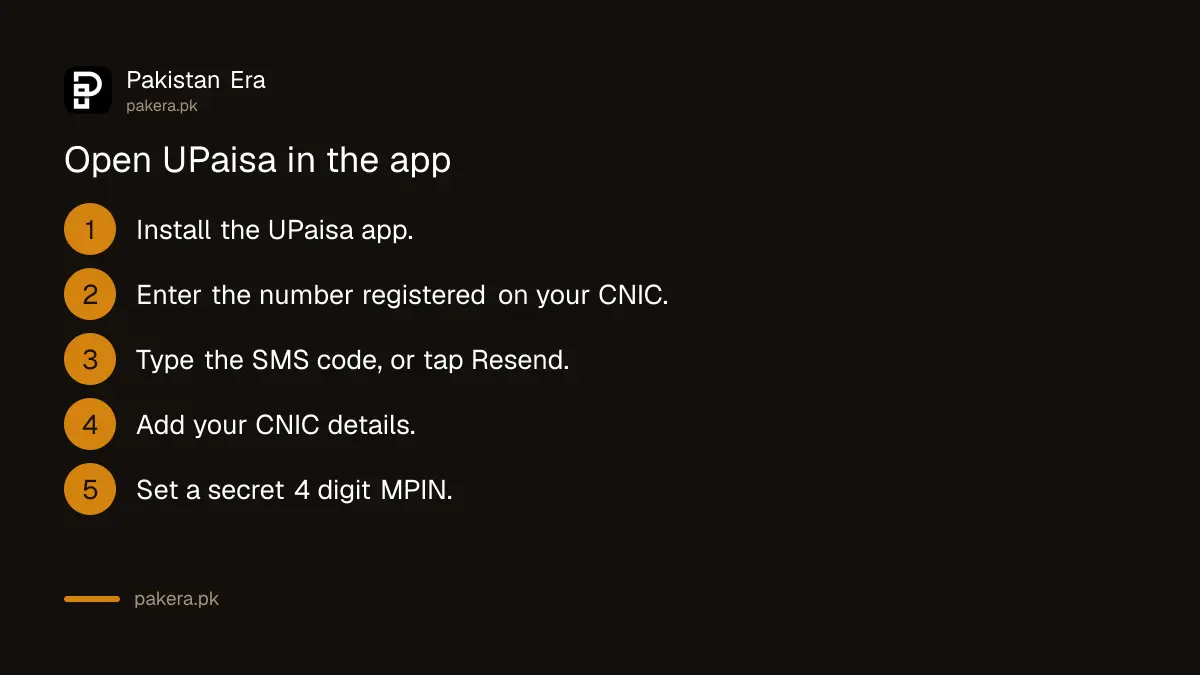
Download the UPaisa app, enter your mobile number, type the code sent by SMS, add your CNIC details and set a 4 digit MPIN. The SIM must be active to receive the code. After that, you log in with your number and MPIN every time.
- Install the UPaisa app from Google Play or the App Store.
- Enter your mobile number. The number must be registered on your own CNIC.
- Type the one-time code sent by SMS. If it does not come, tap Resend and check your SIM is active.
- Add your CNIC details as the app asks.
- Set a 4 digit MPIN. Keep it secret, since it is the only lock on the wallet.
On a Ufone basic phone, dial *786# and follow the menu instead. The wallet you get is the same either way.
One CNIC gets one UPaisa wallet, on the SIM owner's name
UPaisa allows only one wallet per CNIC, and the wallet must be on the SIM owner's own CNIC. You cannot open one on a parent's or friend's card. If UPaisa says a wallet already exists on your CNIC, call 7777 or the UPaisa helpline to check its details.
That rule catches people who opened a UPaisa wallet years ago and forgot about it. The old wallet may now be dormant. UPaisa reactivates dormant wallets through 7777, and the fuller process is in the steps to reactivate a dormant UPaisa wallet.
You can change the mobile number on your wallet by calling 7777. You cannot change the CNIC. To move to another CNIC, close the old wallet and open a new one.
Upgrade from Level 0 to Level 1 with a fingerprint check
A new UPaisa wallet starts at Level 0, which has the lowest limits. To raise them, visit a UPaisa agent with a biometric (BVS) device and give your fingerprint. The wallet becomes Level 1. UPaisa publishes the limits for each level on its FAQ page.
Find the nearest agent by sending "Y" to 4589 by SMS, or tap Locate Us in the app. Take your CNIC. Why bother? A Level 0 wallet runs out of room fast if you receive a salary or freelance payments. The full upgrade steps are in the steps to increase UPaisa transaction limits, and the fees by amount are in the UPaisa charges and limits list.
UPaisa codes to use after you open the wallet
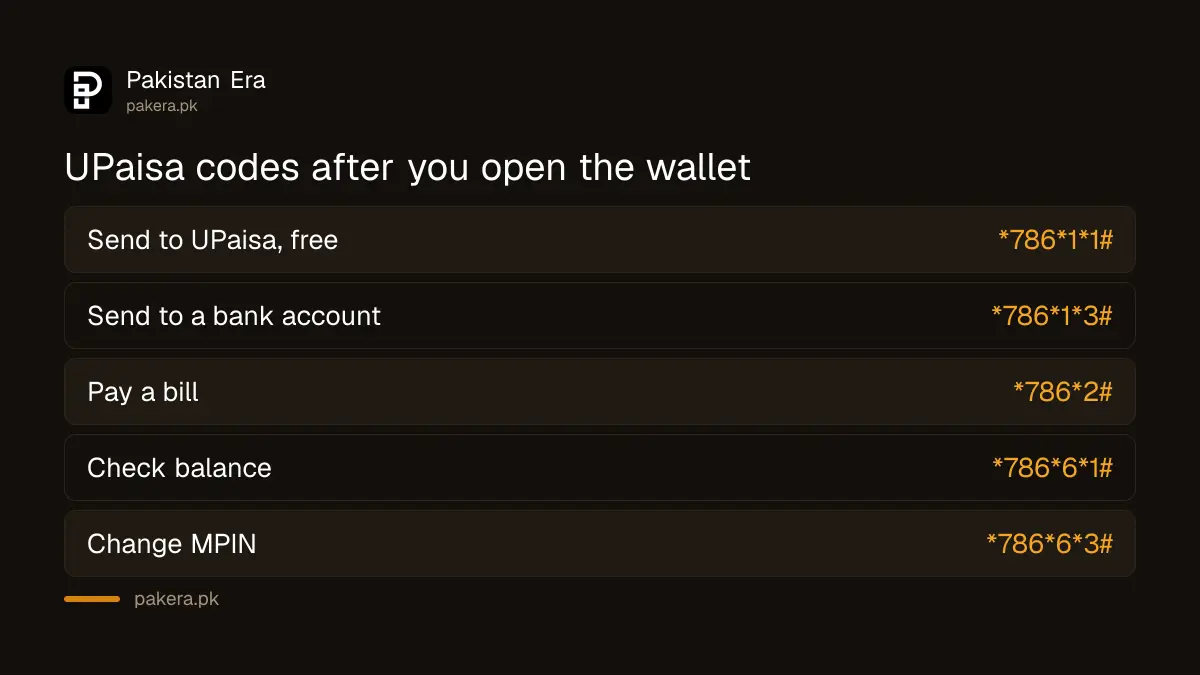
Once the wallet is open, *786# menus handle almost everything without the app. *786*1*1# sends money to another UPaisa wallet for free, *786*6*1# shows your balance, and *786*6*3# changes your MPIN. Each *786# dial costs Rs 5.
| Task | Code or route |
|---|---|
| Send to another UPaisa wallet (free) | *786*1*1# |
| Send to a CNIC | *786*1*2# |
| Send to a bank account | *786*1*3# |
| Pay a bill | *786*2# |
| Buy Ufone Super Card | *786*3# |
| Mobile load on any network | *786*4# |
| Check balance | *786*6*1# |
| Change MPIN | *786*6*3# |
| Request a debit card | *786*9# |
The USSD menu is not free. UPaisa's schedule of charges for October to December 2026 lists Rs 5 for each *786# dial, Re 1 per USSD transaction and Re 1 for a USSD balance check. The app does not carry these USSD charges.
Cash out is at a UPaisa agent, or with a UPaisa debit card at an ATM. The withdrawal fee depends on the amount, and UPaisa's fee calculator shows it before you go. Depositing cash at an agent carries 0.5% of the amount plus FED under the same schedule, although the FAQ page still calls deposits free. One more fee to know: a wallet with no activity for 12 months is charged Rs 50 a month.
Fix the common problems when opening UPaisa
Most failed sign-ups have one of four causes: the SIM is not on your CNIC, a wallet already exists on your CNIC, the SMS code did not arrive, or the MPIN was typed wrong three times. Each one has a fix through the app or 7777.
- SIM not in your name: UPaisa will not open the wallet. Get the SIM registered on your own CNIC first.
- Wallet already exists: call 7777 to check the old wallet's details.
- No SMS code: tap Resend, and check the SIM has service.
- Wrong MPIN three times: the wallet blocks itself. The steps to recover a forgotten UPaisa MPIN get you back in.
- Phone stolen: call 7777 at once and ask UPaisa to block the wallet.
Ufone users dial 7777. From another network, UPaisa's contact page lists 042-111-786-365, while its FAQ lists 051-111-282-265. Try the contact page number first.
Common questions
Is opening a UPaisa account free?
Yes. UPaisa says opening a wallet is free for all users.
Can I open UPaisa on a Jazz, Zong or Telenor number?
Yes, through the UPaisa app. UPaisa says any network user can create a wallet. The *786# code works from Ufone numbers.
Can I open a UPaisa account on someone else's CNIC?
No. The wallet must be on the SIM owner's own CNIC.
How many UPaisa accounts can I have?
One. UPaisa allows only one wallet per CNIC.
How do I log in to the UPaisa app?
Enter your mobile number and your 4 digit MPIN.
What is the UPaisa helpline number?
Dial 7777 from Ufone. From other networks, UPaisa lists 042-111-786-365 on its contact page and 051-111-282-265 in its FAQ.
How we verified this
What we checked and where we read it.
We checked these UPaisa pages on 21 November 2026: the UPaisa mobile account FAQ (opening, CNIC rules, MPIN, limits, codes, cash in and out), the wallet opening page, UPaisa's branchless banking schedule of charges for October to December 2026 (linked from its fee calculator), and the UPaisa contact page. The two pages give different helpline numbers for other networks, and the FAQ calls cash deposits free while the schedule lists a 0.5% fee, as noted above. UPaisa's limits table on the FAQ page is published as an image, so the limit figures are not repeated here.
About the author

Tax, Bills and Technology Writer
Ali Akhtar is a young and curious voice here at Pakistan Era. He is currently pursuing his A-Levels and has a growing interest in Pakistan’s changing industrial landscape and educational trends. Ali likes to write in a way that helps him explain and explore the world around him. His writing reflects the perspective of the new generation navigating the evolving trends of Pakistan where technology, youth innovation, and shifting opportunities are reshaping the country’s future.