How to Increase Your UPaisa Transaction Limits
A basic UPaisa wallet is capped until you verify biometrically. Upgrade in the app or at an agent, then read the new ceiling in the app.
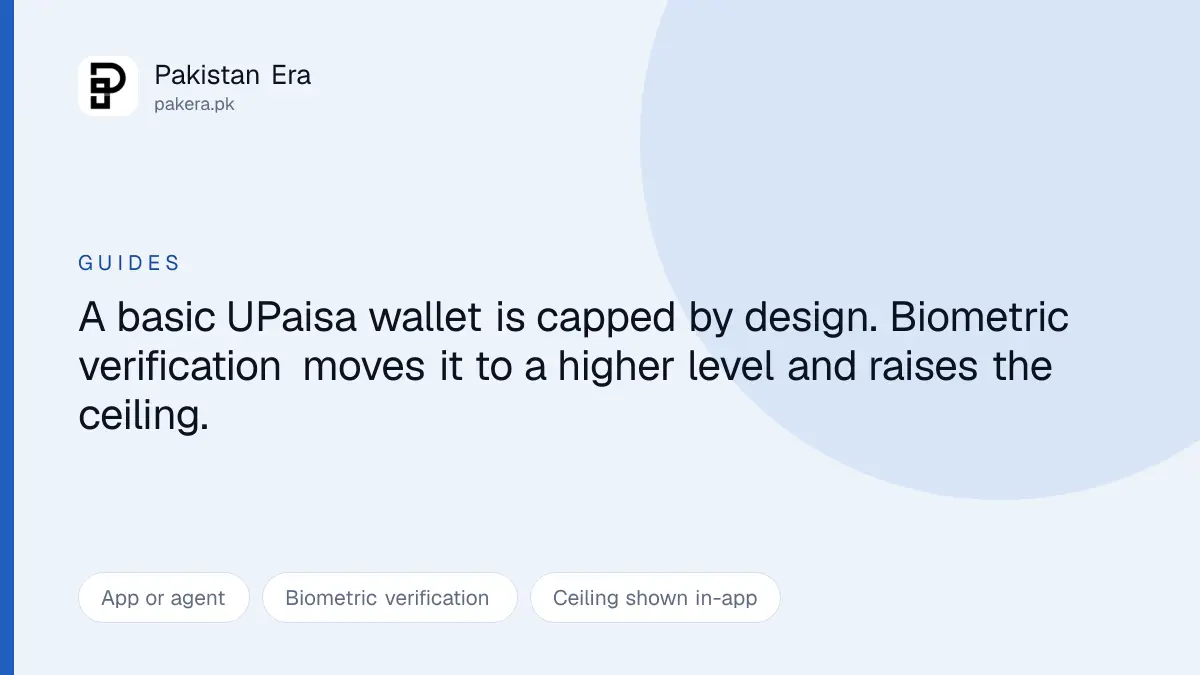
A basic UPaisa wallet stops you at a fairly low ceiling. Raising it is not a setting you switch on. It requires biometric verification, and that is deliberate.
Why a fingerprint is involved at all
Your ceiling follows your account level, and account levels come from State Bank branchless banking rules rather than from UPaisa.
A wallet that opens in minutes with light verification is capped, because little has been proven about who holds it. Verifying biometrically against your CNIC moves you up a level, and the ceiling rises with it.
That is why nobody can raise your limit as a favour, and why an offer to do so for a fee is not real.
Getting verified
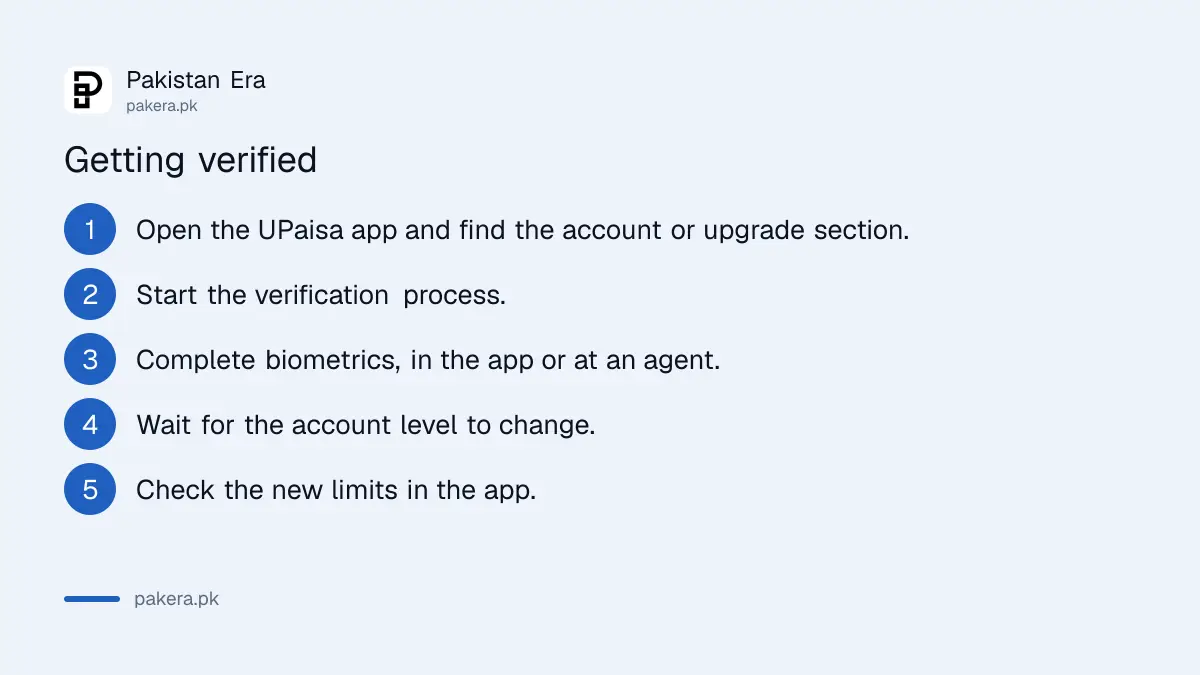
- Open the UPaisa app and find the account or upgrade section.
- Start the verification process.
- Complete the biometrics, either in the app or at a UPaisa agent.
- Wait for the level to change. It is not always immediate.
- Read your new limits in the app.
Levels are usually described as Level 1 and Level 2, with higher daily and monthly ceilings at each step.
App or agent
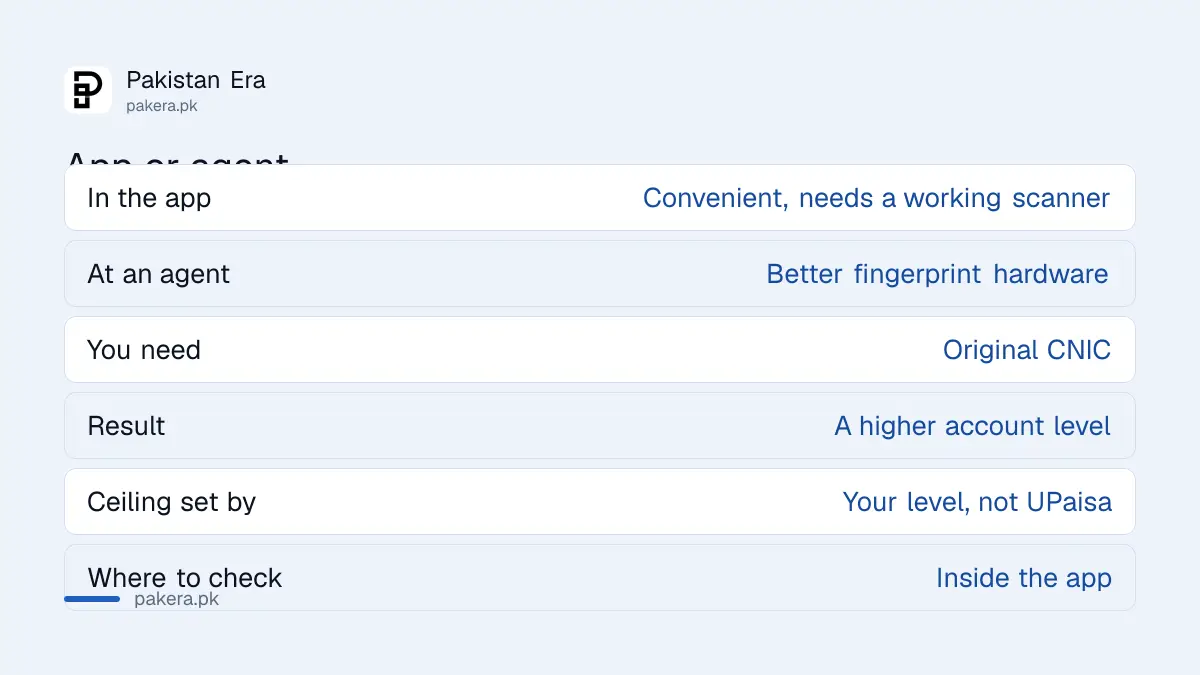
| In the app | At an agent | |
|---|---|---|
| Convenience | Do it from home | Requires a trip |
| Hardware | Your phone's sensor | A proper scanner |
| Take with you | Nothing | Original CNIC |
| Best when | It works first time | Biometrics keep failing |
Try the app first. If the fingerprint step fails repeatedly, do not keep retrying, because that is rarely a problem with your account and usually one with the sensor.
Agents have dedicated scanners built for this. People whose fingerprints are worn from manual work, which is a genuinely common issue in Pakistan, often verify successfully at an agent after failing on a phone many times.
Take the original CNIC to an agent. A photograph on your phone is not accepted.
Why we do not print a rupee figure
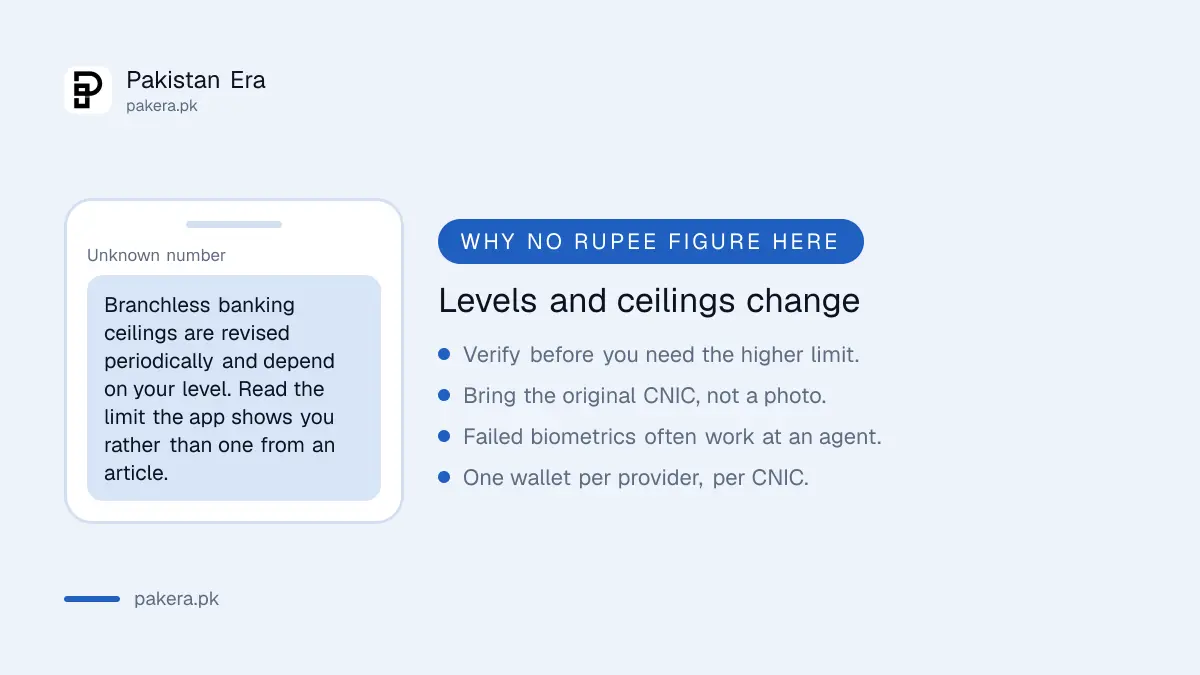
Specific ceilings for each level circulate widely. We are not repeating them.
Branchless banking limits are revised periodically and depend on your level and how the account was opened. We did not read a current schedule at source, and on a page about moving money a figure we cannot stand behind is worse than no figure.
The number that governs your transfer is the one in your app. Check it before you commit to a payment.
The practical consequence of getting this wrong: you arrange to send money, the transfer is refused at the counter or in the app, and the upgrade you now need takes days you do not have.
Verify before you need it
Upgrades are not instant and can be refused, almost always for dull reasons. A name spelled differently from the CNIC. An expired card. A date of birth that does not match the record.
Check those three against your actual card before starting, and if your CNIC itself needs renewing, that comes first. Tracking a NADRA application is covered in the CNIC tracking guide.
One ceiling no upgrade removes: one wallet per provider against your CNIC. A second UPaisa account is not a way around a limit.
What actually changes after the upgrade
People expect one number to move. Several do, and they are worth separating.
The per transaction cap is the most obvious: the largest single amount you can send. The daily ceiling limits everything you move in a day, so several small transfers can hit it even when no individual one is large. The monthly ceiling works the same way over a longer window, and it is the one that catches people running a small business through a personal wallet.
There is usually a balance limit too, capping what the wallet may hold at any moment. That one surprises people receiving money rather than sending it, because an incoming payment can be refused for pushing the balance over the cap even though you have sent nothing.
If a transfer is rejected and you are certain you are under the sending limit, check the balance cap on the receiving side. That is the usual explanation.
The same pattern at the other wallets
Because levels come from the regulator, every wallet works this way with different screens on top.
Easypaisa upgrades through an Asaan Digital Account in-app, in increasing Easypaisa limits. JazzCash offers the same plus a branch route at Mobilink Microfinance Bank, in increasing JazzCash limits.
Knowing that saves time if you hold more than one wallet, because the documents and the failure modes are identical. For how the providers compare, see digital banks in Pakistan.
Questions readers are asking
How do I increase my UPaisa transaction limit?
Complete biometric verification, either in the UPaisa app or at an agent. That moves your wallet to a higher account level with higher ceilings.
What is my actual limit?
Check the app. Ceilings depend on your level and are revised periodically, so a figure from any article may not apply to you.
Why do I need biometric verification?
Because the ceiling follows your verified account level under State Bank branchless banking rules, not a setting UPaisa can change on request.
The fingerprint scan keeps failing.
Go to a UPaisa agent. Their scanners are built for this and often succeed where a phone sensor cannot, particularly with worn fingerprints.
What do I take to an agent?
Your original CNIC. A photo of it will not be accepted.
How long does the upgrade take?
Not always immediate, and it can be refused on a data mismatch. Do it before you need the higher limit.
Can I open another wallet for more limit?
No. One wallet per provider is held against your CNIC.
About the author

Senior Writer, Public Services and Technology
Shahid joined us in 2024 as an author. He is a senior contributor to Pakistan's leading technology websites. He writes detailed articles, mostly covering his expertise in the latest tech, mobiles, apps, gadgets, and step-by-step guides. His ideology is to help people understand the latest trends and explain complex methods through very easy-to-understand guides.