How to Increase Your Easypaisa Transaction Limit
Easypaisa limit increase in 5 steps: upgrade to an Asaan Digital Account in the app with a biometric check, and fix a refused upgrade.
یہ صفحہ اردو میں پڑھیں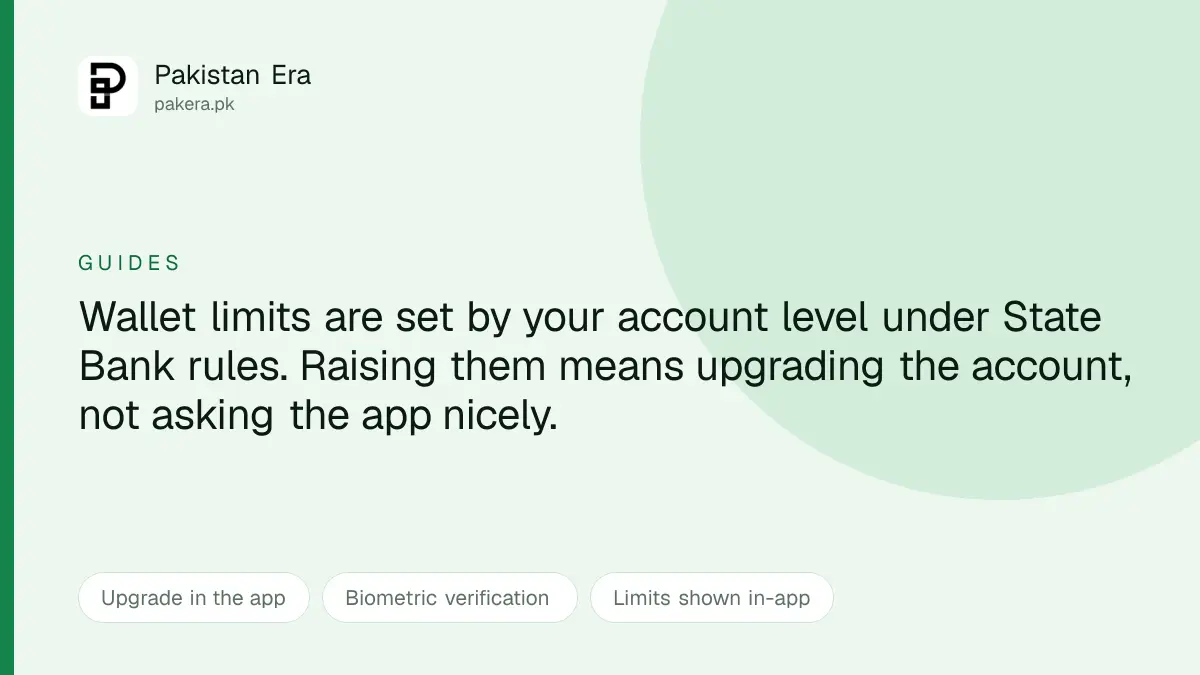
To increase your Easypaisa limit, upgrade your account in the Easypaisa app: tap My Account, then Account Level, then Upgrade Your Account to start the Asaan Digital Account process, and complete biometric verification against your CNIC. There is no setting that raises the limit. Once the upgrade is approved, your new limits show in the app.
The useful thing to understand first is where the limit comes from, because that explains why the process looks the way it does.
The limit is not an Easypaisa decision
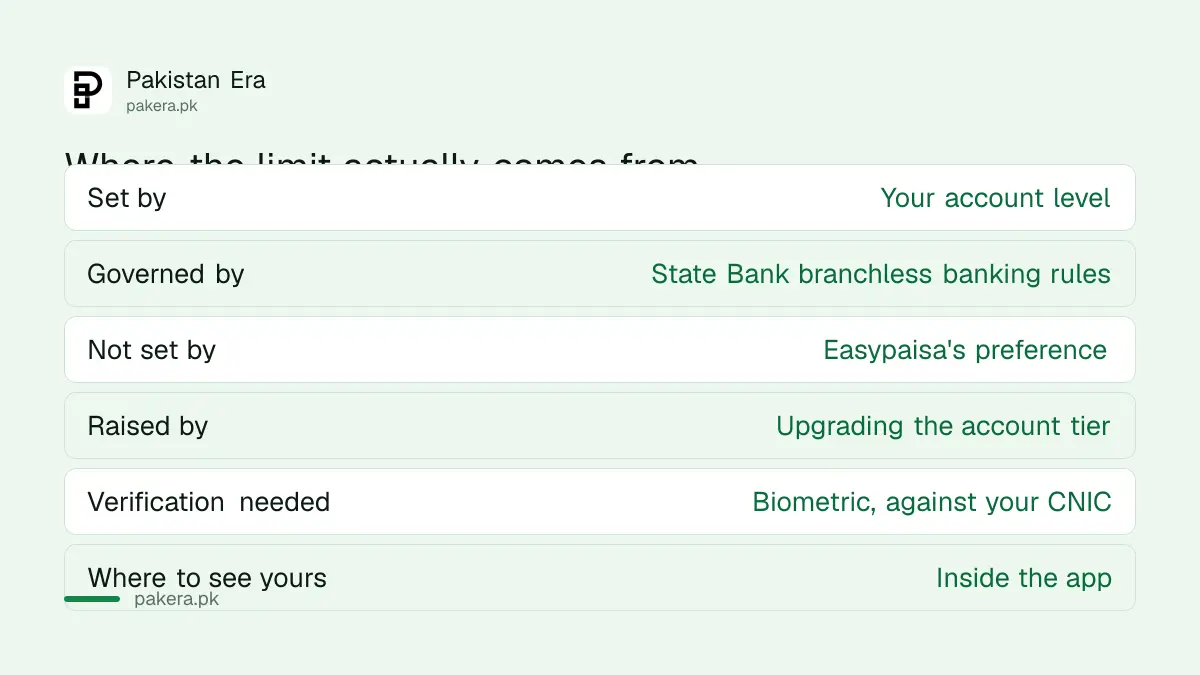
| Question | Answer |
|---|---|
| Who sets your ceiling | Your account level |
| Who sets the levels | State Bank branchless banking rules |
| How you raise it | Upgrade the account tier |
| What that requires | Biometric verification against your CNIC |
A basic wallet is deliberately capped. It is opened quickly with minimal verification, so it carries lower ceilings. A higher tier requires you to prove who you are properly, and in exchange the ceilings rise.
That is why there is no button that simply raises your limit, and why anyone offering to raise it for you, for a fee, is not offering something real.
Upgrading in the app
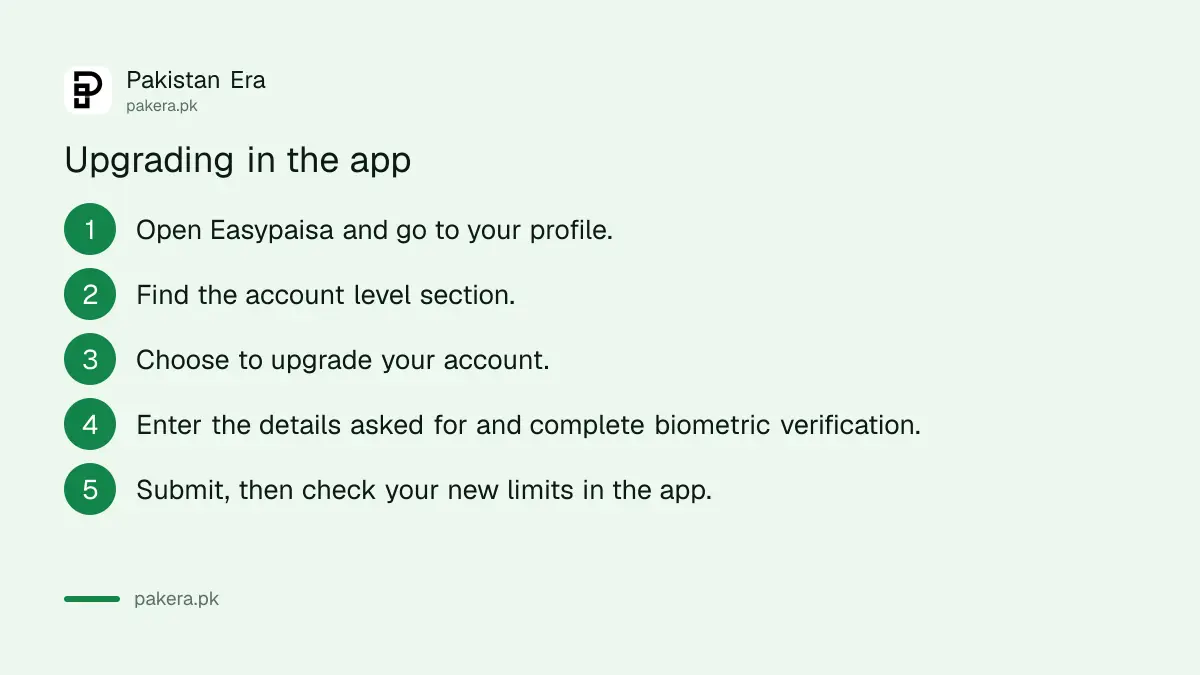
The whole process runs inside the Easypaisa app. You do not need to visit a branch.
- Open the app and tap My Account.
- Tap Account Level. This is where your current tier is shown.
- Tap Upgrade Your Account, which starts the Asaan Digital Account process.
- Enter the details requested and complete biometric verification. This is fingerprint verification against your CNIC record.
- Submit and wait. Once approved, your new limits appear in the app.
After the upgrade you can usually adjust your own limits downward within the new ceiling, which is worth doing. A lower self-imposed limit is a genuine protection if your phone is ever taken.
Why we are not printing a rupee figure
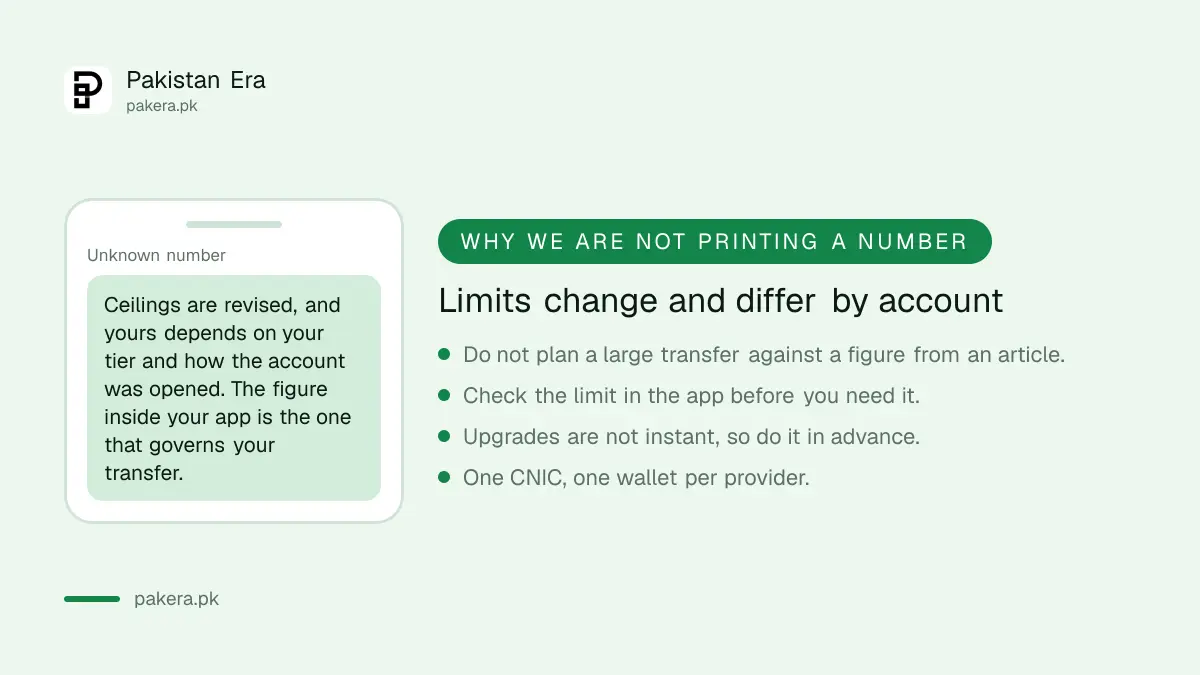
This page previously carried a specific ceiling. We have removed it, and it is worth explaining why rather than quietly changing it.
We did not read that figure on Easypaisa's own material or in a State Bank circular. Branchless banking ceilings are revised periodically, and the amount that applies to you depends on your tier and on how your account was opened.
So a number published in an article, including one previously published by us, is not the number that governs your transfer. The figure inside your app is.
This matters practically. If you plan a property payment or a business transfer against a ceiling you read online, and the real ceiling is lower, the transaction fails at the moment you needed it to work.
Do the upgrade before you need it
Upgrades are not instant. Verification has to be processed, and it can be rejected if your details do not match your CNIC record.
Most people start this on the day they need to send a large amount, which is the worst possible timing. If you know a significant transfer is coming, upgrade a week earlier.
Two things that commonly cause a rejection. A CNIC that has expired, which is worth checking because it also affects other services, and details that do not match the record, such as a name spelled differently from the card.
If your CNIC needs attention first, tracking an application is covered in the NADRA tracking guide.
The same pattern at the other wallets
Because the tiers come from the regulator rather than the provider, the shape is the same everywhere. Only the app screens differ.
JazzCash offers the same Asaan Digital Account route in-app, plus an in-person option at a Mobilink Microfinance Bank branch, which we set out in increasing JazzCash limits. UPaisa upgrades through biometric verification either in the app or at an agent, covered in increasing UPaisa limits.
One consequence worth knowing: you hold one wallet per provider against your CNIC. Opening a second Easypaisa account to get around a limit is not an option, which is the point of tying the tier to identity.
For how the wallets compare more broadly, see digital banks in Pakistan.
If the upgrade is refused
A refusal is usually a data problem rather than a judgement about you.
Check that your name, CNIC number and date of birth in the app match your card exactly. Check the card has not expired. If the biometric step fails repeatedly, that is often a fingerprint quality issue, and an agent with a proper scanner can succeed where a phone struggles.
If none of that resolves it, Easypaisa support is the route, and closing the account entirely is a separate process covered in deleting an Easypaisa account.
Questions readers are asking
How do I increase my Easypaisa transaction limit?
Upgrade your account to an Asaan Digital Account in the app, through My Account, Account Level and Upgrade Your Account, completing biometric verification.
What is my actual limit?
Check inside the app. Ceilings depend on your account tier and are revised periodically, so a figure from any article may not be yours.
Why can I not just raise the limit in settings?
Because the ceiling follows your account level under State Bank branchless banking rules, not an Easypaisa preference. Raising it means upgrading the tier.
Do I need to visit a branch?
No. The upgrade is completed in the app, including biometric verification.
How long does it take?
It is not instant, and it can be rejected on a data mismatch. Start it before you need the higher limit rather than on the day.
Can I open a second account for more limit?
No. One wallet per provider is held against your CNIC, which is why the tier is tied to verified identity.
My upgrade was rejected. What now?
Check your name, CNIC number and date of birth match the card exactly, and that the card has not expired. Failed biometrics often succeed at an agent with a proper scanner.
About the author

Senior Writer, Public Services and Technology
Shahid joined us in 2024 as an author. He is a senior contributor to Pakistan's leading technology websites. He writes detailed articles, mostly covering his expertise in the latest tech, mobiles, apps, gadgets, and step-by-step guides. His ideology is to help people understand the latest trends and explain complex methods through very easy-to-understand guides.