How to Recover a Forgotten UPaisa MPIN
UPaisa lists no dial code for a forgotten MPIN. Call 7777 from Ufone or 042-111-786-365 from other networks, with your CNIC and registered SIM.
Forgot your UPaisa MPIN? Call the UPaisa helpline: 7777 from a Ufone number, or 042-111-786-365 from Jazz, Zong or Telenor. Keep your CNIC ready. UPaisa's own FAQ does not list a self-service code for a forgotten MPIN. The code *786*6*3# changes an MPIN you still know, so it will not help if you have forgotten it.
We read UPaisa's FAQ, contact page and terms, and U Microfinance Bank's complaint page, on 22 September 2026. U Microfinance Bank, known as U Bank, is the bank behind UPaisa. Everything below comes from those pages. We did not dial any code.
What UPaisa publishes about the MPIN
| Question | Answer on UPaisa's pages |
|---|---|
| How long is the MPIN? | 4 digits |
| What locks the wallet? | 3 unsuccessful MPIN attempts |
| How do I change a known MPIN? | Dial *786*6*3#, or app side menu, Change MPIN |
| Forgot MPIN, Ufone number | Call 7777 |
| Forgot MPIN, other networks | Call 042-111-786-365 |
Some websites give 7866*3# as a code for resetting a forgotten MPIN. That code does not appear anywhere on UPaisa's website, so treat it as unconfirmed. If you dial codes that are not listed by the provider, you may land in the wrong menu, or waste your attempts.
How to reset a forgotten UPaisa MPIN through the helpline
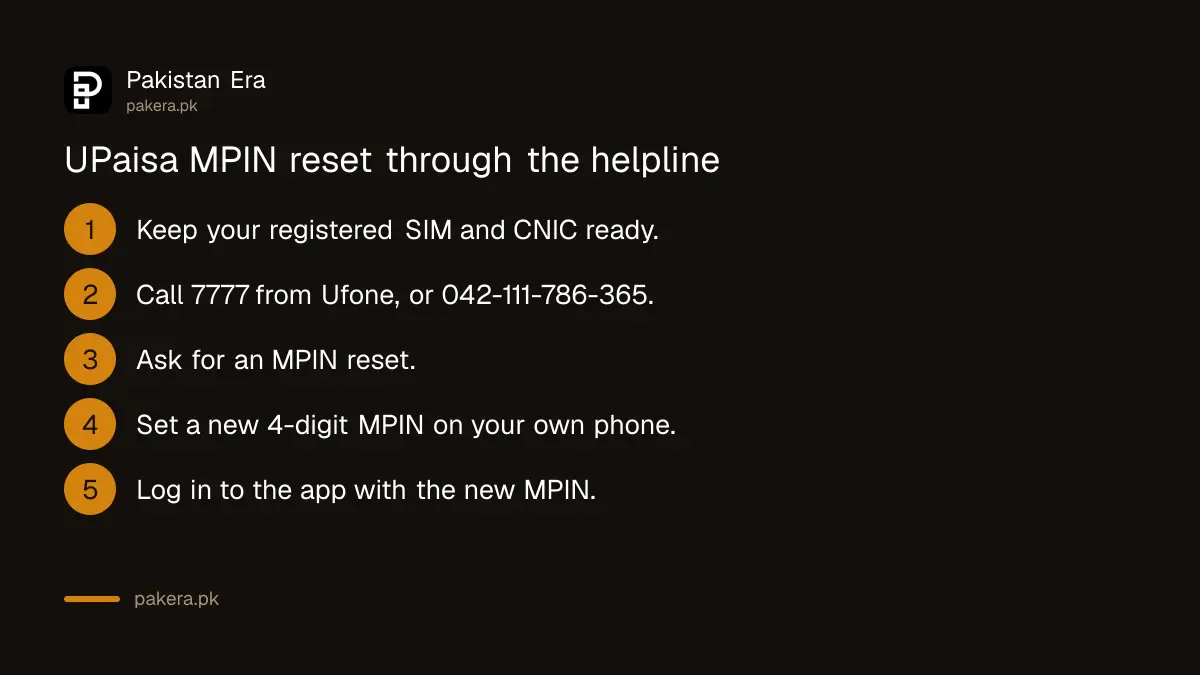
- Put the SIM registered to your UPaisa wallet in your phone. UPaisa's FAQ says the wallet must be opened on the SIM owner's CNIC, so this should be a SIM in your own name.
- Keep your original CNIC in front of you.
- Call 7777 from your Ufone number. From any other network, call 042-111-786-365. U Bank's page also lists 051-111-282-265 and the toll-free number 0800-82265.
- Ask for an MPIN reset. Expect the agent to confirm who you are before doing anything.
- Follow the agent's instructions to set a new 4-digit MPIN. Type it only into your own phone.
- Log in to the UPaisa app with your phone number and the new MPIN.
Never read your new MPIN or an OTP aloud to the agent. A real agent does not need them. U Bank's terms say it is your job to protect your PIN and not disclose it, including to the bank's own staff or agents.
If your UPaisa app shows a "Forgot MPIN" button on the login screen, you can try it first. We could not confirm that option on UPaisa's pages.
Choose a new MPIN that is hard to guess
A 4-digit MPIN has only 10,000 possible numbers, and thieves try the obvious ones first. Avoid:
- Your birth year, or the year on your CNIC.
- The last 4 digits of your phone number or CNIC.
- Repeated or running digits, such as 1111 or 1234.
- Any MPIN you have told to a relative or shopkeeper.
Once you are back in, you can change the MPIN any time you like with *786*6*3# or from the app's side menu. You will need the current MPIN to do this.
How to know the reset worked
Log in to the UPaisa app with your number and new MPIN. If you do not have the app, UPaisa's FAQ gives *786*6*1# to check your balance. If the balance shows, your wallet is working. If a balance looks wrong after a transaction, UPaisa's FAQ says to wait a few minutes and check again.
When the reset does not work
- The wallet says blocked. Three wrong MPIN tries block the wallet. The helpline can reset it.
- The OTP does not arrive in the app. UPaisa's FAQ says to press Resend OTP and make sure your SIM is active.
- You changed your SIM. UPaisa's terms say any change to your Ufone SIM also requires an MPIN change, which you request from the helpline.
- The wallet is dormant. UPaisa's FAQ says to call 7777 or 051-111-282-265 to activate a dormant wallet.
- The SIM is not in your name. UPaisa says the wallet must be on the SIM owner's CNIC.
Nobody from UPaisa will ask for your MPIN
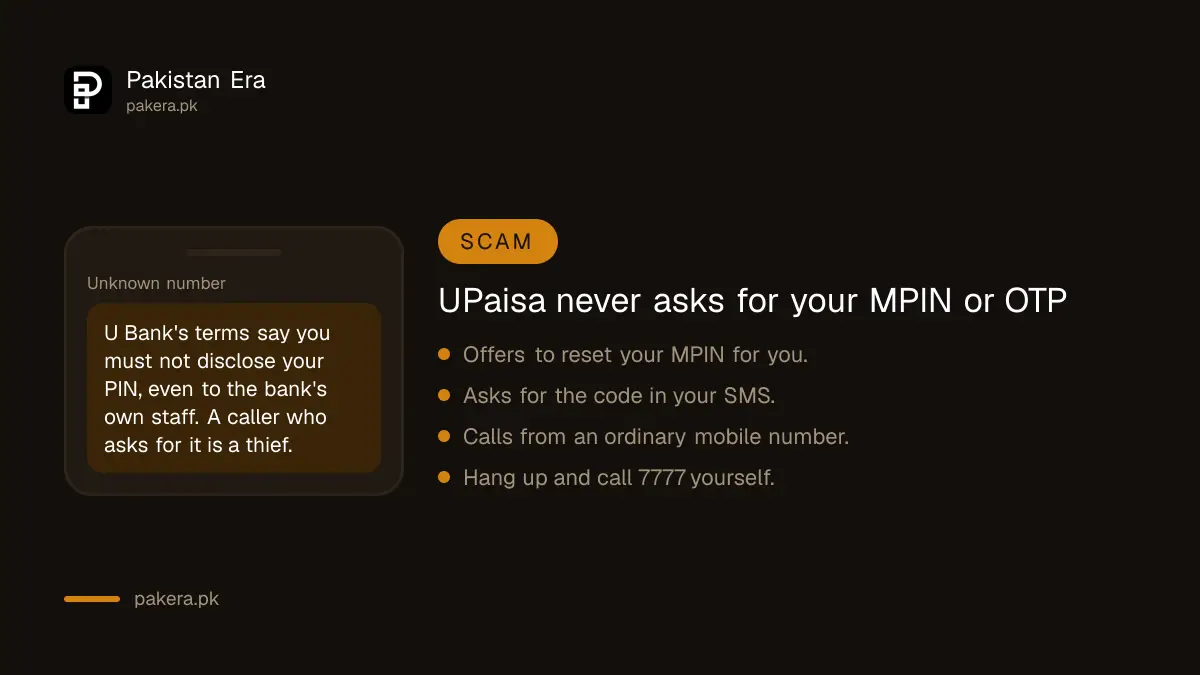
A forgotten MPIN makes you an easy target. Scammers call from ordinary mobile numbers, say they are from UPaisa, and offer to reset it for you. Then they ask for the code in your SMS. With that code they can take over your wallet.
U Bank's terms say that if your PIN is ever revealed to anyone, you must tell the bank so the PIN can be blocked and a new one registered. They also say the bank is not responsible for transactions made with the correct PIN. So a shared MPIN can cost you your balance. If you have shared it, call 7777 at once.
To report a fraud attempt, U Bank's complaint page lists its Fraud Investigation Department at Fraud.investigations@ubank.com.pk and 051-111-182-265.
How to complain if the helpline does not fix it
- Call 7777 from Ufone, or 042-111-786-365 from other networks.
- Email complaints@ubank.com.pk, or use the form on U Bank's complaint page. Give your mobile number and CNIC number. Never include your MPIN.
- If the bank does not solve it, complain to the State Bank. U Bank's page lists the State Bank's consumer protection department on 021-111-727-273, cpd.helpdesk@sbp.org.pk, and the Sunwai portal at sunwai.sbp.org.pk.
- After that, you can take the case to the Banking Mohtasib.
Common questions
What is the code to reset a forgotten UPaisa MPIN?
UPaisa does not list one. Its FAQ gives *786*6*3# only for changing an MPIN you know. For a forgotten MPIN, call 7777 or 042-111-786-365.
How many digits is the UPaisa MPIN?
Four. UPaisa's FAQ says the wallet is protected by a 4-digit MPIN.
How many wrong tries block a UPaisa wallet?
Three. UPaisa's FAQ says the wallet is blocked after 3 unsuccessful attempts.
Can I reset my UPaisa MPIN without my SIM?
No. The wallet belongs to the registered SIM. Get a duplicate SIM on your own CNIC from your network first, then call the helpline.
What is the UPaisa helpline from Jazz or Zong?
042-111-786-365. From a Ufone number, call 7777. U Bank also lists 051-111-282-265 and 0800-82265.
Will my money be safe while I reset the MPIN?
Yes. Forgetting the MPIN only stops access. The balance stays in your wallet.
How we verified this
What we checked, where we read it, and what we could not confirm.
Last checked 22 September 2026. The 4-digit MPIN, the 3 attempt block, the *786*6*3# change code, the *786*6*1# balance code, the OTP and dormant wallet advice, and the rule that the wallet must be on the SIM owner's CNIC are from UPaisa's FAQ at upaisa.com/mobile-account.php. The helplines 7777 and 042-111-786-365 are from upaisa.com/contact-us.php. The duty not to disclose the PIN, the PIN block when a PIN is revealed, and the MPIN change after a SIM change are from UPaisa's terms at upaisa.com/terms-and-conditions.php. The numbers 051-111-282-265 and 0800-82265, complaints@ubank.com.pk, the fraud department contacts and the State Bank contacts are from U Bank's complaint page at ubank.com.pk/complaint-form. The old domain upaisa.com.pk did not respond when we tried it; the live site is upaisa.com. We could not find a published self-service reset for a forgotten MPIN.
About the author

Senior Writer, Public Services and Technology
Shahid joined us in 2024 as an author. He is a senior contributor to Pakistan's leading technology websites. He writes detailed articles, mostly covering his expertise in the latest tech, mobiles, apps, gadgets, and step-by-step guides. His ideology is to help people understand the latest trends and explain complex methods through very easy-to-understand guides.