How to Recover a Blocked UPaisa Account
UPaisa blocks a wallet after 3 wrong MPIN tries. Call 7777 or 042-111-786-365 to unblock it. Fixes for dormant wallets, limits and stolen SIMs.
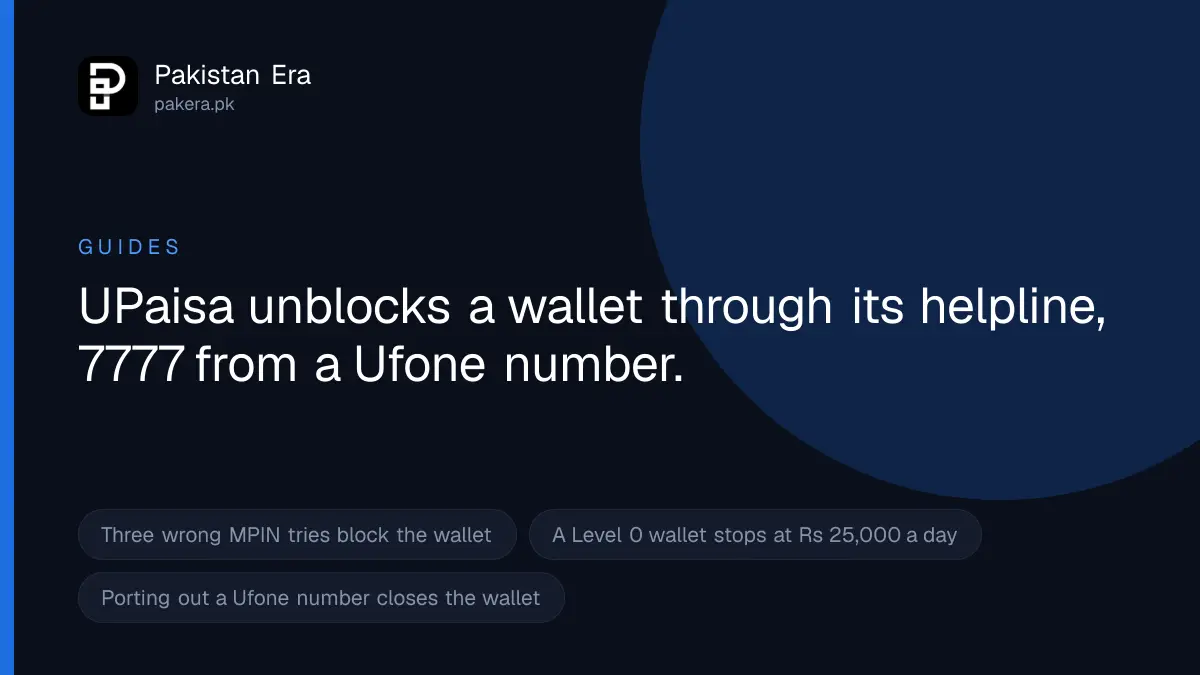
To unblock a UPaisa wallet, call 7777 from a Ufone number or 042-111-786-365 from any other network, with your CNIC and your registered SIM. UPaisa's FAQ says three wrong MPIN tries block the wallet, and the same helpline activates a dormant wallet. If your transfers only fail at a limit, the wallet is not blocked: a biometric upgrade at a UPaisa agent raises the limit.
We read UPaisa's FAQ, contact page and terms, and U Microfinance Bank's complaint page, on 22 September 2026. U Microfinance Bank, or U Bank, runs UPaisa. Each fix below is taken from those pages.
Match your problem to the right fix
| What happened | Reason | Fix |
|---|---|---|
| Entered the MPIN wrong 3 times | MPIN block | Call 7777 or 042-111-786-365 |
| Not used the wallet for a long time | Dormant wallet | Call 7777 or 051-111-282-265 |
| Transfer fails at a set amount | Limit reached | Upgrade to Level 1 at a UPaisa agent |
| Phone or SIM lost or stolen | Wallet at risk | Call 7777 to block it now |
| Shared your MPIN, or CNIC not verified | Suspended by the bank | Helpline, then written complaint |
Unblock a wallet after 3 wrong MPIN attempts
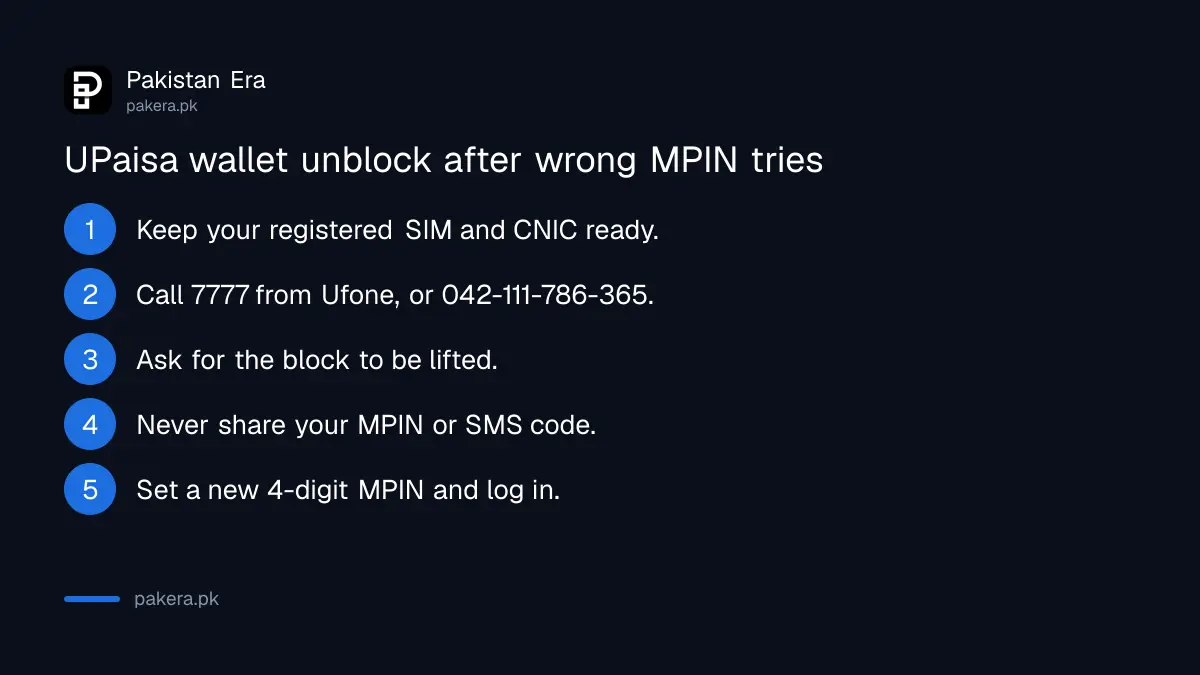
UPaisa's FAQ says the wallet is blocked after 3 unsuccessful MPIN attempts. It does not publish a dial code that lifts the block yourself. The helpline is the route.
- Put your registered SIM in your phone and keep your original CNIC ready.
- Call 7777 from Ufone, or 042-111-786-365 from Jazz, Zong or Telenor.
- Say your wallet is blocked after wrong MPIN tries and ask for it to be unblocked and the MPIN reset.
- Answer the agent's identity questions. Do not tell them your MPIN or any SMS code.
- Set a new 4-digit MPIN when told to, and log in to check.
Reactivate a dormant UPaisa wallet
A wallet that has not been used for a long time goes dormant. UPaisa's FAQ gives one fix: call 7777 or 051-111-282-265 to activate it. UPaisa does not publish the number of days before a wallet goes dormant.
Dormancy can also lead further. U Bank's terms say the bank may suspend or end the service if the account has been inactive for a prolonged period, and that it will give 30 days' written notice or tell you by SMS first. So if you get such an SMS, call before the notice runs out.
When the problem is a limit, not a block
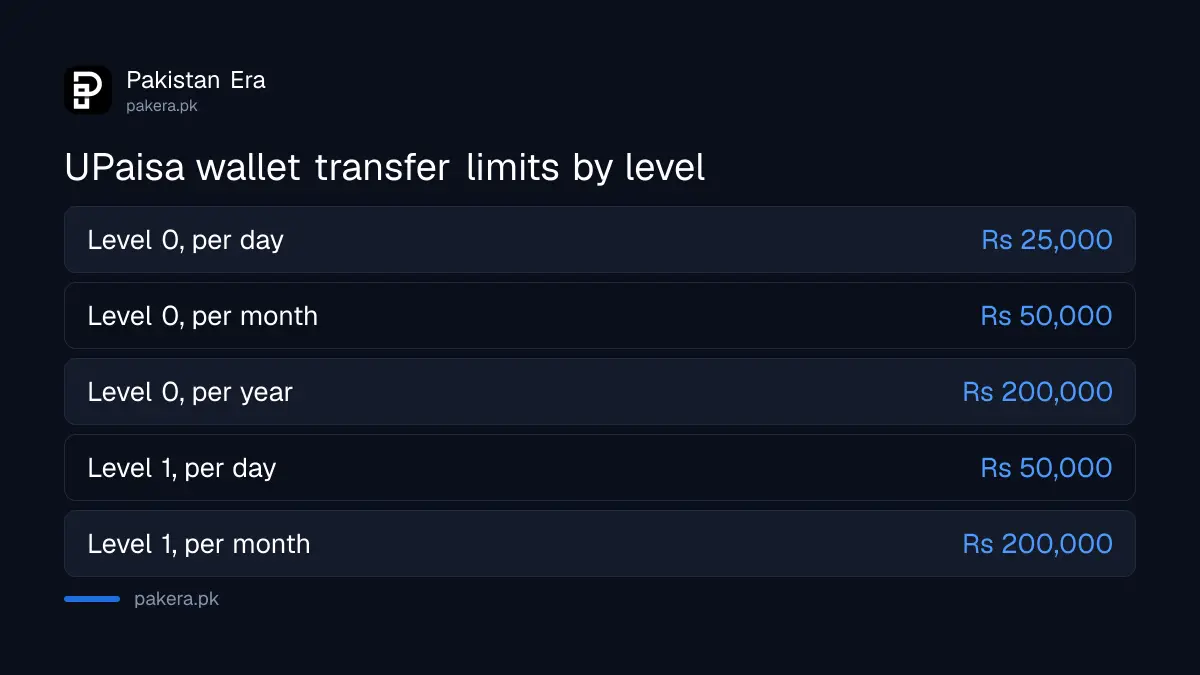
Many people think the wallet is blocked when it has only hit its ceiling. UPaisa's FAQ lists these transfer limits:
- Level 0 wallet: Rs 25,000 a day, Rs 50,000 a month, Rs 200,000 a year.
- Level 1 wallet: Rs 50,000 a day, Rs 200,000 a month.
These match the State Bank's branchless banking regulations, revised on 30 December 2019. To move up, UPaisa's FAQ says to visit the nearest UPaisa agent with biometric verification, also called BVS, and upgrade to Level 1. Take your original CNIC.
Block the wallet fast if your phone is stolen
UPaisa's FAQ says: in case your phone gets stolen, immediately contact 7777 or 051-111-282-265 to get your wallet blocked. U Bank's terms say the same for a stolen phone or SIM.
- Call 7777 or 051-111-282-265 from another phone and ask them to block the wallet.
- Block the SIM with your network and get a duplicate SIM on your own CNIC.
- Call the helpline again with the new SIM to unblock the wallet and set a new MPIN. U Bank's terms say any change to your Ufone SIM also needs an MPIN change.
If you plan to move your Ufone number to another network, note one more rule. U Bank's terms say a request to port out a Ufone number with an active wallet counts as a request to close the wallet, and the wallet is closed before the port finishes. Empty the wallet first.
When the bank has suspended the wallet
U Bank's terms list the cases in which the bank may suspend or end your use of UPaisa. They include sharing your PIN, a CNIC not verified by NADRA, breaking the terms, using the service illegally, and long inactivity. UPaisa's FAQ also says the wallet must be opened on the SIM owner's CNIC, so a wallet on someone else's SIM is at risk.
Only the bank can lift this kind of block. Call first. If the call does not fix it, send a written complaint so there is a record.
Nobody from UPaisa will ask for your MPIN
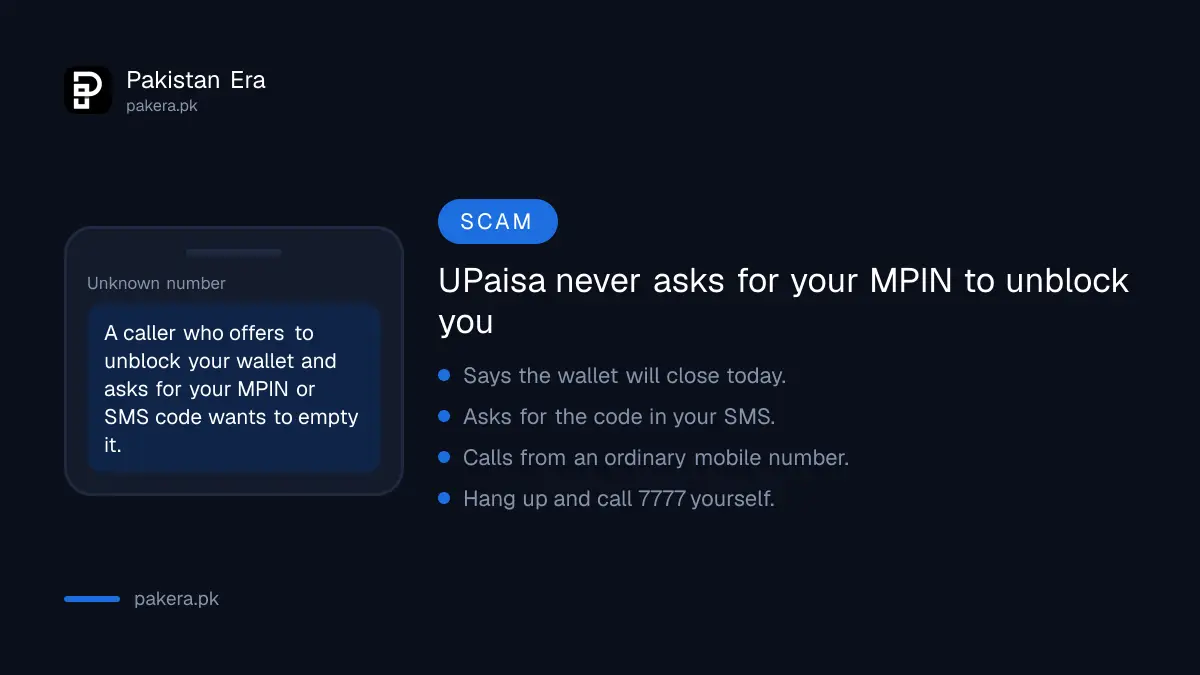
Scammers love a blocked wallet. They call, say they can unblock it now, and ask for the code in your SMS. With it they take the wallet.
U Bank's terms say you must protect your PIN and not disclose it, including to the bank's own staff or agents. The same terms say the bank is not responsible for transactions made with the correct PIN. So if you share it, you may lose the money for good. If you already shared it, call 7777 now. To report the scam, U Bank lists its Fraud Investigation Department at Fraud.investigations@ubank.com.pk.
How to escalate a complaint
- Call 7777 or 042-111-786-365. U Bank also lists 051-111-282-265 and toll-free 0800-82265.
- Email complaints@ubank.com.pk with your mobile number, CNIC number and the problem. Never include your MPIN.
- If the bank does not solve it, complain to the State Bank on the Sunwai portal at sunwai.sbp.org.pk, or call its consumer protection department on 021-111-727-273. U Bank lists both.
- After that, go to the Banking Mohtasib.
Common questions
How do I unblock my UPaisa account?
Call 7777 from Ufone or 042-111-786-365 from other networks, with your CNIC and registered SIM. UPaisa does not list a self-service unblock code.
Why was my UPaisa wallet blocked?
The most common reason is 3 wrong MPIN tries. Other reasons in U Bank's terms include a shared PIN, a CNIC not verified by NADRA and long inactivity.
Can I visit a Ufone franchise to unblock UPaisa?
UPaisa's pages send you to the helpline for blocks and dormant wallets. U Bank's terms say you can cancel a wallet at a Ufone service centre, franchise or U Bank branch, and the FAQ sends you to a UPaisa agent for limit upgrades.
What is the UPaisa complaint email?
complaints@ubank.com.pk, listed on U Bank's complaint page.
Is my money lost if the wallet is blocked?
No. A block stops use of the wallet, not your balance. The money is there once it is unblocked.
What are the UPaisa Level 0 limits?
Rs 25,000 a day, Rs 50,000 a month and Rs 200,000 a year, according to UPaisa's FAQ.
How we verified this
What we checked, where we read it, and what we could not confirm.
Last checked 22 September 2026. The 3 attempt block, dormant wallet fix, stolen phone instruction, Level 0 and Level 1 limits, Level 1 upgrade at a BVS agent and the SIM owner rule are from UPaisa's FAQ at upaisa.com/mobile-account.php. Helplines are from upaisa.com/contact-us.php. The suspension grounds, 30 day notice, port out closure, SIM change MPIN rule, cancellation points and PIN duty are from upaisa.com/terms-and-conditions.php. Additional numbers, complaints@ubank.com.pk, the fraud department and State Bank contacts are from ubank.com.pk/complaint-form. The Level 0 and Level 1 limits were cross checked against the State Bank's Branchless Banking Regulations revised 30 December 2019, read on sbp.org.pk. UPaisa does not publish how many days make a wallet dormant, or a self-service unblock code. We did not dial any code or call any number.
About the author

Tax, Bills and Technology Writer
Ali Akhtar is a young and curious voice here at Pakistan Era. He is currently pursuing his A-Levels and has a growing interest in Pakistan’s changing industrial landscape and educational trends. Ali likes to write in a way that helps him explain and explore the world around him. His writing reflects the perspective of the new generation navigating the evolving trends of Pakistan where technology, youth innovation, and shifting opportunities are reshaping the country’s future.