How to Recover a Blocked Easypaisa Account
Unblock Easypaisa after wrong PIN tries by dialling *786*8*1# with your CNIC. Fixes for dormant accounts, limits, lost SIMs and security holds.
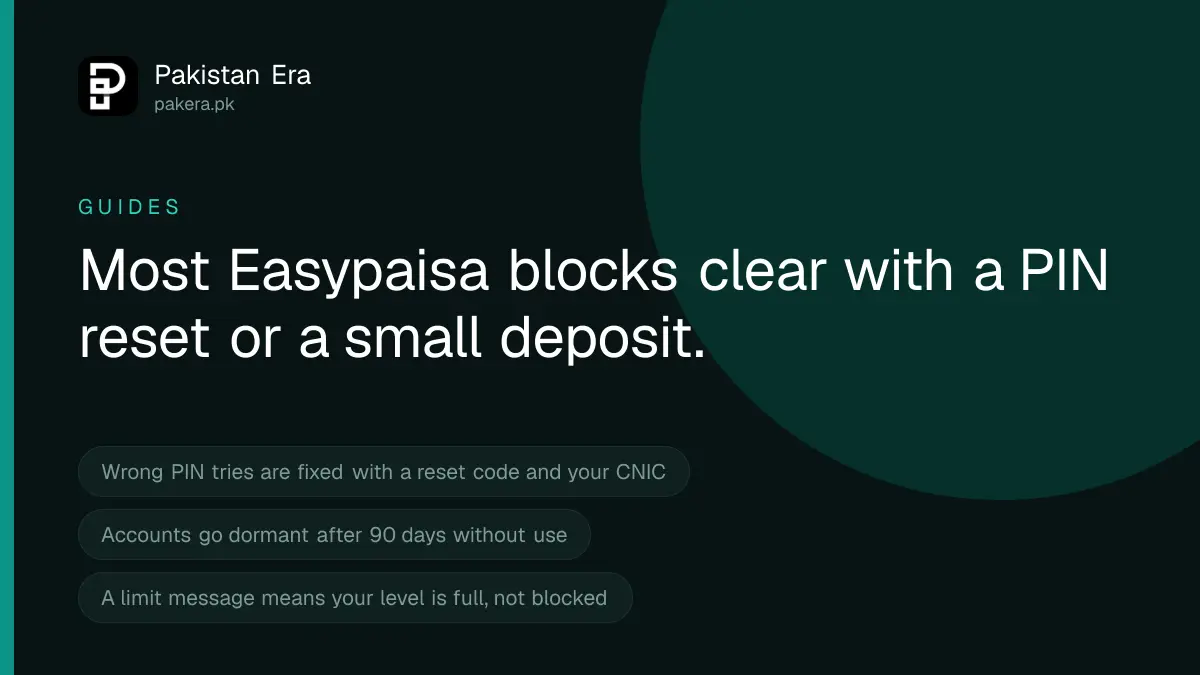
If your Easypaisa account was blocked after wrong PIN tries, dial *786*8*1# from your registered number, enter your 13-digit CNIC and set a new 5-digit PIN. Easypaisa says this reactivates the account. If the account is dormant because you did not use it for 90 days, deposit money into it. For any other block, call 3737 from Telenor or 042-111-003-737 from any network.
We read Easypaisa's FAQ, contact page and current schedule of charges on 22 September 2026. The fixes below come from those pages. Where Easypaisa does not publish a rule, we say so rather than guess.
Find out why your account is blocked
"Blocked" can mean four different things. Each one has a different fix, so start by matching what you see.
| What you see | Likely reason | Fix |
|---|---|---|
| Cannot log in after entering the PIN wrong | PIN block | Dial *786*8*1# and reset the PIN |
| Account shows dormant | No activity for 90 days | Deposit money into the account |
| Payments fail with a limit message | Daily, monthly or yearly limit reached | Upgrade your account level |
| Phone or SIM lost or stolen | Account at risk, not yet blocked | Call 3737 now, then get a duplicate SIM |
| Blocked with no clear reason | Security or compliance hold | Call the helpline and file a complaint |
Fix 1: the account is blocked after wrong PIN attempts
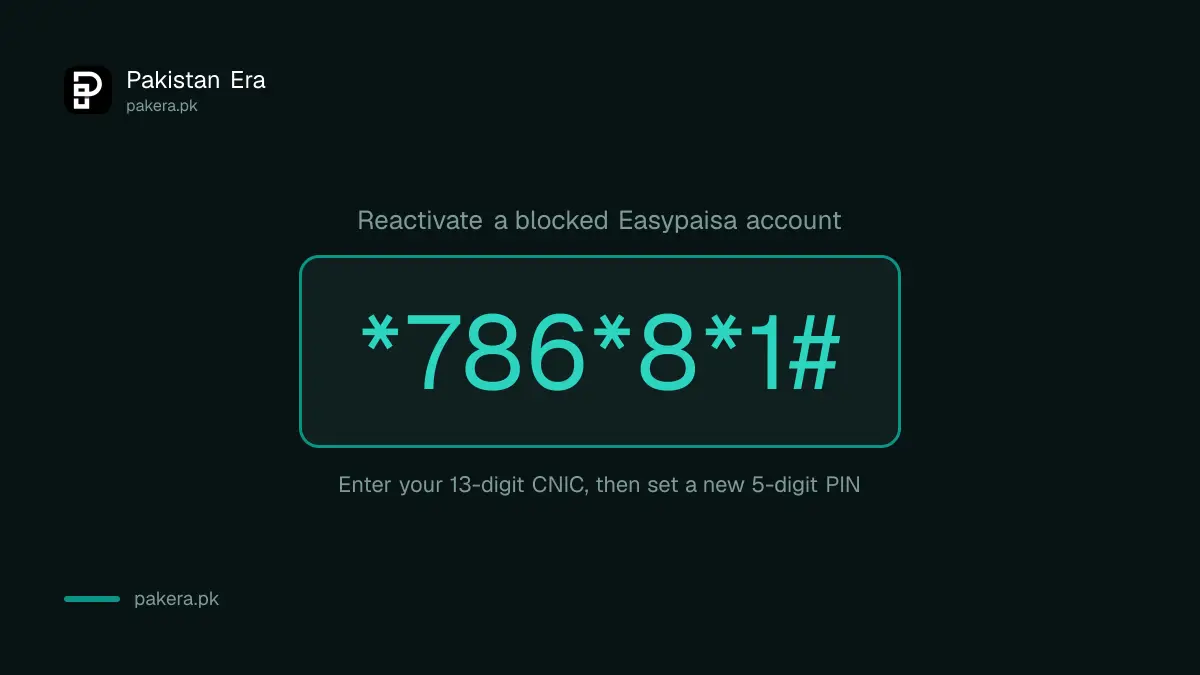
This is the most common block. Easypaisa's FAQ gives one fix for it, and it works on any phone, with or without internet.
- Dial
*786*8*1#from the mobile number registered to your Easypaisa account. - Enter your 13-digit CNIC number for verification.
- Enter a new 5-digit PIN.
- Enter it again to confirm. Easypaisa says this resets the PIN and reactivates the account.
Your new PIN must be 5 digits, not in ascending order, with no more than 3 repeated characters, and not a PIN you used before. If you have the app and simply forgot the PIN, the app's "Forgot PIN" button also works.
Fix 2: the account is dormant
Easypaisa marks an account dormant when it has had no activity for 90 days. It says this is done to protect the account from fraud. A dormant account is not closed, and your balance is still there.
The fix, from Easypaisa's FAQ, is to deposit money into the account. You can do this in two ways:
- Visit any Easypaisa shop or merchant and deposit cash. The app's store locator, or easypaisa.com.pk/easypaisa-shops, shows the nearest one.
- Send money from any bank account to your Easypaisa number by interbank transfer. Easypaisa's schedule of charges lists funds coming in from other banks as free.
Fix 3: payments fail because of a limit
This is often mistaken for a block. When a transfer fails, Easypaisa's FAQ lists three common reasons: a wrong PIN, not enough balance, or a daily, monthly or yearly limit that has been reached. The account is still working. It has only hit its ceiling.
Limits depend on your account level. The State Bank's branchless banking regulations, revised on 30 December 2019, set a basic Level 0 account at Rs 25,000 a day, Rs 50,000 a month and Rs 200,000 a year. A biometrically verified Level 1 account gets Rs 50,000 a day and Rs 200,000 a month. To raise your limit, Easypaisa says to tap your profile picture, choose Account Level, then Upgrade your Account, and scan your fingers.
Fix 4: your phone or SIM was lost or stolen
Easypaisa's FAQ says the app asks for your PIN at every login, so a thief with only your phone cannot get in. The danger is a thief who also knows your PIN, or who gets a new SIM on your number.
- Call 3737 or 042-111-003-737 at once from another phone. Tell them the phone is lost and ask them to stop the account.
- Block the SIM with your network and get a duplicate SIM on your own CNIC.
- Put the new SIM in a phone, open the app, and reset the PIN.
- Check your recent transactions. If money left without your permission, report it the same day.
Fix 5: blocked for a security reason
Banks can hold an account when they see activity they cannot explain, or when details do not match. Easypaisa does not publish a list of these reasons on its FAQ. Only Easypaisa can lift this kind of block, and it will need to confirm who you are first.
One common cause is a SIM that is not registered on your own CNIC. Wallet accounts are tied to the SIM owner.
Before you call, keep ready your CNIC, the registered SIM in your phone, and details of your last few transactions. Then use the steps in the complaint section below.
Nobody from Easypaisa will ask for your PIN
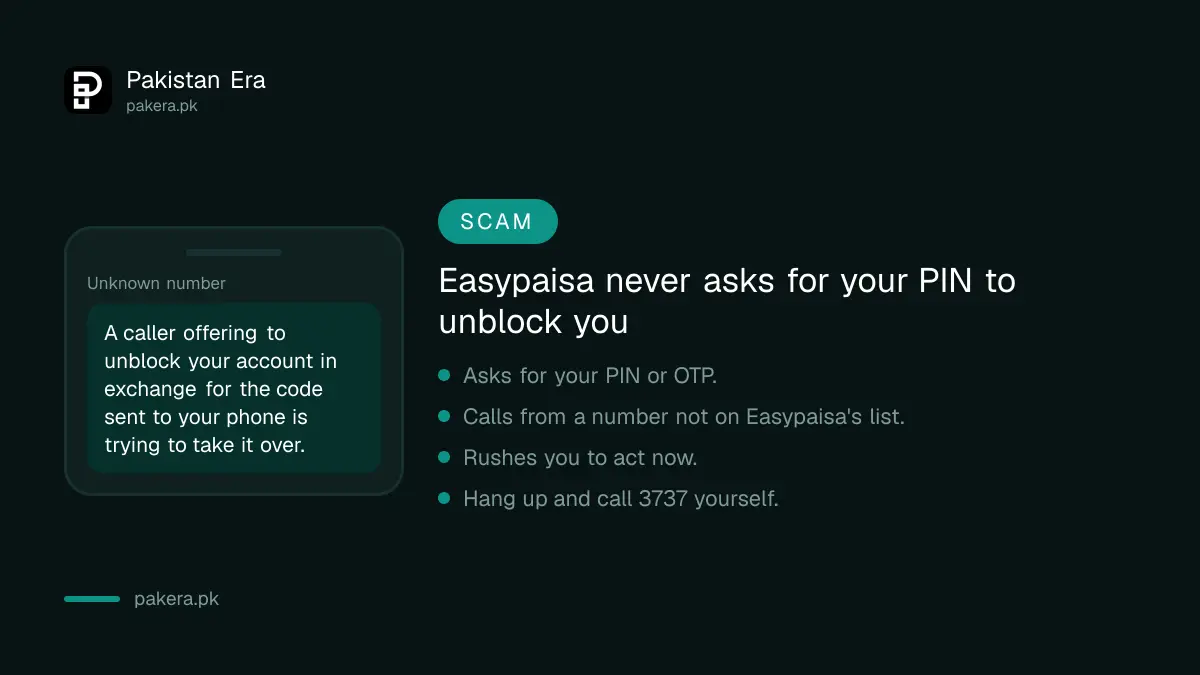
People with a blocked account are a favourite target. A caller says your account is blocked and offers to unblock it on the spot. Then they ask for the code sent to your phone. That code lets them take over the account.
Easypaisa's FAQ says never share your PIN with anyone under any circumstances. Its contact page lists the only numbers it uses for outbound calls: 0347, 051-8166001, 042-3333-0347, 0344-3737-111, 04238390414, 0348-111-7373, 0518437373, 0518857373, 051-7080251, 03433737111 and 03400033737. Any other number is not Easypaisa. No real agent needs your PIN or OTP to unblock you.
How to complain if Easypaisa does not unblock you
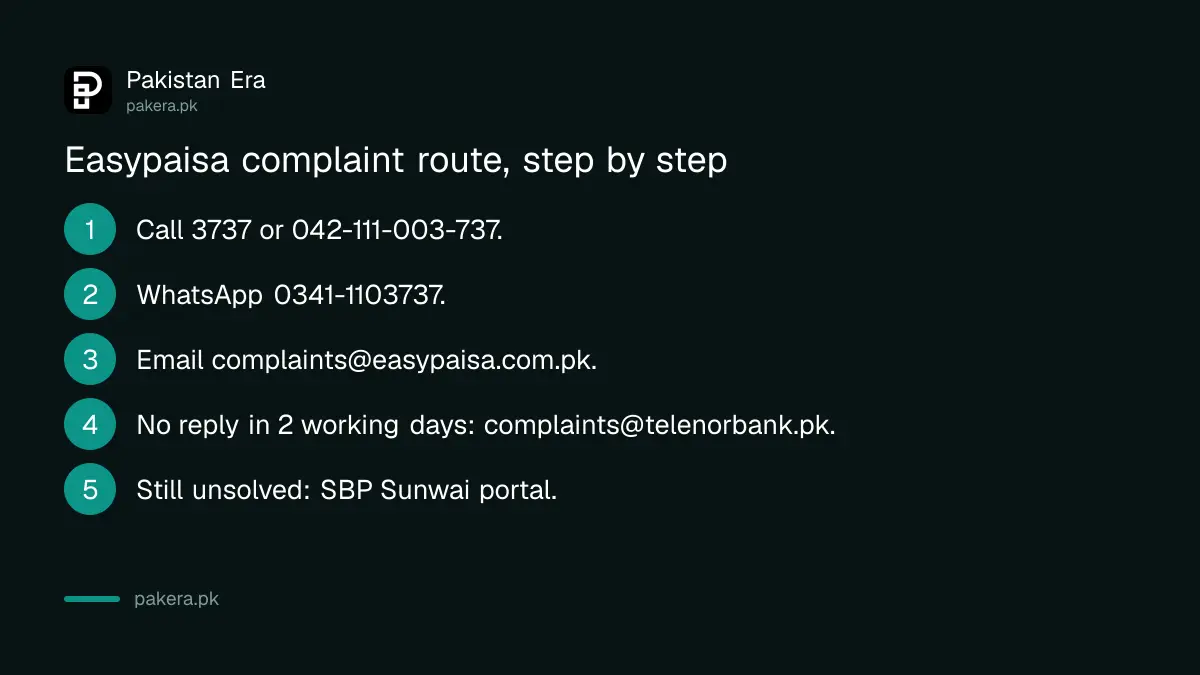
- Call 3737 from Telenor, or 042-111-003-737 from any network. Easypaisa's contact page lists the same number with 021 and 051 codes.
- Message Easypaisa on WhatsApp at 0341-1103737.
- Email complaints@easypaisa.com.pk with your mobile number, CNIC number and what happened. Never include your PIN.
- If you get no answer within 2 working days, the contact page says to email complaints@telenorbank.pk or call the 24/7 helpline.
- If the complaint is still not solved, file it on the State Bank's Sunwai portal at sunwai.sbp.org.pk. After that, you can go to the Banking Mohtasib.
Common questions
What is the code to unblock an Easypaisa account?
For a block caused by wrong PIN tries, Easypaisa lists *786*8*1#. Enter your 13-digit CNIC and set a new 5-digit PIN. Other blocks need the helpline.
Why is my Easypaisa account dormant?
Easypaisa marks an account dormant after 90 days with no activity. Deposit any amount to make it active again.
Is my money safe while the account is blocked?
Yes. A block stops transactions. It does not take your balance. The money is there when the block is lifted.
Can Easypaisa unblock my account over the phone?
For many blocks, yes, after confirming your identity. They will not ask for your PIN or OTP to do it. If a caller asks for those, hang up.
What is the Easypaisa complaint email?
complaints@easypaisa.com.pk, listed on Easypaisa's contact page. If there is no reply in 2 working days, use complaints@telenorbank.pk.
How many wrong PIN attempts block an Easypaisa account?
Easypaisa's FAQ does not give the number. It only gives the fix, which is the *786*8*1# reset.
How we verified this
What we checked, where we read it, and what we could not confirm.
Last checked 22 September 2026. The *786*8*1# reactivation steps, the PIN rules, the 90 day dormancy rule and its fix, the reasons a transfer fails, the upgrade path and the warning never to share a PIN are from Easypaisa's FAQ at easypaisa.com.pk/faqs. Helplines, WhatsApp, complaint emails, the official outbound numbers and the Sunwai link are from easypaisa.com.pk/contact-us. Free incoming transfers from other banks are from Easypaisa's Schedule of Bank Charges for Branchless Banking, July to September 2026. The Level 0 and Level 1 limits are from the State Bank of Pakistan's Branchless Banking Regulations, revised 30 December 2019, read on sbp.org.pk; Easypaisa may apply different limits to newer account types, so check your own level in the app. We did not dial any code. Easypaisa does not publish its security hold rules or the number of wrong tries allowed.
About the author

Senior Writer, Public Services and Technology
Shahid joined us in 2024 as an author. He is a senior contributor to Pakistan's leading technology websites. He writes detailed articles, mostly covering his expertise in the latest tech, mobiles, apps, gadgets, and step-by-step guides. His ideology is to help people understand the latest trends and explain complex methods through very easy-to-understand guides.