How to Reset a Forgotten Easypaisa MPIN
Reset a forgotten Easypaisa PIN in the app with Forgot PIN, or dial *786*8*1# with your CNIC. Rules for the new PIN and the official helplines.
Forgot your Easypaisa PIN? Open the Easypaisa app, enter your mobile number, and press "Forgot PIN" on the PIN screen. Enter your CNIC number and type a new 5-digit PIN twice. If you cannot use the app, Easypaisa lists a dial code: *786*8*1# from your registered number, then your 13-digit CNIC and a new 5-digit PIN. Both routes are free to start and need the SIM that is registered to your account.
We read Easypaisa's own FAQ page and contact page on 22 September 2026. Every step, code and number below is copied from those pages. We did not dial the code ourselves, so we tell you what Easypaisa publishes, not what a phone showed us.
A quick word on names. Easypaisa calls it your "PIN". Most people search for "MPIN". They are the same thing: the 5-digit secret number you enter to log in and to approve every payment.
Two ways to reset your Easypaisa PIN
| Method | What you need | Best for |
|---|---|---|
| Easypaisa app, "Forgot PIN" | Registered SIM, CNIC number, smartphone | Most people, fastest |
Dial *786*8*1# | Registered SIM, 13-digit CNIC number | No internet, or a PIN blocked after wrong tries |
| Helpline 3737 or 042-111-003-737 | Registered SIM, CNIC details | When both self-service routes fail |
Reset your PIN in the Easypaisa app
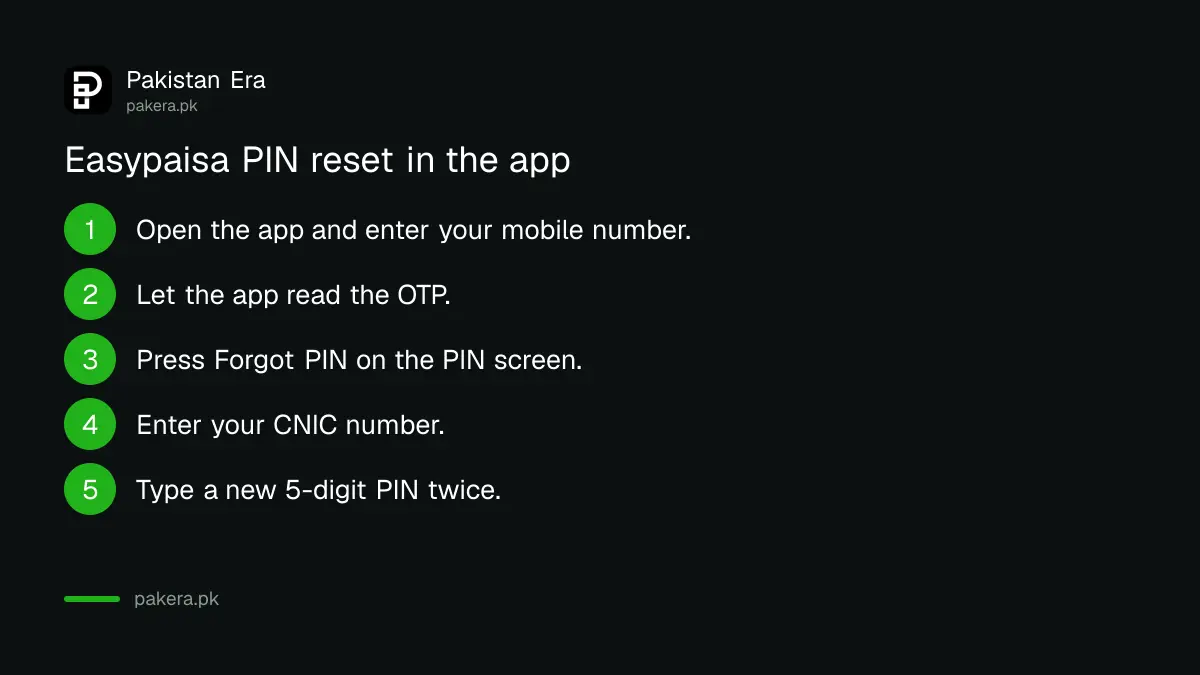
This is the route Easypaisa gives first in its FAQ. It takes a few minutes if your SIM is working.
- Open the Easypaisa app on the phone that holds your registered SIM.
- Enter your mobile number. Easypaisa sends a one-time password (OTP) by SMS, and the app usually reads it on its own.
- When the app asks for your PIN, press Forgot PIN.
- Enter your CNIC number when asked.
- Type your new 5-digit PIN, then type it again to confirm.
- Log in with the new PIN.
Easypaisa also covers one special case. If your account was opened but you never set a PIN, open the app, enter your mobile number and CNIC, pass the OTP check, and the app takes you to the PIN creation page.
Reset your PIN by dialling *786*8*1#
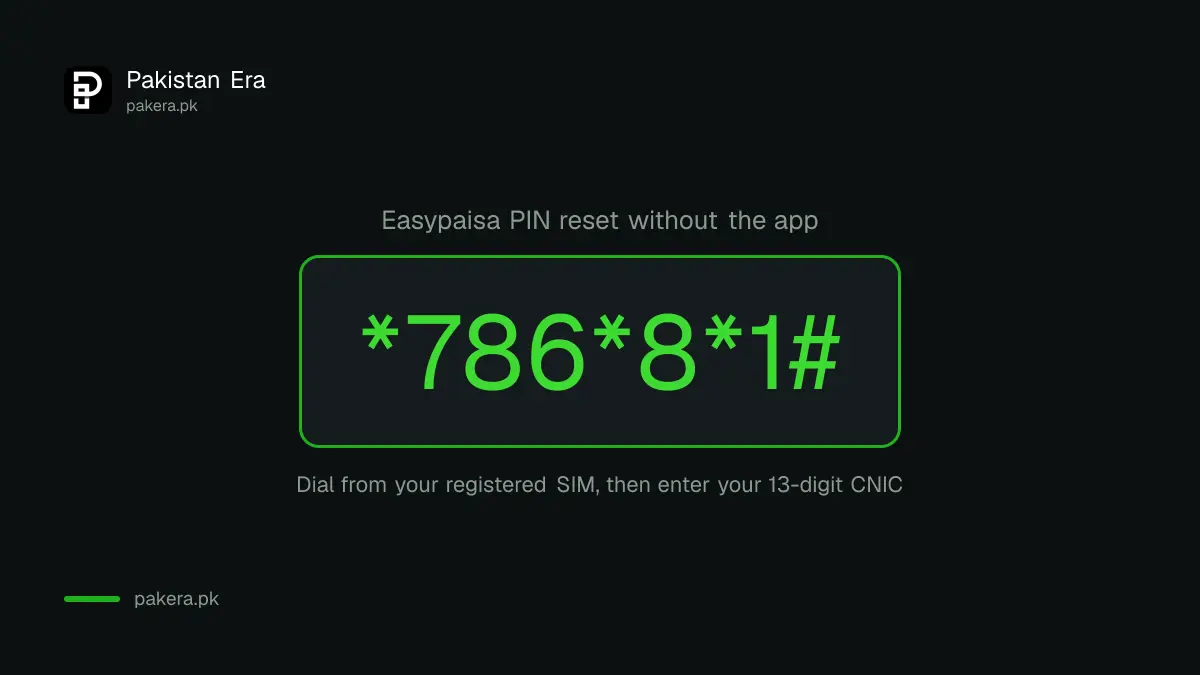
Easypaisa's FAQ gives this code for one job: reactivating an account that was blocked after wrong PIN attempts. The same steps also set a fresh PIN, so it works as a no-internet reset too. A dial code like this is called USSD. It runs on any basic phone and needs no data.
- Dial
*786*8*1#from your registered mobile number. - Enter your 13-digit CNIC number, without dashes, for verification.
- Enter a new 5-digit PIN.
- Enter the same PIN again to confirm. Easypaisa says this resets the PIN and reactivates the account.
The general Easypaisa dial menu is *786# for Telenor numbers and *2262# for Jazz, Zong and Ufone numbers. If the reset code does not open on your network, open the main menu and look for the PIN option on your screen.
Rules your new PIN must follow
Easypaisa rejects a new PIN that breaks any of these four rules, taken from its FAQ:
- It must be exactly 5 digits.
- It must not be in ascending order, such as 12345.
- It must not have more than 3 repeated characters.
- It must not be a PIN you used before.
Also avoid your birth year, the last digits of your CNIC and your phone number. Those are the first numbers a thief tries.
How to know the reset worked
Close the app, open it again, and log in with the new PIN. If you reach your home screen and see your balance, the reset is done. You can also check the balance by dial code. Easypaisa's schedule of charges for July to September 2026 lists a USSD balance inquiry at Rs 1.00 including tax.
If you ever want to change the PIN again while you still know it, open My Account in the app, choose Manage PIN, then Change PIN.
When the reset does not work
- The OTP never arrives. Easypaisa allows 3 OTP requests in a day. After that, it tells Telenor users to call 3737 and other networks to call 042-111-003-737.
- The SIM is not in your name. The account is tied to the SIM registered on your CNIC. If a relative's SIM holds your account, fix the SIM ownership first.
- You lost the SIM. Get a duplicate SIM on your own CNIC from your network, then reset the PIN. Nobody can reset it for you without that SIM.
- The account says dormant. Easypaisa marks an account dormant after 90 days with no activity. Its FAQ says to deposit money to make it active again.
- The app says you are logged in elsewhere. Easypaisa allows one phone at a time. Log out on the old phone, or log in on the new one with your number and OTP.
If the account is blocked for another reason, such as a security hold, only Easypaisa can lift it.
Nobody from Easypaisa will ask for your PIN
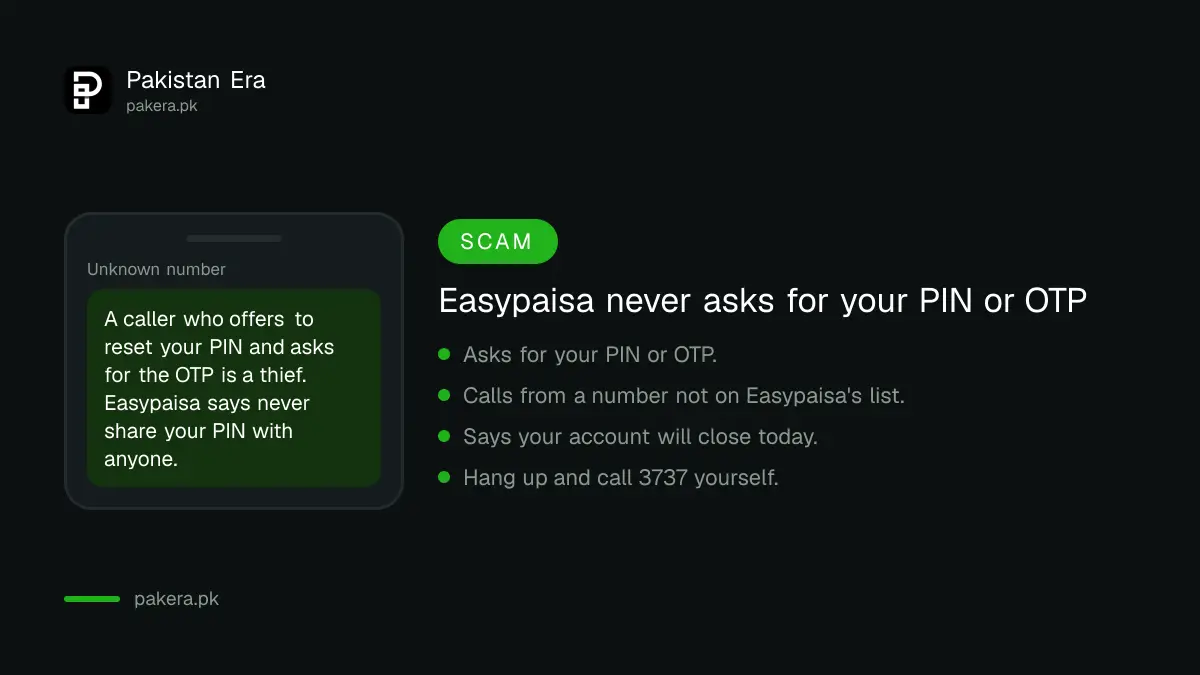
A forgotten PIN is exactly the moment scammers wait for. They call, say they are from Easypaisa, and offer to "help you reset". Then they ask for the OTP or your new PIN. With those, they empty the account.
Easypaisa's FAQ says: do not share your PIN with anyone under any circumstances. Its contact page lists the only numbers it uses for outbound calls: 0347, 051-8166001, 042-3333-0347, 0344-3737-111, 04238390414, 0348-111-7373, 0518437373, 0518857373, 051-7080251, 03433737111 and 03400033737. A call from any other number is not Easypaisa. Even a call from one of these numbers should never ask for your PIN or OTP. Hang up and call 3737 yourself.
If money has already gone, act the same day.
Where to complain if Easypaisa does not help
- Call Easypaisa: 3737 from Telenor, or 042-111-003-737 from any network. The contact page also lists the same UAN with 021 and 051 codes.
- Message Easypaisa on WhatsApp at 0341-1103737, the number linked from its FAQ.
- Email complaints@easypaisa.com.pk with your mobile number and a short description. Do not put your PIN in the email.
- If there is no answer in 2 working days, the contact page says to email complaints@telenorbank.pk or call the 24/7 helpline 042-111-003-737.
- If the bank still does not fix it, file on the State Bank's Sunwai portal at sunwai.sbp.org.pk, which Easypaisa links on its own contact page. After that, the Banking Mohtasib is the next step.
Common questions
How many digits is the Easypaisa PIN?
Five. Easypaisa's FAQ says the PIN must be 5 digits, not sequential, with no more than 3 repeated characters, and not an old PIN.
What is the code to reset an Easypaisa PIN?
Easypaisa lists *786*8*1#. Dial it from your registered number, enter your 13-digit CNIC, then set and confirm a new 5-digit PIN.
Can I reset my Easypaisa PIN without my SIM?
No. Both the app and the dial code need the registered SIM, because the OTP and the dial code come from that number. Get a duplicate SIM on your CNIC first.
Will I lose my money if I forget my PIN?
No. Forgetting the PIN only locks access. Your balance stays in the account and is there after you reset.
What happens if I enter the wrong PIN too many times?
The account gets blocked. Easypaisa's FAQ says to reactivate it by resetting the PIN with *786*8*1# and your CNIC. The FAQ does not state the exact number of tries allowed.
What is the Easypaisa helpline number?
3737 from a Telenor number, and 042-111-003-737 from any network. Both are listed on Easypaisa's contact page.
How we verified this
What we checked, where we read it, and what we could not confirm.
Last checked 22 September 2026. The app reset steps, the *786*8*1# code, the PIN rules, the 3 OTP requests a day, the 90 day dormancy rule, the one device rule and the warning never to share the PIN are taken from Easypaisa's FAQ at easypaisa.com.pk/faqs. The helpline numbers, WhatsApp link, complaint emails, the list of official outbound numbers and the Sunwai link are taken from easypaisa.com.pk/contact-us. The Rs 1.00 USSD balance inquiry fee is from Easypaisa's Schedule of Bank Charges for Branchless Banking, July 2026 to September 2026. We did not dial any code. Easypaisa's FAQ does not state how many wrong PIN attempts trigger a block.
About the author

Public Services and Education Journalist
Fajr Riaz is a journalist and content writer at Pakistan Era, based in Lahore. She covers the questions people meet in everyday life in Pakistan: how a public service works, what a change in the rules means, and where to find a reliable answer.