Easypaisa Statement Download: E-Statement, History Older Than 30 Days and Receipts
Download your Easypaisa e-statement from Transaction History; it goes to your email. The app shows 30 days, so call 3737 for older history. Receipts explained.
To get an Easypaisa statement, tap your profile picture in the app, open Transaction History, and choose to download the e-statement. Easypaisa sends it to your registered email address. The app shows only the last 30 days of transactions. For anything older, call 3737 from Telenor or 042-111-003-737 from other networks and ask for a bank statement. Below are the steps, the receipt and transaction ID, and what to do when the e-statement does not arrive.
We read the Easypaisa FAQ on 24 October 2026. People usually need a statement for one of four reasons: a visa file, a loan or rent application, a dispute over a payment, or simple budgeting. The route differs slightly for each, mainly in how far back you need to go.
Transaction History in the app shows the last 30 days
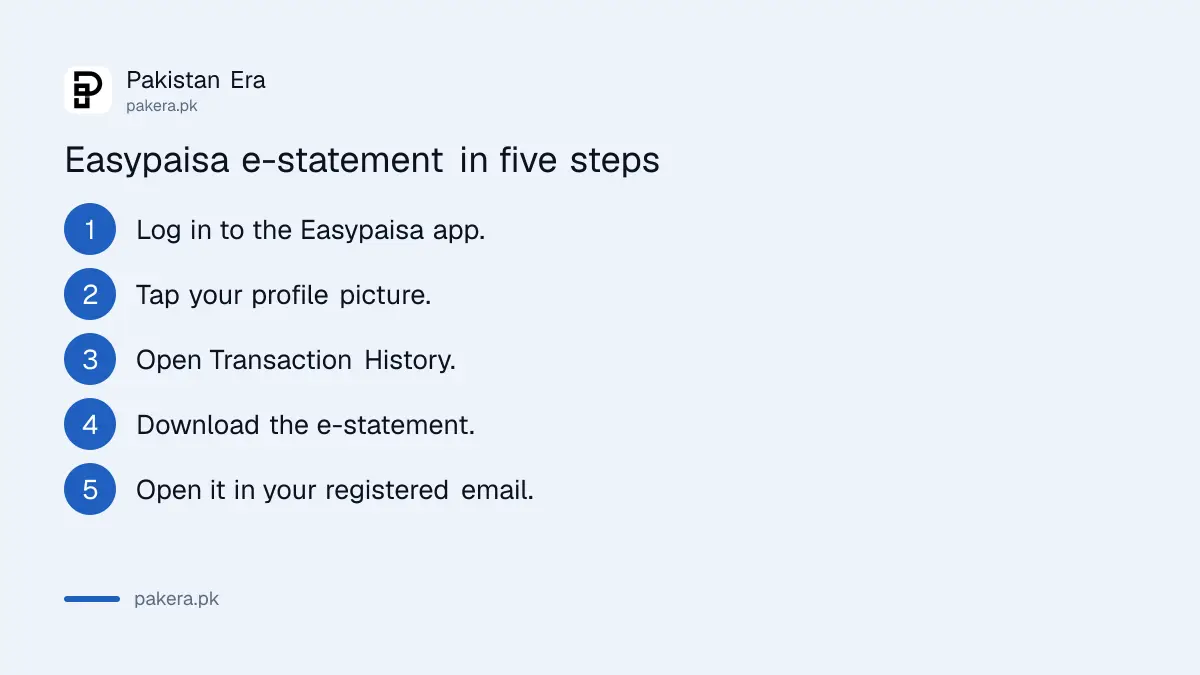
Easypaisa's FAQ says you can see your transaction history for the last 30 days in the app. Tap your profile picture, then Transaction History, to see the account summary, the list of transactions and the option to download an e-statement.
- Open the Easypaisa app and log in with your PIN.
- Tap your profile picture.
- Tap Transaction History.
- Check the account summary and the list of transactions.
- Choose the option to download the e-statement.
- Open the email Easypaisa sends to your registered address.
The last step catches people out. The FAQ answers both "where is my e-statement" and "where is my downloaded statement" the same way: it is sent to your registered email address. It does not land in your phone's downloads folder.
Call the helpline for history older than 30 days
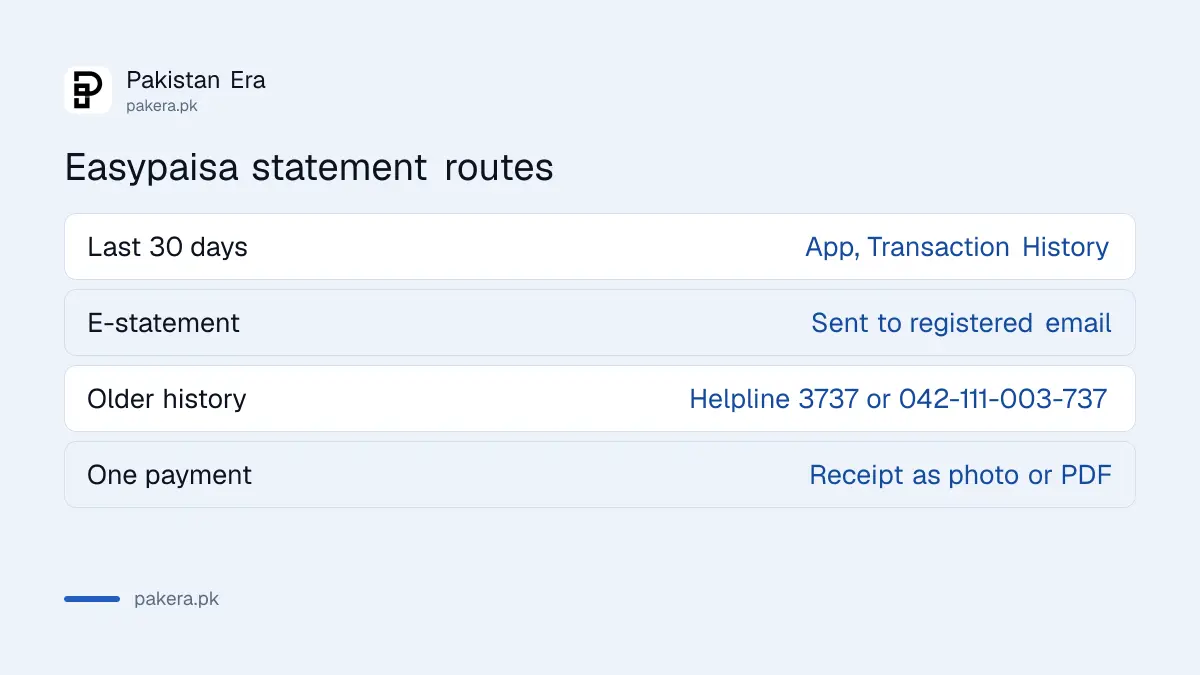
For transactions older than 30 days, Easypaisa's FAQ tells you to call the helpline and request a bank statement. Telenor users dial 3737. Users on Jazz, Zong or Ufone dial 042-111-003-737 from their mobile phone.
Be specific when you call. Give the exact period you need, such as 1 January to 30 June, and say what it is for, because an embassy or a landlord may want the account holder's name and CNIC on it. Ask how it will be sent and how long it will take, since the FAQ does not say.
| What you need | Where to get it | Time covered |
|---|---|---|
| Quick check of recent payments | App, Transaction History | Last 30 days |
| E-statement for a form | App, download e-statement | Sent to your registered email |
| History older than 30 days | Helpline 3737 or 042-111-003-737 | Bank statement on request |
| Proof of one payment | Transaction receipt in the app | Saved as photo or PDF |
| Proof of a received payment | Receipt plus Trx ID | Per transaction |
Every payment has a receipt and a Trx ID
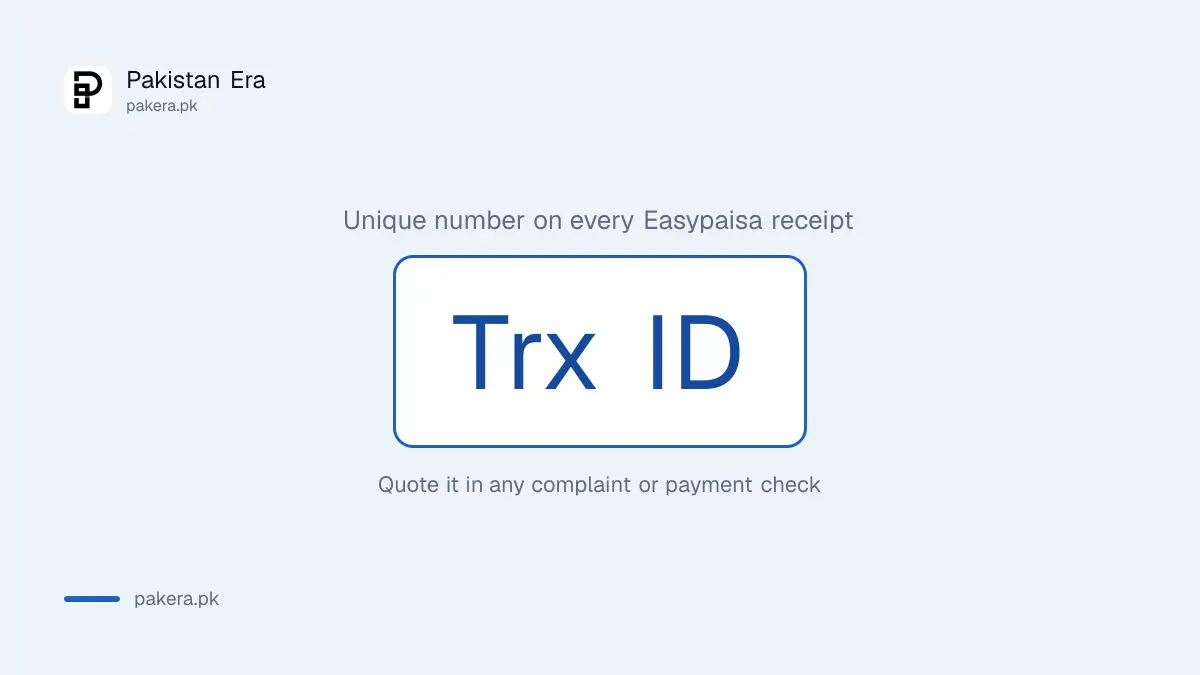
Easypaisa generates a transaction receipt automatically after each payment. You can save it to your photos or as a PDF to share. The receipt carries a Trx ID, a unique number that identifies that one transaction.
The Trx ID is the most useful number on the receipt. A shopkeeper can check it, a helpline agent can trace it, and a complaint without it is slow. Save the receipt the moment a payment matters, such as a fee, rent or an online order.
Receipts are also how sellers get fooled. A screenshot can be faked, so a seller should check the money in their own app before handing over goods. The checks for verifying a JazzCash or Easypaisa payment before handing over goods work for any wallet.
Fix a missing e-statement in four checks
If the e-statement does not arrive, check that your registered email address is correct, look in the spam and promotions folders, request it once more, then call the helpline. The statement only goes to the registered email.
Many people opened their Easypaisa account with no email, or with an old one they no longer read. In that case the download button has nowhere useful to send the file. Ask the helpline to update the email or send the statement another way.
Your PIN matters here too. Never send the PIN or an OTP to anyone who offers to "send your statement" on WhatsApp. Easypaisa's FAQ says the PIN must not be shared with anyone under any circumstances.
Easypaisa lists no way to delete transaction history
Easypaisa's FAQ explains how to view, download and request your history, but it describes no option to delete or clear it. The FAQ calls the account a microfinance bank account, so the history sits with the bank, not just your phone.
If you want privacy on a shared phone, the better move is to lock the app itself. The steps to lock or hide a wallet app on an iPhone stop a family member from opening it. Closing the account is the only permanent exit, and deleting an Easypaisa account still leaves the bank's own records in place.
Bank account holders follow a different route. The ways to get a bank statement online in Pakistan cover the big banks' apps and branches.
Common questions
How do I download my Easypaisa statement?
Tap your profile picture, open Transaction History and choose to download the e-statement. Easypaisa emails it to your registered address.
How far back can I see Easypaisa transactions in the app?
The last 30 days, according to Easypaisa's FAQ.
How can I get Easypaisa history older than 30 days?
Call 3737 from Telenor or 042-111-003-737 from other networks and request a bank statement.
Where does the downloaded Easypaisa statement go?
To your registered email address, not your phone's downloads folder.
What is the Trx ID in Easypaisa?
It is the unique transaction number printed on the receipt after each payment. Quote it in any complaint or payment check.
Can I delete my Easypaisa transaction history?
Easypaisa's FAQ describes no option to delete it. You can lock the app on your phone for privacy instead.
How we verified this
What we checked, where we read it, and what we could not confirm.
Last checked 24 October 2026. We read the Easypaisa FAQ at easypaisa.com.pk on 24 October 2026, including its answers on transaction history, e-statements, receipts, the Trx ID and the helpline. We did not use an Easypaisa account, so we could not test the download or see how long a helpline statement takes. Easypaisa does not publish a fee for a statement in the FAQ, and we did not find one.
About the author

Senior Writer, Public Services and Technology
Shahid joined us in 2024 as an author. He is a senior contributor to Pakistan's leading technology websites. He writes detailed articles, mostly covering his expertise in the latest tech, mobiles, apps, gadgets, and step-by-step guides. His ideology is to help people understand the latest trends and explain complex methods through very easy-to-understand guides.