GPS Location Not Working on Android in Pakistan: Fix Wrong or Missing Location, Every Setting
GPS location not working or wrong on Android? Turn on Use location, Improve Location Accuracy and precise location for the app. Each path for Android 11 and 12.
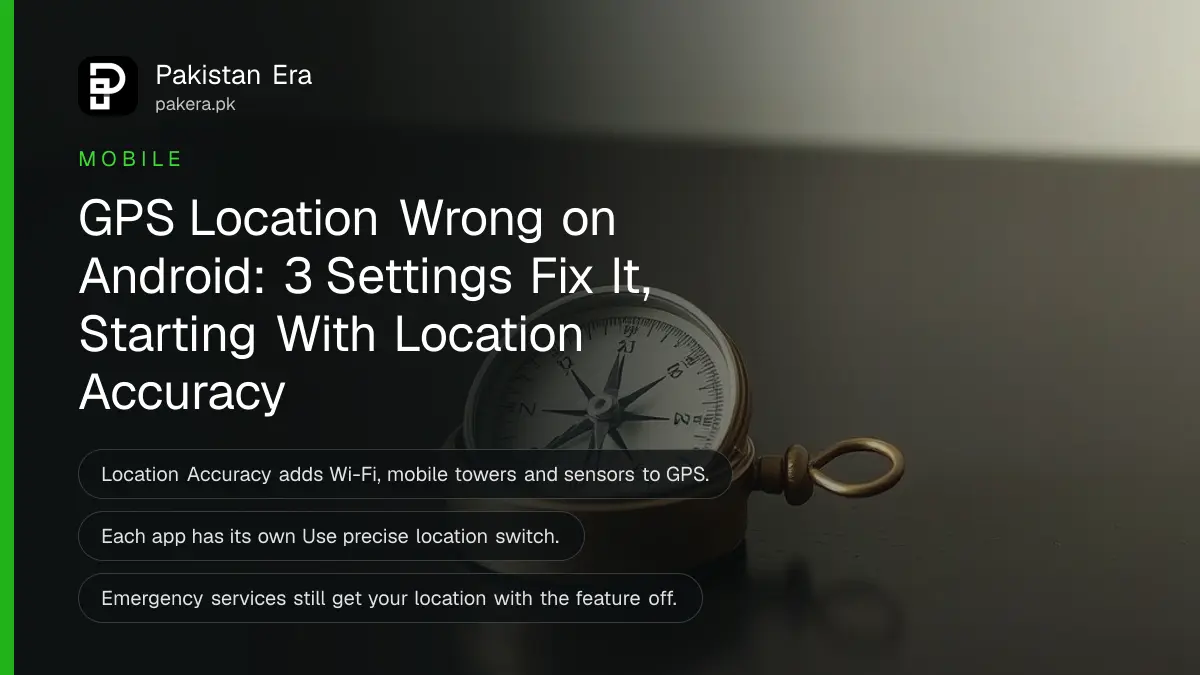
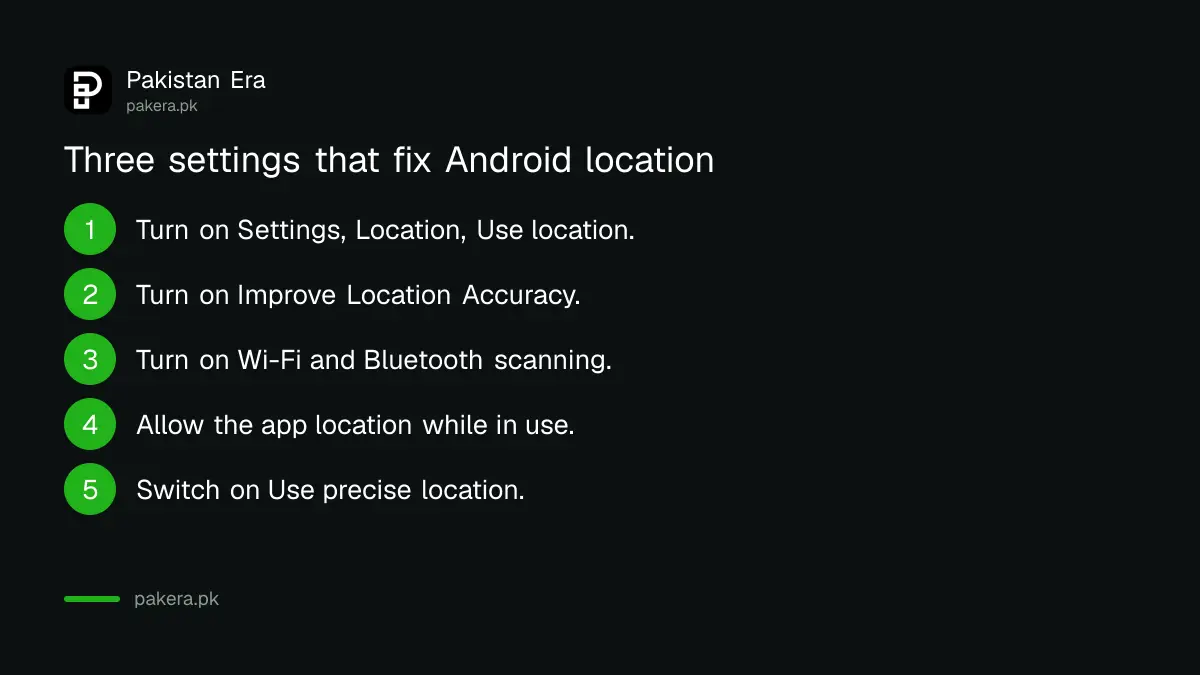
If GPS location is not working or not accurate on your Android phone, open Settings, then Location, and make sure Use location is on. Then turn on Improve Location Accuracy under Location Services, and set the app's own permission to allow location with Use precise location switched on. Those three settings fix most wrong or missing locations in maps, ride apps and delivery apps. The rest of this page explains each one, the indoor problem, and what to do when only one app gets it wrong.
A wrong pin costs real money here. A rider app sends the captain to the next street, a food order goes to the wrong gate, or a friend cannot find you from your shared location. We read Google's Android help pages on location settings, Location Accuracy and app permissions on 2 November 2026.
Turn on location and check it is not limited by Battery Saver
The master switch is in Settings, Location, Use location. If it is off, no app can find you. Google lists this as the first step on every Android version, and it is also in the Quick Settings panel as a Location tile.
Pull down from the top of the screen and look for the Location tile. If it is grey, tap it. Some phones also limit location in power saving modes to stretch the battery, so if your location only goes wrong when Battery Saver is on, that is the reason. Charge the phone or switch power saving off while you navigate.
The Battery Saver point is our general advice, not a line from Google's page. Menu names differ slightly by brand, but Location is almost always a top level item in Settings.
Improve Location Accuracy uses Wi-Fi and mobile towers, not just GPS
Google's Location Accuracy feature combines GPS with Wi-Fi access points, mobile towers and phone sensors to work out where you are. Google says that with it off, only GPS and sensors are used, which can make location less precise in apps like Google Maps.
| Android version | Path to Location Accuracy |
|---|---|
| Android 12 and newer | Settings, Location, Location Services, Location Accuracy |
| Android 11 and older | Settings, Location, Advanced, Location Accuracy |
Turn on Improve Location Accuracy at that path. Google says the feature uses wireless signals, the accelerometer, barometer and gyroscope, and can even estimate which floor you are on. It collects anonymous signal data with rotating identifiers that Google says are deleted within 7 days.
If you are worried about privacy, that is a fair trade-off to weigh. But if your location keeps jumping, this setting is the single biggest fix.
Wi-Fi scanning and Bluetooth scanning help indoors and between tall buildings
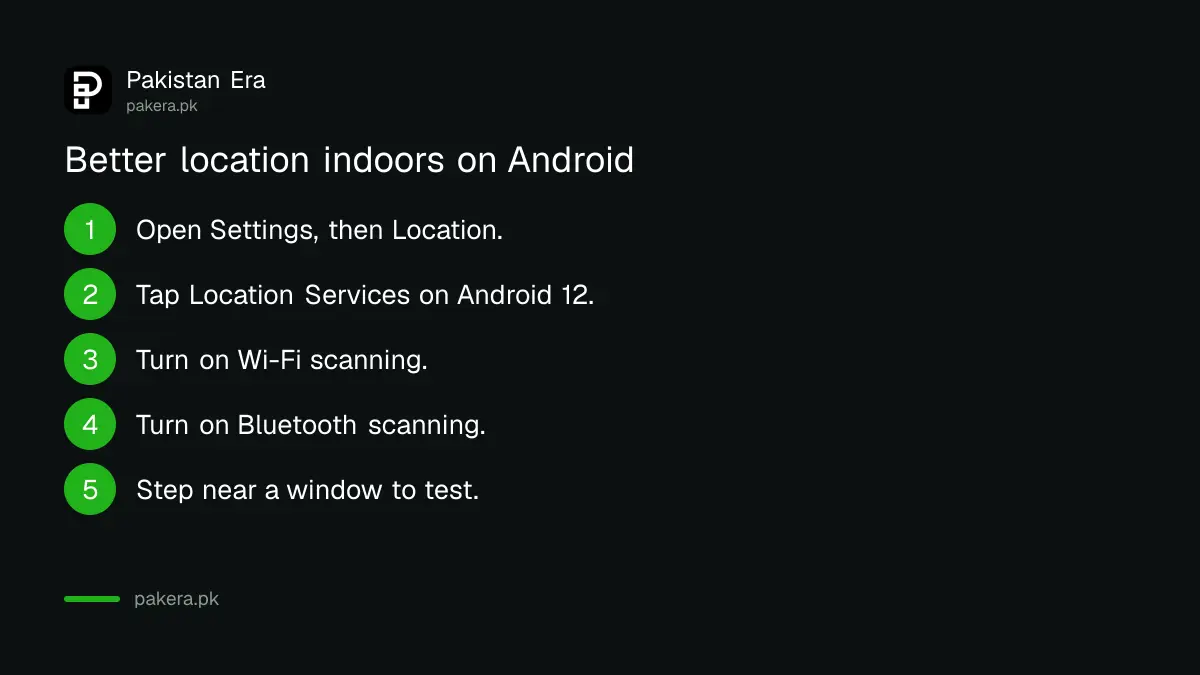
GPS needs a clear view of the sky. Google says that indoors or near tall buildings, GPS can be blocked, and the phone then relies on other signals. Wi-Fi scanning and Bluetooth scanning let it use nearby networks and devices even when Wi-Fi is off.
- Open Settings, then Location.
- On Android 12 and newer, tap Location Services.
- Turn on Wi-Fi scanning.
- Turn on Bluetooth scanning.
- On Android 11 and older, both switches are directly under Location.
This matters in dense markets, inside plazas and in flats with concrete roofs, where the blue dot often drifts by a street or more. Step outside or near a window for a minute and the GPS fix usually improves.
When only one app gets your location wrong, fix its permission
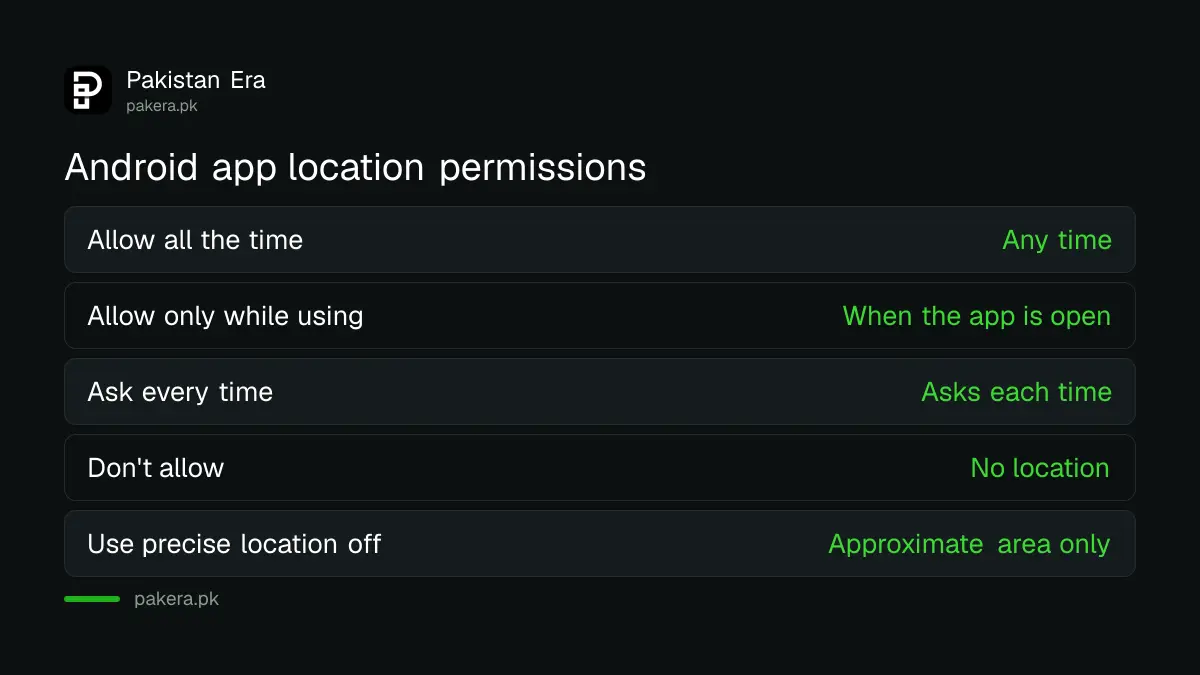
Each app has its own location permission. Touch and hold the app icon, tap App info, then Permissions, then Location. Choose Allow only while using the app, and make sure Use precise location is on. Google says precise location is managed per app on Android 12 and newer.
Google lists four choices: Allow all the time, Allow only while using the app, Ask every time, and Don't allow. If Use precise location is off, the app gets only an approximate area, which is enough for weather but useless for a pickup point. That one switch is a common reason a ride or delivery app puts you on the wrong road.
You can also see every app at once in Settings, Location, App location permissions. Remove location from apps that have no reason to know where you are. A torch or wallpaper app does not need it.
| Permission | What it means | Good for |
|---|---|---|
| Allow all the time | App can use location any time | Family safety apps you trust |
| Allow only while using the app | Only when the app is open | Maps, ride and delivery apps |
| Ask every time | App asks each time | Apps you rarely use |
| Don't allow | No location at all | Apps that do not need it |
Still wrong? Restart, update and test outside
If the settings are right and the location still drifts, restart the phone, update Google Play services and the app from the Play Store, and test in an open space. If GPS fails even outdoors on every app, the phone's GPS hardware may need checking.
A phone case with a metal plate for a magnetic car holder can weaken signals, so test without it. If you navigate in areas with weak mobile data, download the map before you leave; the steps to download Google Maps offline show how. GPS itself works without internet, but the map tiles do not.
If you are trying to find a lost phone rather than fix your own location, the Find Hub and Find My steps need location to have been on before the phone went missing.
Emergency services can still get your location with the setting off
Google says that even with Location Accuracy turned off, emergency services can receive the phone's most accurate location when you call or text an emergency number. So switching the feature off for privacy does not block help in an emergency.
On older phones running Android 9, Google lists a separate Emergency Location Service switch under Security and Location. For sharing your location with family on purpose, the steps to share location on WhatsApp work once these settings are right.
Common questions
Why is my phone location wrong by a street or more?
Usually because Improve Location Accuracy is off, you are indoors or between tall buildings, or the app has only approximate location. Turn on Location Accuracy and Use precise location for that app.
Where is Location Accuracy on Android?
On Android 12 and newer: Settings, Location, Location Services, Location Accuracy. On Android 11 and older: Settings, Location, Advanced, Location Accuracy.
Does GPS work without internet?
GPS itself does not need internet, but map tiles and the extra accuracy from Wi-Fi and towers do. Download maps offline before a trip.
Why does only one app show the wrong location?
Check that app's permission in App info, Permissions, Location. If Use precise location is off, the app sees only an approximate area.
Is it safe to turn on Improve Location Accuracy?
Google says it collects anonymous signal data with rotating identifiers deleted within 7 days. You can turn it off any time from the same menu.
How we verified this
What we checked, where we read it, and what we could not confirm.
On 2 November 2026 we read Google's Android help pages Manage your Android device's location settings, How Location Accuracy improves location and Manage location permissions for apps. Menu paths, the four permission choices and the privacy details come from those pages. The Battery Saver, metal case and Play services tips are our own advice, not Google's wording. We did not test on every brand, and menu names can differ.
About the author

Technology Journalist & Multimedia Producer
Ahmad Ali is a technology journalist and multimedia producer at Pakistan Era, joining the team in October 2026. He covers consumer technology and digital life for Pakistani readers, combining research with hands-on product testing.