How to Download Google Maps Offline in Pakistan and Navigate With No Internet
Download Google Maps offline in Pakistan before a road trip: the 5 Android steps, SD card storage, what works with no signal and how to update before expiry.
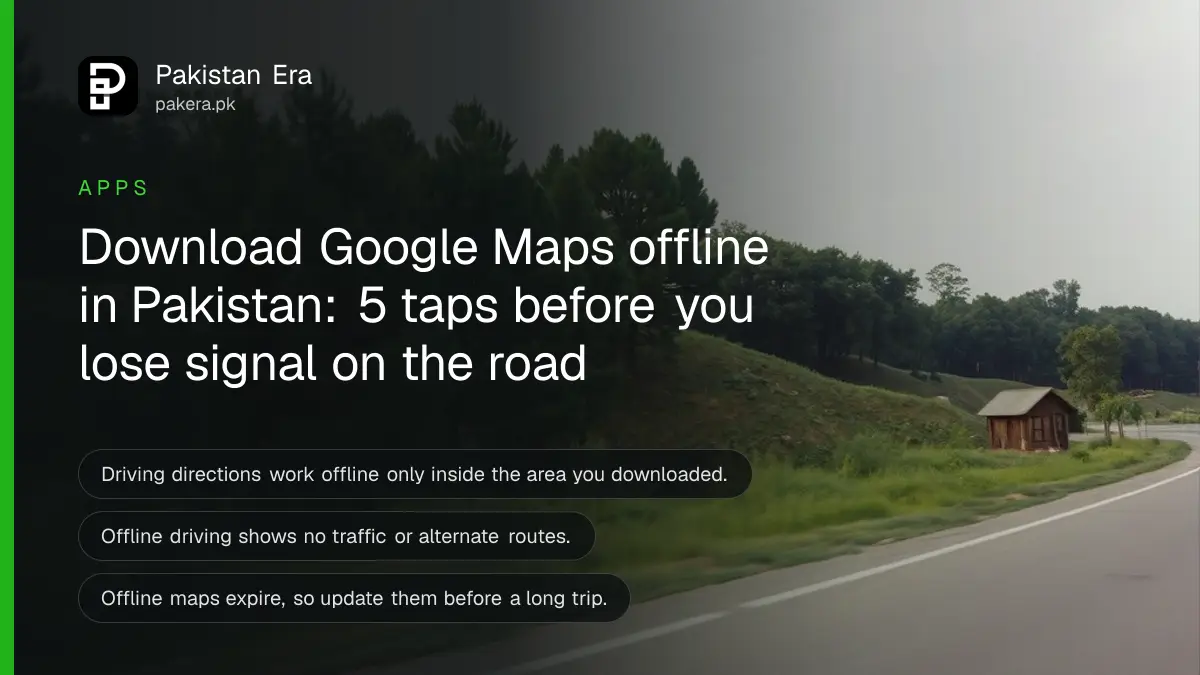
Short answer: Open Google Maps on Android while online and signed in, search for the city, swipe the place card right, tap More, then Download offline map, then Download. Do it on Wi-Fi before you leave. Offline, driving directions work, but traffic, walking and transit do not.
Anyone who has driven the motorway stretch past Chakri or the Kohat Tunnel road knows the moment. The signal bars drop to nothing and the map freezes on a blue dot in a grey space. Downloading the area first costs a few minutes and some storage. It avoids that moment.
We read Google's own Google Maps Help page on offline maps on 13 October 2026 and wrote the steps from it. Google adds one warning that matters for Pakistan: offline maps are not available in some countries or regions because of contractual limits, language support, address formats or other reasons.
Offline maps work only if you download the area first
Google Maps lets you save an area to your phone and use it with no internet. The phone must be online and signed in when you download. Once saved, the app guides you along any route that stays entirely inside the downloaded area.
That last condition is the part people miss. If your trip leaves the saved area, offline directions stop. Download a generous area, not just the city centre.
Do the download on home Wi-Fi. A big area is a large file and will eat mobile data quickly, as our guide to saving mobile data on Android and iPhone explains.
Five taps download a place on Android
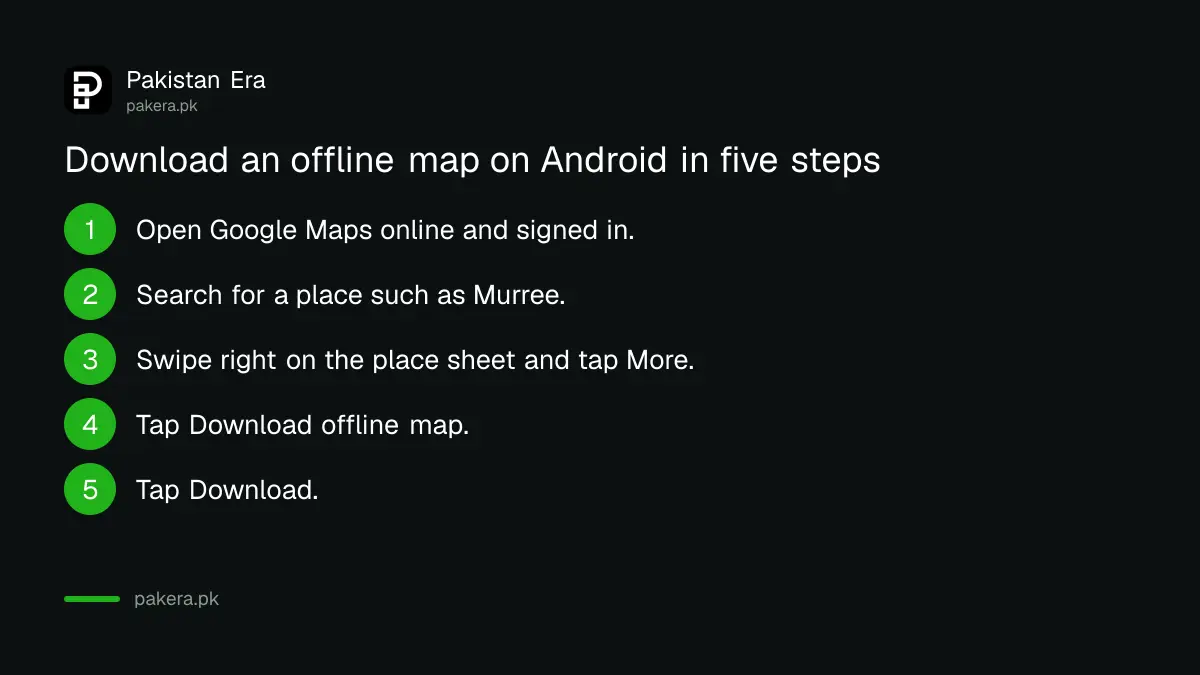
Google's steps for an Android phone or tablet start with a search for a place. You then open the place sheet, go to More and choose Download offline map. The whole job is under a minute on a good connection, plus the download time.
- Open the Google Maps app, connected to the internet and signed in.
- Search for a place, such as Murree or Lahore.
- On the place sheet, swipe right.
- Tap More.
- Tap Download offline map, then Download.
If you do not see Download offline map for a Pakistani city, the feature may be restricted for your region. Google's page says this can happen, and we could not confirm from that page whether Pakistan is on the list. Test it with a city first.
Select your own map for a long road trip
For a route between cities, choose your own area. Tap your profile picture, open Offline maps, tap Select your own map, drag the frame over the whole route and tap Download. This covers highway stretches the city search would miss.
Google also lets you pick where maps are stored. By default they use the phone's internal storage. On an Android phone with a portable SD card, open Offline maps, tap Settings at the top right and set Storage preferences to SD card. Note that changing storage means downloading the map again.
If the phone is already tight on space, clear it first with the steps in fixing a full phone storage on Android and iPhone.
What works offline and what does not
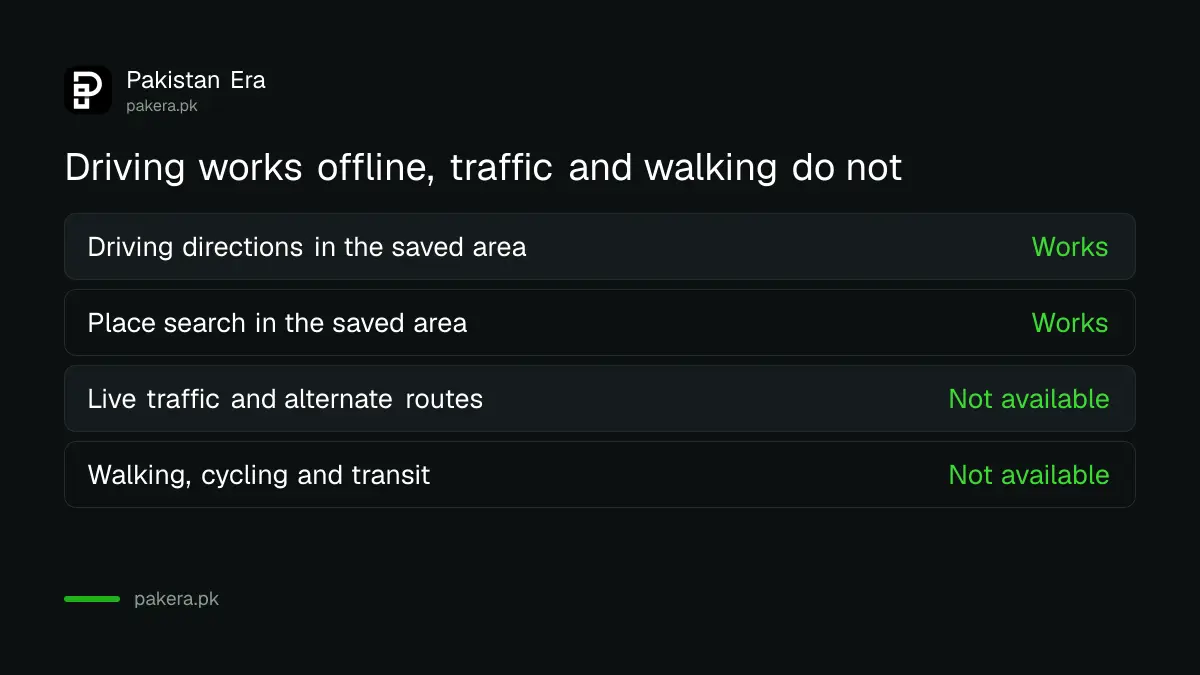
Driving directions and the blue dot work offline inside the saved area. Google says transit, bicycling and walking directions are not available offline, and that driving offline gives no traffic information or alternate routes. Plan for that on busy roads.
| Feature | Offline |
|---|---|
| Driving directions inside the saved area | Works |
| Searching places in the saved area | Works |
| Live traffic and alternate routes | Not available |
| Walking, cycling and transit directions | Not available |
| A route that leaves the saved area | Stops working |
If the signal at home is also weak, that is a separate problem with its own fixes, set out in the page on weak mobile signal at home in Pakistan.
Keep offline maps updated or they expire
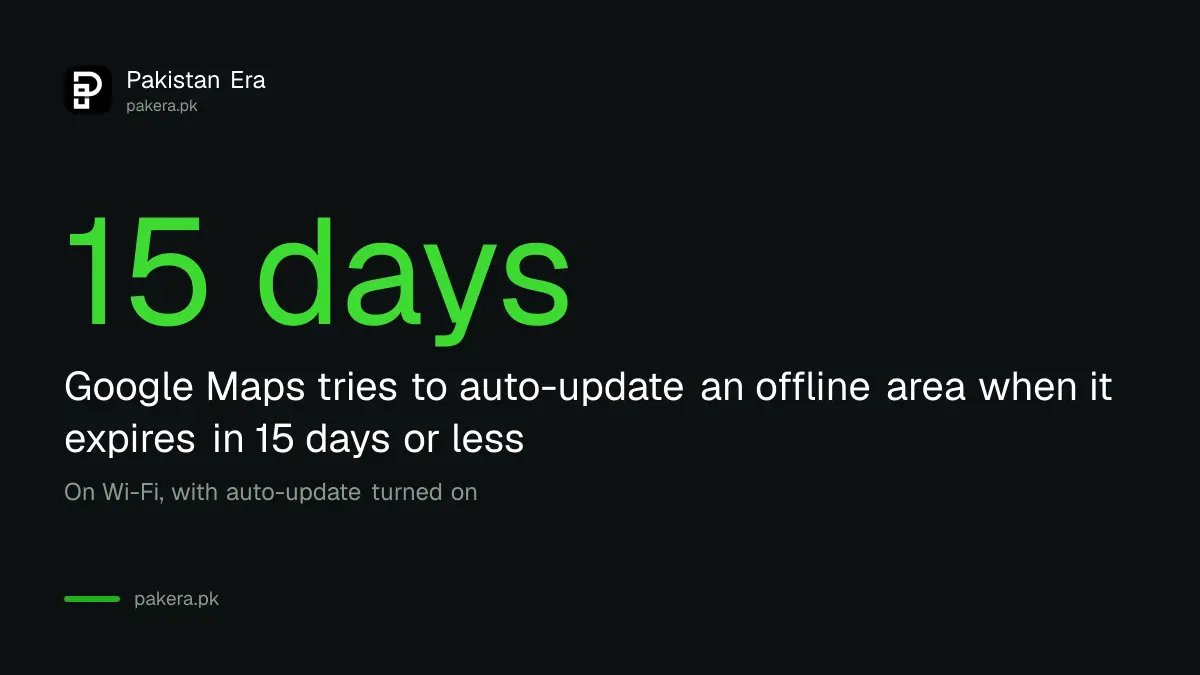
Offline maps expire, so update them before a trip. Google says Maps tries to update an area by itself on Wi-Fi when it will expire in 15 days or less. You can switch on Auto-update offline maps in the Offline maps settings to be safe.
To update by hand, tap your profile picture, open Offline maps, tap the expired or expiring area and tap Update. To remove one, tap the map and tap Delete. You can also rename a saved area with Edit at the top right.
The iPhone steps are on a separate tab of Google's page, which we did not read in full, so follow Google's page for iPhone and iPad if you use one.
Common questions
Do I need internet to use an offline map?
No. After the download, the app guides driving routes inside the saved area without internet.
Does offline Google Maps show traffic?
No. Google says offline driving gives no traffic information or alternate routes.
How do I update my offline maps?
Open your profile picture, Offline maps, tap the expiring area and tap Update, or turn on Auto-update offline maps.
Can I save offline maps to an SD card?
Yes, on Android with a portable SD card. Open Offline maps, tap Settings and choose SD card under Storage preferences.
Why is Download offline map missing?
Google says offline maps are unavailable in some regions for contract, language or address reasons. Update the app and test another city.
How we verified this
What we checked, where we read it, and what we could not confirm.
Last checked on 13 October 2026, Pakistan time. We read Google's Google Maps Help page on downloading areas and navigating offline, Android tab. We did not test the download on a Pakistani account and did not read the iPhone tab in full, so check availability in your own app.
About the author

Technology Journalist & Multimedia Producer
Ahmad Ali is a technology journalist and multimedia producer at Pakistan Era, joining the team in October 2026. He covers consumer technology and digital life for Pakistani readers, combining research with hands-on product testing.