WhatsApp Notifications Not Coming on Android in Pakistan: 7 Fixes, Starting With Battery Settings
WhatsApp notifications not coming until you open the app? Stop battery limits, allow background data and fix tone, groups and WhatsApp Web alerts in 7 steps.
If WhatsApp messages only appear when you open the app, your phone is stopping WhatsApp in the background to save battery. WhatsApp's fix is to take it out of battery optimisation: on most Android phones, Settings, then Battery, then Battery optimisation, then WhatsApp, then Don't optimise. On Samsung, add WhatsApp to Never sleeping apps. Then check that notification permission is on and background data is allowed.
We read WhatsApp's help pages on missing notifications and on messages that do not arrive on 4 November 2026. Battery saving is the cause WhatsApp points to first, and it fits what many people in Pakistan see on budget phones with strict power saving: the chat is full of messages, but the phone never buzzed. Below are seven fixes, in order, with the Samsung path spelled out.
Battery saving is the most common reason alerts stop
WhatsApp says you may not get notifications if your phone restricts apps from running in the background to save battery. If messages arrive only when you open WhatsApp, this is the likely cause. The fix is to exclude WhatsApp from battery optimisation in your phone's settings.
Phone makers name this setting differently. WhatsApp gives separate paths for Samsung, Xiaomi and Redmi, Huawei and Honor, OnePlus, and Oppo and Realme. For other Android phones it gives a general path. If you cannot find it, open Settings and search for the word "battery".
| Phone | Where to stop battery limits for WhatsApp |
|---|---|
| Samsung | Settings, Battery and device care, Battery, Background usage limits, Never sleeping apps, add WhatsApp |
| Most other Android phones | Settings, Battery, Battery optimisation, WhatsApp, Don't optimise |
| Xiaomi, Redmi, Oppo, Realme, OnePlus, Huawei, Honor | Own battery menu, search "battery" in Settings, set WhatsApp to no restrictions |
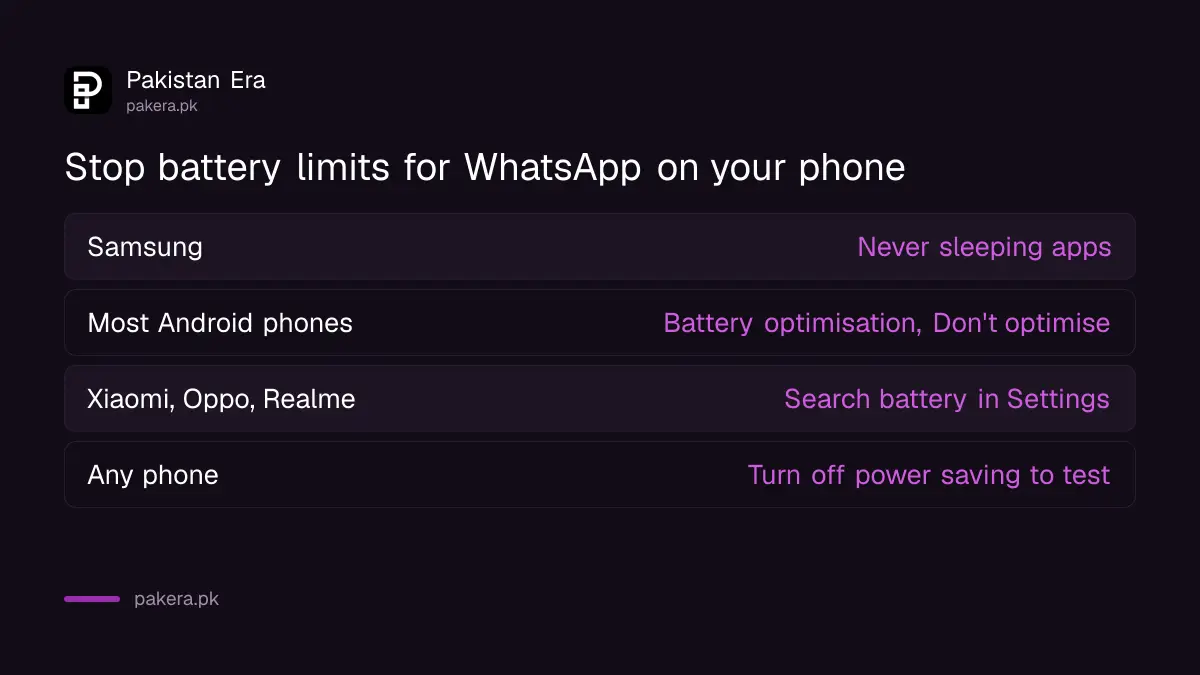
Also turn off any general battery saver or ultra power saving mode while you test. Those modes override the per-app setting on many phones.
Seven fixes for WhatsApp notifications, in order
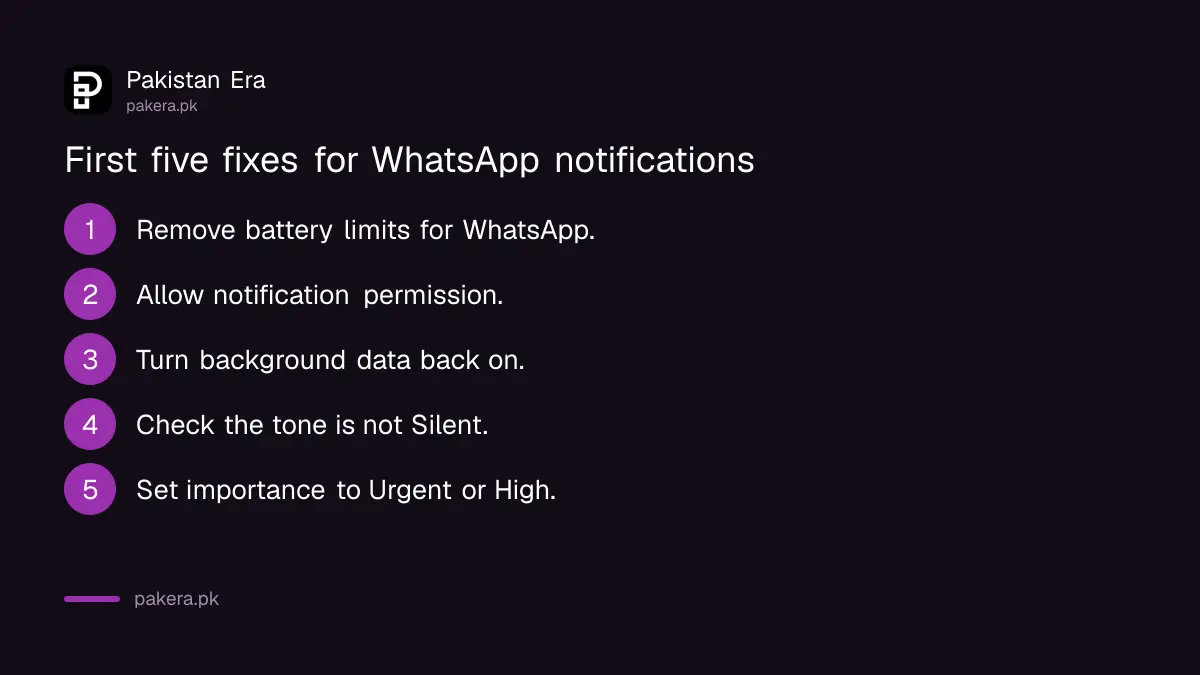
Start with battery, then check notification permission, background data, the tone, pop-up importance, storage and the app version. WhatsApp's help pages list each of these. Test after every step by asking a friend to send a message while WhatsApp is closed.
- Exclude WhatsApp from battery optimisation, as in the table above.
- On Android 13 and later, open Settings, Apps, WhatsApp, Notifications, and make sure notifications are allowed.
- In Settings, Apps, WhatsApp, Mobile data, turn Background data off and back on, and leave it on.
- In WhatsApp, open Settings, Notifications, and check the tone is not set to Silent.
- On Android 10 and later, set the importance of WhatsApp's message notifications to Urgent or High, so they pop up.
- Make sure your phone has free storage. WhatsApp says new messages may not be saved when storage is full.
- Update WhatsApp from the Play Store, then restart the phone.
Step 3 is worth doing even if data looks fine. Many people turned background data off months ago to save a small data bundle and forgot. With it off, WhatsApp cannot fetch messages until you open it.
Missing alerts from one chat are usually a chat setting
If only one person or one group is silent, the phone is fine. WhatsApp says you will not get notifications for archived chats unless you are mentioned or replied to. A muted chat is also silent. Open the chat, check whether it is muted, and move it out of Archived.
WhatsApp also says that if you are missing messages from one person, check whether you blocked them by mistake. If messages from one group stopped, check whether you were removed. In large family groups, muting is common, and many people forget they muted a group "for 8 hours" that was really set to "always".
| Only this is silent | Check this first |
|---|---|
| One chat | Muted, archived, or contact blocked |
| One group | Muted, archived, or you were removed |
| All chats | Battery limits, permission, background data |
| Only on laptop | Browser notifications, linked device logged out |
WhatsApp Web alerts need browser permission
For WhatsApp Web or the desktop app, WhatsApp says to make sure your browser is allowed to show notifications, then refresh the page or restart the app. Linked devices also log out if you do not use WhatsApp on your phone for over 14 days, which stops all alerts on the computer.
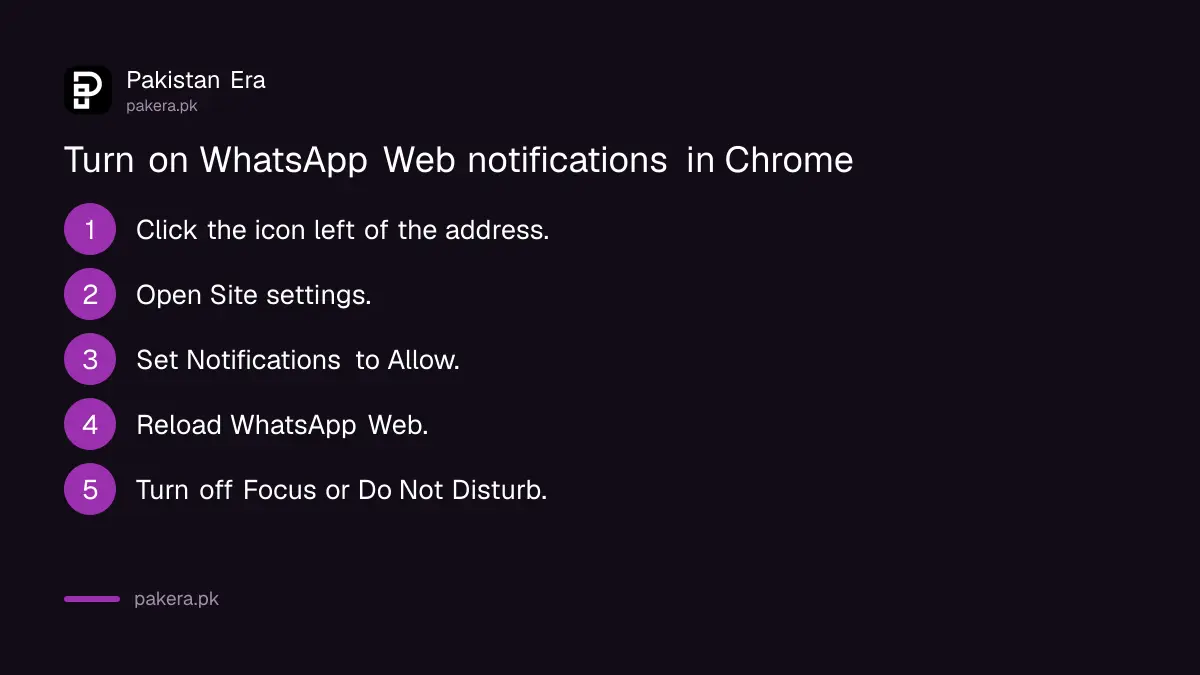
In Chrome, click the icon to the left of the web address, open Site settings, and set Notifications to Allow for web.whatsapp.com. Then reload. If your laptop has Windows Focus or Do Not Disturb on, desktop alerts will stay hidden too. If WhatsApp Web will not connect at all, the separate steps for WhatsApp not working cover that.
Do not install notification booster apps
Apps that promise to "fix WhatsApp notifications" or "boost" alerts are not from WhatsApp and are not needed. Every fix above is in your phone's own settings. Some of these apps ask for access to read all your notifications, which includes your bank and WhatsApp codes.
If you already installed one, remove it and check which apps can read your notifications. On most Android phones this sits under Settings, Apps, Special app access, Notification access. Remove any app there you do not trust. The guide to checking app permissions with Play Protect covers the wider clean-up, and our OTP scam guide explains why notification access matters.
Common questions
Why do I get WhatsApp messages only when I open the app?
Your phone is stopping WhatsApp in the background to save battery. Exclude WhatsApp from battery optimisation and make sure background data is on.
How do I stop Samsung from putting WhatsApp to sleep?
Go to Settings, Battery and device care, Battery, Background usage limits, Never sleeping apps, and add WhatsApp. This is the path WhatsApp gives for Samsung phones.
Why is there no sound for WhatsApp messages?
The notification tone may be set to Silent in WhatsApp's own settings, or the phone may be on silent or Do Not Disturb. Check WhatsApp Settings, Notifications, and the phone's sound mode.
Why am I not getting notifications from one WhatsApp group?
The group may be muted or archived. WhatsApp does not notify you about archived chats unless you are mentioned or replied to. You may also have been removed from the group.
Do WhatsApp notifications need Android 13 permission?
Yes. On Android 13 and later, WhatsApp needs notification permission in the app's settings. Without it, no alerts appear at all.
Sources and last checked
On 4 November 2026 we read WhatsApp's help pages Can't see or hear notifications and Can't send or receive messages. The battery cause, the Samsung and general paths, notification permission, background data, the tone, pop-up importance, archived chats and the WhatsApp Web steps come from those pages. WhatsApp lists paths for other brands that we could not read in full, so we give a general instruction for them. The Chrome steps and the notification access advice are our own.
About the author

Technology Journalist & Multimedia Producer
Ahmad Ali is a technology journalist and multimedia producer at Pakistan Era, joining the team in October 2026. He covers consumer technology and digital life for Pakistani readers, combining research with hands-on product testing.