Call Waiting Code for Jazz, Zong, Ufone and Telenor: Dial *43# to Turn It On
Call waiting code in Pakistan: dial *43# to turn it on, #43# off, *#43# to check, on Jazz, Zong, Ufone and Telenor, plus iPhone and Samsung steps and fixes.
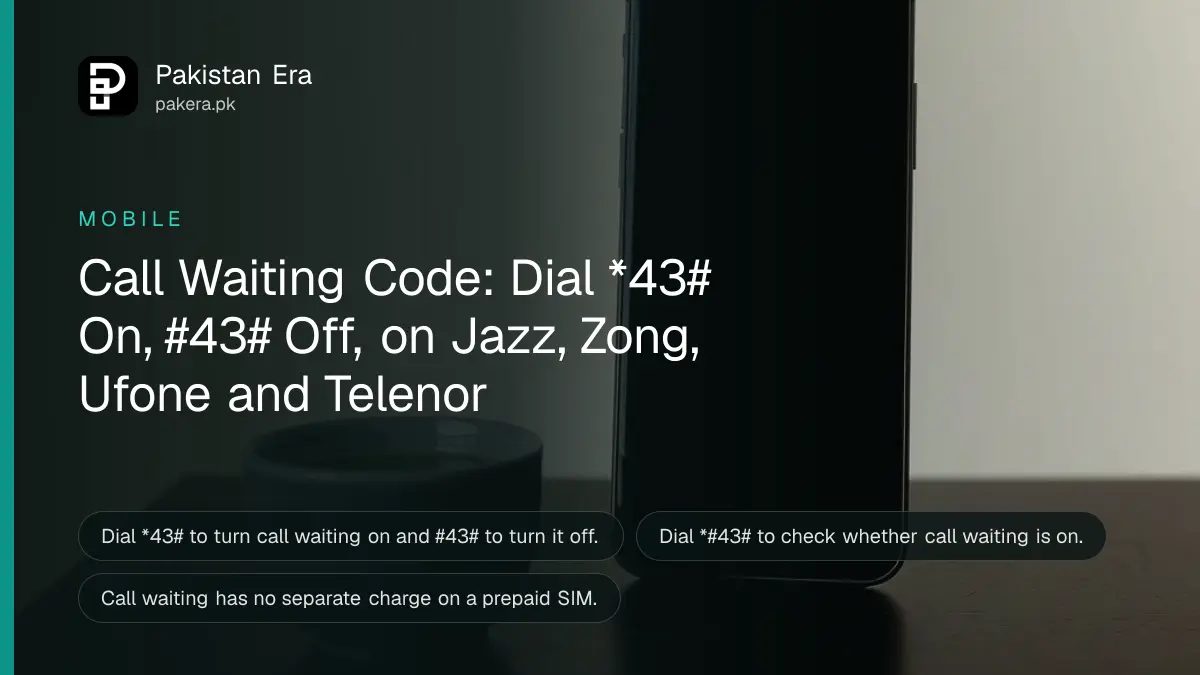
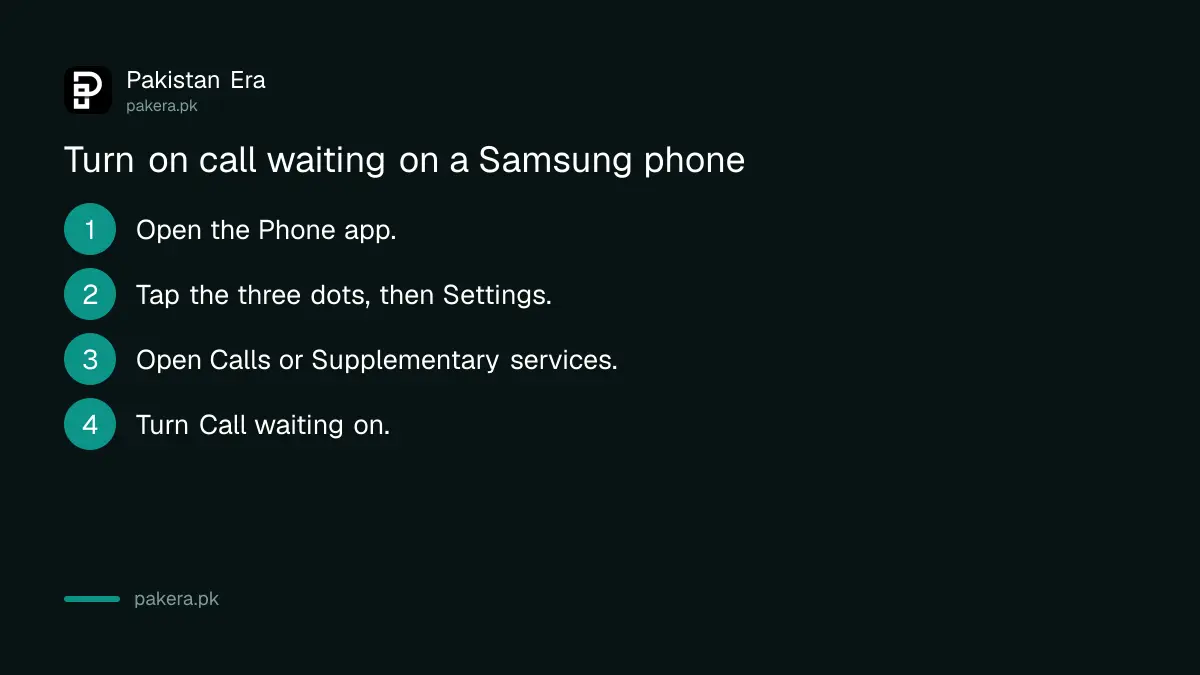
The call waiting code is *43# to turn it on, #43# to turn it off and *#43# to check it. Dial it from the SIM you want to change, on Jazz, Zong, Ufone or Telenor, and press call. You can also turn it on in your phone's settings: on iPhone go to Settings, Apps, Phone, Call Waiting; on a Samsung go to the Phone app, three dots, Settings, then Calls or Supplementary services.
Call waiting lets a second call reach you while you are already talking. You hear a soft beep and see the new caller on screen. Without it, the second caller hears that you are busy, or the call goes to your call forwarding number if you set one.
| What you want | Code to dial | Phone setting |
|---|---|---|
| Turn call waiting on | *43# | Call Waiting switch on |
| Turn call waiting off | #43# | Call Waiting switch off |
| Check if it is on | *#43# | Look at the switch |
| Cancel all call forwarding | ##002# | Call forwarding, turn off all |
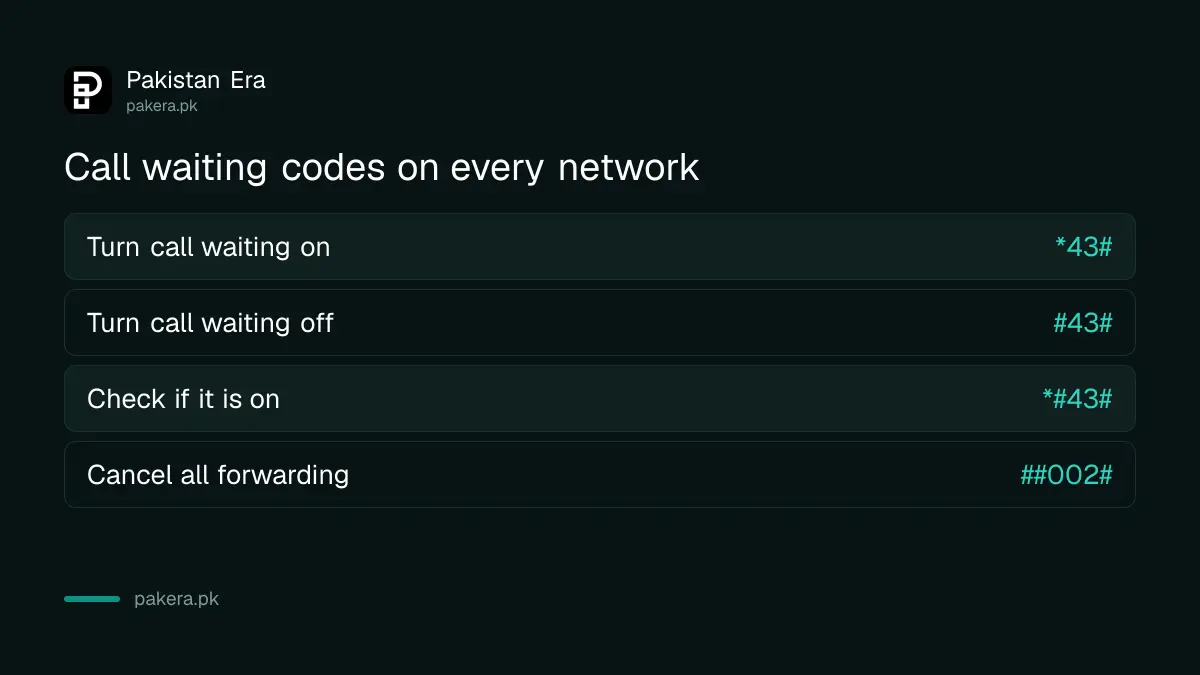
The call waiting code works the same on every network
Call waiting is a standard GSM service, so the code does not change between Jazz, Zong, Ufone and Telenor. The 3GPP standard gives call waiting the service code 43: a star turns it on, a hash turns it off, and star hash asks the network.
Jazz prints *43# and #43# in its own self-service code list. Zong, Ufone and Telenor sell no separate call waiting package, because the service is part of the basic line. There is no monthly fee for it on a prepaid SIM, and the codes are free to dial.
- Open the phone dialler, not a messaging app.
- On a dual SIM phone, choose the SIM you want to change.
- Type *43# and press call.
- Wait for the message on screen. It should say call waiting is activated or enabled.
- To check later, dial *#43#. To switch it off, dial #43#.
The reply comes from the network, not from your operator's SMS centre, so it shows as a pop up on screen and is not saved in your messages. If the pop up says "connection problem or invalid MMI code", the code did not reach the network. The fixes for that error are in the section on failures below.
How to turn on call waiting on iPhone and Android
Your phone has its own call waiting switch, which sends the same request to the network for you. Use it if you do not want to dial codes. On iPhone the switch sits under Settings, Apps, Phone, Call Waiting. On Samsung phones it sits in the Phone app settings.
On iPhone
- Open the Settings app.
- Tap Apps, then Phone.
- Tap Call Waiting and turn it on.
Apple notes that when call waiting is off, a second caller goes straight to voicemail. On a Dual SIM iPhone, call waiting works only for calls on the same line, unless the other line has Wi-Fi Calling on and a data connection.
On Samsung Galaxy
- Open the Phone app and tap the three dots at the top right.
- Tap Settings.
- Open the Calls section. On some models it is called Supplementary services.
- Turn Call waiting on.
On other Android phones, such as Infinix, Tecno, Xiaomi or Vivo, open the Phone app settings and look for Calling accounts, Call settings or Supplementary services. Choose the SIM first if you have two.
What to do when a second call comes in
When call waiting is on, you get a beep and a screen with choices. You can hold the first call and answer the new one, end the first call and answer, or decline the new call. Swapping between two calls is free; you pay only the normal rate for each call.
| Choice on screen | What happens |
|---|---|
| Hold and Accept | First caller waits on hold, you talk to the new caller |
| End and Accept | First call ends, the new call connects |
| Decline | New caller hears busy or goes to forwarding |
| Swap | Switch between the two calls |
| Merge | All three of you talk together |
Merging two calls is a conference call. On Jazz this has its own code, set out in the Jazz conference call code. While a call is on hold, the person on hold hears silence or a tone, and both calls keep counting minutes.
When call waiting does not work
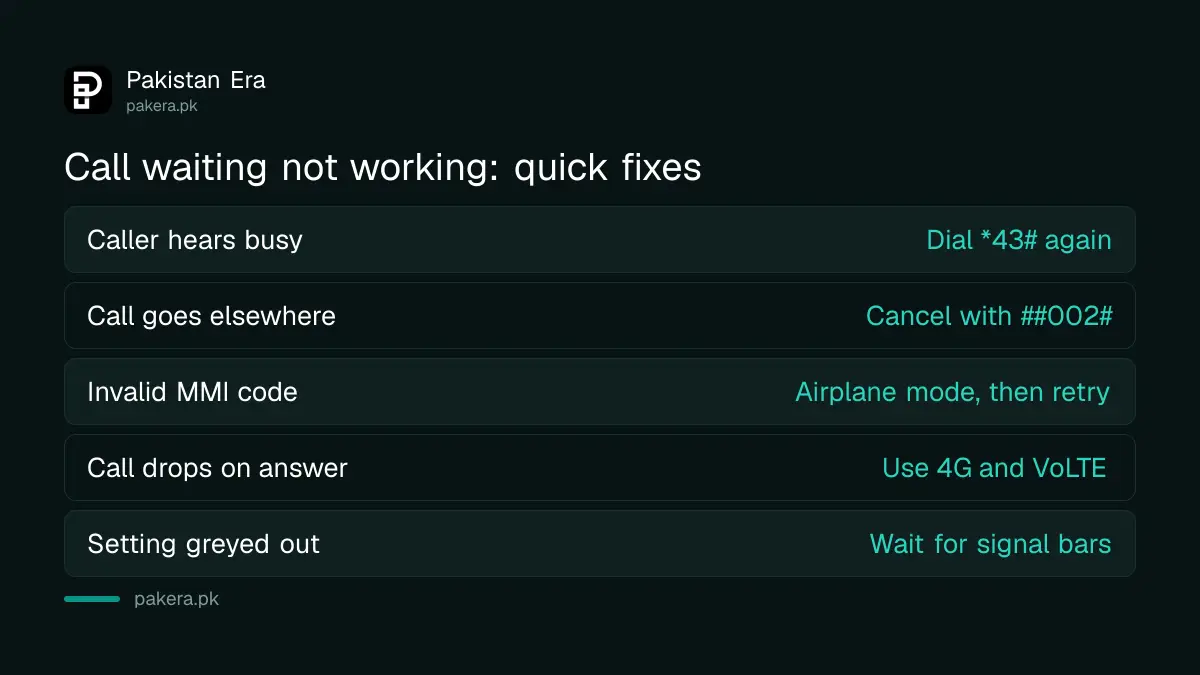
Most failures come from three things: call forwarding on busy is set, the phone is on 2G or 3G with an old SIM, or the code was dialled from the wrong SIM. Cancel forwarding with ##002#, switch the phone to 4G, then dial *43# again.
- Second caller hears busy every time. Dial *#43#. If it says call waiting is off, dial *43#.
- Second call goes to another number. Call forwarding on busy is set. Dial ##002# to cancel all forwarding, as explained in checking and cancelling call forwarding.
- "Connection problem or invalid MMI code". Turn airplane mode on for 10 seconds and off, check the SIM slot, and try the phone's setting instead of the code. Samsung's support team says to turn off Auto Blocker under Settings, Security and privacy if codes stop working.
- The beep comes but the call drops when you answer. This often happens on 3G or with a weak signal. A 4G SIM and VoLTE fix it, as set out in checking your SIM for 4G and VoLTE.
- The setting is greyed out. Put a working SIM in, wait for signal bars, then open the setting again.
If none of this works, call your helpline: 111 on Jazz prepaid, 310 on Zong, 333 on Ufone, or 345 on Telenor. Ask them to check whether call waiting is enabled on your line.
Turn call waiting off if you want callers to hear busy
Some people prefer no interruptions during an important call. Dial #43# and press call, or switch off the Call Waiting setting. The second caller then hears busy, and if you have missed call alerts, you get an SMS saying who called.
If you switch call waiting off, missed call alerts become more useful. Zong and Ufone charge a small daily fee for them, listed in the missed call alert codes. You can also leave call waiting on and simply decline calls you do not want.
Common questions
What is the call waiting code for Jazz?
Dial *43# to turn call waiting on and #43# to turn it off. Jazz lists both codes in its self-service code list. Dial *#43# to see whether it is on now.
What is the call waiting code for Zong, Ufone and Telenor?
The same: *43# on, #43# off, *#43# to check. Call waiting is a standard GSM service, so the codes do not change between networks.
Does call waiting cost money in Pakistan?
There is no separate charge for call waiting on a prepaid SIM, and the codes are free to dial. You pay the normal call rate for each call you talk on, including a call on hold.
Why does my phone say "invalid MMI code" when I dial *43#?
The request did not reach the network. Restart the phone or toggle airplane mode, make sure you picked the right SIM, and on Samsung turn off Auto Blocker. You can also use the Call Waiting switch in settings.
Can I use call waiting on WhatsApp calls?
WhatsApp handles its own calls. When a normal call comes in during a WhatsApp call, your phone shows it, and whether you can hold one depends on the phone. The *43# code controls only calls on your SIM.
Will the caller know I put them on hold?
They will hear silence or a tone while on hold. Their call keeps running and they keep paying for it, so do not leave them waiting long.
How we verified this
What we checked and where we read it.
We checked the call waiting service code (43) and the star, hash and star hash procedures in the 3GPP standard TS 22.030, version 17.0.0, on the ETSI publication of 3GPP TS 22.030, on 24 November 2026. The iPhone steps and the Dual SIM note are from Apple's iPhone User Guide, and the Samsung steps from Samsung's call waiting support page (last updated 11 June 2026), both read on 24 November 2026. The Auto Blocker advice is from a Samsung Customer Support reply on Samsung's own community forum. Jazz's codes are from its self-service dial codes list. Menu names on Android differ by brand and software version.
About the author

Technology Journalist & Multimedia Producer
Ahmad Ali is a technology journalist and multimedia producer at Pakistan Era, joining the team in October 2026. He covers consumer technology and digital life for Pakistani readers, combining research with hands-on product testing.