Change Your TikTok Username in Pakistan: Once Every 30 Days, Nickname Every 7 Days, and Why It Fails
Change your TikTok username once every 30 days and your nickname every 7 days. The steps, the 2 to 24 character rules, and five reasons TikTok refuses a name.
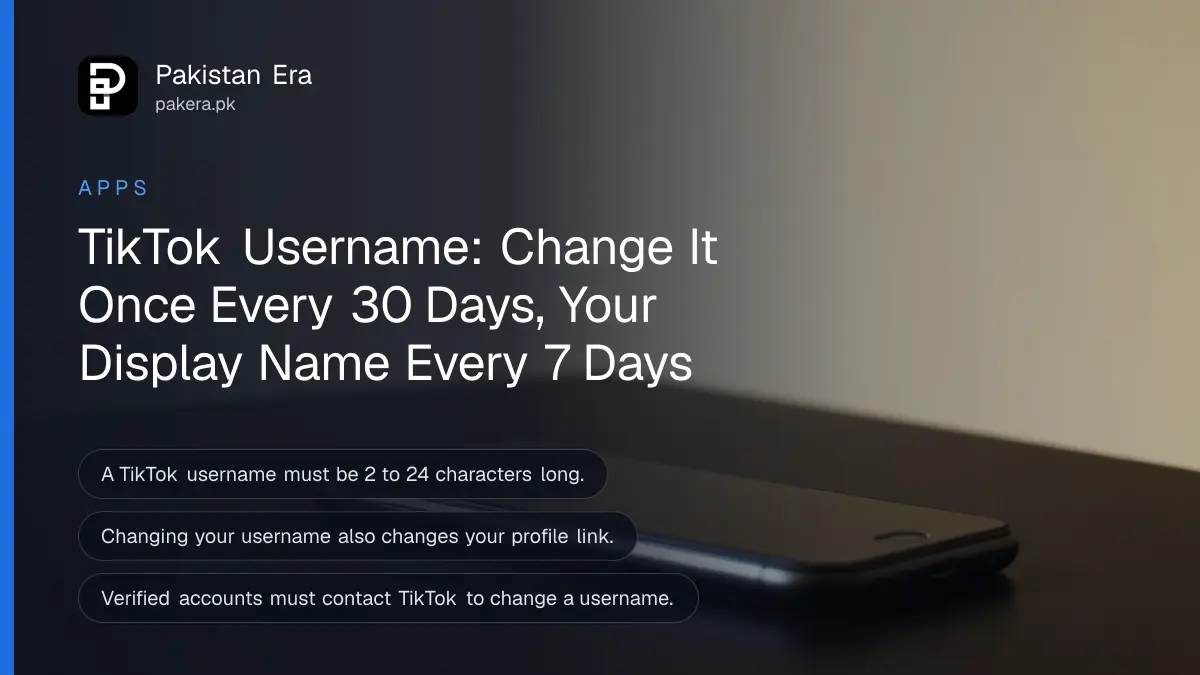
You can change your TikTok username once every 30 days and your TikTok name, which TikTok calls the nickname, once every 7 days. Both are in Profile, then Edit profile. A username must be 2 to 24 characters, using only letters, numbers, underscores and full stops, and it cannot end with a full stop.
Most people in Pakistan who search for this hit one of two walls: the app refuses the new name, or it says to wait. Both come from TikTok's own rules, which we read on TikTok's username help page and its nickname help page on 5 November 2026. Here they are in plain steps.
Username and nickname are two different things
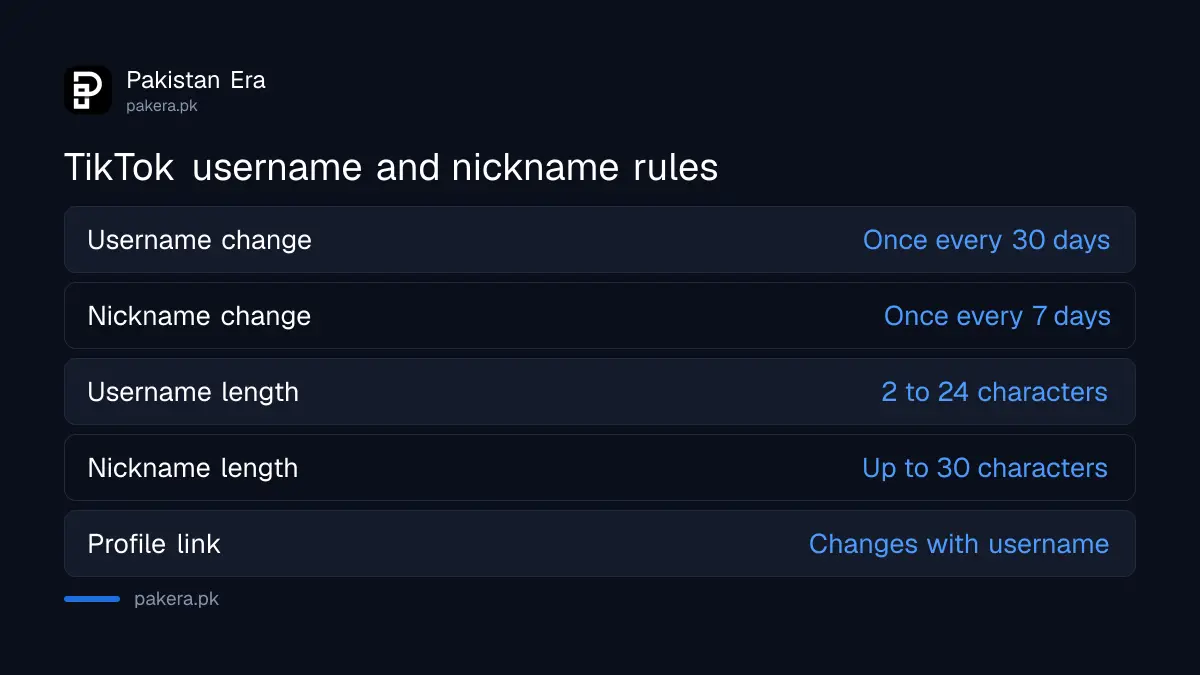
Your TikTok username is the @ tag, such as @ali_khan, and it makes up your profile link. Your nickname is the display name others see in the For You feed, comments and messages. You can change the nickname more often, and it does not change your link.
| Username | Nickname (Name) | |
|---|---|---|
| What it is | Your @ tag and profile link | The name shown on your account |
| How often you can change it | Once every 30 days | Once every 7 days |
| Length | 2 to 24 characters | Up to 30 characters |
| Allowed characters | Letters, numbers, underscores, full stops (not at the end) | Must follow TikTok's Community Guidelines |
| Changes your profile link | Yes | No |
If you only want people to see a different name, change the nickname. Keep the username if you have shared your profile link on business cards, Instagram or WhatsApp, because a new username breaks that link.
How to change your TikTok username
Open the TikTok app, tap Profile at the bottom, tap Edit profile, tap Username, type the new name and tap Save. TikTok says a new username also changes your profile link. If the name is not allowed, the app will not save it.
- In the TikTok app, tap Profile at the bottom.
- Tap Edit profile.
- Tap Username and enter the name you want.
- Tap Save.
After saving, the 30 day clock starts. You cannot change it again until it ends, so check spelling before you tap Save. A typo in a username costs a month.

How to change your TikTok nickname
Tap Profile, then Edit profile, then Name. Type a nickname of up to 30 characters and tap Save. TikTok lets you change it once every 7 days, and the name must follow its Community Guidelines.
- Tap Profile at the bottom of the app.
- Tap Edit profile.
- Tap Name.
- Enter your new nickname, up to 30 characters.
- Tap Save.
TikTok's nickname page sets only two rules: the 30 character limit and the Community Guidelines. It does not list the letter and number limits that apply to usernames. Your nickname is what most viewers read in the feed, so make it the name people know you by.
Why TikTok refuses a new username
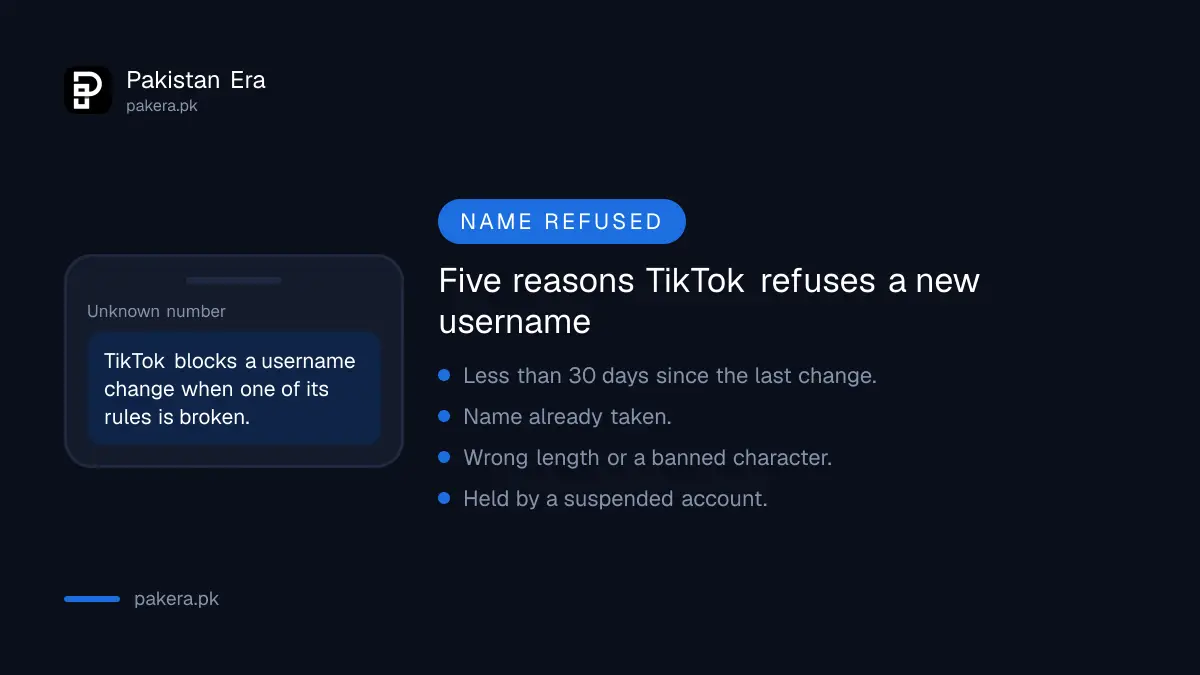
TikTok blocks a username change in five cases: the 30 days have not passed, the name is taken, the format is wrong, the name belonged to a suspended or deactivated account, or your account is blocked from updating its profile.
- Too soon: you changed it less than 30 days ago. Wait.
- Taken: someone already uses it. Add a number or an underscore.
- Wrong format: under 2 or over 24 characters, a space, a dash or other symbol, or a full stop at the end.
- Held by an old account: TikTok says a name claimed by a suspended or deactivated account may not be available immediately.
- Profile edits blocked: if TikTok has restricted your profile, you cannot change the username until that ends.
A restriction usually follows a guideline strike. Our guide to appealing a TikTok ban covers how to check your account status and appeal.
Things to know before you give up an old username
When you drop a username, TikTok says you cannot add it back to an account for a short period. Someone else may take it after that. Your old profile link also stops working, so anyone with it will not find you.
That matters for creators who earn from brands. A sponsor's link, a shop page or a QR code printed with your old @ tag will break. Update those first, then change the name.
Verified accounts follow a different route. TikTok says a verified account must contact TikTok to change its username, through the link on its help page, rather than change it in the app.
If someone else changed your username, your account may be in other hands. Do not wait 30 days. Follow our hacked TikTok account recovery guide straight away.
Name rules on other apps compared
TikTok's 30 day limit sits between the other big apps. Snapchat allows one username change a year. Changes on YouTube and Instagram follow their own rules, which we cover in separate guides.
See changing a Snapchat username, changing a YouTube name and handle and changing an Instagram username.
Common questions
How many times can I change my TikTok username?
Once every 30 days, TikTok says. There is no yearly limit on its help page.
How often can I change my TikTok name?
The display name, which TikTok calls the nickname, can be changed once every 7 days, up to 30 characters.
Why can't I change my TikTok username?
Most often the 30 days have not passed, the name is taken, or it breaks the format rules. A profile restriction also blocks it.
Can a TikTok username have spaces?
No. TikTok allows only letters, numbers, underscores and full stops, and a full stop cannot come last.
Does changing my username lose my followers?
TikTok's page does not say followers are lost. It says your profile link changes, so old links stop pointing to you.
Can I get my old TikTok username back?
Not straight away. TikTok says a username you give up cannot be added to an account for a short period, and someone else may claim it.
How we verified this
What we checked, where we read it, and what we could not confirm.
We read TikTok's help pages on changing a username and changing a nickname on 5 November 2026. The limits, steps and rules above come from those pages. TikTok does not say how long a dropped username stays locked. We did not change a username for this guide, and the app screens may differ slightly between Android and iPhone.
About the author

Senior Writer, Public Services and Technology
Shahid joined us in 2024 as an author. He is a senior contributor to Pakistan's leading technology websites. He writes detailed articles, mostly covering his expertise in the latest tech, mobiles, apps, gadgets, and step-by-step guides. His ideology is to help people understand the latest trends and explain complex methods through very easy-to-understand guides.