YouTube Channel Name and Handle Change in Pakistan: Phone and Computer Steps, the 14 Day Limit and Fixes
Change your YouTube channel name or @handle from the app or YouTube Studio. Each is allowed twice in 14 days, and a new name removes the verification badge.
To change your YouTube channel name or handle in Pakistan, open YouTube Studio on a computer, go to Customization, then Profile, type the new name or @handle and click Publish. On a phone, tap your profile picture, View channel, then the Edit pencil. YouTube allows each change only twice in any 14-day period, and a new name removes a verification badge.
That last rule catches people out. Below are the steps for the YouTube app, the YouTube Studio app and a computer, the handle rules, what happens to your old links, and the fixes when the Save button will not work. We read YouTube's own help pages on 28 October 2026.
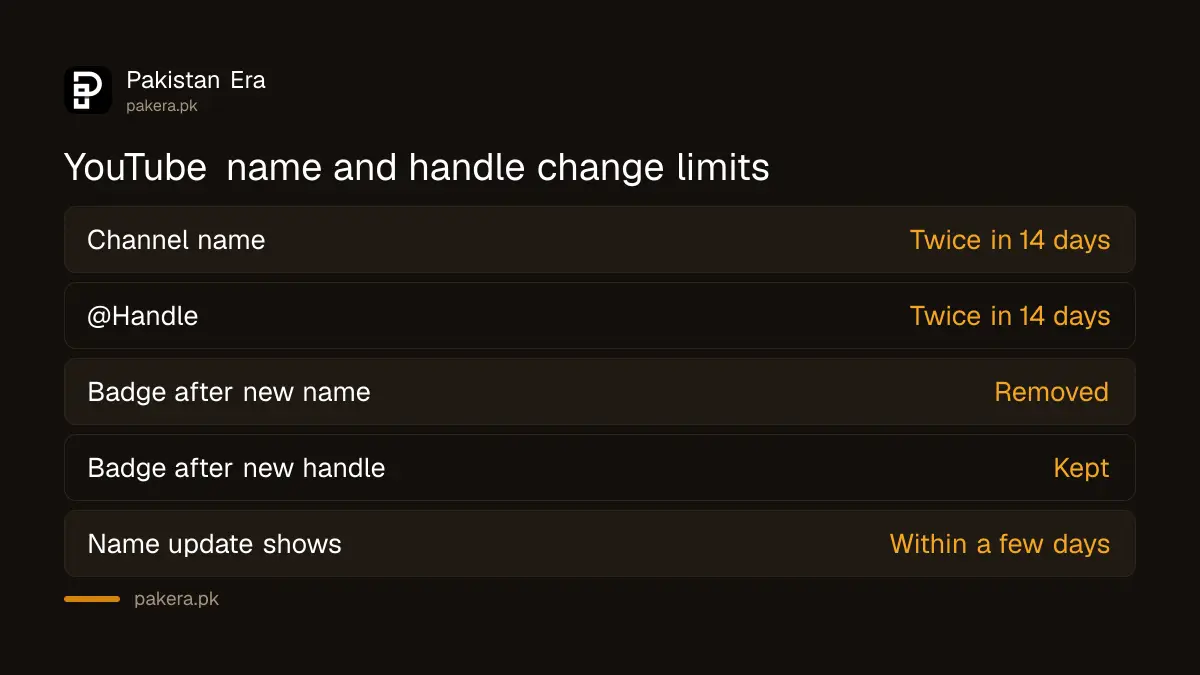
YouTube lets you change the name and handle twice in 14 days
Your channel name and your @handle are two separate things, and each can be changed twice within a 14-day period. The name is what people see on your channel page. The handle is your unique @address, which also becomes your channel link.
| What you change | Limit | Verification badge | Where it shows |
|---|---|---|---|
| Channel name | Twice in 14 days | Removed, you must apply again | Channel page, videos, search |
| @Handle | Twice in 14 days | Kept | Comments, mentions, Live Chat, Shorts, channel URL |
| Description | No limit stated | Not affected | Channel header |
| Profile picture | No limit stated | Not affected | YouTube only |
YouTube says a new name can take a few days to update everywhere on the site. So if a friend still sees the old name the next morning, wait before changing it again. Burning your second change on a display delay is a common mistake.
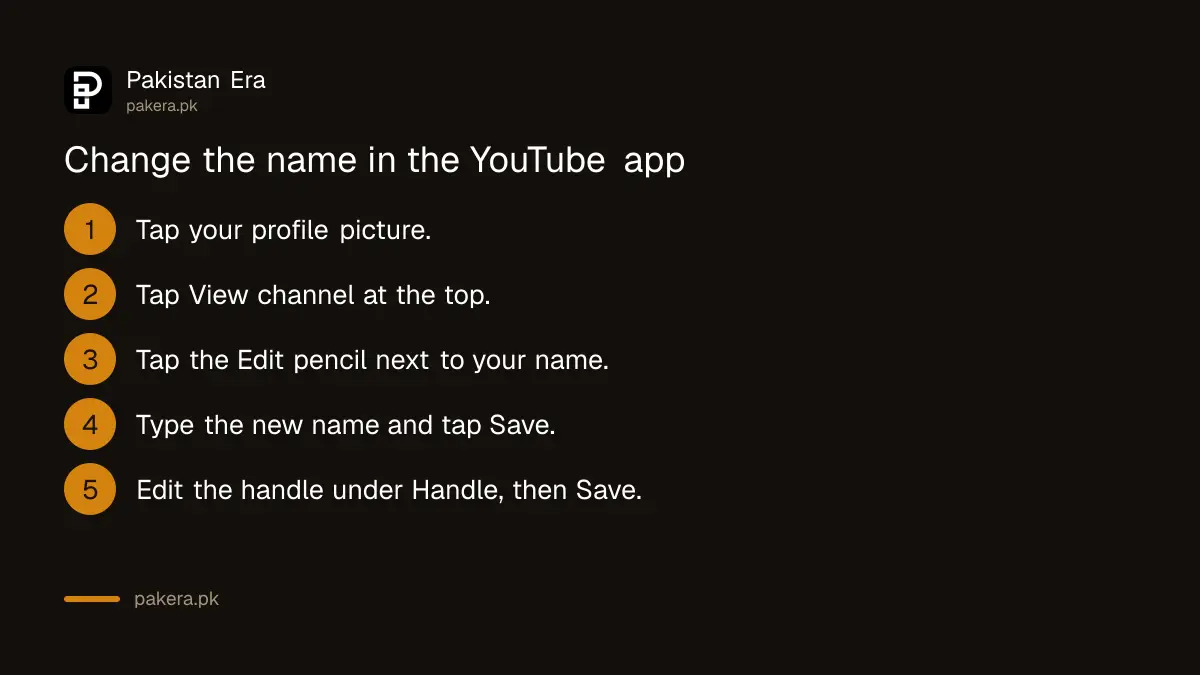
Change the channel name from a phone in 3 taps
In the YouTube app on Android or iPhone, tap your profile picture, tap View channel at the top, then tap the Edit pencil next to your name. Type the new channel name and tap Save. The YouTube Studio app works the same way.
- Open the YouTube app and sign in to the account that owns the channel.
- Tap your profile picture, then View channel at the top.
- Tap the Edit pencil next to your name.
- Type the new channel name and tap Save.
- For the handle, tap Edit again, find the Handle section and tap the pencil to its right.
- Type the new handle. If it is taken, YouTube suggests a similar one.
- Tap Save to confirm.
In the YouTube Studio app, the path is shorter: tap your profile picture, tap the Edit pencil, then edit the name or the handle and tap Save. Either app is fine. Use whichever you already have installed.
Change the channel name and handle on a computer in YouTube Studio
On a laptop or desktop, sign in to YouTube Studio, choose Customization in the left menu, then Profile. Edit the name, handle or description in their boxes and click Publish. Nothing changes until you click Publish, so check the spelling first.
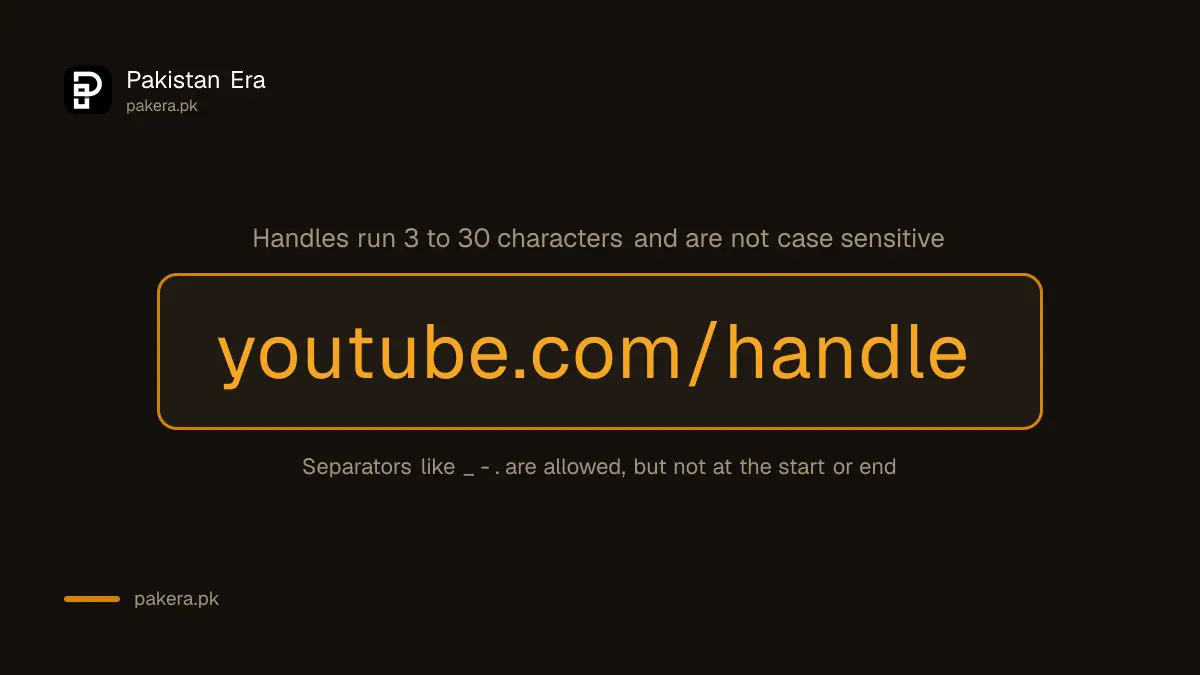
YouTube also has a direct page for the handle at youtube.com/handle. It opens the same handle box without the menus. That shortcut is handy if you only want a new @address and do not want to touch the name.
If you run a monetised channel or work with sponsors, tell them before you switch. Brand deals often quote your handle in contracts and invoices.
A new handle must be 3 to 30 characters and not already taken
YouTube's handle rules say a handle must be 3 to 30 characters long, use letters or numbers from one of 75 supported languages, and not look like a web address or phone number. Handles are not case sensitive, and every channel has one handle.
- Allowed marks: underscores (_), hyphens (-), full stops (.) and Latin middle dots (·), but not at the start or end.
- Urdu script: Urdu is not named in the handle summary we read, so test it in the box before you plan a launch around it.
- Not allowed: anything that looks like a URL or a phone number, such as a mobile number starting 03.
- Taken handles: YouTube suggests a close alternative, often with a number added.
The handle also becomes your new channel URL. YouTube says legacy custom URLs you already had keep working. Old @handle links are a different matter: YouTube's page does not say how long an old handle stays reserved, so update the link in your Instagram bio, WhatsApp channel and business cards the same day.
A new name removes the grey verification tick, a new handle does not
YouTube says changing your channel name removes the verification badge, and you must apply again. Changing only the handle keeps the badge. If your channel is verified, change the handle freely but think hard before renaming.
Re-applying needs 100,000 subscribers, 2-Step Verification on the Google account, and a complete public channel. For a growing Pakistani channel near that line, the badge is worth more than a slightly better name.
Separately, a new name does not reset strikes, claims or monetisation status. A channel with a copyright strike keeps it under the new name.
When the name will not change, delete translations or wait out the limit
If the Save or Publish button fails, the usual causes are the twice-in-14-days limit, a name that breaks YouTube's Community Guidelines, or saved channel name translations. YouTube says to delete any channel name translations before you update the name.
- Limit reached: count back 14 days from your first change. Wait until the window clears.
- Translations: if you ever added your channel name in other languages, remove those translated names first, then try again.
- Channel set up by someone else: if an agency or relative created the channel, they may hold the owner role. Ask them to make the change.
- Old name still showing: YouTube says it can take a few days. Clear the app cache or check in a private browser window.
If the channel was taken over and somebody else changed the name, that is a security problem, not a settings one. Follow the steps to recover a hacked YouTube channel before you touch the name.
Common questions
How many times can I change my YouTube channel name?
Twice within any 14-day period. The handle has its own separate limit of twice in 14 days.
Will changing my channel name lose subscribers or views?
No. Your subscribers, videos, views and comments stay with the channel. Only the displayed name changes.
Does changing my handle change my channel link?
Yes. The new handle becomes your channel URL. YouTube says legacy custom URLs keep working, but update old @handle links everywhere you shared them.
Will I lose the verification badge if I change my handle?
No. YouTube says a handle change keeps the badge. A channel name change removes it.
Can I use my phone number as a YouTube handle?
No. YouTube does not allow handles that look like a phone number or a web address.
Why does my old channel name still appear?
YouTube says a new name can take a few days to update across the site. Wait before trying again, or you may use up your second change.
How we verified this
What we checked, where we read it, and what we could not confirm.
Last checked 28 October 2026. We read YouTube's help pages on changing your channel name and picture (computer and Android steps, twice in 14 days, badge removal, translations), YouTube handles (3 to 30 characters, separators, URL behaviour) and the verification badge page (handle changes keep the badge). We did not change a channel name ourselves. YouTube does not say how long an old handle stays reserved after a change, and we could not confirm whether Urdu script handles are accepted, so test before relying on either.
About the author

Technology Journalist & Multimedia Producer
Ahmad Ali is a technology journalist and multimedia producer at Pakistan Era, joining the team in October 2026. He covers consumer technology and digital life for Pakistani readers, combining research with hands-on product testing.