Snapchat My Eyes Only Forgot Passcode in Pakistan: Reset It in 8 Steps, and What You Lose
Forgot your Snapchat My Eyes Only passcode in Pakistan? Reset it in 8 steps with your account password, but the old Snaps are deleted and Support cannot help.
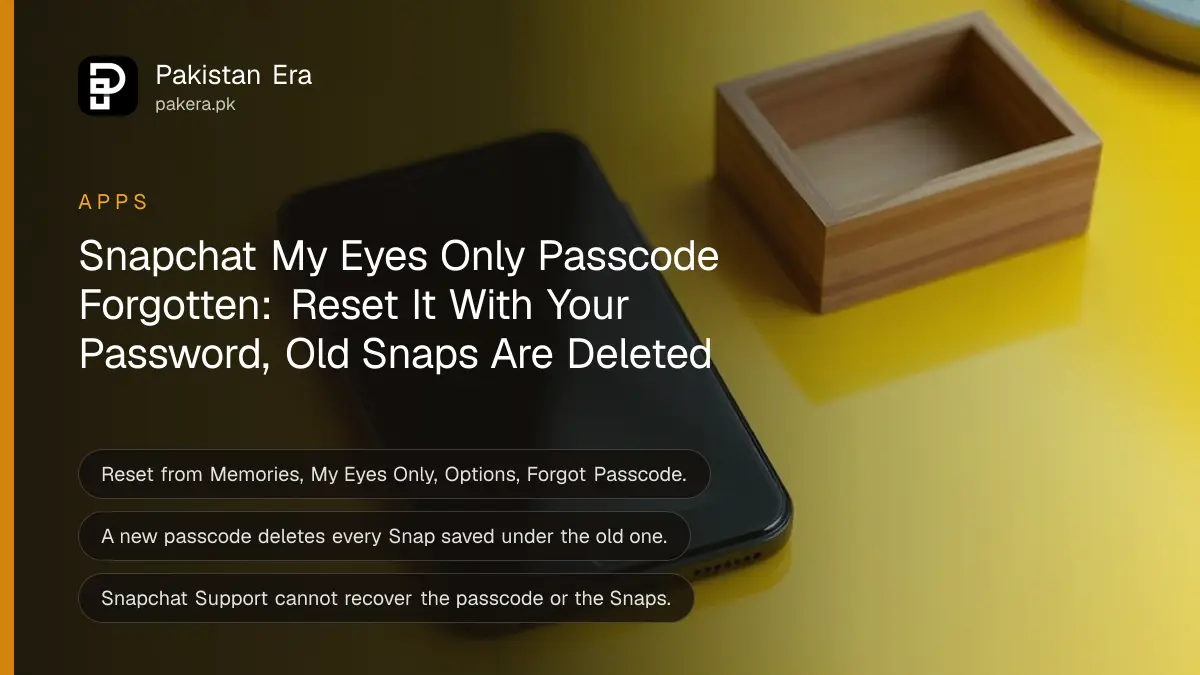
Forgot your Snapchat My Eyes Only passcode? Open Memories, swipe to My Eyes Only, tap Options, then Forgot Passcode, and enter your Snapchat account password. You can then set a new passcode, but Snapchat deletes every Snap saved under the old one. Snapchat Support cannot recover the passcode or those Snaps.
That is the hard truth, and it is worth reading twice before you tap Continue. A reset gives you an empty My Eyes Only folder with a new passcode. If the private Snaps matter, spend time trying to remember the old passcode first.
No app, website or person in Pakistan can unlock My Eyes Only for you. Anyone selling a "recovery" service is after your Snapchat password, not your photos.
Reset the My Eyes Only passcode in 8 steps
Snapchat lets you create a new My Eyes Only passcode from the Memories screen, as long as you know your Snapchat account password. The reset takes under a minute. It deletes all Snaps saved in My Eyes Only with the old passcode.
- Swipe up from the Camera screen to open Memories.
- Swipe left until you reach My Eyes Only.
- Tap Options.
- Tap Forgot Passcode.
- Enter your Snapchat account password and tap Next.
- Read the warning that a new passcode deletes all Snaps in My Eyes Only, then tap Continue.
- Create a new passcode and enter it a second time.
- Confirm, accept that Snapchat cannot recover this passcode either, and tap Finish.
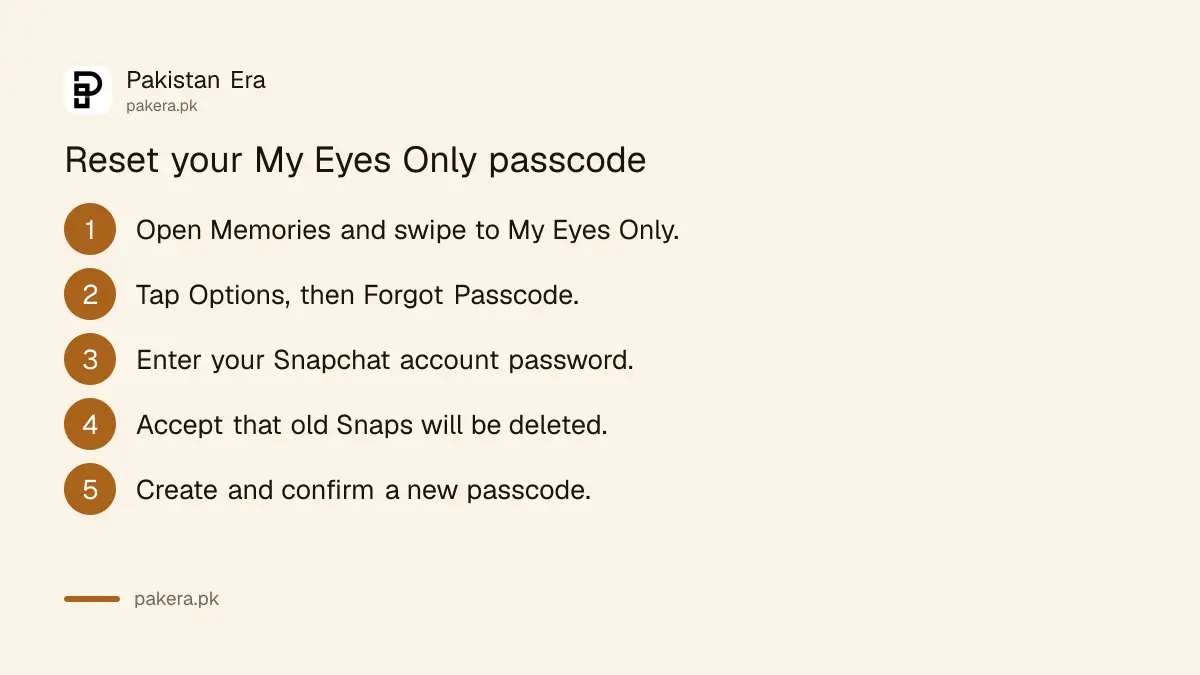
Step 5 needs your Snapchat login password, not the My Eyes Only passcode. If you have forgotten that too, reset the account password first, and a forgotten Snapchat password can be reset by email or SMS.
Resetting deletes every Snap in My Eyes Only
My Eyes Only adds an extra lock on private Snaps. Because of that lock, Snapchat says that resetting a forgotten passcode deletes the Snaps saved with the old one. To protect your privacy, Snapchat Support cannot recover forgotten passcodes or the deleted Snaps.
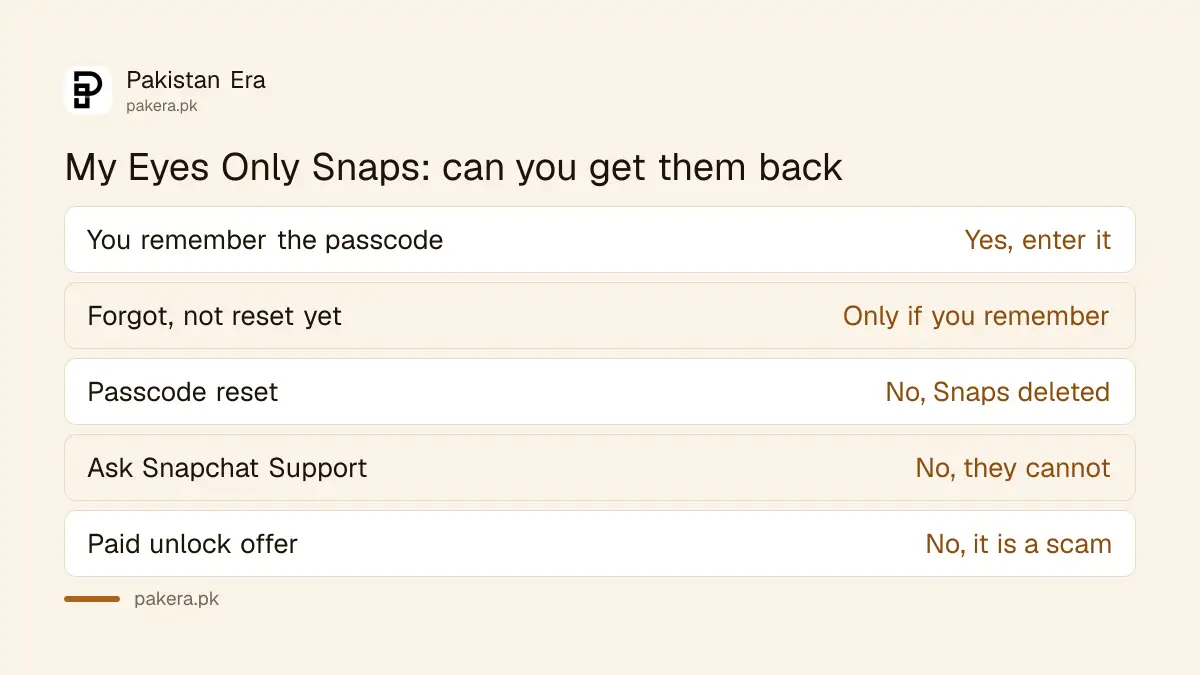
| Situation | Can you get the Snaps back? |
|---|---|
| You remember the passcode | Yes, just enter it |
| You forgot it and have not reset | Only if you remember it later |
| You reset the passcode | No, the old Snaps are deleted |
| You ask Snapchat Support | No, Support cannot recover them |
| Someone offers to unlock it for money | No, it is a scam |
So before you reset, try the passcodes you use elsewhere: your phone PIN, an old PIN, a birthday, or the last four digits of a number. My Eyes Only uses a 4-digit passcode by default, unless you chose a longer passphrase when you set it up.
Try to remember before you reset
The old Snaps exist only behind the old passcode. Nothing deletes them until you reset. So take your time, write down every 4-digit code or phrase you might have used, and try each one calmly before you accept the reset.
- Did you set it up on another phone? Ask yourself which PIN you used on that phone at the time.
- Did you pick a passphrase instead of 4 digits? Snapchat allows letters too, through Use Passphrase.
- Did someone else help you set it up? They may remember.
- Do you have the photos anywhere else, like your phone gallery or a chat? Check there first.
If those Snaps include anything another person could misuse, protect the rest of the account at the same time. Snapchat's privacy settings control who can contact you and see your Stories.
Set up My Eyes Only again, and keep the new passcode safe
After the reset, My Eyes Only works as before, empty. To move Snaps back in, open Memories, tap the selector icon, choose the Snaps, then Hide Snaps (My Eyes Only) and Move. Only photos and videos shorter than 10 seconds can go into My Eyes Only.
- Swipe up from the Camera screen to open Memories.
- Tap the selector icon at the top.
- Select the Snaps or Stories you want to hide.
- Tap Hide Snaps (My Eyes Only), then Move.
- Enter your new passcode if asked.
On a first-time setup, you press and hold a Snap in Memories and tap Hide (on iPhone, More, then Hide Snap), then choose Quick Setup and a passcode. If 4 digits feel too easy to forget, tap Use Passphrase on the Create New Passcode screen and use a short phrase you will remember.
Keep the new passcode somewhere safe offline, such as a written note at home. Do not save it in a chat or in your phone's notes app next to the Snaps it protects.
Back up Memories before you change phones
Snapchat says to make sure your Memories are fully backed up before you log out, log in on another device, or uninstall Snapchat. My Eyes Only lives inside Memories, so the same rule applies.
On iPhone you can also make new Snaps go straight into My Eyes Only: Settings in My Account, then Memories, then turn on Save to My Eyes Only by Default.
If someone else got into your account and changed things, the passcode is the least of the problem. A hacked Snapchat account needs the account secured first, then My Eyes Only.
Common questions
Can Snapchat Support recover my My Eyes Only passcode?
No. Snapchat says Support cannot recover forgotten My Eyes Only passcodes or the Snaps deleted after a reset.
What happens to my Snaps when I reset the passcode?
All Snaps saved in My Eyes Only with the old passcode are deleted. Your other Memories stay.
Do I need my Snapchat password to reset My Eyes Only?
Yes. Snapchat asks for your account password before it lets you create a new passcode.
Can I use letters instead of a 4-digit passcode?
Yes. Tap Use Passphrase on the Create New Passcode screen to set an alphanumeric passphrase.
Which Snaps can go into My Eyes Only?
Photo Snaps, and video Snaps shorter than 10 seconds. You can also move photos from your camera roll.
How we verified this
What we checked and where we read it.
Last checked 15 November 2026. Reset steps and the deletion rule come from Snapchat Support: I forgot my My Eyes Only passcode. How do I reset it? Setup, Use Passphrase, moving Snaps, the 10 second limit and the backup advice come from How does My Eyes Only work?
About the author

Technology Journalist & Multimedia Producer
Ahmad Ali is a technology journalist and multimedia producer at Pakistan Era, joining the team in October 2026. He covers consumer technology and digital life for Pakistani readers, combining research with hands-on product testing.