Snapchat Privacy Settings in Pakistan: Who Can Contact Me, View My Story, Activity Indicator and 5 More
Stop strangers on Snapchat: set Contact Me to Friends, then check View My Story, Find Friends, Activity Indicator and 4 more settings. Plus the group chat gap.
To stop strangers on Snapchat, open your Profile, tap the gear icon, scroll to App & Privacy (Privacy Controls on some phones) and set Contact Me to Friends. Then check View My Story, Find Friends, Activity Indicator and Snap Map on the same screen. One catch: people in a group chat with you can still message you there.
A familiar story: a stranger adds you, then sends Snaps at midnight. The settings below close that door. We read Snapchat Support's privacy settings article and its Contact Me article on 31 October 2026, and they do not fully agree, which we explain below.
Snapchat has eight privacy settings worth checking
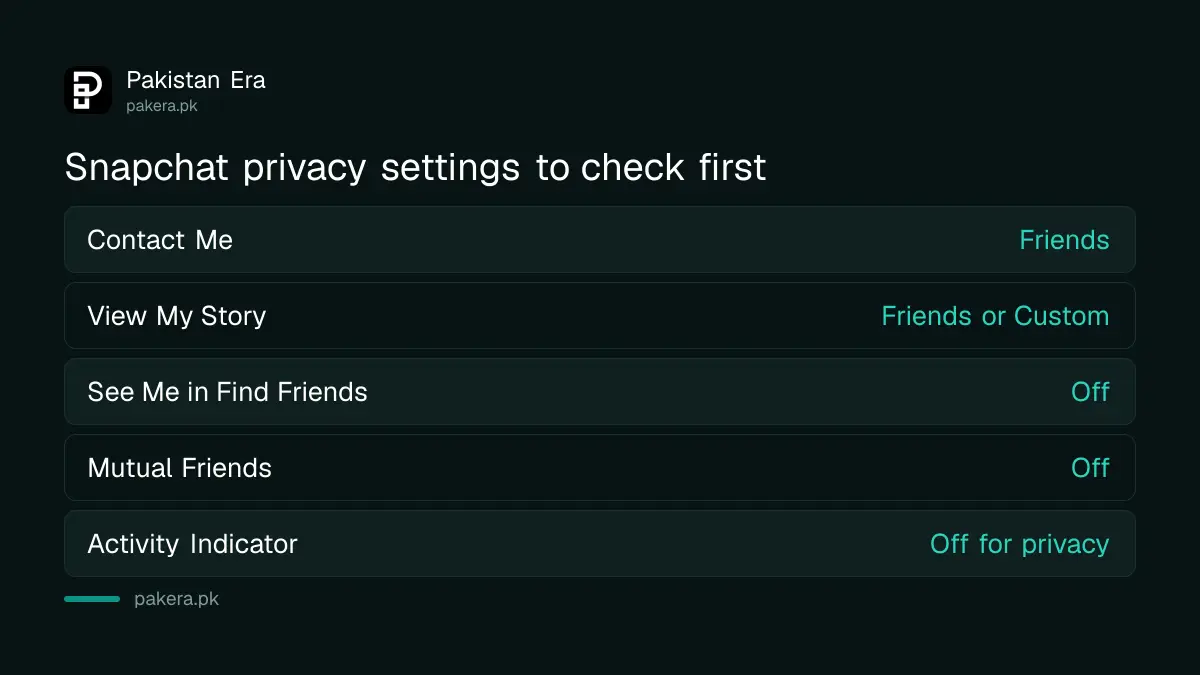
All eight sit in one place: Profile, gear icon, App & Privacy. They control who can contact you, who sees your Story and location, who finds you, and whether friends see that you were recently active. Each takes a few seconds to change.
| Setting | What it controls | Safer choice |
|---|---|---|
| Contact Me | Who can send Snaps, Chats and calls | Friends |
| View My Story | Who sees your Story | Friends, or Custom to block some |
| See My Location | Who sees you on Snap Map | Only friends you pick |
| See Me in Find Friends | Whether you are suggested to others | Off |
| Use My Bitmoji | Who can use your Bitmoji avatar | The narrowest option shown |
| Mutual Friends | Whether your mutual friends list shows | Off |
| Generate with My Selfie | Who can make AI images with your selfie | The narrowest option shown |
| Activity Indicator | Whether friends see you were recently active | Off if you want privacy |
The "safer choice" column is our recommendation, not Snapchat's wording. Exact option labels can differ by app version, so pick the closest one your screen shows.
Set Contact Me to Friends in 5 steps
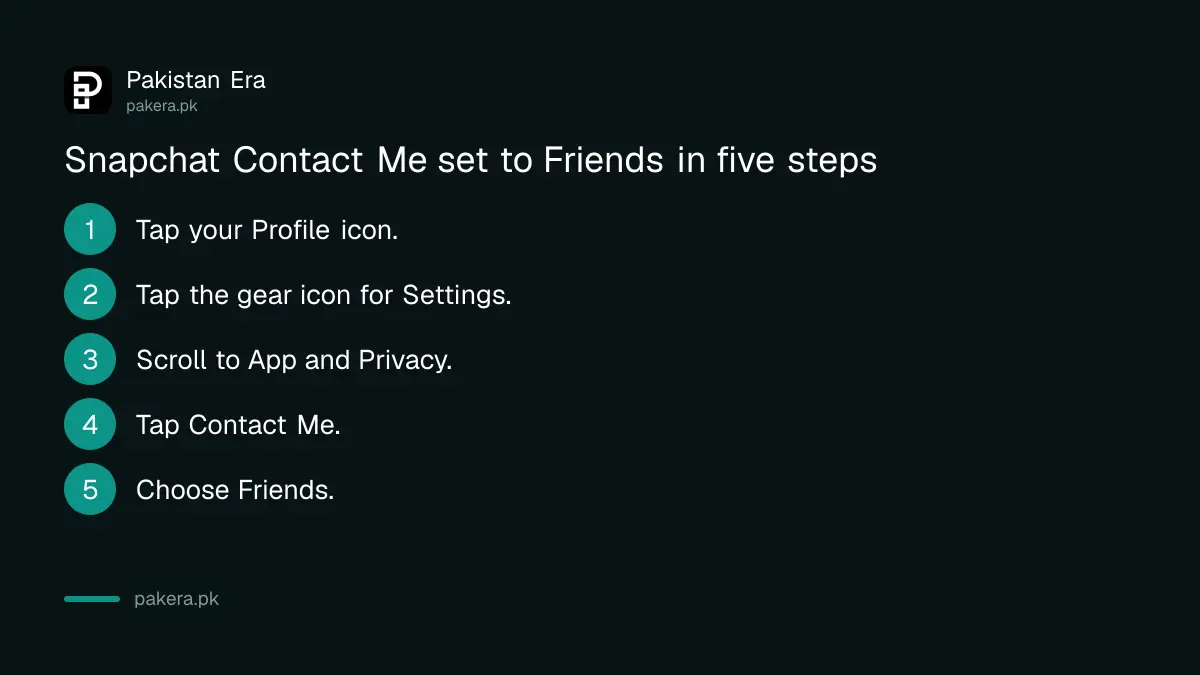
Tap your Profile icon, then the gear icon, scroll to App & Privacy and tap Contact Me. Choose Friends, so only people you have added can send you Snaps, Chats or calls. Friends and Contacts also lets in people saved in your phone book.
- Tap your Profile icon at the top left.
- Tap the gear icon to open Settings.
- Scroll to App & Privacy.
- Tap Contact Me.
- Choose Friends, or Friends and Contacts.
Snapchat's Contact Me article says Friends is the default. With it on, Snaps from people you have not added stay hidden until you add them.
Snapchat's two help pages disagree on the Everyone option
The Contact Me article says Everyone is no longer available, except for Creator and business accounts. The general privacy settings article still describes Everyone as a choice. So a personal account will usually see only Friends, or Friends and Contacts.
That matters in practice. If someone you never added keeps reaching you, check two things. Are they in a group chat with you? Or is your account a public Creator profile, where wider contact is allowed? The privacy settings article confirms the group exception: members of a group can still talk to you inside that group, even with Contact Me on Friends.
The fix for a group is simple. Leave the group, or block the person. Blocking works whatever your Contact Me setting says.
Story, Find Friends and location need their own settings
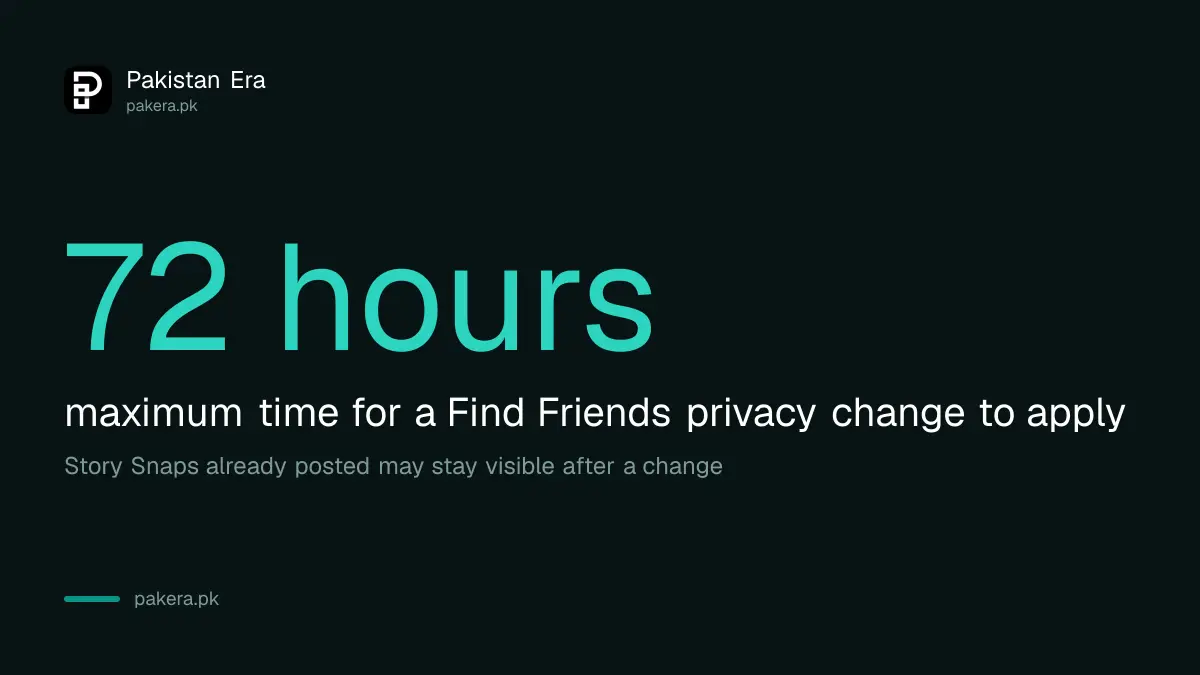
View My Story has a Custom option to hide your Story from named friends. See Me in Find Friends controls whether Snapchat suggests you to others, and a change can take up to 72 hours. Snap Map location is a separate switch again.
Three details from Snapchat's page are worth knowing before you change anything:
- Snaps already on your Story may stay visible after you tighten the setting. Delete a Story Snap if it must go now.
- The Find Friends change is not instant. Snapchat says up to 72 hours.
- Notifications are separate. You can limit alerts to Snaps from friends in your phone's own notification settings.
For location, the full set of choices is covered under hiding your Snapchat location from friends. Parents setting up a child's phone should also use Snapchat Family Center.
Turn off the Activity Indicator to hide when you were last online
The Activity Indicator lets other Snapchatters see whether you were recently active. Switch it off in App & Privacy if you do not want friends to know you were on the app. Snapchat describes it as an on or off choice.
This is the closest Snapchat comes to WhatsApp's last seen. It is worth turning off if family members check when you were online. It does not stop anyone messaging you.
When settings are not enough: block, report and escalate
If someone harasses or threatens you, press and hold their content or name and tap Report, then block them. Settings stop new contact, but a report puts the account in front of Snapchat's safety team.
Do not delete the chat before you have screenshots. If the messages include threats or blackmail, report it in Pakistan as well. The steps to report online blackmail in Pakistan list who to contact, and an account that someone has already taken over needs the steps to recover a hacked Snapchat account first.
Common questions
How do I stop strangers adding me on Snapchat?
Set Contact Me to Friends and turn off See Me in Find Friends. Anything a non-friend sends then stays hidden until you add them.
Why can someone I did not add still message me?
Usually because you share a group chat. Snapchat lets group members talk to you inside that group whatever your Contact Me setting.
Is the Everyone option gone on Snapchat?
For personal accounts, mostly yes. Snapchat's Contact Me article says Everyone is no longer available except for Creator and business accounts.
How long does a Find Friends change take?
Up to 72 hours, according to Snapchat.
Can I hide my Story from one friend?
Yes. Use the Custom option under View My Story and pick the friends to block.
Does turning off the Activity Indicator hide me completely?
No. It only hides whether you were recently active. People can still send you Snaps if your Contact Me setting allows them.
How we verified this
What we checked, where we read it, and what we could not confirm.
Last checked 31 October 2026. We read Snapchat Support's "How do I change my privacy settings on Snapchat?" and "Who can contact me on Snapchat?" on help.snapchat.com on 31 October 2026. The two articles disagree on whether Everyone is still offered, and we report both. The "safer choice" column is our own advice. We did not test each setting on a handset, and labels vary by app version.
About the author

Technology Journalist & Multimedia Producer
Ahmad Ali is a technology journalist and multimedia producer at Pakistan Era, joining the team in October 2026. He covers consumer technology and digital life for Pakistani readers, combining research with hands-on product testing.