How to Hide Your Snapchat Location From Friends in Pakistan: Snap Map Settings
Choose who sees your Snap Map location in Pakistan: My Friends Except, Only These Friends or Ghost Mode, with the exact Snapchat steps and the Snaps caveat.
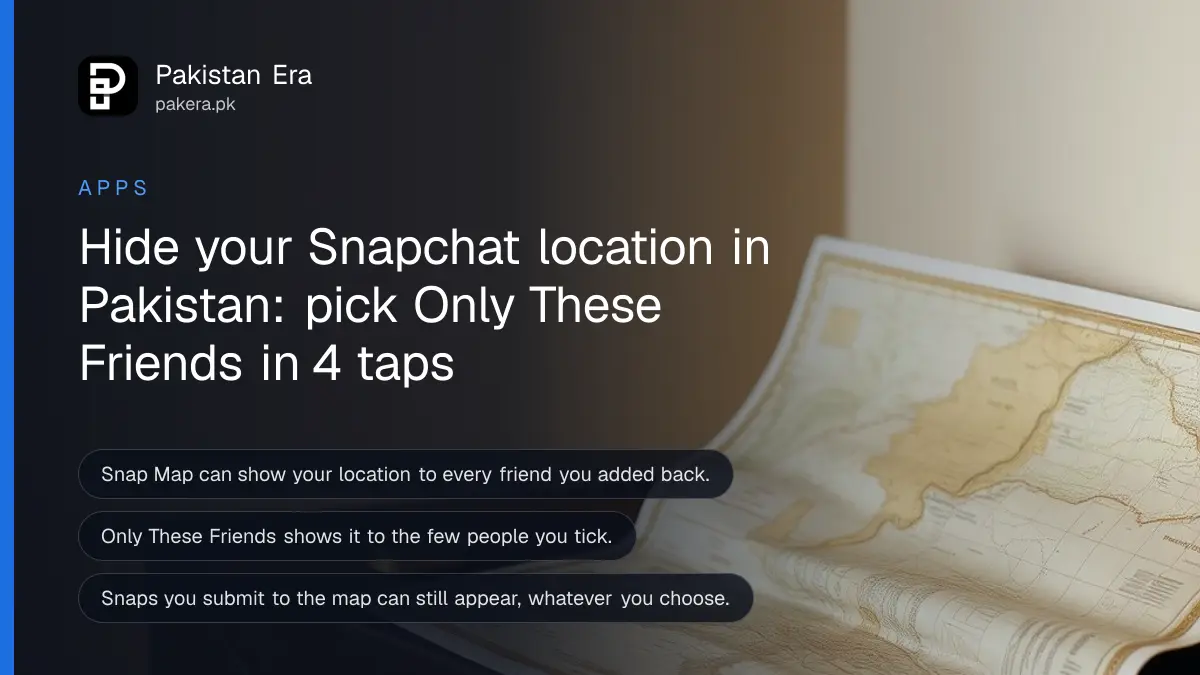
Short answer: Open Snapchat, go to My Account, tap the gear, then My Privacy & Data, Who Can See, See My Location. Pick My Friends Except, Only These Friends or Ghost Mode. Do this today, because Snapchat may show your location to every friend you have added back.
A girl in Lahore posts a Snap from a cousin's wedding. Ten minutes later, a classmate she barely knows sees a small avatar sitting on the map at the exact hall. Nobody did anything wrong. The setting was simply left open.
Snap Map is the live map inside Snapchat. It shows where friends are, and it is the first thing worth locking down for a teenager, a woman who gets unwanted attention, or anyone with a long friends list. We read Snapchat's own support pages on 13 October 2026 to write down the steps below.
Snap Map shows your location only to people you choose
Snapchat says only the people you choose can see your location. You can share with friends you have added back, with a select group, or switch on Ghost Mode to go off the map. The danger is the default list, which can be long.
Snapchat's safety page lists the three choices in plain words: share with all friends you have added back, share with just a group of select friends, or use Ghost Mode when you want to go off the grid.
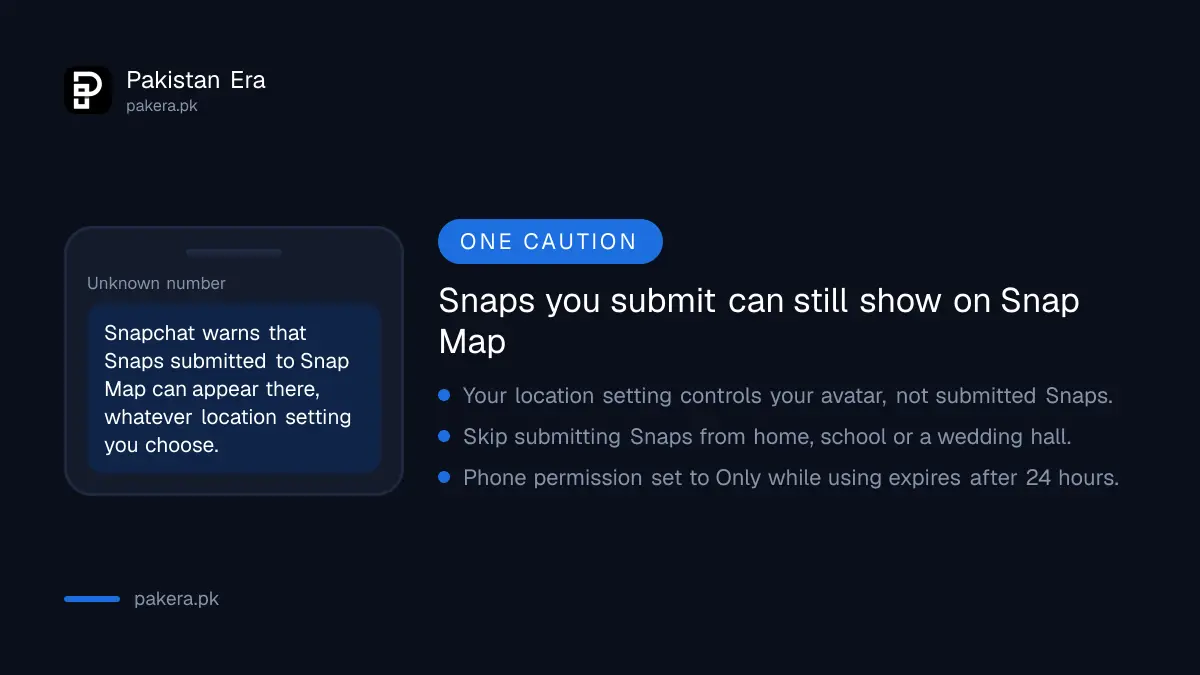
The same page adds a warning that matters. Snaps you submit to Snap Map can still show up on the map, whatever location setting you choose. A public Snap of a wedding hall is still a public Snap.
Choose My Friends Except to hide it from a few people
My Friends Except shares your location with everyone on your friends list apart from the people you name. It suits you if most friends are fine and a few are not. The people you leave out are not told.
Snapchat gives two routes. From the map, open the Map, tap the gear icon at the top, tap My Friends Except and select the friends who should not see your location.
From settings, open My Account, tap the gear icon, scroll to My Privacy & Data, find the Who Can See section, tap See My Location and choose My Friends Except.
Choose Only These Friends for the strictest sharing
Only These Friends works the other way round. Nobody sees your location unless you tick them. Snapchat says friends you select are not notified. If someone is missing from the list, it may be because they have not added you back.
- Open the Map in Snapchat.
- Tap the gear icon at the top of the Map screen.
- Tap Only These Friends.
- Select the few people who should see where you are, such as a parent or one best friend.
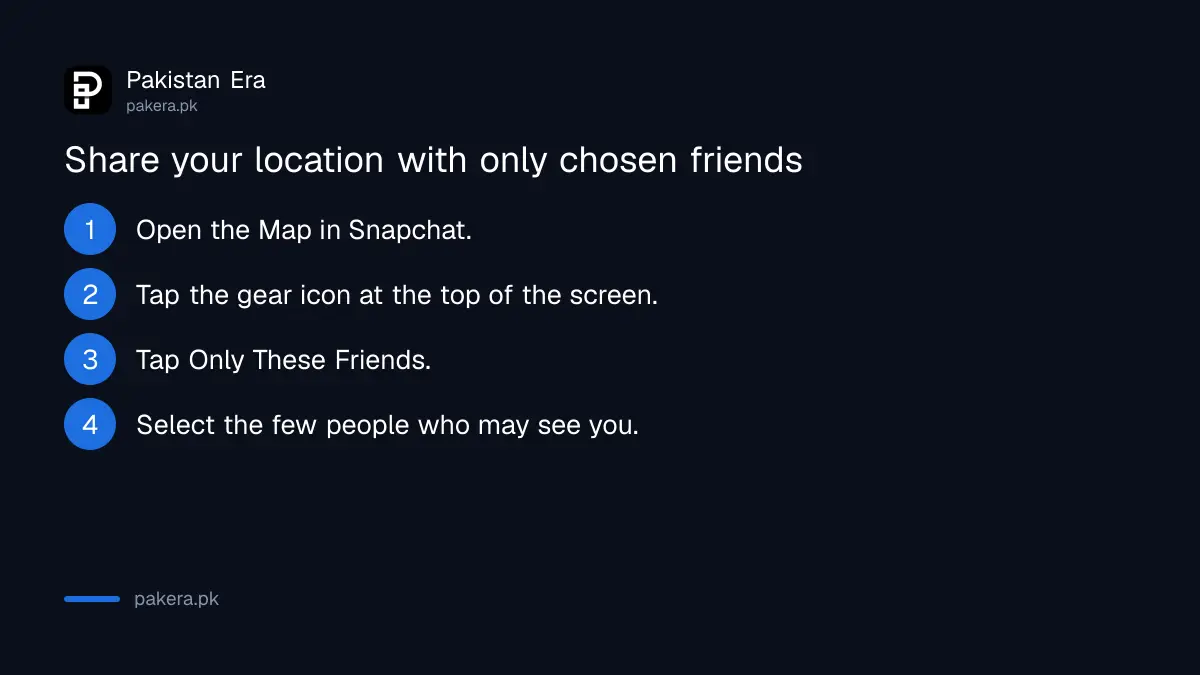
You can reach the same screen from Settings, under My Privacy & Data, Who Can See, See My Location, then Only These Friends.
The three choices compared
For most Pakistani teens, Only These Friends is the safest everyday choice. My Friends Except suits adults with a long list. Ghost Mode is for a day when you do not want to be found at all.
| Setting | Who sees your location | Best for |
|---|---|---|
| My Friends Except | All friends apart from the ones you leave out | Adults with a long friends list and a few people to hide from |
| Only These Friends | Only the friends you tick | Teens, and anyone who wants the tightest control |
| Ghost Mode | Nobody | Days when you do not want to be found |
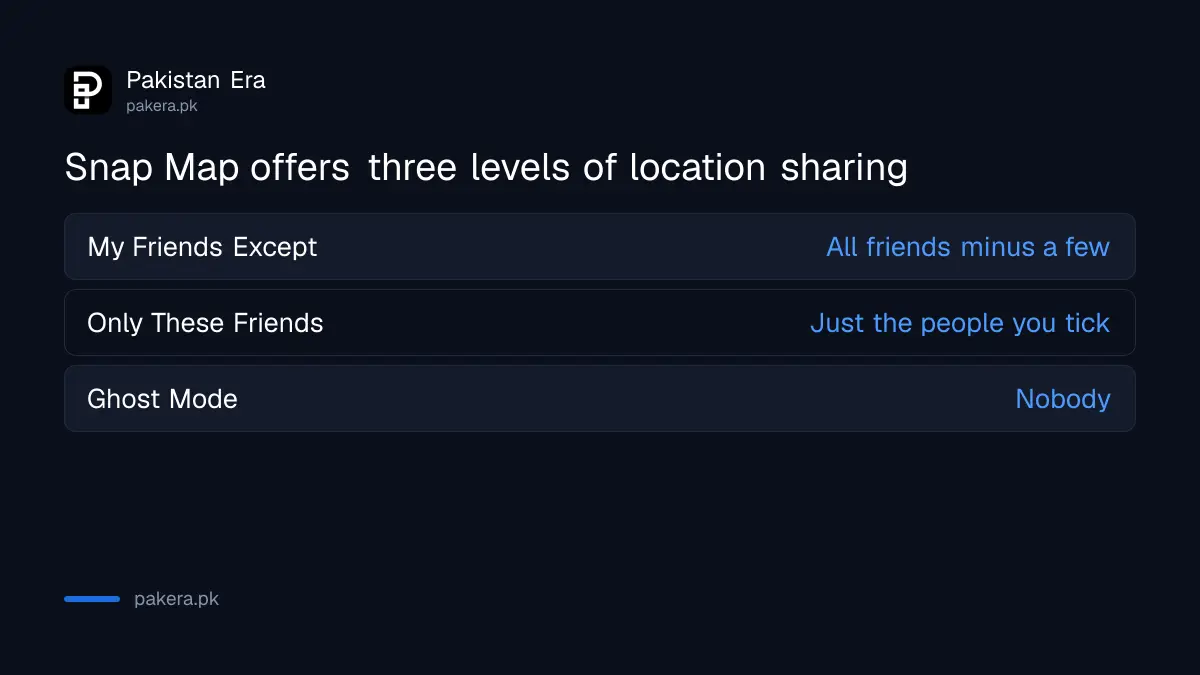
We read Snapchat's page for the first two options in full. Ghost Mode is named on Snapchat's safety page, and the page we read did not print its steps, so look for the Ghost Mode switch on the same gear screen of the map.
Phone permission and old snaps still matter
Snapchat says your map location updates according to your phone's location permission. If it is set to Only while using, your place on the map expires after 24 hours. The phone setting is a second lock, separate from Snapchat's.
You can also turn location off for Snapchat in your phone settings. On iPhone this is under Privacy and Location Services, and on Android under Apps and Permissions. Our guide to stopping iPhone apps from tracking you shows the iPhone side.
Location also leaks through other apps. Check your Google history with the steps to delete Google location history, and think before sending a live pin, as covered in how to share your location on WhatsApp.
If someone keeps finding you after you have locked everything, block them and save the evidence. The route for that is in the page on reporting an online stalker under PECA.
Common questions
Does Snapchat tell a friend when I hide my location from them?
Snapchat says friends you pick under Only These Friends are not notified. Its page does not say anyone is told when you leave them out.
Can I hide my location from everyone at once?
Yes. Ghost Mode is the setting for that, and Snapchat names it as the option to go off the grid.
Will my Snaps still appear on the map?
They can. Snapchat warns that Snaps you submit to Snap Map can still show up there, whatever location setting you choose.
How long does my location stay on the map?
If your phone permission is Only while using, Snapchat says your location on the map expires after 24 hours.
Where is the setting outside the map screen?
Open My Account, tap the gear, go to My Privacy & Data, then Who Can See, then See My Location.
How we verified this
What we checked, where we read it, and what we could not confirm.
Last checked on 13 October 2026, Pakistan time. We read Snapchat's support pages on sharing your location with select friends and protecting your security and safety. We did not test the screens on a live account, and we could not read the Ghost Mode steps on the page we opened, so menu wording may differ by app version.
About the author

Technology Journalist & Multimedia Producer
Ahmad Ali is a technology journalist and multimedia producer at Pakistan Era, joining the team in October 2026. He covers consumer technology and digital life for Pakistani readers, combining research with hands-on product testing.