How to Stop iPhone Apps From Tracking You in Pakistan, and See What They Use
Turn off Allow Apps to Request to Track on your iPhone, switch off single apps, then use the App Privacy Report to see what each app used. Steps for Pakistan.
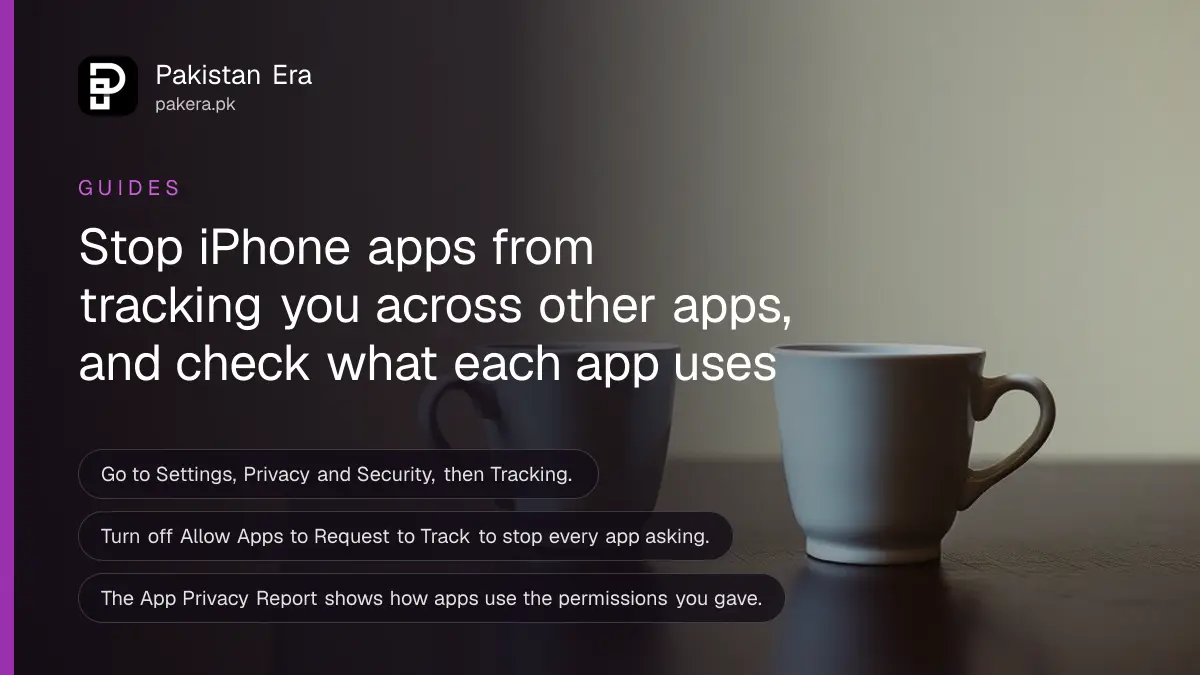
Short answer: On an iPhone, go to Settings, Privacy and Security, then Tracking. Turn off Allow Apps to Request to Track to stop every app from asking, or switch off single apps in the list below it. Apple says all apps must ask your permission before tracking you across apps and websites owned by other companies.
You search for a pair of shoes in one app. An hour later, the same shoes follow you through a game and a news app. That is tracking, and it is one switch away from stopping, on any iPhone running a recent version of iOS.
We read two Apple iPhone User Guide pages on 12 October 2026: "Control app tracking permissions" and "Control access to information in apps". This guide explains them in simple steps. We did not test the menus on a handset for this update.
Tracking means following you across other companies' apps and sites
Apple defines the rule in one line. All apps are required to ask your permission before tracking you or your iPhone across websites or apps owned by other companies, either for advertising or to share your information with data brokers.
A data broker is a business that collects personal information and sells or shares it with others. Tracking is how an ad network links what you do in one app with what you do in another.
Two points are worth noting. The rule is about tracking across companies. An app that keeps its own records of what you do inside itself is a different matter and is not what this switch controls. And the rule is about the permission. You can say no and keep using the app.
| Setting | What it does |
|---|---|
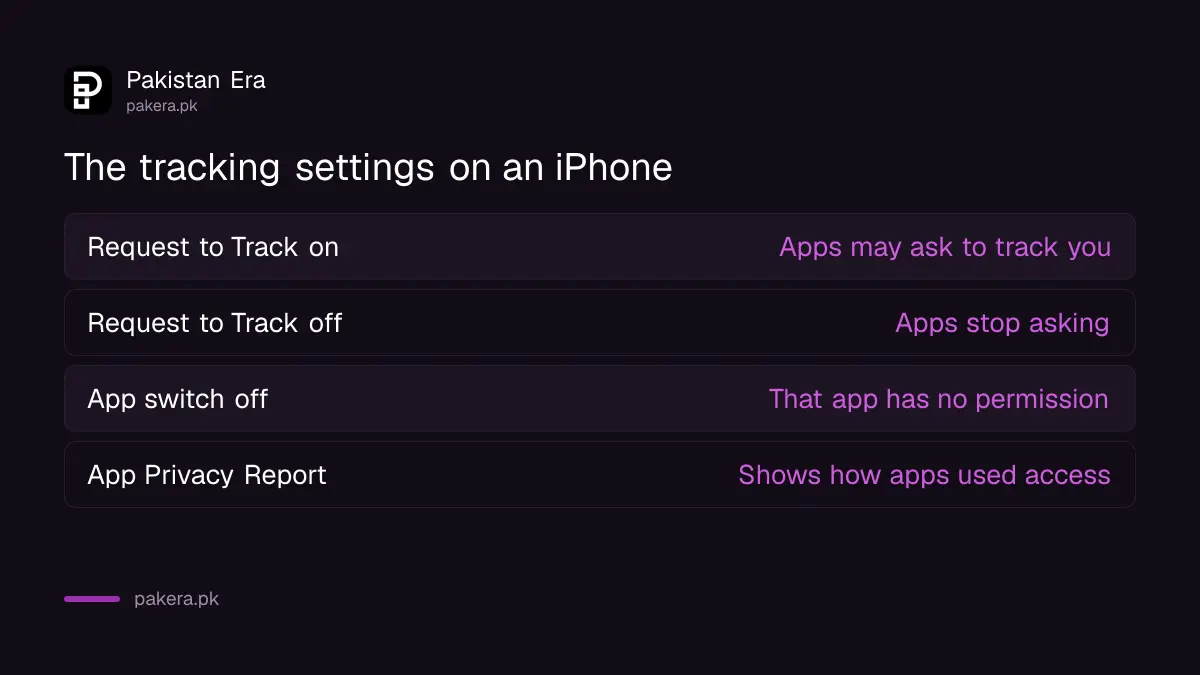
| Allow Apps to Request to Track: on | Apps may show a prompt asking permission to track you |
| Allow Apps to Request to Track: off | Apps stop asking, so you give no permission to any new app |
| Single app switch in the list | Turn tracking permission on or off for that app |
| Ask App Not to Track in a prompt | Denies permission for that app at that moment |
The steps to stop apps from tracking you
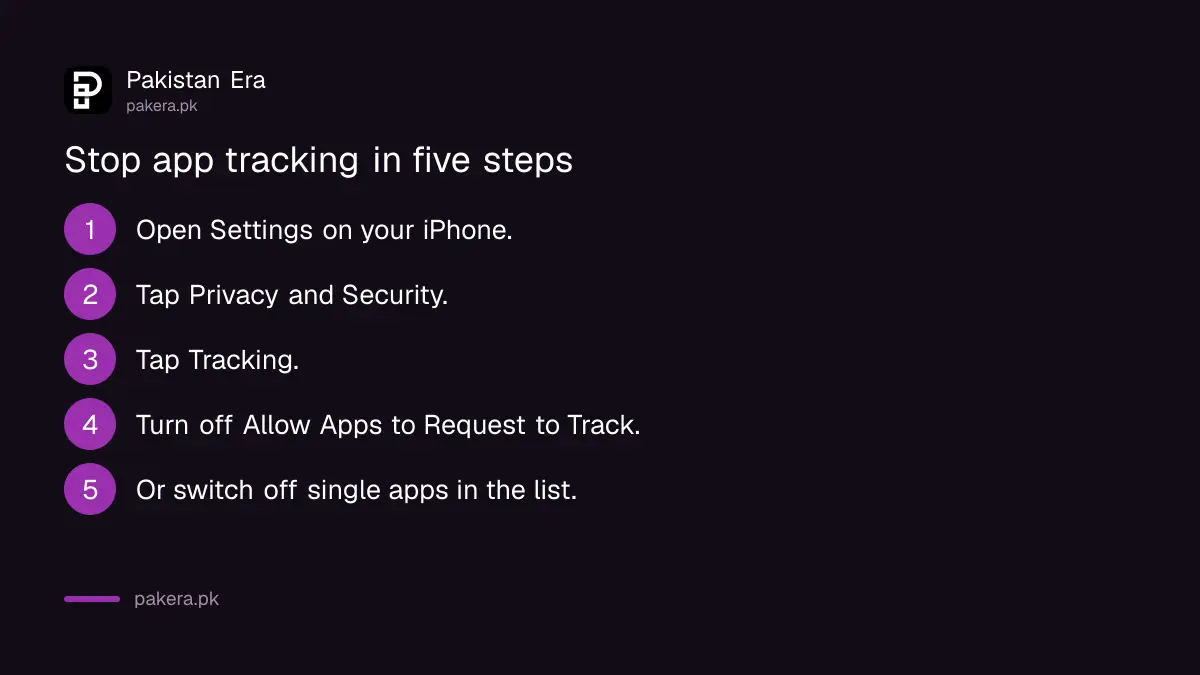
You need the Settings app and about a minute. You can do it for one app at a time, or for all of them.
- Open Settings on your iPhone.
- Tap Privacy and Security.
- Tap Tracking.
- To stop all apps asking, turn off Allow Apps to Request to Track at the top.
- To control one app, find it in the list and turn its switch off.
Apple says the list shows the apps that asked you for permission to track. An app that has never asked will not be there. If you want to learn more, tap Learn more near the top of the Tracking screen.
Review what each app can see on your phone
The tracking switch is one of several controls under Privacy and Security. Apple's other page explains that the first time an app wants information from another app, it asks. Later you can change your answer.
- Go to Settings, then Privacy and Security.
- Tap a category, such as Contacts, Photos, Calendars or Camera.
- Look at the list of apps that asked for access.
- Turn off any app that has no reason to see it.
A flashlight app that asks for your contacts, or a game that wants your photos, deserves a no. A banking app that asks for the camera to read a cheque or a card has a clear reason. Our guide to checking app permissions on Android follows the same logic for Android phones.
Use the App Privacy Report to see what apps actually did
Apple has a report that shows how apps use the permissions you gave them and their network activity. You have to switch it on. It starts collecting from that point.
- Go to Settings, then Privacy and Security.
- Tap App Privacy Report.
- Turn it on, then come back after a few days to read it.
To turn it off and delete its data, return to the same screen and tap Turn Off App Privacy Report. You can turn it back on later.
This report is the closest thing to a check on whether an app uses what you allowed. Use it with care: it shows activity, not intent, and some network activity is normal. If an app you rarely open shows heavy use of your location or contacts, remove its access, and consider deleting the app. If you suspect something worse, the steps in how to check if someone is spying on your phone go further.
Why this matters for payment and wallet apps
Money apps hold your name, CNIC details, phone number and spending. A free game or a coupon app that tracks you across apps can build a picture from that. You do not have to trust every app with it.
Tracking is not the same as fraud. A tracked ad is not a scam. But a scammer who knows your name, your bank and your habits is more convincing, and every unneeded permission is one more place that data can leak from.
Keep your phone updated too. Our note on the iOS 27 update and supported iPhones shows which phones can move to the newest version. Settings can move between iOS releases, so follow the on screen names if they differ.
Common questions
Will I stop seeing ads if I turn off tracking?
Apple's page does not say how ads change. It says apps may not track you across other companies' apps and websites without your permission. You may still see ads in apps you use.
Will my apps stop working?
Apple describes this as a permission. An app still opens when you deny it. Some features of a particular app may change, which is the app's choice.
Is Allow Apps to Request to Track the same as Location Services?
No. Tracking is about linking your activity across companies for ads or data sharing. Location is a separate permission under Privacy and Security.
Does this work on an old iPhone?
It depends on the iOS version, not the model. If you do not see Tracking under Privacy and Security, update iOS first.
Can I turn tracking off for one app only?
Yes. Open the Tracking list and switch off the app. You can also say Ask App Not to Track when it first asks.
How we verified this
What we checked, where we read it, and what we could not confirm.
We read Apple's Control app tracking permissions on iPhone and Control access to information in apps on iPhone pages on 12 October 2026. We did not read an Android equivalent for this guide.
About the author

Technology Journalist & Multimedia Producer
Ahmad Ali is a technology journalist and multimedia producer at Pakistan Era, joining the team in October 2026. He covers consumer technology and digital life for Pakistani readers, combining research with hands-on product testing.