Paid for ChatGPT Plus but It Still Shows Free in Pakistan? 5 Checks Before You Pay Again
ChatGPT Plus still shows Free after paying? Sign in to the account that paid, restore on iPhone or check Google Play. See refund rules and what Support needs.
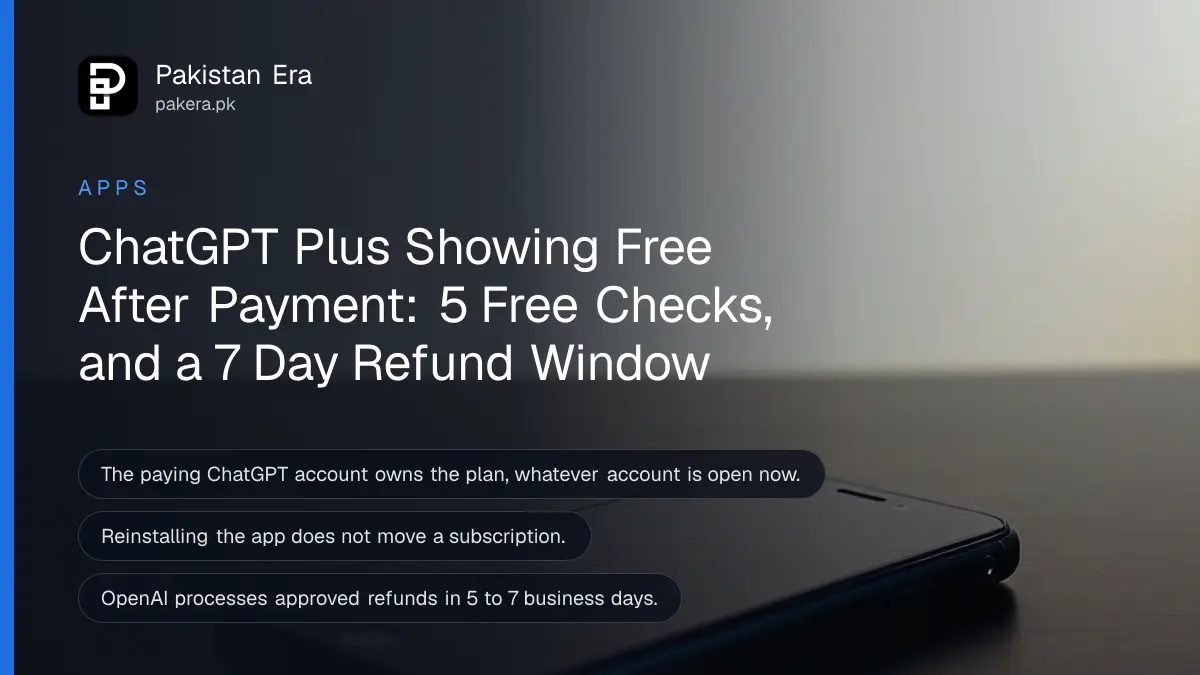
If you paid for ChatGPT Plus and the app still says Free, you are almost always signed in to the wrong ChatGPT account. Sign in to the account that made the purchase, then use Restore purchases on iPhone or check Google Play subscriptions on Android. Do not pay again: OpenAI says subscriptions cannot be moved or shared between accounts, so a second payment just creates a second plan.
This catches a lot of people in Pakistan, because the email on a Google Play or Apple receipt is often not the email used for ChatGPT. Many of us sign up to ChatGPT with one Gmail and pay through a Play Store linked to another. OpenAI's new 2-account switcher, which started rolling out on 30 October 2026, makes it even easier to buy on one account and open the other. We read OpenAI's subscription access help page and its refund page on 5 November 2026.
Five checks fix most "paid but Free" cases
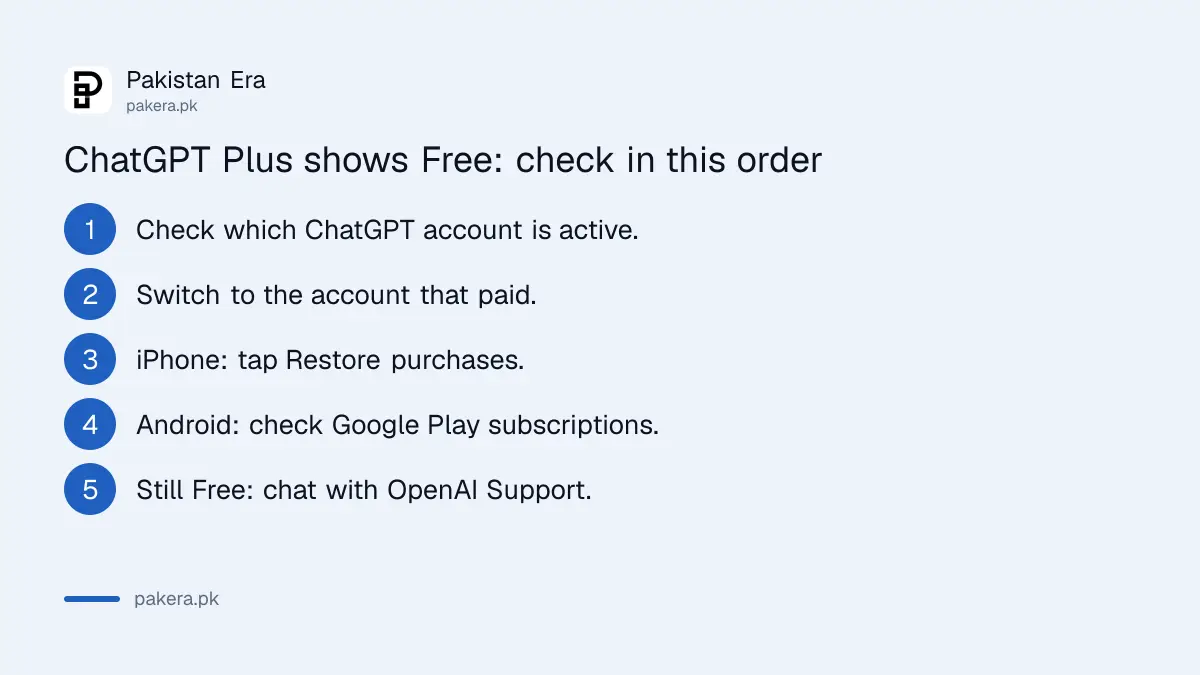
Work through these in order and stop when Plus appears. Most cases end at step 2, the account check. None of these steps cost money, and none of them should be skipped before you contact OpenAI Support.
- Check the active account. In ChatGPT, open Settings and look at the email shown. If you use 2 accounts, open Switch account and see which one has the check mark.
- Switch to the account that paid. Search your email for the purchase receipt, then sign in with that account's method: email and password, Google, Microsoft or Apple.
- iPhone: Restore purchases. In the ChatGPT iOS app, open Settings, then Account if needed, and tap Restore purchases while signed in to the original account.
- Android: check Google Play. Open Google Play subscriptions in the Google account that paid and confirm ChatGPT is active.
- Still Free? Contact Support through the chat on help.openai.com, before buying anything again.
Uninstalling and reinstalling the app does not help. OpenAI says reinstalling does not change which ChatGPT account owns the subscription.
Your store account and your ChatGPT account are two different things
A mobile subscription is tied to two accounts at once: the Apple or Google account that paid, and the ChatGPT account that was open when you paid. Restoring a purchase does not move it to whichever ChatGPT account you have open now. It stays with the original one.
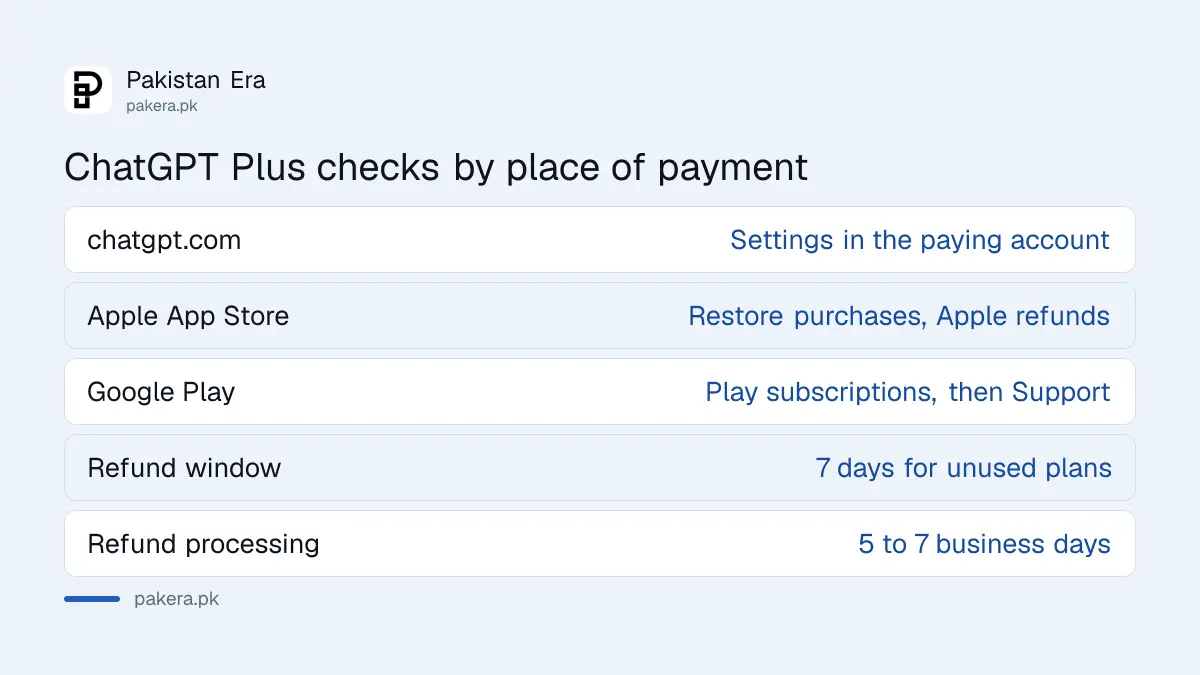
| Where you paid | Where to look | Who handles refunds |
|---|---|---|
| chatgpt.com (card) | Settings on chatgpt.com, in the account that paid | OpenAI, via Help Center chat |
| iPhone (Apple) | Restore purchases in the iOS app | Apple |
| Android (Google Play) | Google Play subscriptions in the paying Google account | OpenAI Support, with your Play order details |
Your first mobile purchase belongs to the ChatGPT account that was selected at the moment you paid. Adding another account to the switcher later does not change that.
Why the app may refuse to let you buy Plus on a second account
An Apple or Google account that already paid for ChatGPT stays linked to the first ChatGPT account. OpenAI says this can block a new purchase for a different ChatGPT account, even after the first plan is cancelled or expired. The fix is to buy on the web instead.
- Apple: a purchase on another ChatGPT account can be blocked while the first plan is active, after it is cancelled with paid time left, or after it expires.
- Google Play: an earlier ChatGPT subscription can block a purchase for another account even after it expires. Waiting may not remove the block.
- The way out: sign in to the second account on chatgpt.com and buy there with a card. Our guide to paying for ChatGPT from Pakistan lists which cards work.
If your card is declined on chatgpt.com, the problem is usually the bank's international online setting, not OpenAI. See why Pakistani cards get declined on foreign subscriptions.
Charged twice? Ask for a refund within 7 days
OpenAI says payments are generally non-refundable, but a refund may be possible for an unused individual plan if you ask within 7 days of the charge. It also reviews verified billing errors and unauthorised charges. Apple handles refunds for iPhone purchases itself.
For a web purchase, sign in to chatgpt.com with the account that was charged, then open the chat widget on help.openai.com and ask for a refund there. OpenAI says it shows a quick eligibility summary before an agent joins. If it is approved, OpenAI says it processes the refund in 5 to 7 business days, and then your bank takes its own time to show it. For Google Play, include the paid order's date and amount from your Play order history.
- An accidental purchase, forgetting to cancel, or simply not liking it does not qualify by itself after 7 days.
- No refund is given while you have an open dispute with your bank over the same charge.
- If a refund is granted, access for that period normally ends.
For Apple charges, use Apple's own refund page; our guide to requesting an App Store refund from Pakistan has the steps. To stop future charges without a refund, see cancelling a Google Play subscription.
What to send OpenAI Support so they can find your plan
OpenAI asks for specific details when access is still missing after the checks above. Sending them in the first message saves days of back and forth. Use the chat on help.openai.com while signed in to the account you think paid.
- Every ChatGPT email you tried, and how you sign in to each (Google, Apple, Microsoft or password).
- Where you paid: chatgpt.com, Apple App Store or Google Play.
- The exact error message, and the steps you already tried.
- What happened when you checked the original account.
- Your receipt or order number, with the date and the amount charged.
A screenshot of the bank SMS or card statement line also helps. Never send your full card number, CVV or OTP to anyone, including someone who says they are OpenAI support on WhatsApp. OpenAI's help is on help.openai.com. If a stranger contacts you first, see our guide to OTP scams in Pakistan.
Common questions
Why does ChatGPT say Free after I paid for Plus?
Usually because you are signed in to a different ChatGPT account from the one that paid. Switch to the original account and check again.
Can I move my ChatGPT Plus to another account?
No. OpenAI says subscriptions cannot be transferred between accounts or shared across separate accounts.
How do I restore ChatGPT Plus on iPhone?
Sign in to the original ChatGPT account, open Settings (then Account if needed) and tap Restore purchases, using the Apple Account that paid.
Will reinstalling the ChatGPT app fix it?
No. OpenAI says reinstalling does not change which account owns the subscription.
Can I get a refund if I paid twice?
OpenAI may refund an unused individual plan if you ask within 7 days, and it reviews verified billing errors. Apple purchases are refunded by Apple.
How long does an OpenAI refund take?
OpenAI says it processes approved refunds in 5 to 7 business days. Your bank then needs its own time to show the money.
How we verified this
What we checked, where we read it, and what we could not confirm.
We read OpenAI's help pages "Troubleshooting ChatGPT subscription access and account changes" and "How do I request a refund for my ChatGPT subscription?" on help.openai.com on 5 November 2026. We did not buy a subscription for this guide. Refund decisions are OpenAI's and Apple's, case by case.
About the author

Technology Journalist & Multimedia Producer
Ahmad Ali is a technology journalist and multimedia producer at Pakistan Era, joining the team in October 2026. He covers consumer technology and digital life for Pakistani readers, combining research with hands-on product testing.