How to Set Up Snapchat Family Center for Your Teen in Pakistan
Set up Snapchat Family Center in Pakistan: add your teen, send the invite, see friends and time spent, hide sensitive content and turn off My AI. Free.
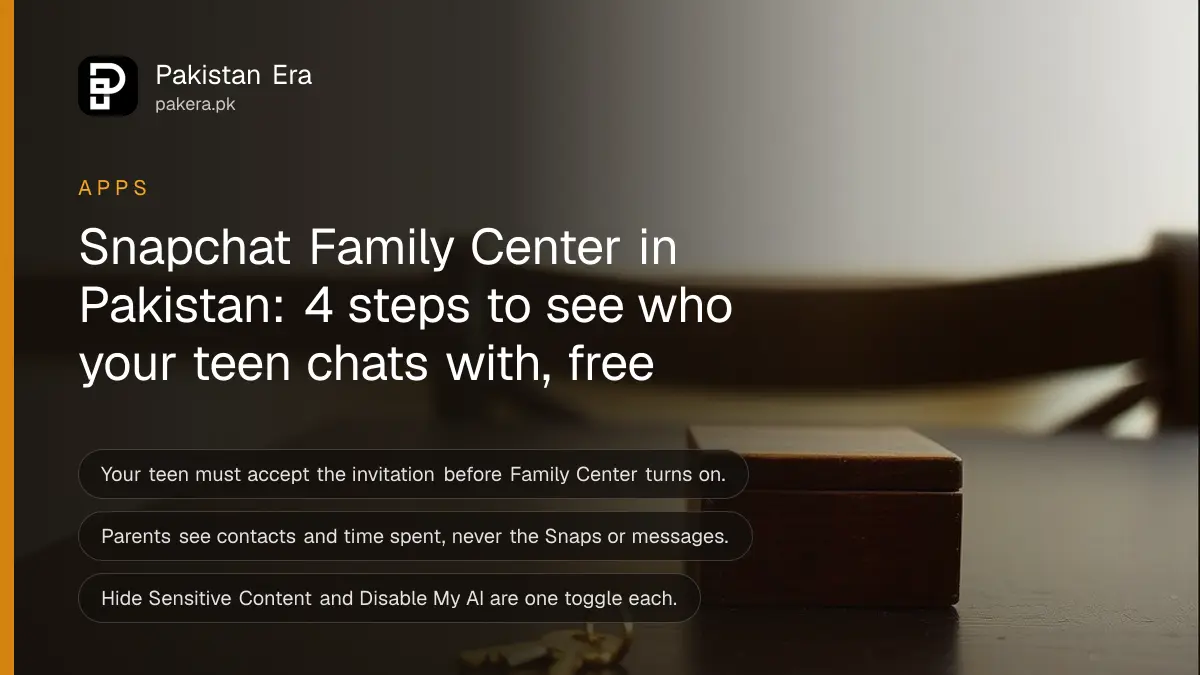
Short answer: Add your teen as a Snapchat friend, open Family Center in the app, pick their name and tap Send Invitation. Your teen must accept before anything switches on. After that you can see who they chat with and how long they use the app, but never the messages.
Many Pakistani parents find out their child has Snapchat only when a friend's mother mentions it. Banning the app often just moves the use to a second account you cannot see. Family Center is Snapchat's own tool for a calmer middle path, and it needs your teen's agreement, which is often the better starting point for a talk anyway.
We read Snapchat's Family Center support pages on 13 October 2026 for this guide. Snapchat says the app is for ages 13 and above, and that a parent, carer or trusted adult aged 18 or over can join as the supervising adult.
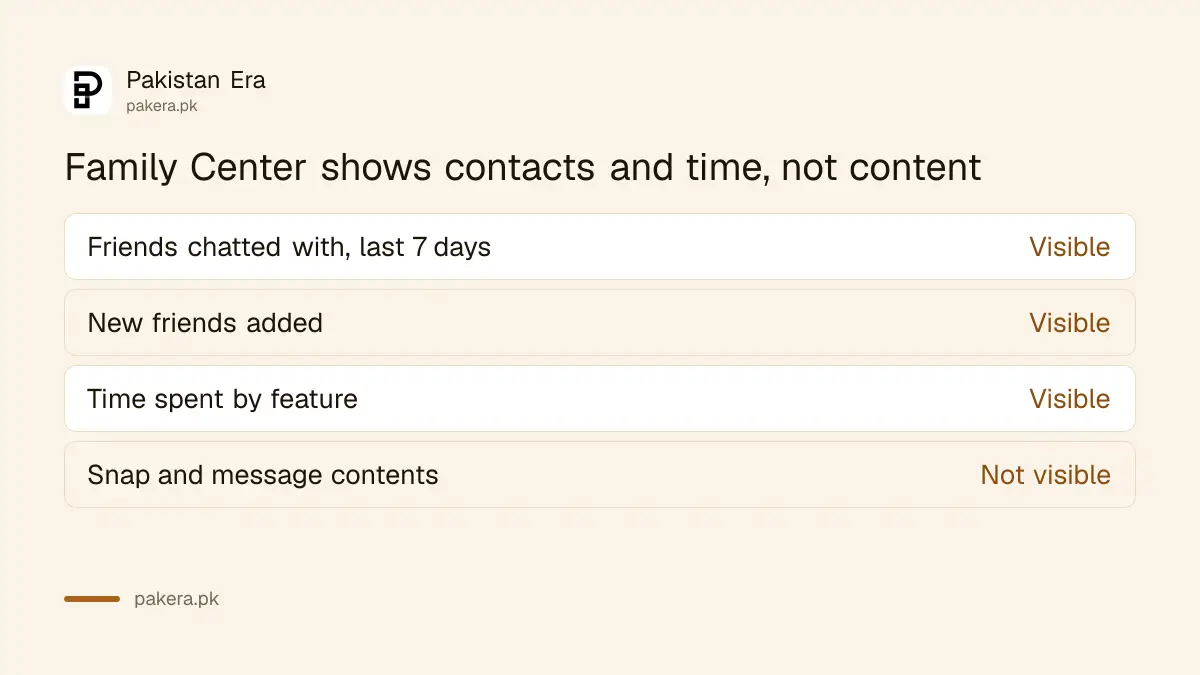
Family Center shows contacts and time, not message contents
Snapchat designed Family Center to show who your teen talks to, not what they say. You see friends and group chats from the last seven days, new friends they added, and weekly time spent. Snaps and chat text stay private to your teen.
Here is what Snapchat lists for the supervising adult:
- Which friends or groups your teen chatted with in the last seven days, without the content of the Snaps or messages.
- The active members of group chats your teen is in.
- Your teen's full friends list, and the new friends they have added.
- Their birthday settings.
- A way to report an account you are worried about to Snapchat's Trust and Safety team.
You can also change two settings for your teen: hide sensitive content in Stories and Spotlight, and switch off My AI, the chatbot inside Snapchat.
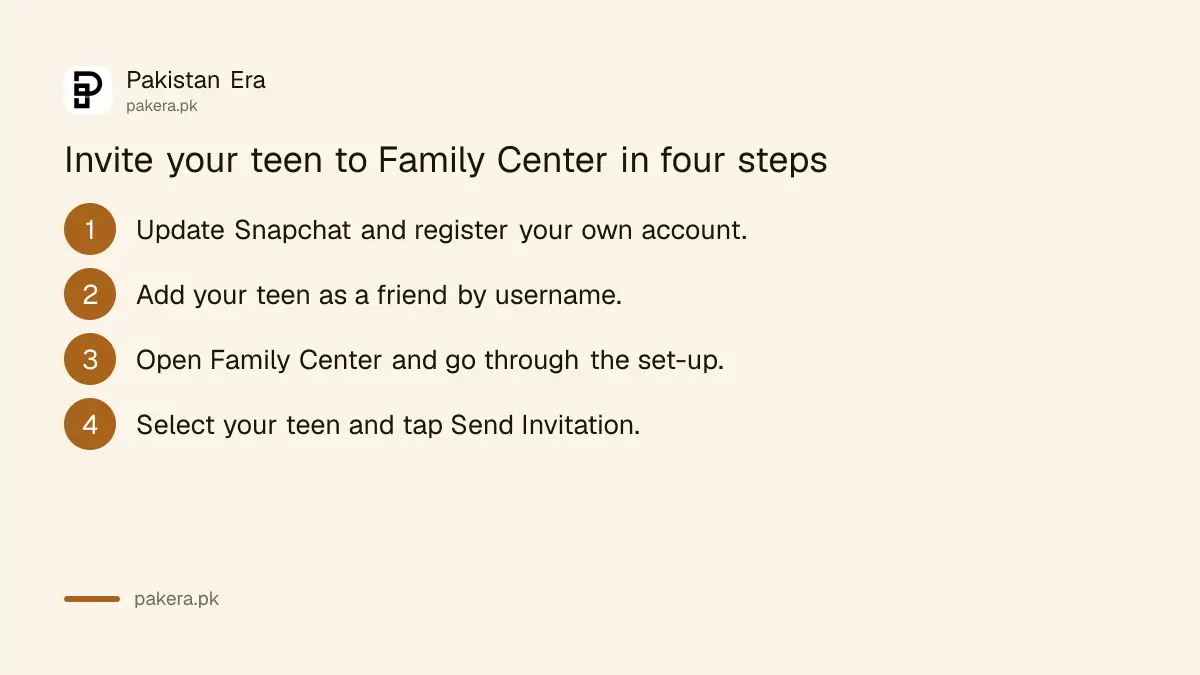
Sending the invitation takes four steps
You and your teen both need Snapchat accounts and the latest app version. You send the invitation from your account, and your teen accepts it from theirs. Nothing happens until they accept, so do it together if you can.
- Download Snapchat, register an account and update the app to the latest version.
- Add your teen as a friend by searching for their username.
- Open Family Center and go through the set-up screens.
- On the invitation screen, select your teen's name and tap Send Invitation.
The invitation reaches your teen as a new Chat message from you. Like any Snapchat chat, it deletes immediately or 24 hours after they view it, depending on their settings. Tell them in person so they do not miss it.
You can find Family Center in three places in the app
Snapchat puts Family Center under your profile, under Settings and in the search bar. If you cannot find it in one place, use another. If it is missing from all three, update the app first, then try again.
| Where to look | What to tap |
|---|---|
| Profile | Tap your Bitmoji or Story icon, scroll to the My Friends section, tap Family Center |
| Settings | Open My Account, tap the gear icon, go to App & Privacy, tap Family Center |
| Search | Type family, safety or parent in the search bar at the top |
Snapchat also has a help page titled "Why can't I access Family Center?", which is the place to go if the option never appears on your account.
Content and My AI controls sit under Settings
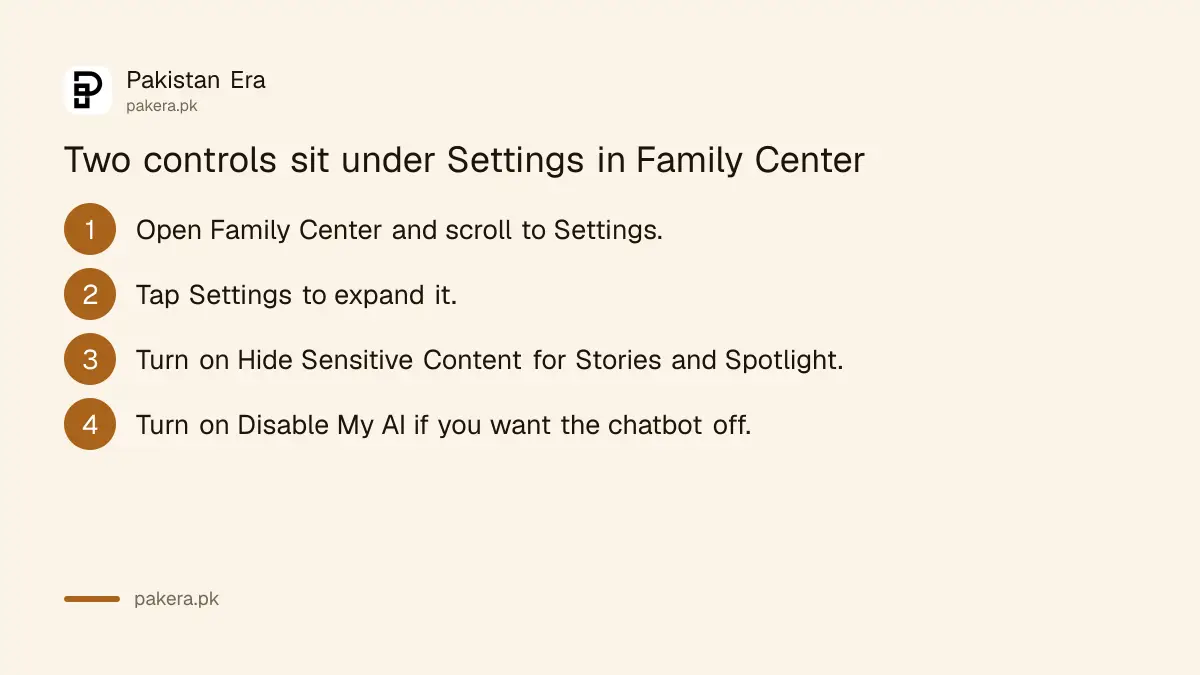
Both controls live at the bottom of the Family Center page. Open Settings there, expand it and switch on Hide Sensitive Content or Disable My AI. Snapchat warns that no filter is perfect, so some posts may still slip through.
Hide Sensitive Content limits sensitive or suggestive posts in the Stories and Spotlight tabs. Disable My AI stops the chatbot from replying to your teen, and Snapchat says it will not store or process their queries while the setting is on.
The time view shows a daily average for the last seven days and a bar for each day, grouped into Messaging, Camera, Spotlight and Stories, and Map. Snapchat notes the data can take a few hours to appear and follows the time zone of your teen's phone.
Location sharing is a request your teen can accept
Family Center can ask your teen to share their live location with you. They decide whether to accept. You can also set alerts for when they arrive at or leave saved places, such as school or home.
Snapchat's page says you send the request from Family Center and, once accepted, see the live location in the app. You can share your own location back. This works best as a family agreement and not as secret tracking.
Your teen can also choose who sees their own location on Snap Map, and Snaps they submit to the map can still show there whatever they choose.
Pair Family Center with the other apps your teen uses
Snapchat is one app of several. Each platform has its own parent tools, and they do not talk to each other. Set up the others the same day so the rules are the same across your teen's phone.
We have separate steps for TikTok Family Pairing, Instagram teen accounts and supervision and WhatsApp parental controls. For phone level limits, see the steps to set parental controls on a child's phone.
If your teen is being blackmailed or threatened on any app, do not wait for Family Center. Keep the screenshots and follow the steps to report online blackmail in Pakistan.
Common questions
Can I read my teen's Snapchat messages with Family Center?
No. Snapchat says Family Center shows who your teen chatted with, not the content of Snaps or messages.
Does my teen have to agree?
Yes. The invitation arrives as a Chat message, and your teen must view and accept it before Family Center turns on.
Who can be the supervising adult?
Snapchat says a parent, carer or trusted adult over the age of 18 can join Family Center for a teen.
Can I switch off Snapchat's My AI for my teen?
Yes. Open Settings at the bottom of the Family Center page and turn on Disable My AI.
How often does the time spent view update?
Snapchat says time spent data can take a few hours to process, and the daily totals follow your teen's phone time zone.
Will Family Center stop my teen from using Snapchat?
No. It is a visibility and content tool. Snapchat's page does not describe a lock or a time limit in the pages we read.
How we verified this
What we checked, where we read it, and what we could not confirm.
Last checked on 13 October 2026, Pakistan time. We read Snapchat's support pages on adding a teen to Family Center, finding Family Center and restricting content. We did not test the invitation on a live teen account, so menu names can differ slightly by app version, and we could not check whether every feature is switched on for Pakistani accounts.
About the author

Technology Journalist & Multimedia Producer
Ahmad Ali is a technology journalist and multimedia producer at Pakistan Era, joining the team in October 2026. He covers consumer technology and digital life for Pakistani readers, combining research with hands-on product testing.