Recover a Hacked TikTok Account in Pakistan: Password Reset, Recover Account and Every Fix
TikTok hacked? Reset the password from the login screen, or use Recover account if the hacker changed your phone and email. Every route, plus 3 security fixes.
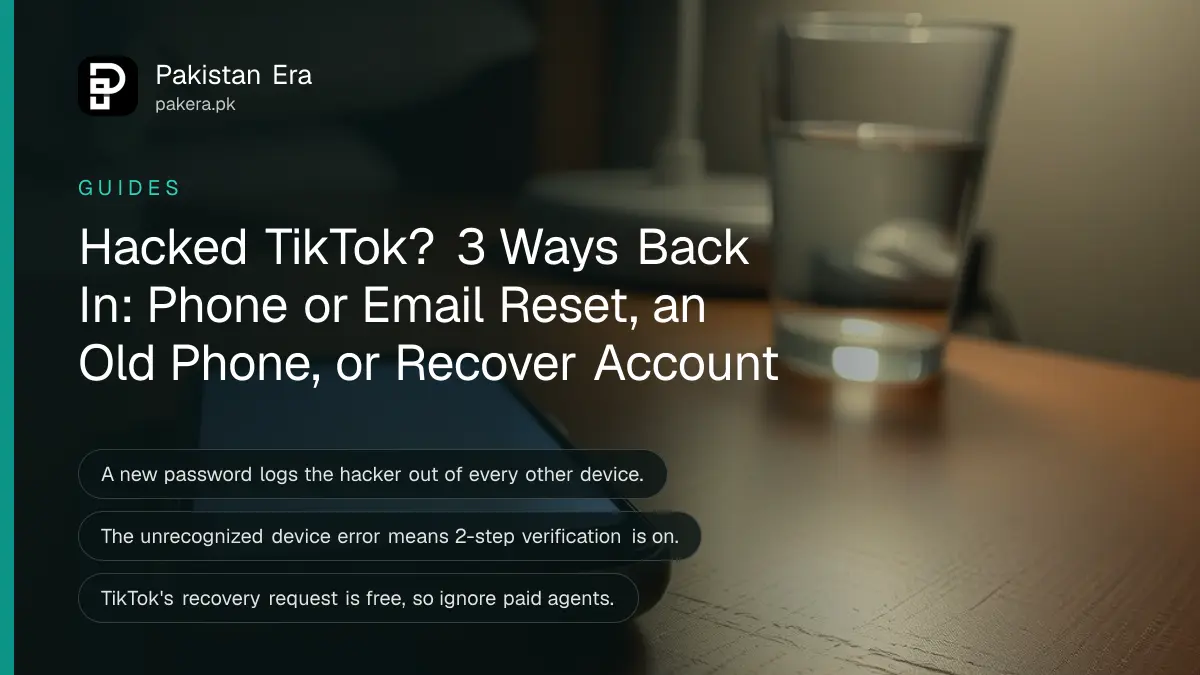
To recover a hacked TikTok account, open the TikTok app, tap Forgot password? on the login screen and reset by phone or email. If the hacker changed both, or you see an "unrecognized device" error, tap Forgot password? and then Recover account to send TikTok an identity request. Below: the signs of a hacked account, each recovery route, the three settings to fix once you are back in, and what to do when your SIM was the weak point.
The usual story in Pakistan starts with a message from a friend's account: "vote for me", "verify your account for the blue tick", or a link to a free coins offer. A few minutes later the password stops working. We read TikTok's own support pages on hacked accounts, password resets, and email and phone settings on 24 October 2026. The steps below follow those pages.
Four signs your TikTok account has been hacked
TikTok lists four warning signs: your password or phone number changed, your username or nickname changed, videos were deleted or posted without you, and messages were sent from your account that you did not write. Any one of them means act now.
Speed matters because a hacker who controls the phone number and email can lock you out of every simple route. If you are still logged in on any phone, do the security steps in the next section from that phone before anything else.
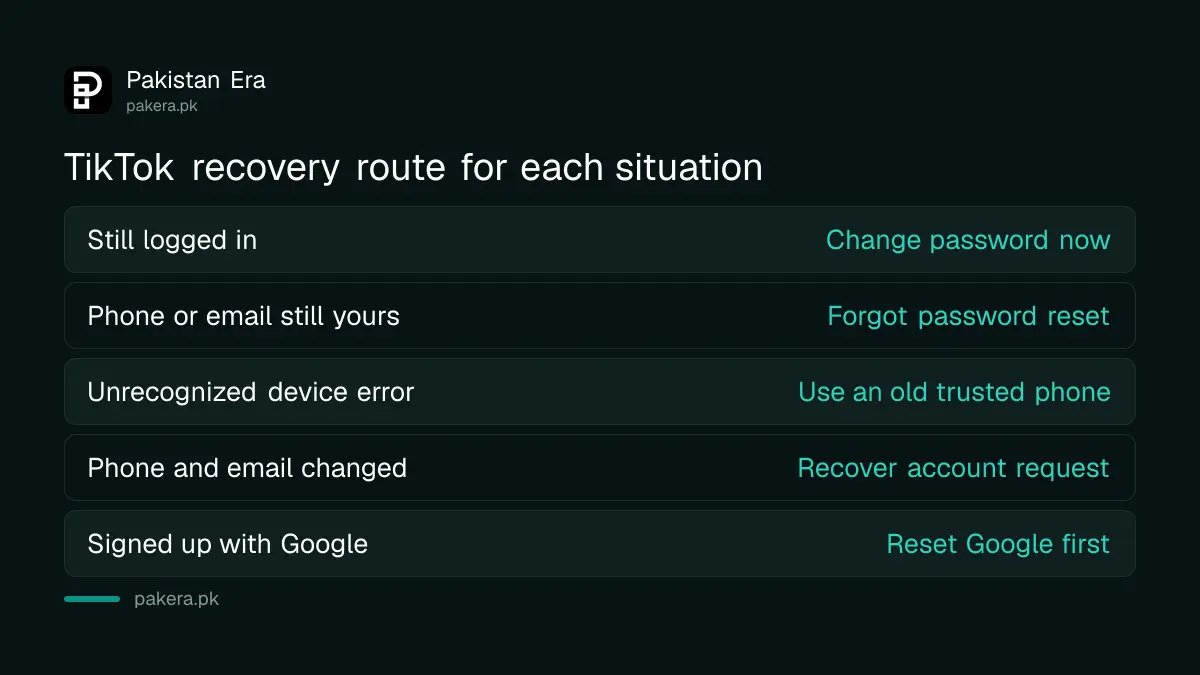
| Your situation | Best route | Where |
|---|---|---|
| Still logged in on your phone | Change password, check devices | Settings and privacy |
| Logged out, phone or email still yours | Forgot password reset | Login screen |
| "Unrecognized device" error | Reset from an old phone you used before | Trusted device |
| No trusted device, details changed | Recover account request | Forgot password?, then Recover account |
| Signed up with Google or Facebook | Reset that account's password first | Google or Facebook |
Reset the password from the login screen in 6 steps
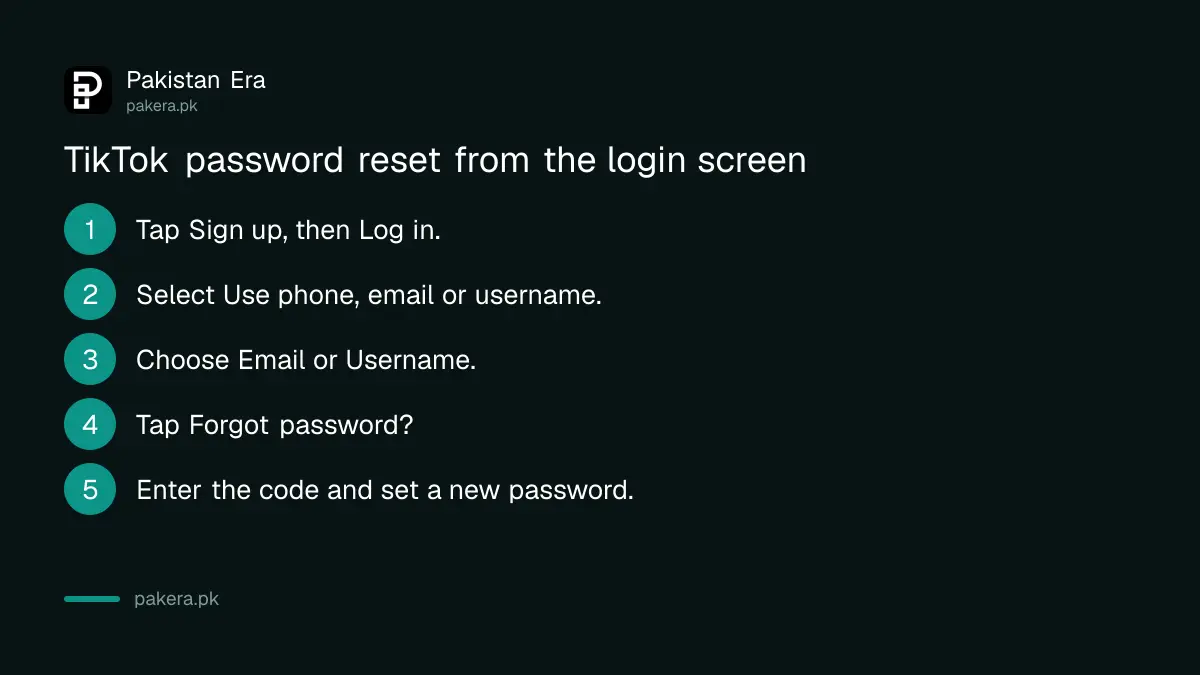
If your phone number or email is still linked, the login screen reset is the fastest fix. TikTok says a new password logs you out of every other device, so anyone inside the account is thrown out the moment you change it.
- Open the TikTok app and tap Sign up, then Log in at the bottom of the page.
- Select Use phone / email / username.
- Choose Email / Username.
- Tap Forgot password?
- Choose Phone number or Email and enter the code TikTok sends.
- Set a new password you have never used on any other app.
If you joined TikTok through Google, Facebook or another app, TikTok says you must reset the password on that platform instead. So a hacked TikTok that was opened with your Gmail is really a Gmail problem first. Fix Google, then come back.
Use Recover account when your phone and email were changed
When you cannot reset the password, TikTok offers an account recovery request. On the login screen tap Forgot password?, then Recover account, and verify your identity with details such as your registered email, phone number or old passwords. TikTok's support team reviews it.
Prepare before you start. Write down the email and mobile number you first signed up with, the approximate month you joined, and any passwords you used in the past. Your old SIM number matters here, even if the hacker has since added a new one.
The "unrecognized device" error has its own cause. TikTok says it appears when two-step verification is on and you try to reset from a phone you have never used for TikTok. It is a protection, not a fault. Try the reset from an old phone that has logged in before. If you have none, use Recover account.
Staying logged in? TikTok also gives a path for login help inside the app: Profile, the Menu button, Settings and privacy, Report a problem, Account and profile, then Login. That is useful if a family member's phone is still logged in to your account.
Lock the account once you are back in
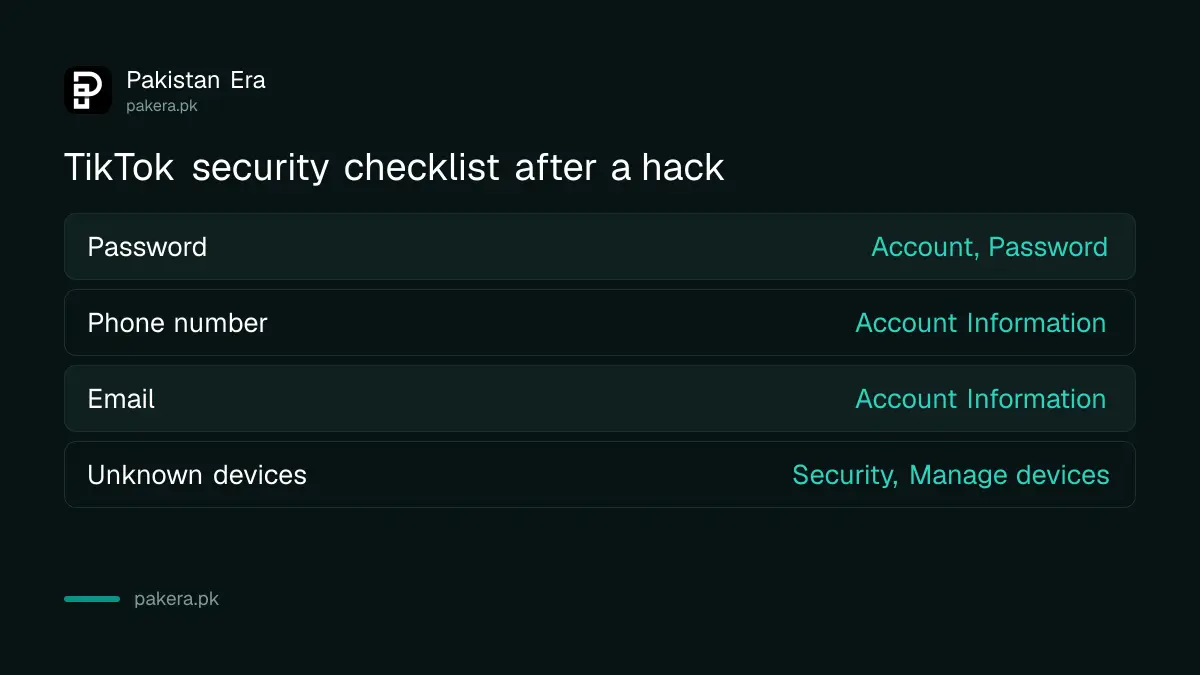
TikTok's own checklist has three items: reset your password, link your phone number, and remove suspicious devices. All three sit under Profile, the Menu button and Settings and privacy. Do them in that order.
| Task | Path in the app |
|---|---|
| Change password | Settings and privacy, Account, Password |
| Link phone number | Settings and privacy, Account, Account Information, Phone number |
| Check email | Settings and privacy, Account, Account Information, Email |
| Remove devices | Settings and privacy, Security and permissions, Manage devices |
Two details from TikTok's email and phone page help here. One email or one phone number can belong to only one TikTok account, so a hacker cannot share yours with a second account. And changing the email needs both the old and the new address to be active, so keep your old inbox alive.
After that, switch on 2-step verification so a stolen password alone is useless. The same idea applies across apps; turning on two-step verification for WhatsApp and Gmail closes the doors hackers use to reach TikTok.
Check your SIM if the hacker received your codes
If the hacker received the reset code on your number, the problem may be your SIM or your WhatsApp, not TikTok. A SIM that suddenly shows no signal can mean someone got a duplicate issued. Contact your network at once.
In Pakistan, the steps to get a blocked SIM reopened and to check which SIMs are registered on your CNIC both help here. If your WhatsApp was taken first, recover it with the steps for a hacked WhatsApp account, because hackers often use it to ask your friends for codes.
Ignore anyone offering paid recovery. People selling "TikTok recovery" on Facebook groups or WhatsApp ask for your login details or an Easypaisa payment. TikTok's recovery request is free, and TikTok's pages we read mention no paid agents. If you lost money or someone is blackmailing you with your videos, report it to the NCCIA.
Common questions
How long does TikTok take to answer a Recover account request?
TikTok only says its support team will review the request and get back to you soon. It gives no fixed number of days.
Can I recover TikTok without my phone number or email?
Yes, try Recover account from the login screen. TikTok may ask for your registered email, phone number or previous passwords to confirm it is you.
Why does TikTok say unrecognized device when I reset my password?
Two-step verification is on and the phone is new to the account. Reset from a phone you used before, or send a recovery request.
Will changing my password log the hacker out?
Yes. TikTok says updating your password logs you out on all other devices, so anyone else must log in again with the new password.
My TikTok was banned after the hack. What now?
A ban needs an appeal, not a password reset. Follow the steps to appeal a banned TikTok account and say clearly that the account was hacked.
Can the hacker use my number for another TikTok account?
No. TikTok says one phone number can be linked to only one account, so take the number back on your own account quickly.
How we verified this
What we checked, where we read it, and what we could not confirm.
We read TikTok's support pages on hacked accounts, resetting a password, forgotten passwords, and email and phone number settings on 24 October 2026. TikTok's "still need help" page did not load for us, and we did not run a real recovery request, so we cannot say how long TikTok takes to reply.
About the author

Technology Journalist & Multimedia Producer
Ahmad Ali is a technology journalist and multimedia producer at Pakistan Era, joining the team in October 2026. He covers consumer technology and digital life for Pakistani readers, combining research with hands-on product testing.