How to Label AI Content on Instagram and Facebook in Pakistan: Meta's AI Label Rules
Label AI content on Instagram and Facebook in Pakistan: which videos, voices and songs need Meta's AI label, the Add AI label toggle and when Meta adds it.
To label AI content on Instagram, create your post or reel and turn on the toggle next to "Add AI label" before you share. Meta requires the label on photorealistic video and realistic-sounding audio made or changed with AI, on Instagram, Facebook and Threads. Images do not need your label. Meta may still label them itself when it detects AI signals in the file.
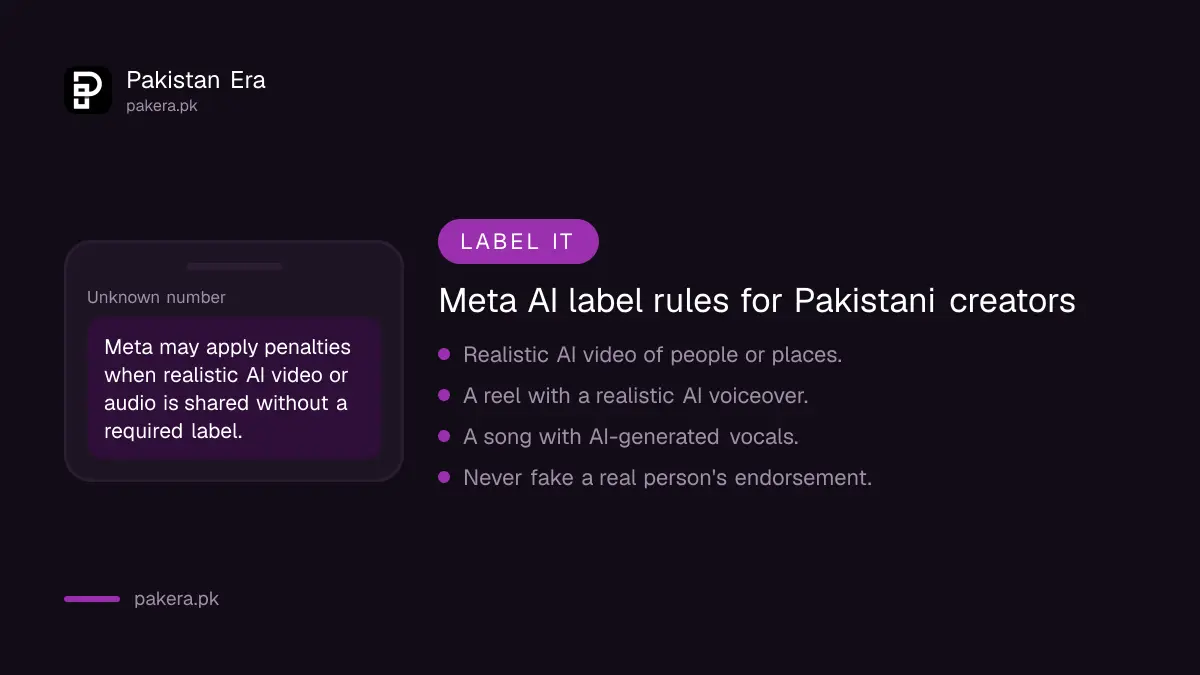
This matters for Pakistani creators and shops more than most people think. An AI voiceover on a product reel, an AI song in Urdu, or a realistic AI video of a busy bazaar all fall under the rule. Meta says there may be penalties for content shared without a label when one is required.
| What you post | Label required? |
|---|---|
| Realistic AI video of people or places | Yes |
| Reel with a realistic AI voiceover | Yes |
| Song with AI-generated vocals | Yes |
| Cartoon-style AI video | No |
| AI image or poster | No, but Meta may label it |
Meta requires a label on realistic AI video and audio
Meta's rule covers photorealistic video and realistic-sounding audio that was digitally created or altered, including with AI. If an AI or digital tool made or changed that kind of content, you must label it before sharing. The rule applies on Facebook, Instagram and Threads alike.
Meta gives four examples of content that needs a label:
- A realistic video of a group of people walking around an outdoor market.
- An audio file of two people talking.
- A song created using AI-generated vocals.
- A reel narrated with a realistic AI-generated voiceover.
And two that do not: a video of a landscape made in a cartoon style, and an image of a person riding a bull. The second one shows the image rule clearly. Meta does not require you to label images, however realistic.
Many Pakistani shops now use AI voice tools for Urdu narration on reels. Tools from free Urdu text to speech apps produce exactly the "realistic AI-generated voiceover" Meta names, so switch the label on for those reels.
Add the AI label on Instagram in 2 taps
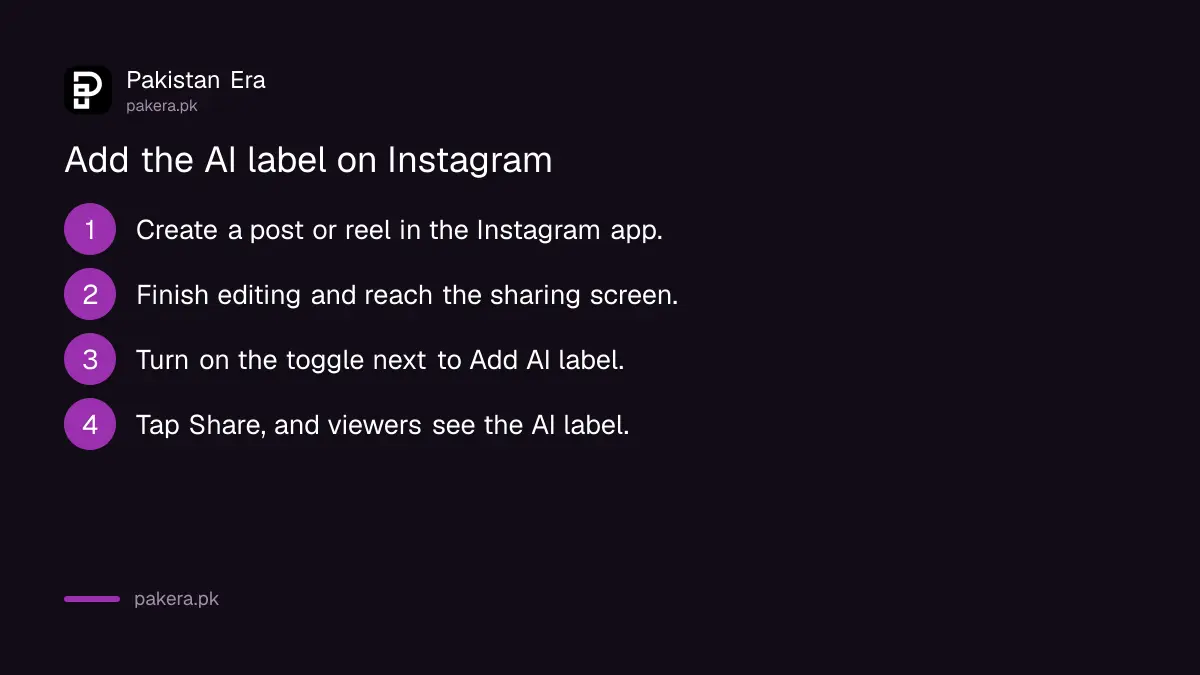
On Instagram the label is a toggle on the final sharing screen. Create the post or reel as usual, then turn on Add AI label before tapping Share. People then see an AI content label on your post. Nothing else changes about reach settings or captions.
- Create a post or reel in the Instagram app and go through the editing screens.
- On the last screen, before you share, find Add AI label.
- Turn on the toggle next to it.
- Tap Share. The post shows an AI content label to viewers.
If most of your account is AI work, you can also label the whole profile. Go to your profile, tap Edit profile and turn on AI-generated profile. That label shows on your profile, and next to your posts that do not already carry an AI label.
Posting through a scheduling tool rather than the app? Meta's Instagram publishing system added an is_ai_generated setting in June 2026, which applies the label at publish time. Ask your tool provider whether it passes that setting. If it does not, post AI video reels from the app.
Meta labels content itself when it finds AI signals
Many AI tools write an industry-standard signal into the file. Meta reads it. Content with signals showing it was created with AI gets an AI content label on the post. Content only edited with AI keeps the details in the post's Options menu instead.
| Situation | What viewers see |
|---|---|
| Made with Meta AI and shared straight to Instagram or Facebook | AI label added automatically, sometimes a Meta AI tag too |
| Made with Meta AI, downloaded, then uploaded | AI label, because the file keeps its signal |
| Made with another company's AI tool, signal in the file | AI content label on the post |
| Only edited with AI, such as resizing or colour fixes | No label on the post; details in the Options menu |
| No signal in the file | No automatic label, so your own label matters |
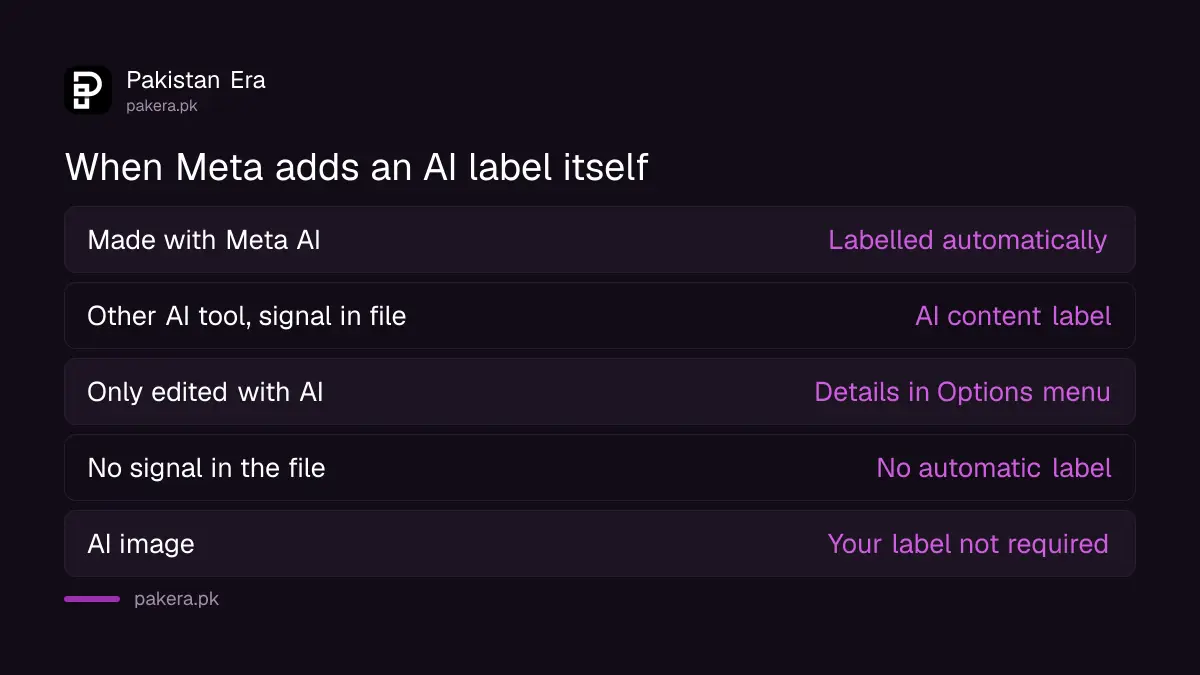
Meta says not all AI content contains the information needed to identify it. So the absence of an automatic label is not permission. If your realistic AI video slipped through without one, the duty to label was still yours.
Facebook and Threads follow the same rule
Meta applies one AI labelling policy across Facebook, Instagram and Threads. The same realistic video and audio must carry a label on a Facebook Page or profile, and Meta's systems read the same AI signals there. A Facebook account can also show an AI creator label on its profile.
Ads are handled separately. Images made or heavily edited with Meta's own AI ad tools can show "AI info" beside the Sponsored label or in the ad's three-dot menu. If you run promotions, paying for Meta ads from Pakistan sets up the account side, and Meta's ad review applies its own AI checks.
Posting the same AI clip on YouTube too? YouTube has its own disclosure box in Studio, and YouTube's AI disclosure rule covers what it asks for.
Avoid penalties and scams around AI content
The safest habit is simple: if a video or voice could fool someone into thinking it is real, label it. Meta warns of penalties for missing labels. Realistic AI videos of real public figures, fake news clips and fake endorsements can also break other Meta rules entirely.
- Never make a realistic AI video of a real person endorsing your product. That is a fake endorsement, labelled or not.
- Do not use an AI news-anchor style clip to sell anything. Viewers in Pakistan have been hit by deepfake investment scams of exactly this kind.
- If someone uses an AI copy of your face or voice, report it on the app. Spotting a deepfake scam video shows the signs to point out in your report.
- Keep the original project files of your AI work. They help if a post is wrongly flagged and you need to appeal.
Common questions
Do I need to label AI images on Instagram?
No. Meta does not require a label on images made or edited with AI. Meta may still add one if its systems detect AI signals in the file.
Does an AI voiceover on a reel need a label?
Yes, if it sounds realistic. Meta lists a reel narrated with a realistic AI-generated voiceover as an example that requires a label.
Where is the Add AI label option on Instagram?
It appears on the final screen when you create a post or reel, just before you share. Turn on the toggle next to Add AI label.
Does the AI label reduce reach on Instagram?
Meta presents the label as a transparency tool, not a penalty. The penalties it warns about are for leaving out a label that was required.
Why did Instagram label my post AI when I only edited it?
Some editing apps add an AI signal. Content only edited with AI should show details in the Options menu, not a label on the post itself.
Can I label my whole Instagram account as AI?
Yes. Go to your profile, tap Edit profile and turn on AI-generated profile. The label appears on your profile and beside your unlabelled posts.
How we verified this
What we checked and where we read it.
Last checked 24 November 2026. Rules and steps come from the Instagram Help Centre article Label AI-generated content on Instagram and the Meta Help Centre article How to identify AI content on Meta products, which Meta marked as updated in November 2026. The is_ai_generated setting is from Meta for Developers' Instagram Platform changelog, and ad labels from Meta's generative AI features documentation for the Marketing API.
Free on WhatsApp
Get last dates and rule changes on WhatsApp
We post new last dates, fee changes and fixes for common problems, a few short posts a day.
Follow Pakera on WhatsAppOther followers cannot see your number.
Pakera Solves It
Which online process wasted your time this week?
A portal that will not load, a form nobody explains, a complaint that went nowhere. Tell us. Every week we pick one, solve it step by step and publish the answer.
About the author

Technology Journalist & Multimedia Producer
Ahmad Ali is a technology journalist and multimedia producer at Pakistan Era, joining the team in October 2026. He covers consumer technology and digital life for Pakistani readers, combining research with hands-on product testing.