How to Disclose AI or Altered Content on YouTube Studio: Rules for Pakistan Creators
Pakistani YouTube creators must disclose realistic AI or altered content. See what needs a label, what does not, and the Studio steps. Read before you upload.
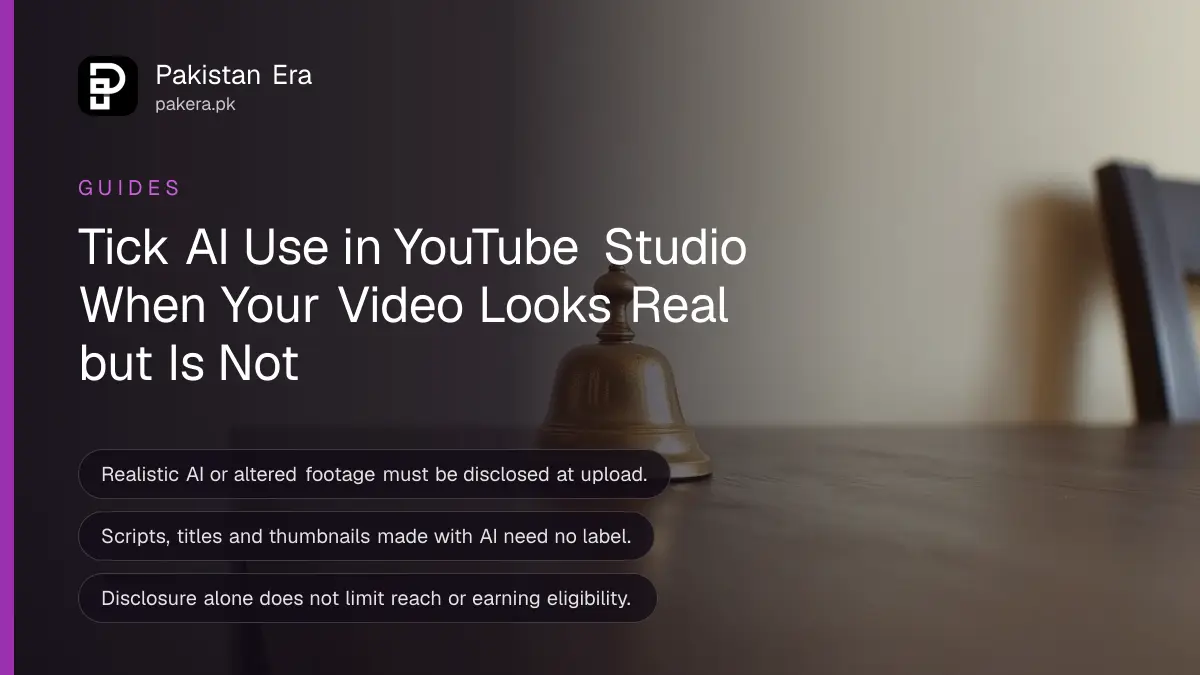
If your YouTube video contains realistic AI-made or altered footage, you must say so when you upload. In YouTube Studio, find the Attributes section, look for "AI use" and tap Yes. Google says disclosure alone does not limit your audience or your eligibility to earn money.
A Pakistani creator makes a video with a realistic AI voice reading news over real footage, and then wonders if a label is needed. The answer depends on what the video shows, not on which tool made it. We read YouTube's policy page on 15 October 2026 and list what it says must be disclosed, what need not be, and the steps in Studio.
Disclose AI content that looks realistic
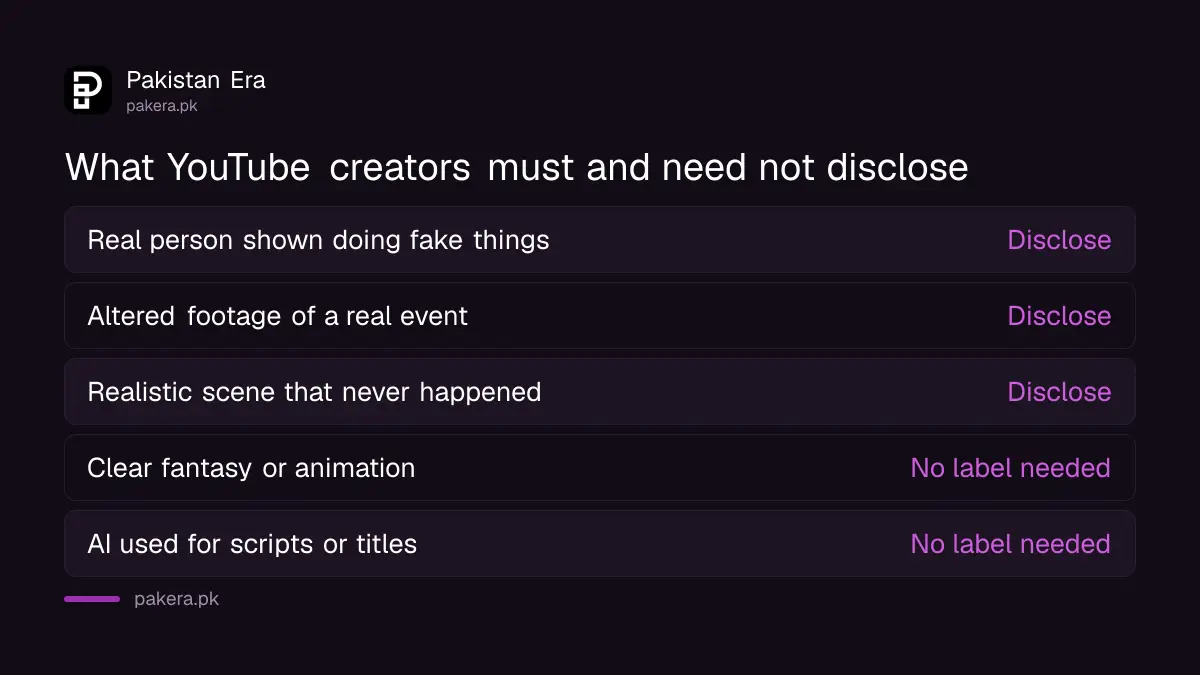
YouTube requires creators to disclose AI-generated or altered content that seems realistic. That means a real person shown saying or doing something they did not do, altered footage of a real event or place, or a realistic scene that never happened.
YouTube also lists music as a case when it is the main focus of the video. The test is simple: could a viewer reasonably believe it is real? If yes, tick the box. If the content is a cartoon, a fantasy world or an obvious animation, the rule does not apply in the same way.
| Your video contains | Disclose? |
|---|---|
| A real person made to say or do something they did not | Yes |
| Altered footage of a real event or place | Yes |
| A realistic scene that did not happen | Yes |
| Fantasy or animation that is clearly not real | No |
| AI used only for scripts, titles, thumbnails or ideas | No |
Skip the label for minor edits and production help
YouTube says you need not disclose non-realistic AI content or minor, mostly aesthetic edits. Beauty filters, colour or lighting changes, background blur, captions, upscaling, audio repair and cloning your own voice for a voiceover are all listed. Scripts, titles and ideas also need no label.
That list matters for small channels. Using AI to write a title or sharpen a thumbnail does not create a duty. Cloning your own voice for narration is also listed as exempt, which helps creators who record in noisy rooms. The rule targets content that could mislead a viewer about what really happened.
One honest caution: YouTube may still apply a label on its own, for example when you used its own generative tools or when the file carries C2PA metadata. Creators are told in Studio when that happens. If you want to check a clip before you post, the steps in checking an AI photo or video with SynthID are one way to see what a tool leaves behind.
Tick the AI use box in YouTube Studio when you upload
Open YouTube Studio, start an upload, and find the Attributes section. Under "AI use", choose Yes if the video meets the disclosure rules, or No if it does not. Then continue with the other video details as normal.
- Sign in and open YouTube Studio from your profile picture.
- Start the upload and go through the first details screen.
- Find the Attributes section.
- Under AI use, tap Yes or No.
- Finish the remaining details and publish.
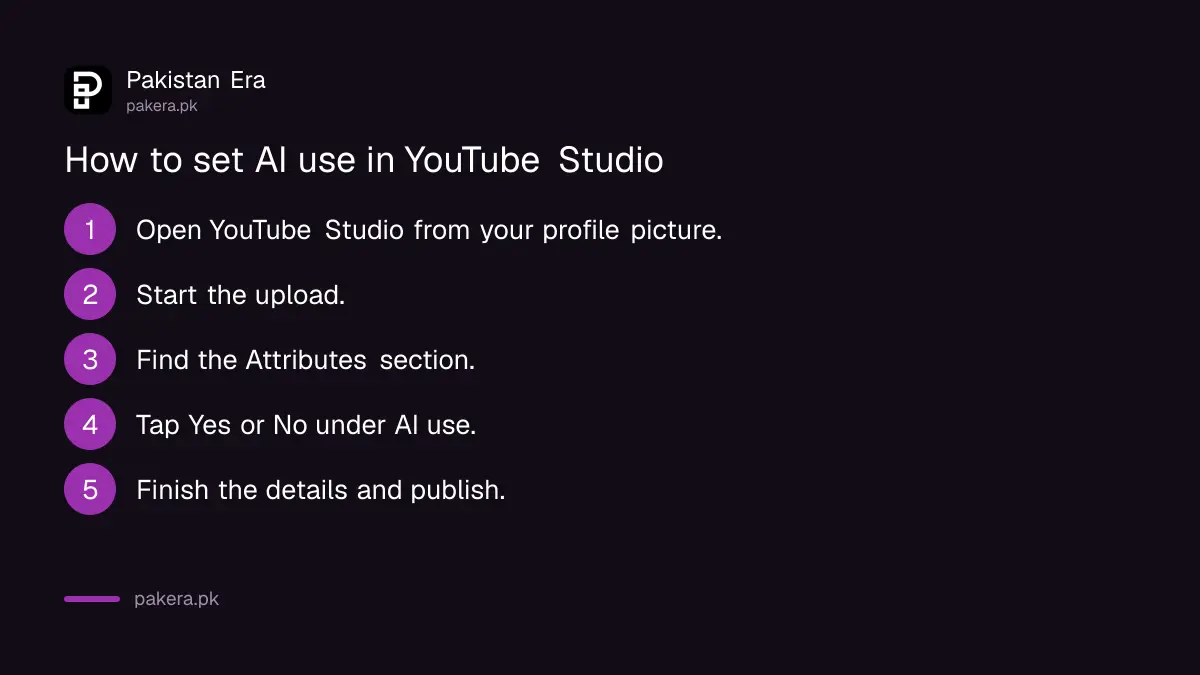
The menu names are the ones YouTube gives on its help page. We did not upload a test video, so if your Studio screen shows a different layout, follow what is on your screen. The idea is the same.
Know where the label appears to viewers
YouTube places the label in the video player for AI-generated music or photorealistic AI content. For other AI audio, and for non-photorealistic or animated AI content, the label goes in the expanded description instead.
| Type of AI content | Where the label shows |
|---|---|
| Photorealistic AI content | In the video player |
| AI-generated music | In the video player |
| Other AI audio | Expanded description |
| Non-photorealistic or animated AI | Expanded description |
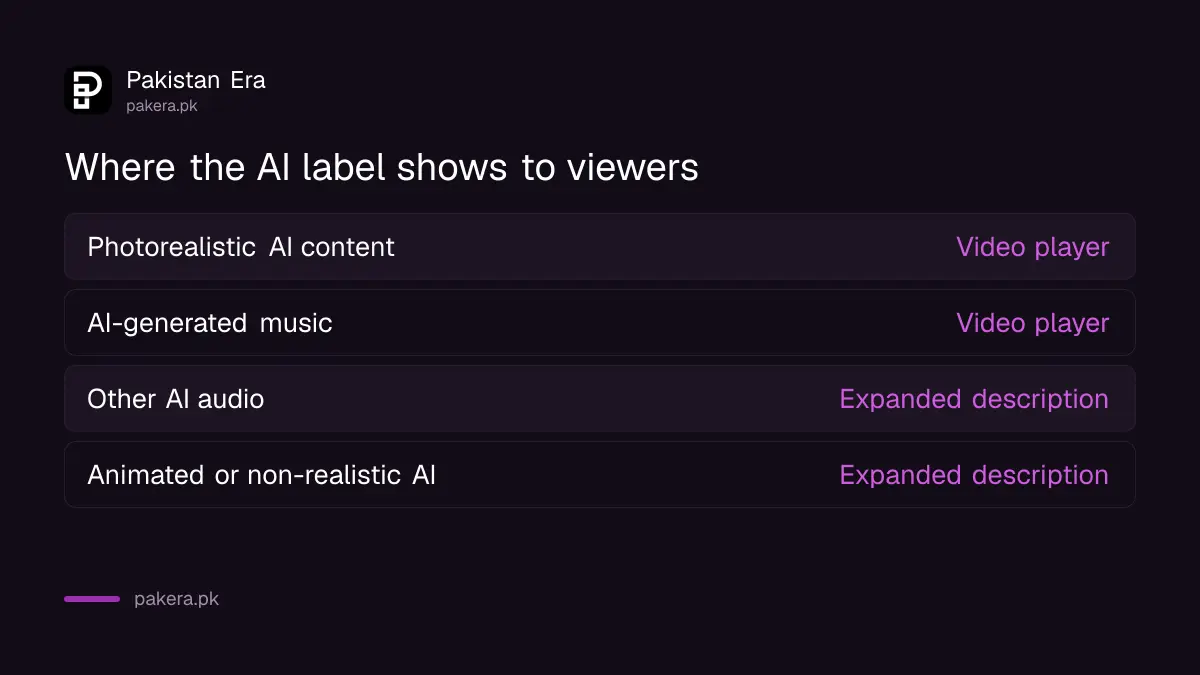
A visible label in the player is more noticeable. For a news style video with a realistic cloned politician, expect the viewer to see it. That is the point: YouTube wants people to know before they believe.
Disclosure does not cost you money, but skipping it can
YouTube says disclosing AI content alone will not limit a video's audience or affect its eligibility to earn. Creators who repeatedly fail to disclose may face manual labelling, content removal or suspension from the YouTube Partner Program.
So honest labelling is the safer choice. If you earn from ads, read about the YouTube Partner Program changes for 2027, and see what a view is worth in YouTube earnings in Pakistan. Both explain why a suspension would hurt. Community Guidelines still apply to AI content in full, so a label does not make a harmful video allowed.
For websites that publish AI text, Google has its own rules. The Google rules for AI-generated content are a separate matter from YouTube's label.
Common questions about YouTube AI disclosure
Do I need to label every video made with AI?
No. YouTube requires disclosure only when AI content seems realistic. Minor edits and production help need no label.
Will a label reduce my views?
YouTube says disclosure alone will not limit a video's audience or affect its eligibility to earn money.
Do I need to label an AI voiceover of my own voice?
No. YouTube lists cloning your own voice for voiceovers among the exempt cases.
What if I forget to tick the box?
Repeated failure may bring manual labelling, removal or suspension from the Partner Program, YouTube says.
Can YouTube add the label itself?
Yes. It may apply labels automatically, for example for its own generative tools or C2PA metadata, and it tells you in Studio.
Where do I find the AI use setting?
In YouTube Studio, during upload, in the Attributes section under AI use.
How we verified this
What we checked, where we read it, and what we could not confirm.
Last checked 15 October 2026. We read YouTube's help page on disclosing altered or synthetic content at support.google.com on 15 October 2026. The lists, the Studio steps, the label placement and the consequences come from that page. We did not upload a video or test Studio. YouTube can change the policy, so check the page before you post.
About the author

Technology Journalist & Multimedia Producer
Ahmad Ali is a technology journalist and multimedia producer at Pakistan Era, joining the team in October 2026. He covers consumer technology and digital life for Pakistani readers, combining research with hands-on product testing.