Set a TikTok Screen Time Limit in Pakistan: Daily Limit, Sleep Reminder and Weekly Report in 5 Steps
Set a TikTok daily time limit in Settings, Time and well-being, Screen time. Add sleep reminders, weekly reports and the dashboard. Teens get 1 hour by default.
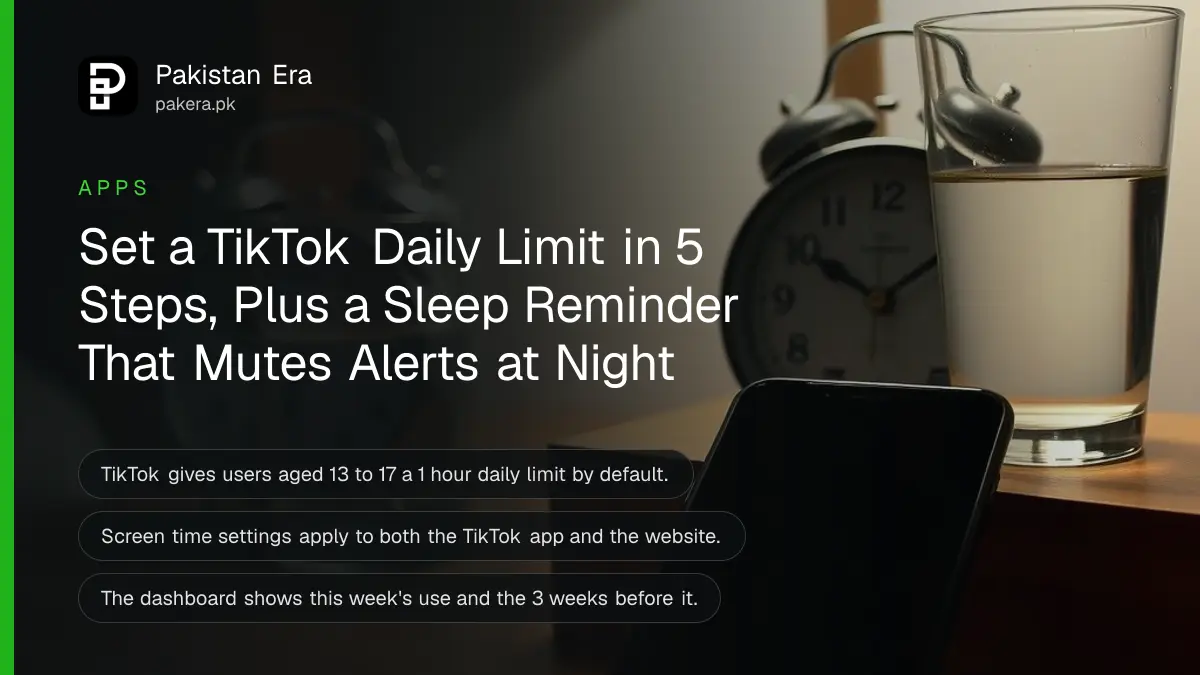
To set a TikTok time limit, open Profile, the menu ☰, Settings and privacy, Time and well-being, Screen time, then turn on Daily screen time and pick a limit. TikTok tells you when you hit it, and you must enter a passcode to keep scrolling. Users aged 13 to 17 already get a 1 hour limit by default.
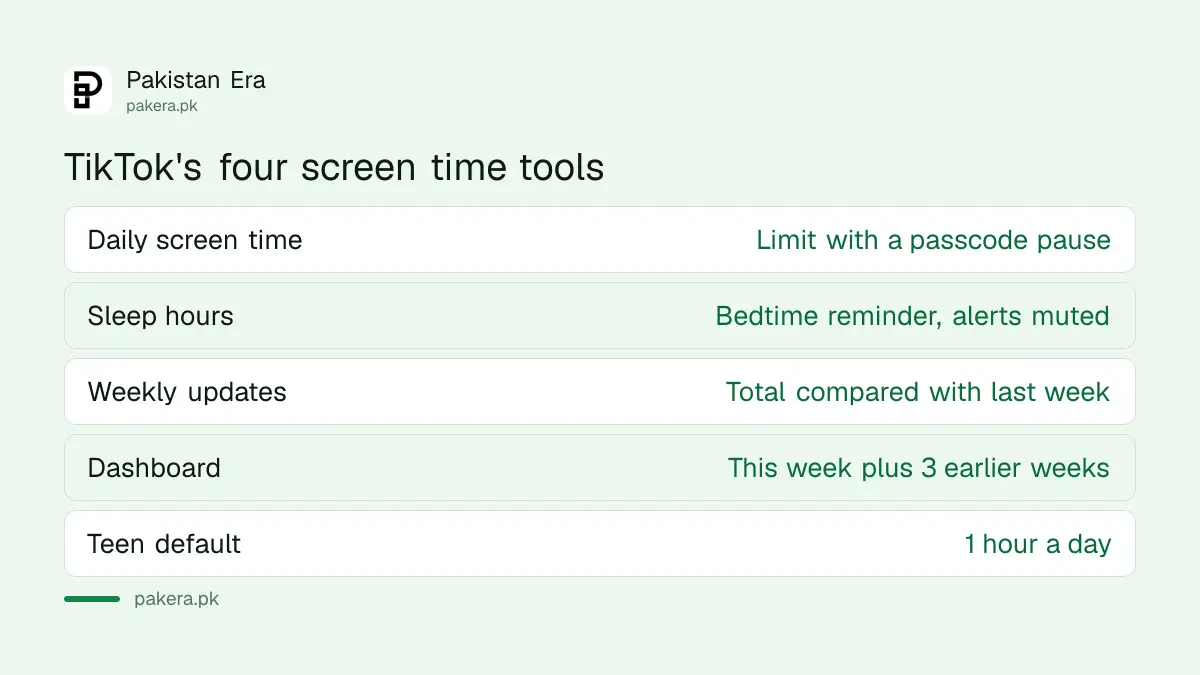
We read TikTok's screen time help page on 7 November 2026. It lists four tools: a daily limit, sleep reminders, a weekly report and a dashboard of your use. All four are free, and all four sit in the same menu. The limit is not a hard lock for adults. It is a pause that asks you to decide, which is often enough to break the late night scroll.
TikTok has four screen time tools in one menu
Everything lives under Settings and privacy, then Time and well-being, then Screen time. Changes you make there apply to both the app and tiktok.com, so a limit set on your phone also counts the time you spend on a laptop.
| Tool | What it does |
|---|---|
| Daily screen time | Alerts you at your daily limit, passcode to continue |
| Sleep hours | Reminds you at bedtime and mutes push alerts |
| Weekly screen time updates | Sends a weekly total compared with the week before |
| Screen time dashboard | Shows daily use for this week and the past 3 weeks |
None of these need a second phone or a parent account. Family Pairing is a separate feature for parents, covered further down.
Set a daily TikTok time limit, step by step
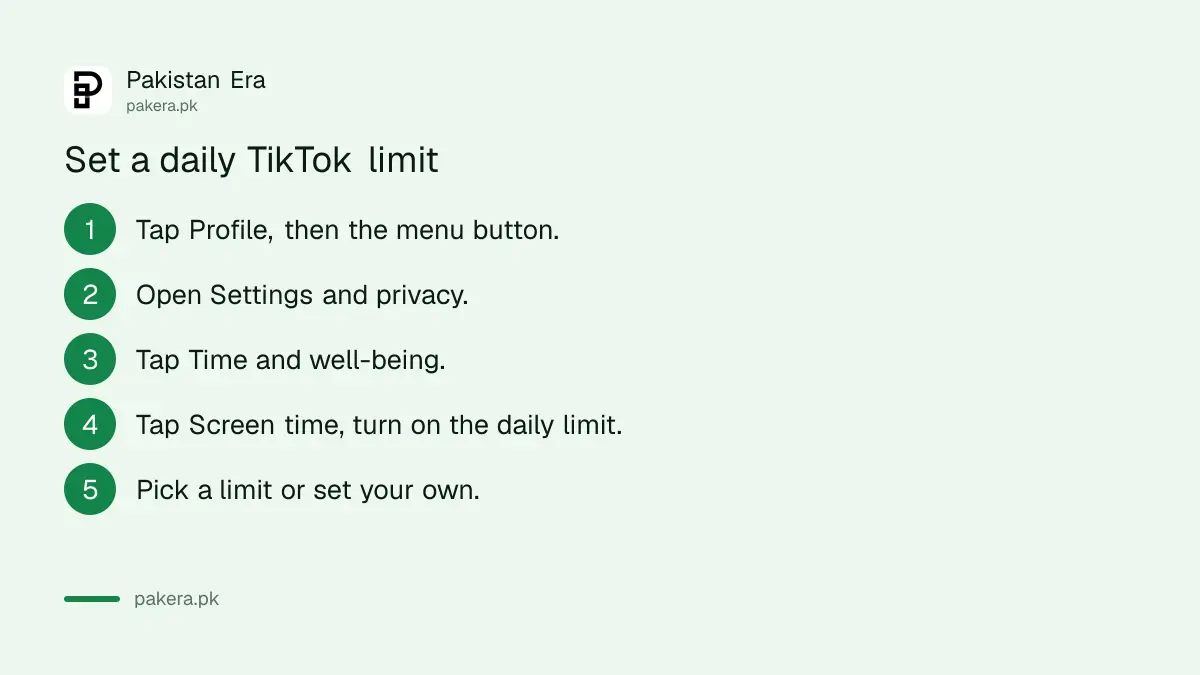
The daily limit is the tool most people want. You choose from preset options or set a custom limit, and TikTok counts your time across the app and the website. When you reach it, TikTok asks you to close the app or enter the on-screen passcode.
- Open TikTok and tap Profile at the bottom.
- Tap the menu ☰ button at the top, then Settings and privacy.
- Tap Time and well-being.
- Tap Screen time, then turn on Daily screen time.
- Pick a daily limit from the options, or set your own.
On tiktok.com, click your profile picture, then Settings, Screen time and Daily screen time. The web version also lets you set a different custom limit for each day, which helps if you scroll more at weekends.
To switch the limit off, follow the same path and turn it off. That is the honest weakness of the tool. It works only as long as you leave it on.
Sleep reminders mute TikTok at night
Sleep hours sends a reminder in the app when your bedtime arrives and mutes push notifications until morning. TikTok works out the end of your sleep time from your age: at least 7 hours for adults and at least 8 hours for users aged 13 to 17.
To turn it on, go to Settings and privacy, Time and well-being, Screen time, then switch on Sleep hours and set the time. For students in exam season, a reminder at 11 pm with alerts muted till morning is a small change that helps.
| Age | Minimum sleep TikTok uses | Push alerts at night |
|---|---|---|
| 13 to 17 | 8 hours | Muted automatically |
| 18 and over | 7 hours | Muted when Sleep hours is on |
On a laptop, click your profile picture, Settings, Screen time, then Sleep reminders.
Check how much time you spend on TikTok
The screen time dashboard shows your total time on TikTok for each day of the current week, across the app and the web. A date filter shows the 3 weeks before that, and no further. It lives in Settings and privacy, Time and well-being, Screen time, or in Activity centre from the menu.
The weekly update is the lazier option, and that is a compliment. Turn on Weekly screen time updates and TikTok sends you each week's total and how it compares with the week before. If you only want it in your TikTok inbox, not as a phone alert, switch off the push version under Notifications.
Your phone keeps its own count too. Android's Digital Wellbeing app timers can lock TikTok outright when a timer ends, which is firmer than TikTok's passcode pause.
Parents set teen limits through Family Pairing
For 13 to 17 year olds, TikTok already turns on a 1 hour daily limit and mutes night time alerts. Parents who want more control link their account to the teen's through Family Pairing, where daily screen time and the dashboard are also available.
The difference matters. A teen can change their own setting, but a parent's Family Pairing link puts the control on the parent's phone. The steps for TikTok Family Pairing take a few minutes with both phones in hand.
For younger children, TikTok is not meant for them at all. An iPhone's Screen Time for a child can block the app before it is ever installed.
Common questions
How do I set a time limit on TikTok?
Go to Settings and privacy, Time and well-being, Screen time, and turn on Daily screen time. Then pick a limit.
What happens when I reach my TikTok limit?
TikTok notifies you. You can close the app or enter the on-screen passcode to keep using it.
Is the TikTok time limit on by default?
Yes for users aged 13 to 17, at 1 hour a day. Adults must turn it on themselves.
Does the limit count time on tiktok.com?
Yes. TikTok says screen time settings apply to both the app and the web, and the dashboard counts both.
How far back can I see my TikTok screen time?
The current week and the 3 weeks before it, through the dashboard's date filter.
Does TikTok mute notifications at night?
Yes, when Sleep hours is on. For users aged 13 to 17, TikTok mutes push notifications at night automatically.
How we verified this
What we checked, where we read it, and what we could not confirm.
Last checked on 7 November 2026. Every step, default and age rule above is from TikTok's screen time help page. We did not test the limit on a phone ourselves, so the exact preset options in your app may differ.
About the author

Technology Journalist & Multimedia Producer
Ahmad Ali is a technology journalist and multimedia producer at Pakistan Era, joining the team in October 2026. He covers consumer technology and digital life for Pakistani readers, combining research with hands-on product testing.