How to Remove an AI Fake or Deepfake Photo of You From Google Search in Pakistan
Remove an AI fake nude or deepfake photo of you from Google Search for free: who qualifies, the links to send, and how to report the maker to NCCIA in Pakistan.
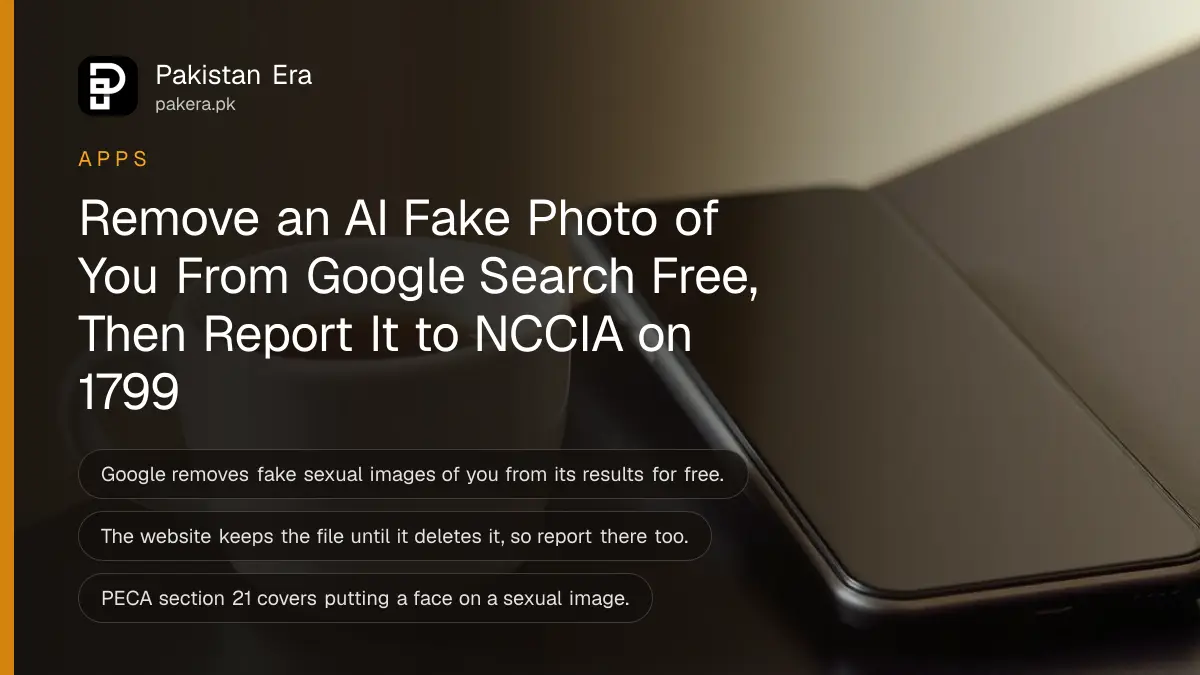
If someone has made an AI fake nude or sexual deepfake of you and it shows up on Google, file Google's free removal request: search "Google remove involuntary fake pornography", open Google Search Help, tap Start removal request, and add the page links and the search results link. Google removes approved pages from its results and tries to find copies. Then report the person to NCCIA on 1799 and ask each website to delete the image itself.
You do not need a lawyer, a fee or proof of who made it. Google's rule asks only three things: you can be identified, the content is fake and shows you nude or sexual, and it was shared without your consent. A fake made with an AI app is covered in the same way as an edited photo.
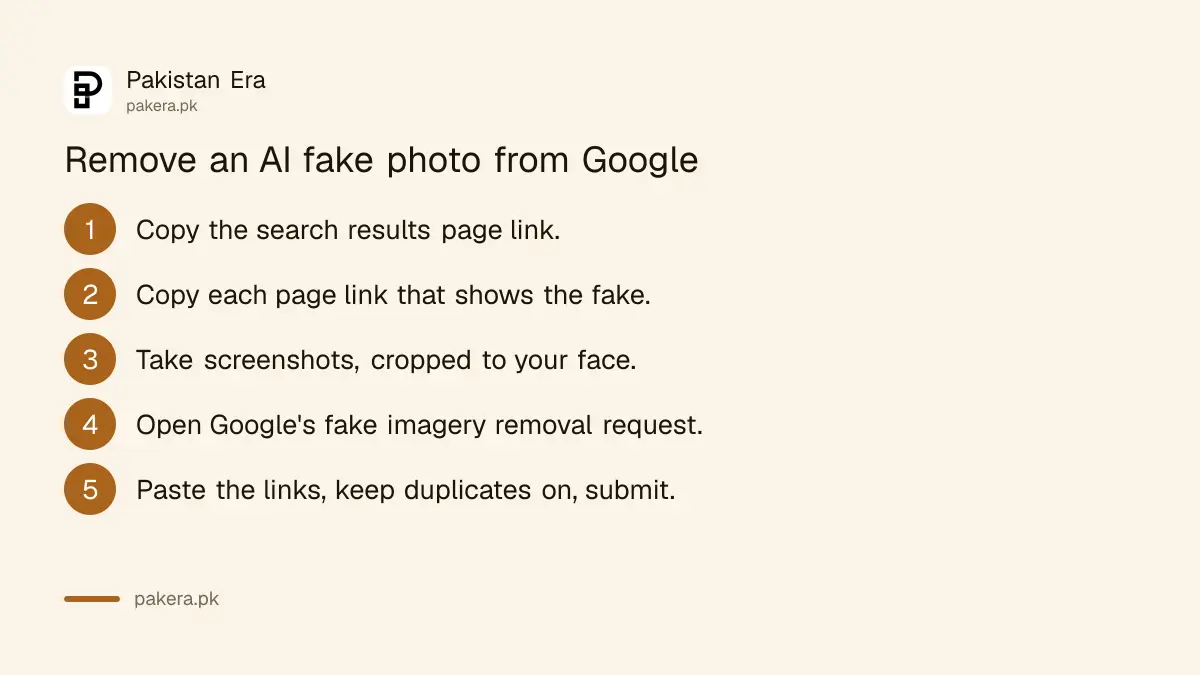
Google removes AI fake sexual images of you from Search for free
Google's Search Help has a dedicated request for fake sexual images, including deepfakes and AI nudes. The person shown, or someone acting for them, can file it. If approved, the page stops showing in Google results and Google looks for duplicates.
| Google's condition | What it means for you |
|---|---|
| You are identifiable | Your face, name or other detail shows it is you |
| The content is fake | An AI image, face swap or edited photo or video |
| It shows you nude or sexual | Fully or partly explicit |
| Shared without your consent | You never agreed to it being posted |
| Who can file | You, or someone you authorise, such as a parent or lawyer |
Real private photos shared without consent, and search results that link your name to pornographic sites you have nothing to do with, have their own options on the same Google page. A non-sexual fake, such as a face swap in a political video, does not fit this request. For those, report the post on the platform and to NCCIA.
How to file the Google removal request
Collect the page links and a search results link, then open Google's removal form from the Search Help page, choose the fake sexual imagery option, paste the links, add screenshots and submit. Google emails you its decision on each link.
- Search Google for your name, or for the words used with the fake. Copy the address of the search results page.
- Open each result that shows the fake and copy its full page address. Google reviews only the links you give it.
- Take screenshots on the same phone or computer you will submit from. You may crop them so only your face shows.
- Open Google Search Help, Remove involuntary fake pornography from Google, and tap Start removal request.
- Choose the option for fake sexual content, fill in your details and paste the links.
- Leave the duplicate search option on, so Google also looks for copies, then submit.
If the fake appears in Google Images, you can also open the image, tap the three dots and choose the removal option in the image viewer. Never screenshot or share sexual content of anyone under 18. Report it instead, and see the child safety note below.
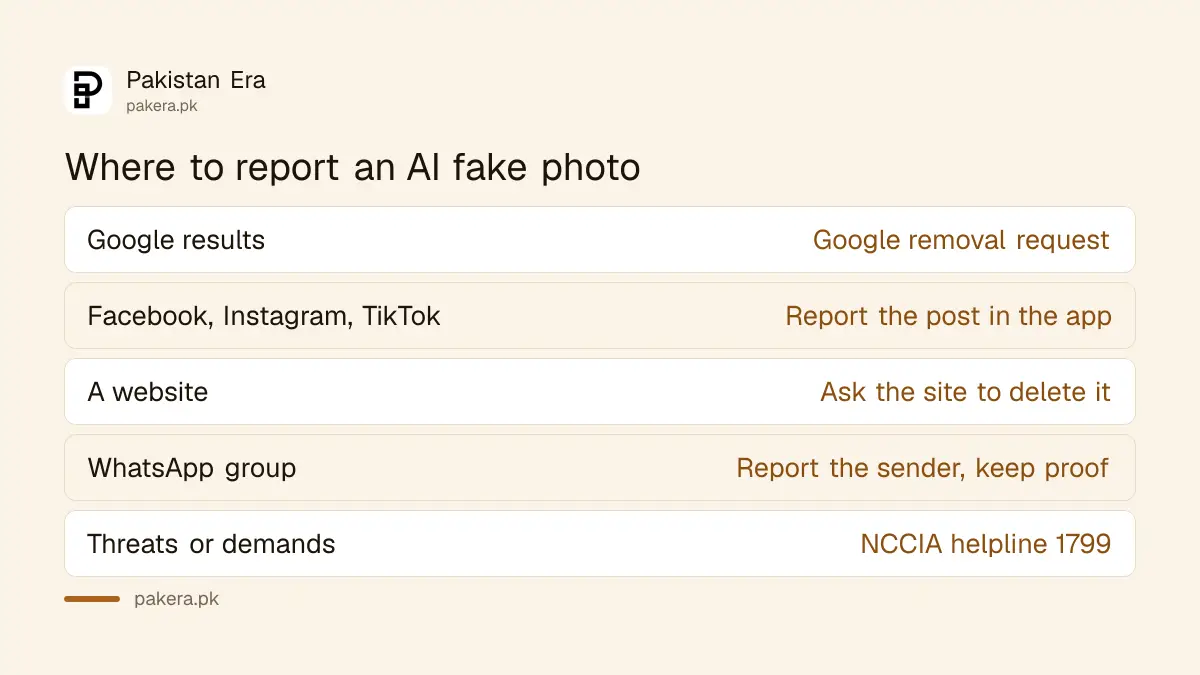
Google hides the result, but the website keeps the file
A Google removal takes the page out of Google results only. The image stays on the website, on social media and on other search engines until each of them deletes it. So file with Google and, at the same time, report to every place that hosts the fake.
| Where the fake is | What to do |
|---|---|
| Google Search or Images | Google's fake imagery removal request |
| Facebook, Instagram, TikTok, X | Report the post in the app as nudity or harassment |
| A website | Use its contact or abuse address and ask it to delete the image |
| WhatsApp groups | Report the sender in the chat, keep the evidence |
| Someone is threatening you | NCCIA helpline 1799 and its online complaint form |
StopNCII, a tool run by a UK charity and used by the partner apps listed on its site, can also block a fake from being uploaded again. Its FAQ says AI-made and deepfake nude images of adults are covered. It makes a digital fingerprint of the image on your own phone, so the picture itself never leaves your device. You need a copy of the image to use it, and encrypted chats such as WhatsApp are not covered.
Report the person to NCCIA under PECA
Making or sharing a sexual fake of a real person is a crime in Pakistan. Section 21 of the Prevention of Electronic Crimes Act 2016 covers placing a person's face on a sexually explicit image or video. Report it to the National Cyber Crime Investigation Agency (NCCIA).
- Call the NCCIA helpline on 1799, or file online at complaint.nccia.gov.pk.
- Keep screenshots with the date, the link, the account name and any messages or demands.
- Do not pay anyone who threatens to post the fake. The steps for that case are in reporting online blackmail in Pakistan.
- Women can also get help through the channels in women's online safety and harassment help.
If the person in the fake is under 18, do not save, crop or forward it. Report it straight away to NCCIA and on the platform. Anyone can report sexual content of a minor to Google, not only the child or parent.
Protect yourself from the next fake
AI fake tools usually start from a clear photo of your face. You cannot stop every fake, but you can make your photos harder to reach and spot new copies sooner.
- Make Instagram and Facebook profiles private and limit who can see your photos.
- Search your name on Google every few weeks to catch new results early.
- Remove phone numbers and home addresses from Google with Google's Results about you tool, so a fake cannot be tied to your contact details.
- If a video of a public figure looks fake, check it with the steps in spotting a deepfake scam video.
Common questions
Can Google remove an AI fake nude photo of me?
Yes. Google removes fake sexual images from its search results when you can be identified, the content is fake and sexual, and it was shared without your consent. The request is free.
Does a Google removal delete the photo from the internet?
No. It removes the page from Google results only. Ask the website and each social app to delete the file, and report the person to NCCIA.
Can my brother or father file the request for me?
Yes. Google accepts requests from the person shown or an authorised representative, such as a family member or a lawyer.
Is making a deepfake of someone a crime in Pakistan?
Yes, when it is sexual. Section 21 of PECA 2016 covers putting a person's face on a sexually explicit image or video. Report it to NCCIA on 1799.
What if Google rejects my request?
Check that every link you gave opens the fake directly, then file again with clearer screenshots. Google may also refuse content it sees as newsworthy.
How will I know Google removed it?
Google sends you an email for each link it removes. Search your name again a few days later to confirm.
How we verified this
What we checked and where we read it.
Last checked 25 November 2026. The removal conditions, steps and limits come from Google Search Help, Remove involuntary fake pornography from Google. The StopNCII details, including coverage of AI-made images and on-device fingerprints, come from the StopNCII FAQ. The offence is section 21 of the Prevention of Electronic Crimes Act 2016, and the NCCIA helpline and complaint form are those listed by the agency.
Free on WhatsApp
Get last dates and rule changes on WhatsApp
We post new last dates, fee changes and fixes for common problems, a few short posts a day.
Follow Pakera on WhatsAppOther followers cannot see your number.
Pakera Solves It
Which online process wasted your time this week?
A portal that will not load, a form nobody explains, a complaint that went nowhere. Tell us. Every week we pick one, solve it step by step and publish the answer.
About the author

Technology Journalist & Multimedia Producer
Ahmad Ali is a technology journalist and multimedia producer at Pakistan Era, joining the team in October 2026. He covers consumer technology and digital life for Pakistani readers, combining research with hands-on product testing.