Stay Safe Online as a Woman in Pakistan: PKCERT's Steps Against Harassment, Stalking and Blackmail
PKCERT's guide for women online, in plain steps for Pakistan: lock accounts, keep dated evidence, never pay a blackmailer and know where harassment is reported.
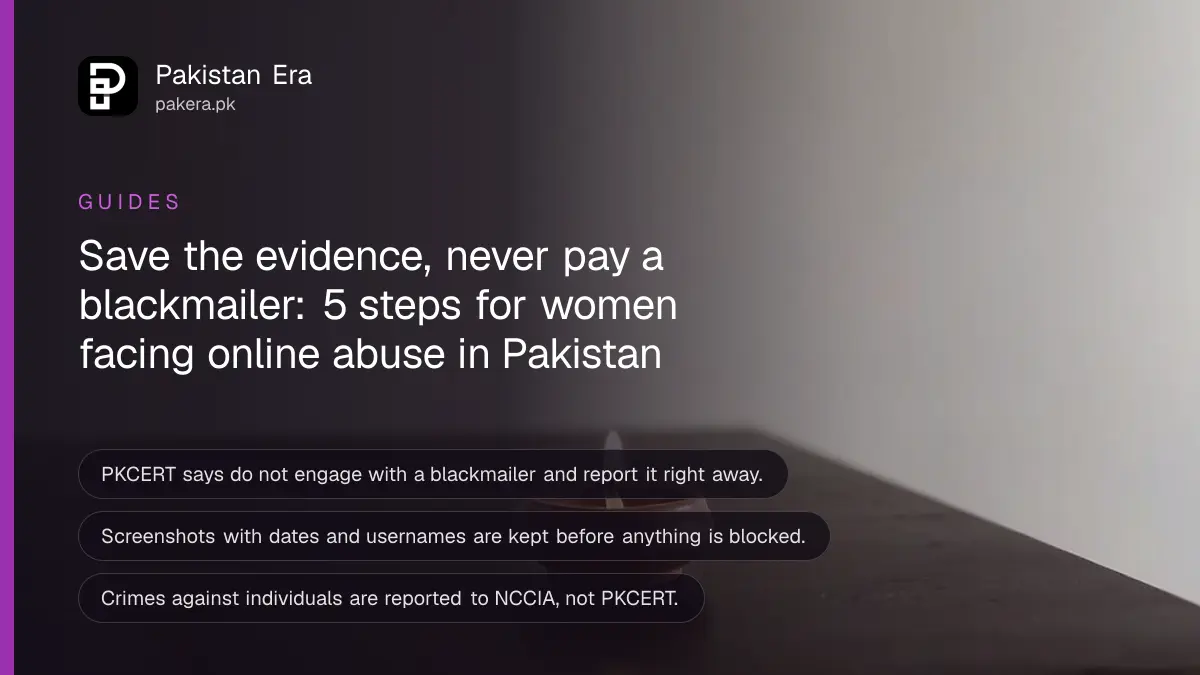
Short answer: Lock your accounts with a strong, different password and two step verification, set your posts to the audience you choose, keep screenshots with dates of anything abusive, and never negotiate with a blackmailer. If someone threatens you, report it. PKCERT, Pakistan's national cyber emergency team, publishes a short guide for women on exactly this, and the steps below follow it.
A student in Karachi gets a message from an account with no photo. It quotes a picture she posted last year and says it will be sent to her relatives unless she replies. She feels her stomach drop. She has done nothing wrong, and she can still act fast.
We read PKCERT's "Empowering Women Online: Navigating Social Media and Cybersecurity Safely" infographic on its ABC (Awareness Brings Change) Program page on 12 October 2026. What we attribute to PKCERT comes from that page. Harassment and blackmail are the fault of the person doing them, never of the person receiving them. The advice below is about protection and evidence, not blame.
Strong passwords and privacy settings come first
PKCERT's first group of advice is account security: use a strong, unique password for each account, switch on two factor authentication wherever possible, and review your privacy settings regularly so you control who sees your information and posts.
Two factor authentication means a second proof, such as a code, when someone logs in. It stops a stolen password from being enough. The steps for WhatsApp, Facebook and Gmail are in the guide to turning on two step verification.
Privacy settings are the quickest win. On Instagram you can make the account private and restrict one person without telling them, as shown in the steps to make your Instagram account private. Facebook has a checkup that walks you through who can see each post, covered in the guide to the Facebook privacy checkup.
PKCERT also says to avoid oversharing: be careful with your location, contact details and daily routine, because these can fuel stalking and harassment. A live location tag on a story tells a stranger where you are right now.
Keep a record before you block or report
PKCERT says to document incidents: keep records of harassing messages, take screenshots and note dates and times in case you need them as evidence. Do this first. Blocking comes after, because blocking can hide the messages from your view.
- Take a screenshot of each message, comment or profile, with the username and the date visible.
- Copy the profile link or the phone number into a note.
- Save the screenshots in a folder, and email them to yourself as a backup.
- Use the platform's report tool on the message or account.
- Block the account, and tell one person you trust.
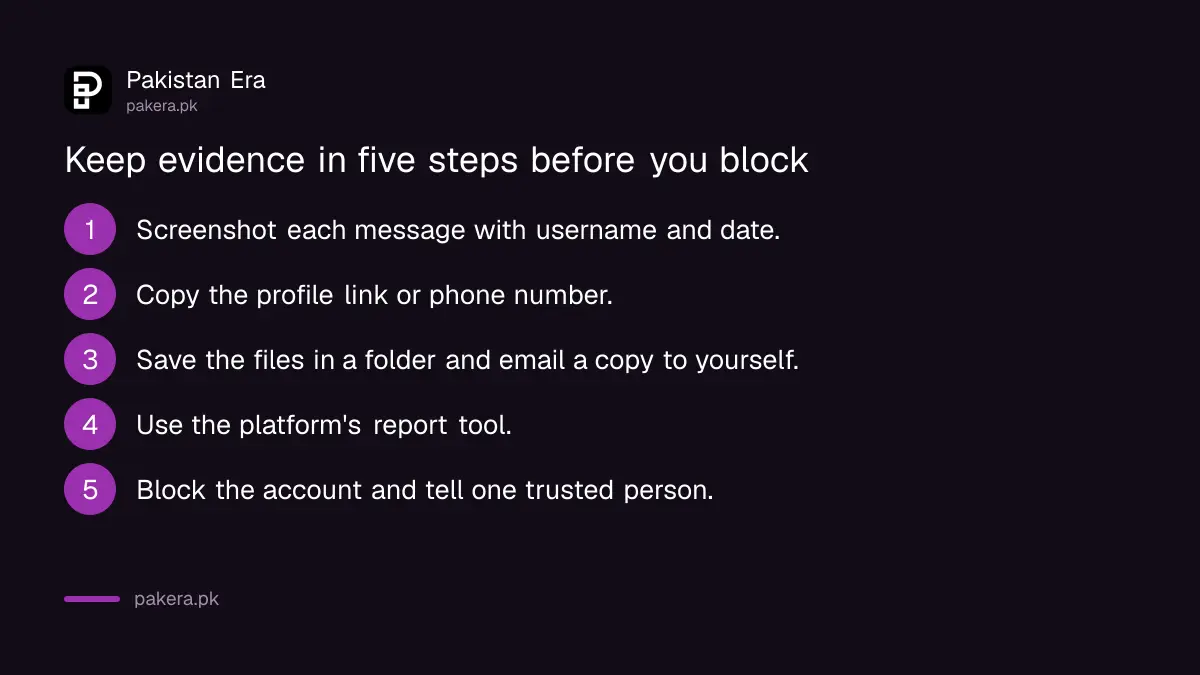
PKCERT recommends using the platform's own tools to report abuse and, for severe cases, contacting law enforcement or cybercrime authorities.
Blackmail is reported, not negotiated
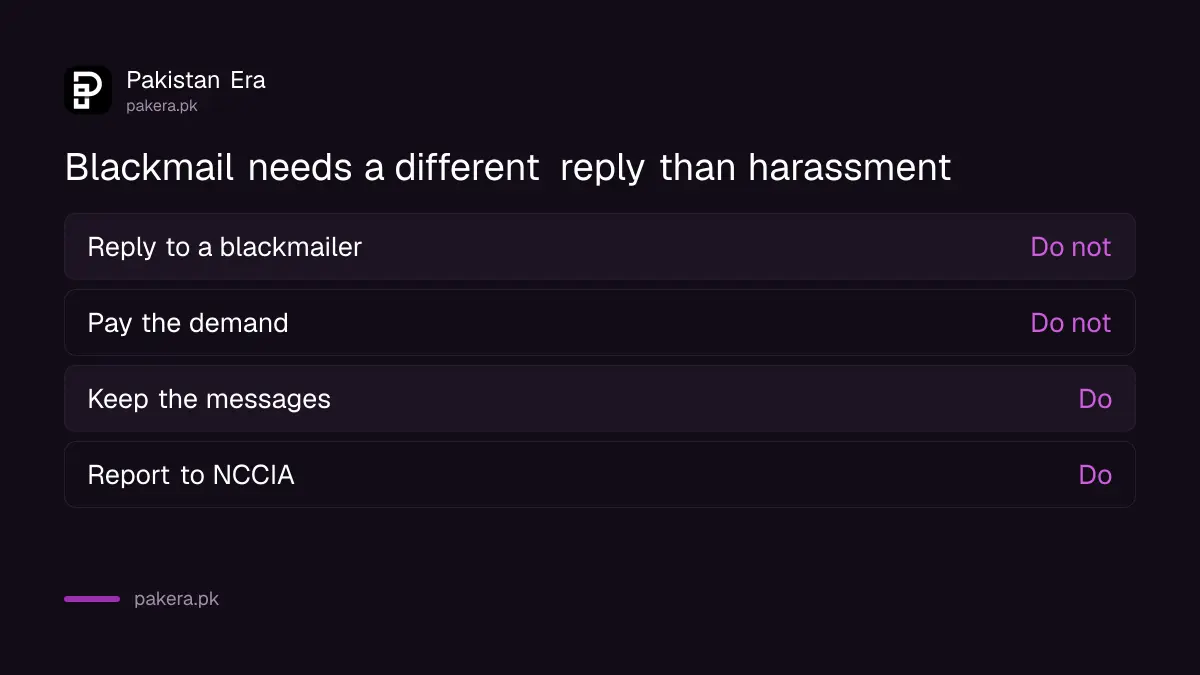
PKCERT's advice for blackmail is direct: do not engage with the person doing it, and report it to the authorities right away. Paying or replying usually leads to more demands, because the person learns you will respond.
PKCERT's own incident form says that crimes against individuals, such as online fraud, harassment, blackmail and fake social media accounts, fall under the National Cyber Crime Investigation Agency (NCCIA). Such cases should be reported to NCCIA directly, not to PKCERT.
The process, documents and safety points are covered in the guide to reporting online blackmail with private photos. A stalker or fake account in your name has its own steps in the page on reporting a fake account or online stalker under PECA.
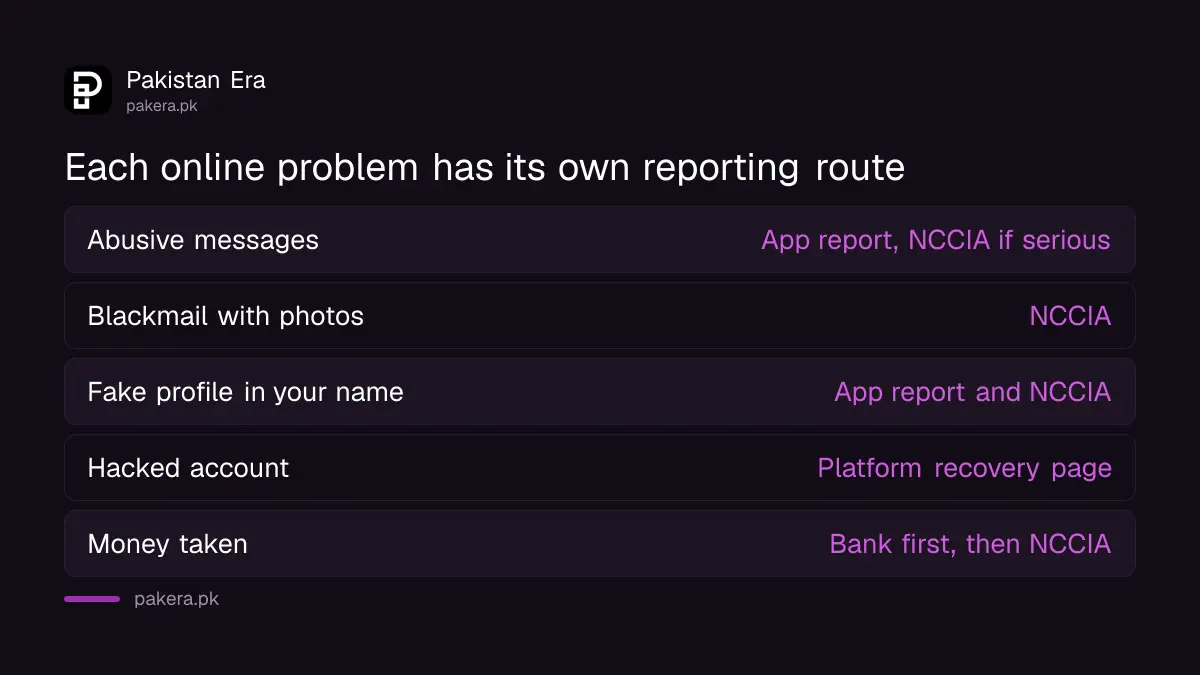
| Problem | First step | Where it is reported |
|---|---|---|
| Abusive comments or messages | Screenshot, then block and report in the app | The platform, and NCCIA if serious |
| Blackmail with photos or videos | Do not reply or pay, save evidence | NCCIA |
| Fake profile in your name | Save the profile link, report the profile | The platform, and NCCIA |
| Hacked account | Change the password, remove unknown devices | The platform's recovery page |
| Money taken from your account | Call the bank or wallet at once | Bank, then NCCIA |
Protect your identity and think before you post
PKCERT asks you to watch for identity theft scams and, if you suspect your identity was misused, to secure your accounts and report it. It also asks you to consider the long term effect of a post on your name and your work.
In Pakistan, the most common identity risk is your CNIC or your SIM. Check which SIMs are registered on your CNIC, as shown in how to check SIMs on your CNIC. If your WhatsApp is taken over, follow the steps in the guide to recovering a hacked WhatsApp account.
PKCERT also suggests using encrypted messaging when sharing sensitive information. WhatsApp and Signal both encrypt messages end to end. That does not stop someone from keeping a screenshot, so share private pictures only with people you trust completely, or not at all.
Talk to other women about it
PKCERT's last point is awareness: talk openly with other women about harassment and cyber threats, share what works, and lead by example. Many victims stay silent because they feel shame. A friend who says "this happened to me too" often makes the difference.
If you are helping someone else, listen first. Tell them it is not their fault, and help them keep the evidence in the way set out above.
Common questions
Should I delete the abusive messages?
No. Keep them and take screenshots with the date and username first. You may need them later as evidence.
Should I pay a blackmailer to stop?
No. PKCERT says not to engage with the person and to report it to the authorities right away. Paying often leads to more demands.
Who handles online harassment and blackmail in Pakistan?
PKCERT's incident form says crimes against individuals fall under the National Cyber Crime Investigation Agency (NCCIA). Report to NCCIA, and use the platform's report tool as well.
How do I make my social media accounts safer today?
Set a unique strong password, turn on two factor authentication and review your privacy settings. Stop posting your live location.
What if someone makes a fake profile with my photos?
Save the profile link and screenshots, report the profile in the app, and file an NCCIA complaint if it threatens or defames you.
How we verified this
What we checked, where we read it, and what we could not confirm.
Last checked on 12 October 2026, Pakistan time. We read PKCERT's Women's Cyber Safety page and its infographic, and PKCERT's incident reporting page. NCCIA's websites refused automated requests, so we did not read its complaint channels for this page. The evidence steps are our own plain-language ordering of PKCERT's advice.
About the author

Technology Journalist & Multimedia Producer
Ahmad Ali is a technology journalist and multimedia producer at Pakistan Era, joining the team in October 2026. He covers consumer technology and digital life for Pakistani readers, combining research with hands-on product testing.