How to Remove Your Phone Number and Address From Google Search Results in Pakistan
Use Google Results about you to find pages that show your phone number, address or email, then request removal. Steps, limits and what Google will refuse.
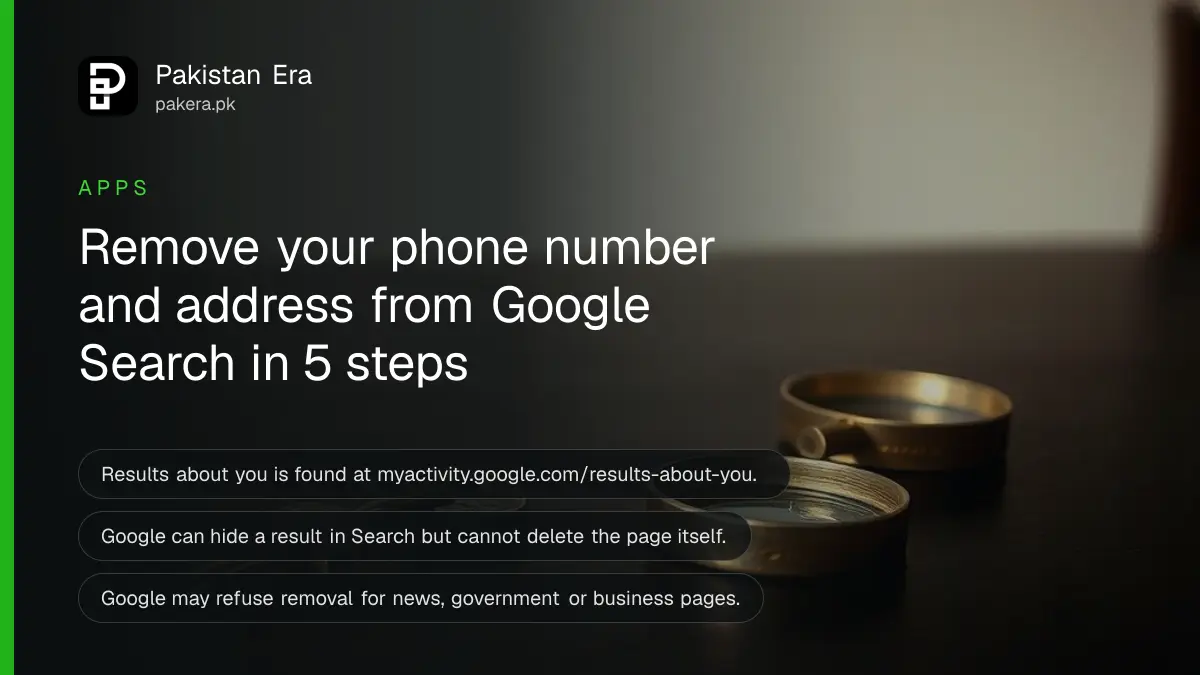
Short answer: Sign in to your Google account and open myactivity.google.com/results-about-you. Enter your name, phone number, home address or email, and Google shows search results that contain them. Pick a result and tap "Request to remove". Google reviews each request and emails you the outcome.
Search your own name with your city. Some people find an old phone number on a classifieds page, a home address in a directory, or an email on a forum post from years ago. That is exactly what scam callers and blackmailers collect. You cannot always get the page itself deleted, but you can ask Google to stop showing it.
We read two Google Search Help pages: "Find and remove personal info in Google Search results" and "Remove my private info from Google Search". We did not file a removal request ourselves, because we would need to submit a real person's details.
Results about you finds pages that show your contact details
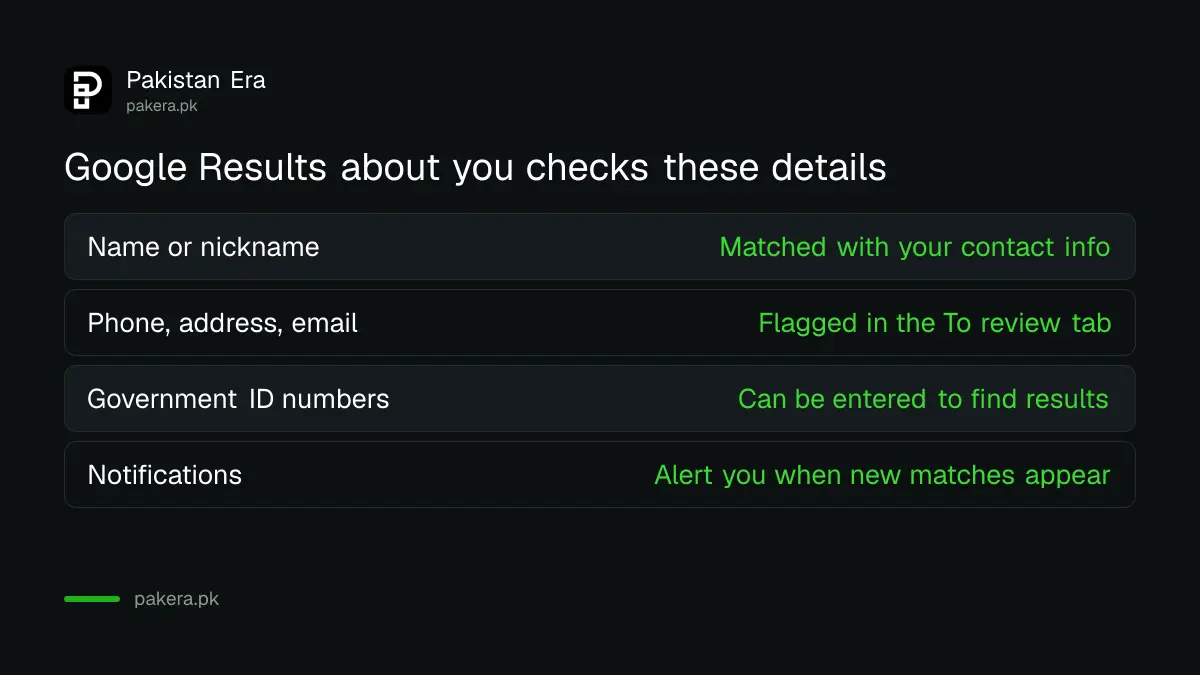
Results about you is a Google tool that checks search results for the contact details you enter, such as a home address, phone number or email. It can also send notifications when new matching results appear. It is for you, not for looking up others.
| What you can enter | What Google does |
|---|---|
| Name, nickname or maiden name | Looks for results that show your info next to it |
| Phone numbers, home addresses, email addresses | Flags matching results in the "To review" tab |
| Government ID numbers such as a passport number | Listed by Google as info you can enter to find results |
| Notifications turned on | Emails or app alerts when new matches appear |
Google also says some of these features are rolling out for users over 18 in certain markets. We could not confirm from its page whether the tool is live for every account in Pakistan, so try it and see if the page opens for you.
How to find and remove a result step by step
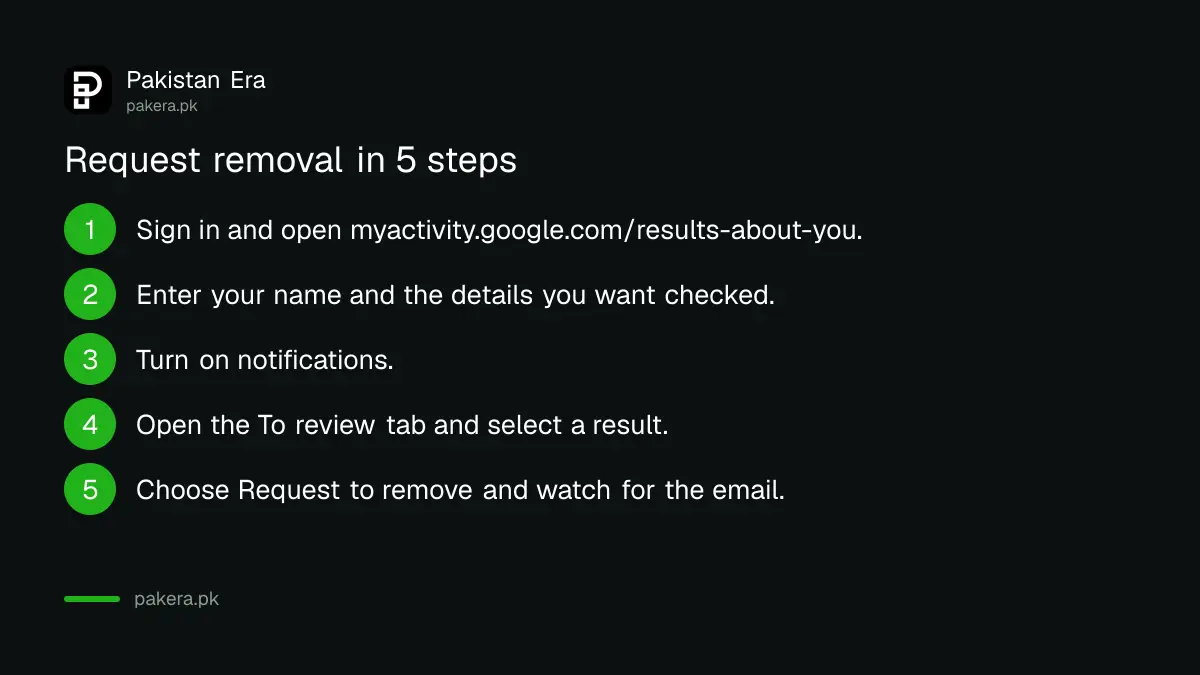
Open Results about you, press Get started, enter your details, switch on notifications, then check the "To review" tab. Choose a result and tap Request to remove. Google sends a confirmation email and you can follow the request in the same page.
- Sign in to your Google account on the phone or computer.
- Go to myactivity.google.com/results-about-you, or open the Google app, tap your profile picture and choose Results about you.
- Select Get started or Settings.
- Enter your name and the phone number, address or email you want checked.
- Turn on notifications.
- Open the "To review" tab and select a result.
- Choose Request to remove, or Mark as reviewed if you want to keep it.
You can also report a page straight from Google Search. Search your name and city, open "About this result" with the three dots, choose Remove result, then "It shows my personal info and I don't want it there", then Contact info.
Google removes search results, not the page itself
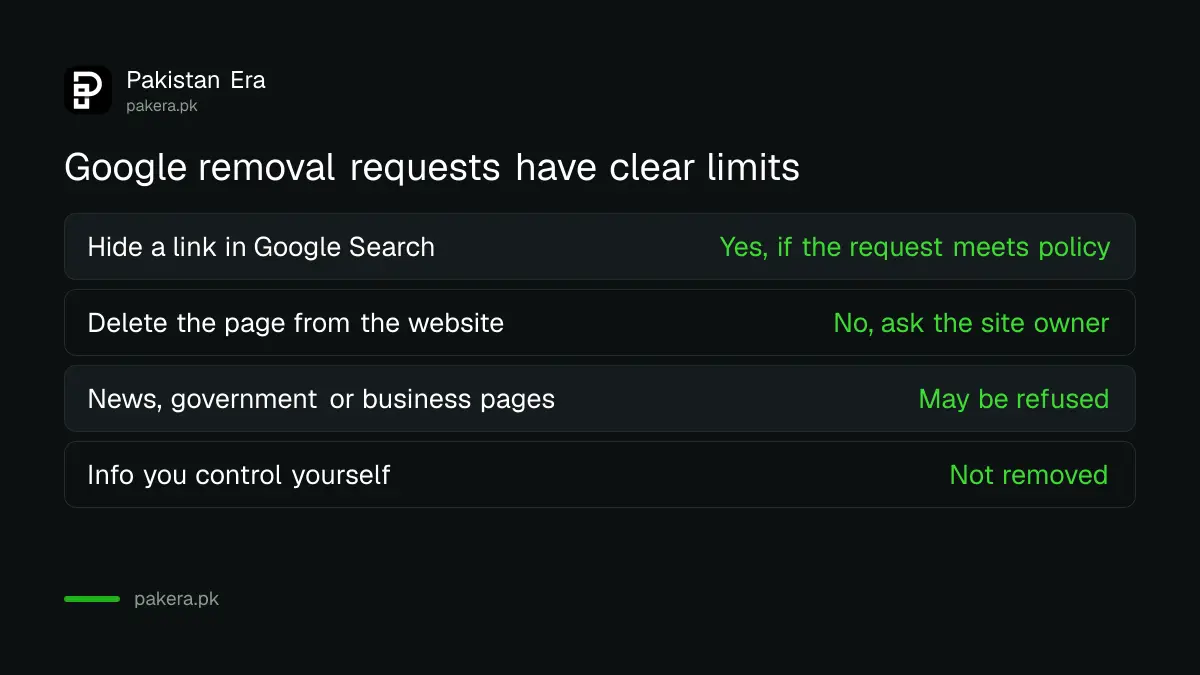
A removal request hides the link in Google Search only. The page can stay live on the website and may still be found through other search engines, social media or direct links. To get the page deleted, you must contact the website's owner.
Google's page says it may refuse to remove a result if the content is valuable to the public, such as news, government, educational or business pages. In those cases you may not see a Remove option at all. Info you control yourself, like your own social media page, is also not removed.
So the order is simple. First delete or hide the details on pages you own. Then ask the site owner on others. Then ask Google to remove the result. Unlisting your number from Truecaller is one example of fixing a source at the origin.
Doxxing and ID numbers go through a separate request
If a page shows your CNIC, bank card number, signature or private records, use Google's "Remove my private info" request form, not just Results about you. The form also covers doxxing, meaning people sharing your details to harm you, and you need the page URLs.
Google lists as removable: address, phone number or email, confidential government IDs such as a resident ID card number, bank account or credit card numbers, pictures of your signature or ID, private records like medical records, and confidential usernames and passwords. Screenshots can help Google find the content.
If you are being threatened or blackmailed, removing a link is not enough. Keep screenshots and report it to the authorities, as described in reporting online blackmail in Pakistan. To see whether a leak of your CNIC has already been misused, read protecting your CNIC from misuse.
Check for leaked passwords as well
Hiding a phone number does not help if your password is already out. After a clean-up, check whether your email appears in a known breach and change any reused password. Both steps take a few minutes and cost nothing.
We show how in checking if your passwords leaked online. Turn on two-step verification on your main email as well, because search results about you often lead scammers to your email first.
Common questions
Is Results about you free?
Google's help page does not mention any fee. It is a feature inside your Google account and Google app.
Can I remove a result about someone else?
Google says a representative can ask on behalf of the person. For others, or if you do not want to log in, use the detailed removal request form on Google's help page.
Will the page disappear from the internet?
No. Google says it can only remove things from Google Search results. The page may still be found through links, social media or other search engines. Contact the website owner to remove it at the source.
How long does Google take to answer?
Google says you get a confirmation email within a few hours, and you can track the request as in progress, approved, denied or undone. It gives no fixed review time.
Why is there no Remove button on some results?
Google treats some pages as valuable to the public, such as government, educational, news or business sites. It does not offer removal for those.
Does it work for under 18s?
Not through the same flow. Google says for a person under 18, use the detailed removal request form.
How we verified this
What we checked, where we read it, and what we could not confirm.
Last checked on 11 October 2026. We read Google Search Help pages Find and remove personal info in Google Search results and Remove my private info from Google Search. We did not submit a request and could not confirm Pakistan specific availability. Features and menu names can change.
About the author

Technology Journalist & Multimedia Producer
Ahmad Ali is a technology journalist and multimedia producer at Pakistan Era, joining the team in October 2026. He covers consumer technology and digital life for Pakistani readers, combining research with hands-on product testing.