Facebook Login Code Not Received in Pakistan: 4 Fixes for Two-Factor SMS on Jazz, Zong, Ufone and Telenor
Facebook login code not coming? Wait, approve from another device, use one of 10 recovery codes, or confirm your ID. Facebook replies in 1 to 2 working days.
If Facebook's 6 digit login code is not coming to your Jazz, Zong, Ufone or Telenor number, wait a few minutes, check signal and a full inbox, then approve the login from a phone that is already logged in, or type one of your 10 recovery codes. If none of that works, tap Having trouble? on the code screen to confirm your identity. Facebook says it usually replies within 1 to 2 working days.
We read Facebook's help pages on two-factor authentication, SMS codes, recovery codes and login trouble on 7 November 2026. Two-factor authentication means Facebook asks for a code as well as your password when you log in from a new phone or browser. It is a good lock. But in Pakistan, where people change SIMs often and SMS can arrive late, it is also the most common reason people get stuck outside their own account.
Try these four fixes in order
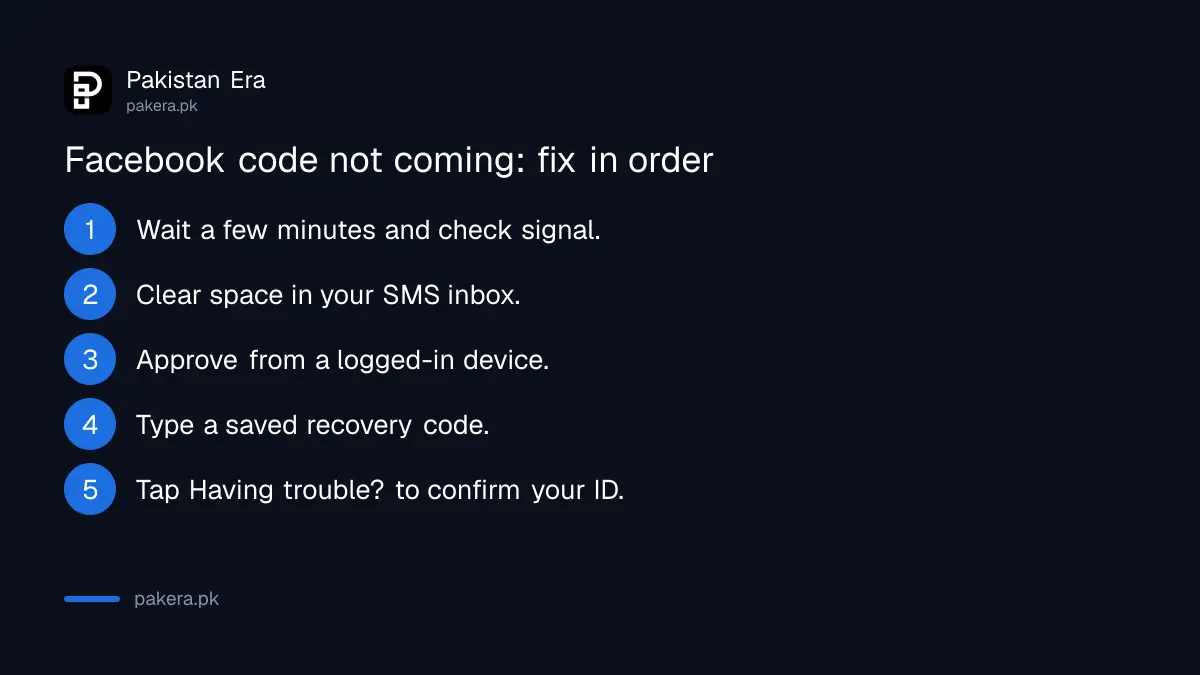
Facebook's own troubleshooting page lists the fixes in a set order: wait for a delayed SMS, approve from another logged-in device, use a recovery code, then ask Facebook to confirm your identity. Go down the list. Each step is quicker than the one after it.
- Wait a few minutes. Facebook says SMS codes can be delayed by your mobile network. Check that you have signal and that your message inbox is not full.
- Approve from another device. If Facebook is still open on another phone, tablet or laptop, look at its notifications. You may see a prompt to approve the new login without a code.
- Use a recovery code. If you saved your 10 recovery codes, type one in place of the SMS code. Each one works only once.
- Confirm your identity. On the code screen, tap Having trouble? on Android, Need help? on iPhone, or Need another way to authenticate? on a computer.
Do not keep pressing "send again" every few seconds. Wait a few minutes between tries, then move to the next fix.
Why the SMS code does not reach your number
Facebook names three causes on its pages: a delay on your mobile network, a full message inbox, or text messages from Facebook switched off on your account. A fourth cause is common when people change SIMs: the code is going to an old number they no longer use.
| Cause | What to do |
|---|---|
| Network delay | Wait a few minutes, check signal, try again |
| Inbox full | Delete old SMS, then request a new code |
| Facebook texts turned off | Turn Facebook SMS back on in your settings |
| Code sent to an old number | Get a duplicate SIM, or use another method |
| SIM blocked or expired | Restore the SIM with your network first |
A SIM that went unused for months may be blocked or recycled. If your number is in that state, the blocked SIM restore steps come before anything Facebook can do. A duplicate SIM on the same number, such as a Zong duplicate SIM, brings the codes back if the number is still yours.
Facebook says it does not charge for SMS codes. Your network's standard rates for sending and receiving messages still apply.
Locked out: confirm your identity with Facebook
When no code or device works, Facebook can check that the account is yours. You start from the code screen, then upload a government ID, answer questions about the account, or use trusted contacts if you set them up. Facebook says it usually replies within 1 to 2 working days.
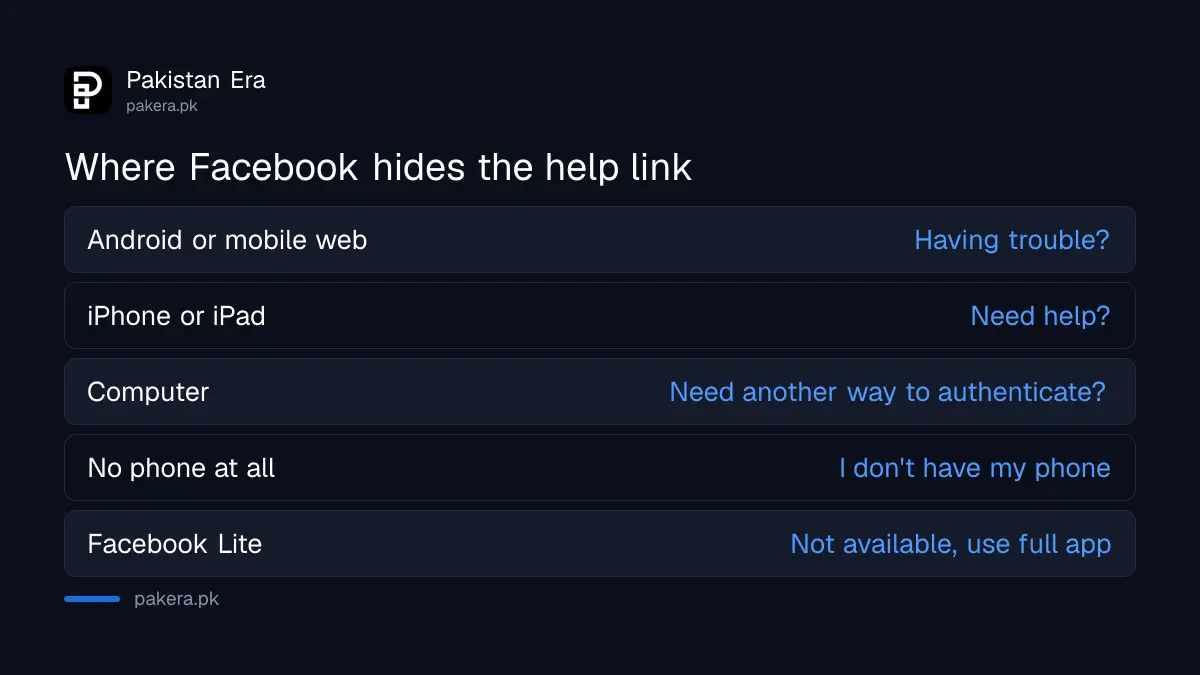
| Device | Tap or click on the code screen |
|---|---|
| Android app or mobile browser | Having trouble? |
| iPhone or iPad | Need help? |
| Computer | Need another way to authenticate?, Other options, Get more help |
| No phone at all | I don't have my phone, then Contact us |
| Facebook Lite | Not available, use the full app or facebook.com |
Facebook names a driving licence or passport as examples of government ID. A CNIC is also a government-issued ID, though Facebook's page names only those two as examples. The name on your ID should match the name on the profile. The reply comes to the email or phone number linked to the account.
That Facebook Lite note matters here. Many people in Pakistan use Lite to save data, and identity checks do not work in it. Install the full Facebook app or open facebook.com in a browser for this step.
Stop it happening again: save recovery codes now
Facebook gives you 10 one-time recovery codes for days when your phone is not with you. Get them from Accounts Centre, Password and security, Two-factor authentication, Additional methods, then Recovery codes, and tap Get new codes. Print them or write them down.
Then add a second method. Facebook offers three: SMS codes, an authentication app and a security key. An app works offline and does not depend on your SIM, which makes it the best choice for anyone who changes networks or travels. Setting up Google Authenticator takes a few minutes.
- Recovery codes: 10 codes, each used once, new set any time.
- Authentication app: codes without SMS or signal.
- Security key: a USB or NFC key you tap to log in.
- Saved browser: skip codes on your own laptop, never on a shared computer.
Instagram works the same way, and its two-factor backup codes are worth saving at the same time.
Changing your number? Update Facebook first
The safest time to update your number is before you lose the old SIM. Add the new number under Accounts Centre, Password and security, Two-factor authentication, Text message, then select or add a number. Then remove the old one.
Careful with the order. Facebook warns that if you turn off your only SMS number without an app or security key set up, two-factor authentication switches off completely. Add the new number or an app first, then remove the old one.
If you ended up here because someone changed your details without asking, it is not a code problem. Go straight to recovering a hacked Facebook account.
Common questions
Why is my Facebook code not coming to my phone?
The SMS may be delayed by your network, your inbox may be full, Facebook texts may be turned off, or the code may be going to an old number.
How do I log in to Facebook without the code?
Approve the login from another device that is already logged in, or type one of your saved recovery codes.
How long does Facebook take to restore access?
Facebook says it usually sends instructions within 1 to 2 working days after you confirm your identity.
How many digits is a Facebook login code?
Six. Facebook's SMS security codes are always six digits.
Does Facebook charge for login code SMS?
No. Facebook says it does not charge, though your network's normal rates apply.
Can I confirm my identity in Facebook Lite?
No. Facebook says the identity check is not available in Lite. Use the full app or facebook.com.
How we verified this
What we checked, where we read it, and what we could not confirm.
Last checked on 7 November 2026. The fixes and the 1 to 2 working day reply time are from Facebook's page on troubleshooting login with two-factor authentication. The SMS rules are from its page on text message codes, and the recovery code steps from its recovery codes page. We did not lock and restore an account ourselves.
About the author

Technology Journalist & Multimedia Producer
Ahmad Ali is a technology journalist and multimedia producer at Pakistan Era, joining the team in October 2026. He covers consumer technology and digital life for Pakistani readers, combining research with hands-on product testing.