Change TikTok Region or Country in Pakistan: App and Web Steps, the 4 Conditions and the One Change Warning
Change your TikTok region in Settings, Account, User Information. TikTok needs you to have been in that country, rewards settled, and may allow one change only.
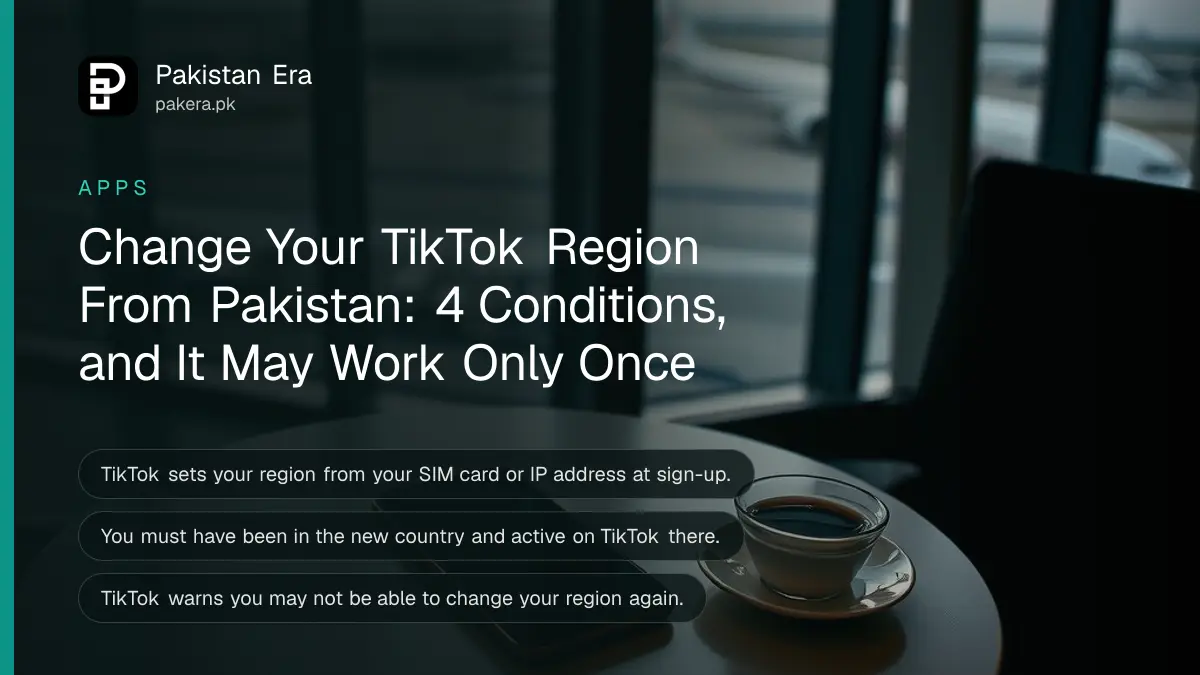
You can change your TikTok region in the app under Profile, the menu ☰, Settings and privacy, Account, User Information, then Account region. But TikTok says you must have been in the new country and active on TikTok there, and once you change it you may not get to change it again.
We read TikTok's account region help page on 7 November 2026. The question comes up a lot in Pakistan, usually from creators who hope a United States or United Kingdom region will open features that are not offered here. TikTok's rules make that hard. It sets your region from your SIM card or IP address, and it only lets you switch to a country you have actually been in. So a Lahore creator cannot simply pick "United States" from a list and start earning there.
How TikTok decides your country or region
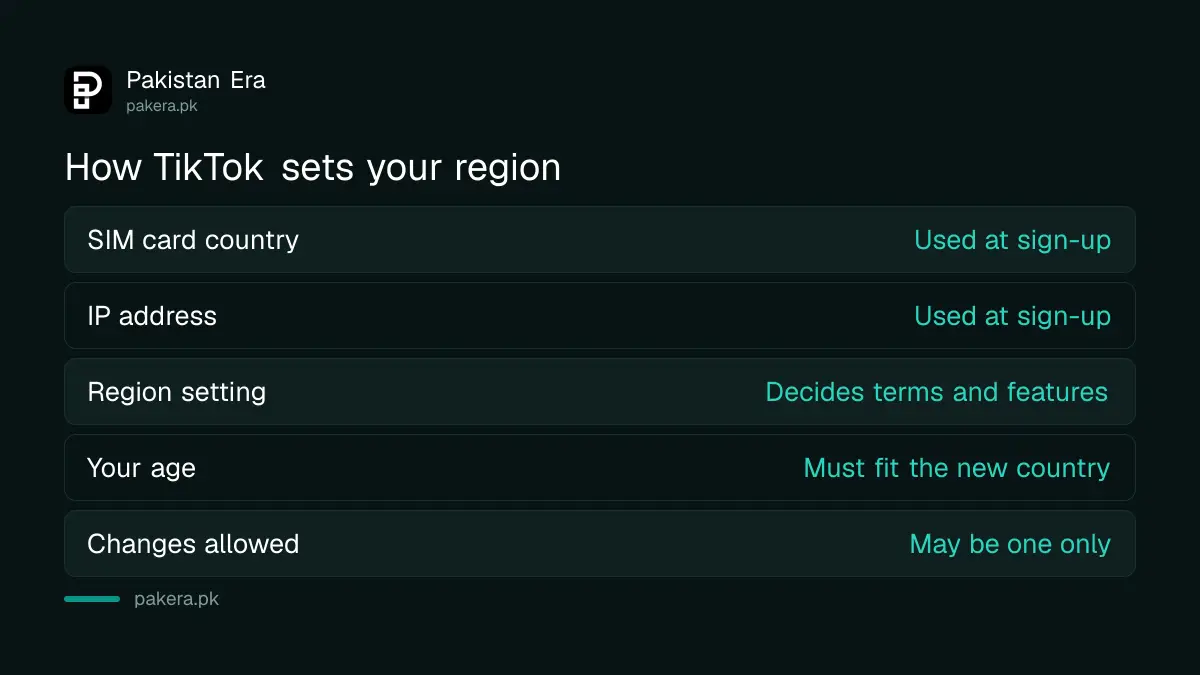
TikTok sets your region when you sign up, using location signals such as the country of your SIM card or your IP address. A Jazz, Zong, Ufone or Telenor SIM on a Pakistani connection means your account starts with Pakistan as its region.
That region decides which terms and privacy policy apply to you, and which features you see. TikTok says some features are not available in every region. It also says the terms in a new region may be different from the ones you agreed to before.
| Signal | What TikTok uses it for |
|---|---|
| SIM card region | Sets the country at sign-up |
| IP address | Sets the country at sign-up |
| Account region setting | Which terms, policies and features apply |
| Your age | Must meet the minimum age in the new country |
Change your TikTok region in the app or on the web
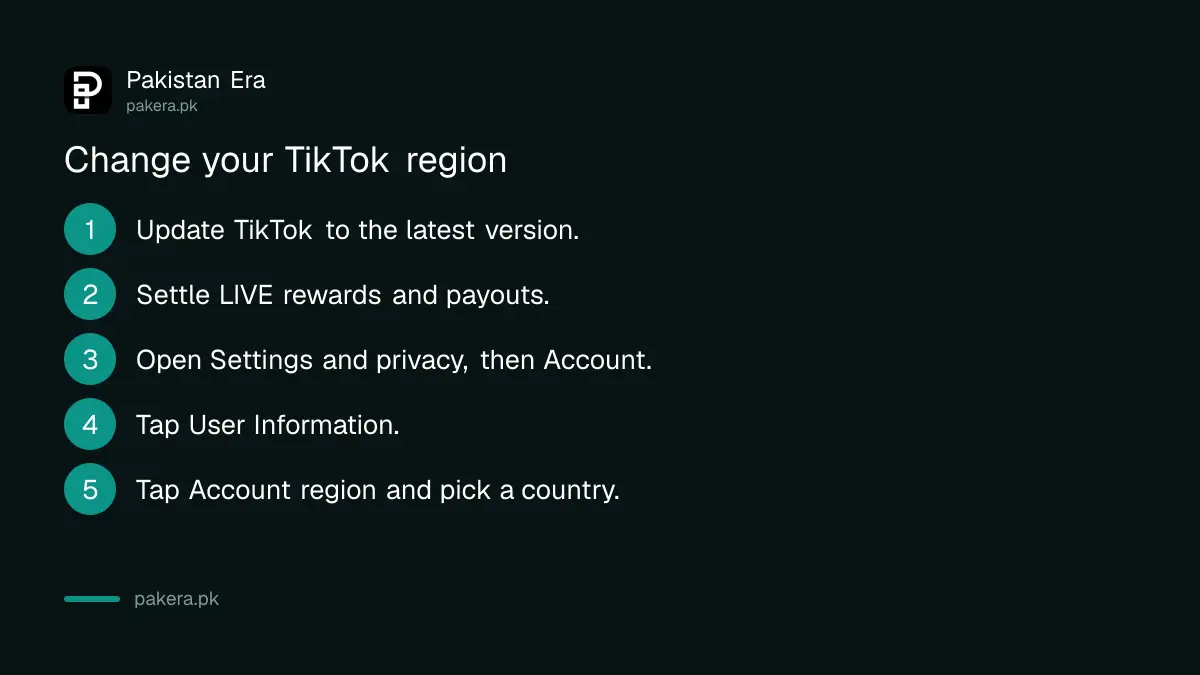
The region setting sits under User Information in the app and under Manage account on the website. Update the app first. TikTok lists the latest app version as one of its requirements, and an old version may not show the option at all.
In the TikTok app
- Tap Profile at the bottom.
- Tap the menu ☰ button at the top, then Settings and privacy.
- Tap Account.
- Tap User Information.
- Tap Account region and pick the country or region.
On a web browser
Go to tiktok.com and log in. Click your profile photo at the top, then Settings. Under Manage account, click Account region and choose the country.
New accounts have one more chance. On the sign-up screen, the country is shown at the bottom. Tap it and choose a location before you finish creating the account.
Four conditions TikTok sets before a region change
TikTok lists four requirements, depending on your location: you have been in the new country and active on TikTok, you meet that country's minimum age, you have settled all rewards from your current region, and you have the latest app version.
| Requirement | What it means for a user in Pakistan |
|---|---|
| Been in the country and active | You must have used TikTok while in that country |
| Minimum age | You must meet the new country's age rule |
| Rewards settled | Collect LIVE rewards and subscription payouts first |
| Latest app | Update TikTok from the Play Store or App Store |
| One change only | You may not be able to change it again |
The rewards rule is the one that bites creators. If you earn from LIVE gifts or subscriptions, TikTok reminds you to review them when you ask for the change. Settle them first, or you risk a messy hand-off between two regions.
The one change warning matters just as much. Pick the region you will live with, not one you are testing.
A region change will not open TikTok earnings in Pakistan
Changing the setting does not move you to another country. TikTok's own rules tie the change to having been there, so the setting follows real travel, not wishes. Creators who live in Pakistan stay in Pakistan's region and its feature set.
This is why tricks sold online, a foreign SIM bought from a reseller or a VPN that pretends you are abroad, are a poor bet. They fight the signals TikTok uses, and the region may not change at all. The real picture on TikTok earnings in Pakistan is a better place to plan from.
Moving abroad is the honest case. A student who settles in the UK and uses TikTok there can switch the region after spending time there. If you only travel for a short trip, a foreign SIM or travel eSIM helps with data, but it is not a reason to change your account region.
Apple works in a similar way for app stores. Its rules for changing your Apple account country also ask you to clear balances and subscriptions first.
What changes after you switch region
Your terms of service and privacy policy switch to the new country's version, and some features may appear or vanish. TikTok's page does not say your videos or followers are affected. It suggests reading the new region's terms by selecting it at the top of the Terms of Service page.
- Terms and policies: the new region's versions apply.
- Features: some may not be offered in every region.
- Rewards: anything unsettled from the old region should be collected first.
- Going back: you may not have the option to change again.
And the For You feed is shaped by more than the region setting. Changing the region is not a reliable way to see foreign content. Following accounts you like works faster.
Common questions
Can I change my TikTok region from Pakistan to the USA?
Only if you have been in the USA and active on TikTok there. TikTok lists that as a requirement for changing country.
Where is the region setting in TikTok?
Profile, menu ☰, Settings and privacy, Account, User Information, Account region.
How many times can I change my TikTok region?
TikTok warns that once you change it, you may not have the option to change it again. Treat it as a one time change.
Does a VPN change my TikTok region?
TikTok's region change rules ask that you have been in the country and active there, so a VPN alone is not a route TikTok offers.
Will I lose my followers if I change region?
TikTok's help page does not say followers are removed. The change affects terms, policies and available features.
Why is the Account region option missing?
Update TikTok to the latest version. TikTok says the options depend on your location, so some accounts may not see it.
How we verified this
What we checked, where we read it, and what we could not confirm.
Last checked on 7 November 2026. The steps, the four requirements, the one change warning and how TikTok sets your region are from TikTok's Account region help page. We did not change an account's region ourselves.
About the author

Technology Journalist & Multimedia Producer
Ahmad Ali is a technology journalist and multimedia producer at Pakistan Era, joining the team in October 2026. He covers consumer technology and digital life for Pakistani readers, combining research with hands-on product testing.