Change Apple ID Country to Pakistan: iPhone, Mac and Web Steps, and Why It Gets Refused
Change your Apple ID country to Pakistan from iPhone Settings, a Mac or the web. See the 5 things Apple makes you clear first and how to pay with a local card.
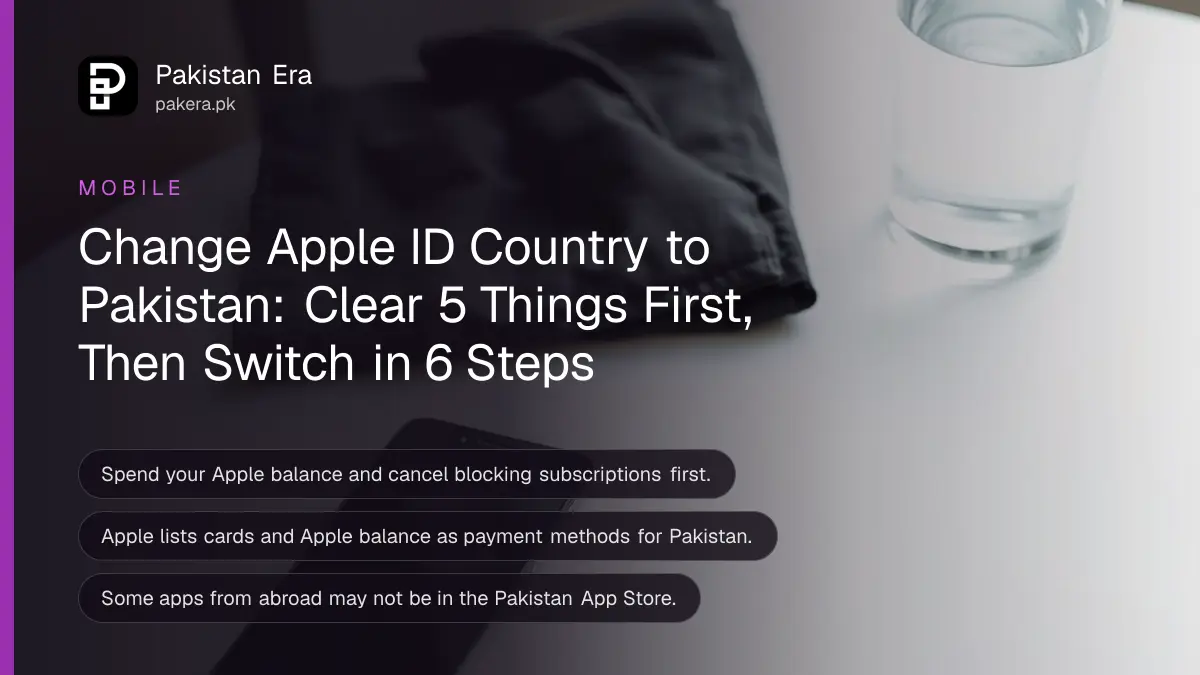
To change your Apple ID country to Pakistan on an iPhone, go to Settings, tap your name, then Media and Purchases, Country/Region, and choose Pakistan. It only works after you spend your balance, cancel blocking subscriptions and leave Family Sharing if asked. Below are the steps for iPhone, Mac and the web, the checklist Apple asks for, and what to do when the change is refused.
Pakistanis returning from the Gulf or the UK often keep an Apple Account set to the old country. Prices then show in dirhams or pounds, and a Pakistani card is rejected because the billing country does not match. We read Apple's page on changing your Apple Account country or region on 27 October 2026.
Apple asks you to clear five things before the country changes
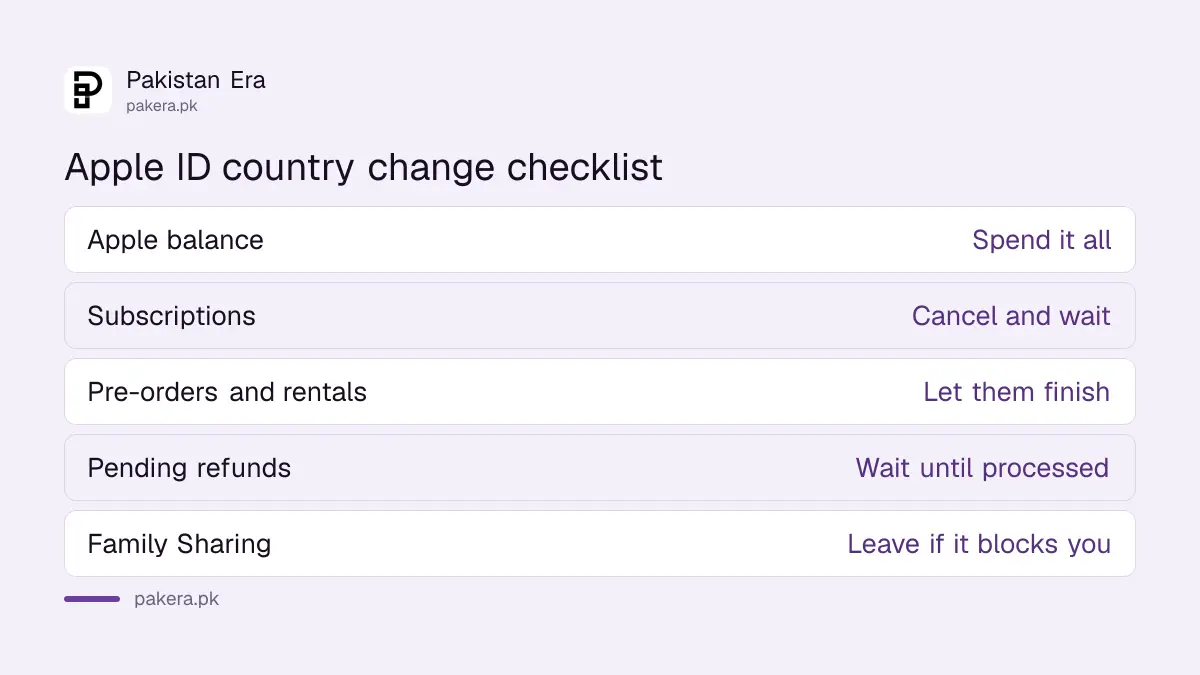
Apple will not switch the country while money or services are still tied to the old store. Spend the remaining balance, cancel subscriptions that block the change, let memberships, pre-orders and rentals finish, wait for refunds to clear, and leave Family Sharing if it blocks you.
| Item | What Apple asks | Tip for Pakistan |
|---|---|---|
| Apple Account balance | Spend all of it | Too small to spend? Apple Support can clear it |
| Subscriptions | Cancel those that block the change, then wait for the billing period to end | Includes Apple Music, Apple TV and app subscriptions |
| Memberships, pre-orders, rentals, Season Passes | Let them finish, or cancel a pre-order | Check the end date in the app |
| Refunds | Wait until pending refunds finish processing | Check your purchase history |
| Family Sharing | Leave the group if it blocks the change | The organiser can re-invite you later |
Apple also warns about Apple One and iCloud+. If you cancel those to make the change, check what happens to your iCloud data first. You can subscribe again in Pakistan, where iCloud+ is offered in rupees. The iCloud storage price in Pakistan starts at Rs 200 a month.
Change the country on iPhone in six steps
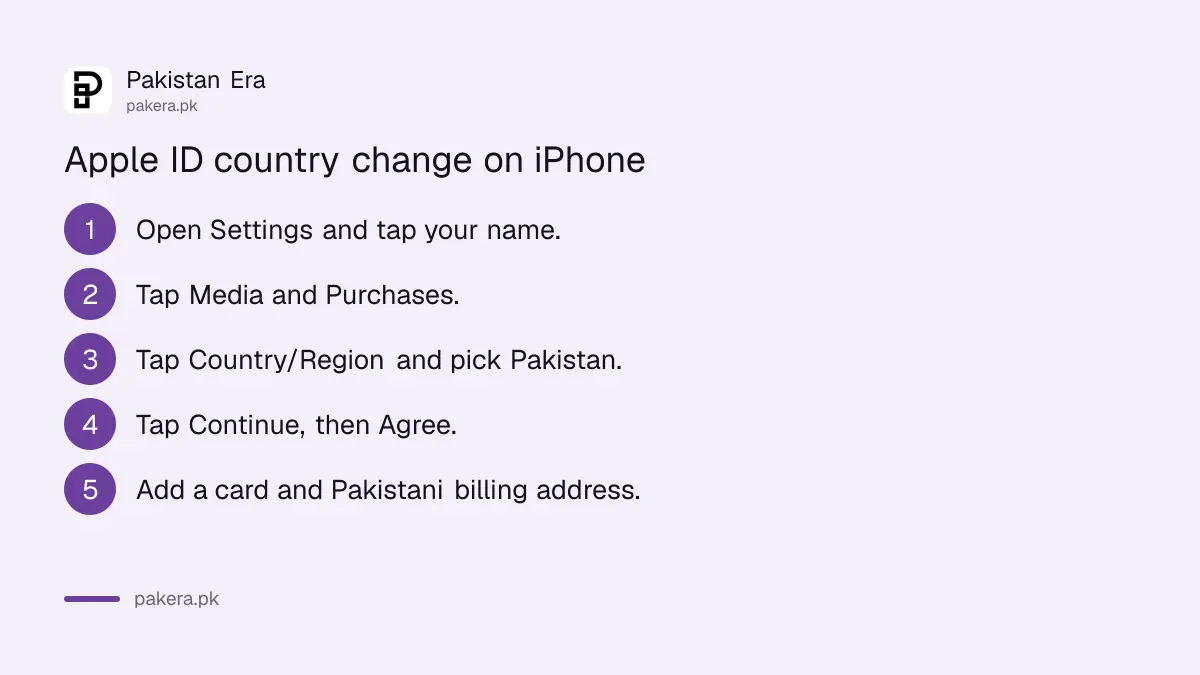
On an iPhone or iPad, the setting sits under Media and Purchases in your Apple Account. You pick Pakistan, agree to the new terms, then enter a payment method and a billing address in Pakistan. Clear the checklist first so the change is not refused.
- Open Settings and tap your name.
- Tap Media and Purchases, then sign in if asked.
- Tap Country/Region.
- Select Pakistan, then tap Continue.
- Read the terms and tap Agree.
- Choose a payment method, enter the card and your Pakistani billing address, then tap Done.
On some iOS versions a View Account screen sits between Media and Purchases and Country/Region. Tap it and carry on.
Change the country on a Mac or on the web
On a Mac, open the Apple Music or Apple TV app, choose Account, then Account Settings, and click Country/Region. On the web, sign in at account.apple.com, open Personal Information and select Country/Region. The same checklist applies everywhere.
| Device | Path |
|---|---|
| iPhone or iPad | Settings, your name, Media and Purchases, Country/Region |
| Mac | Apple Music or Apple TV app, Account, Account Settings, Country/Region |
| Web browser | account.apple.com, Personal Information, Country/Region |
The web route is handy when your iPhone is with a family member abroad. It also helps when the phone screen keeps showing the old store.
Pay with a Pakistani card once the store is Pakistan
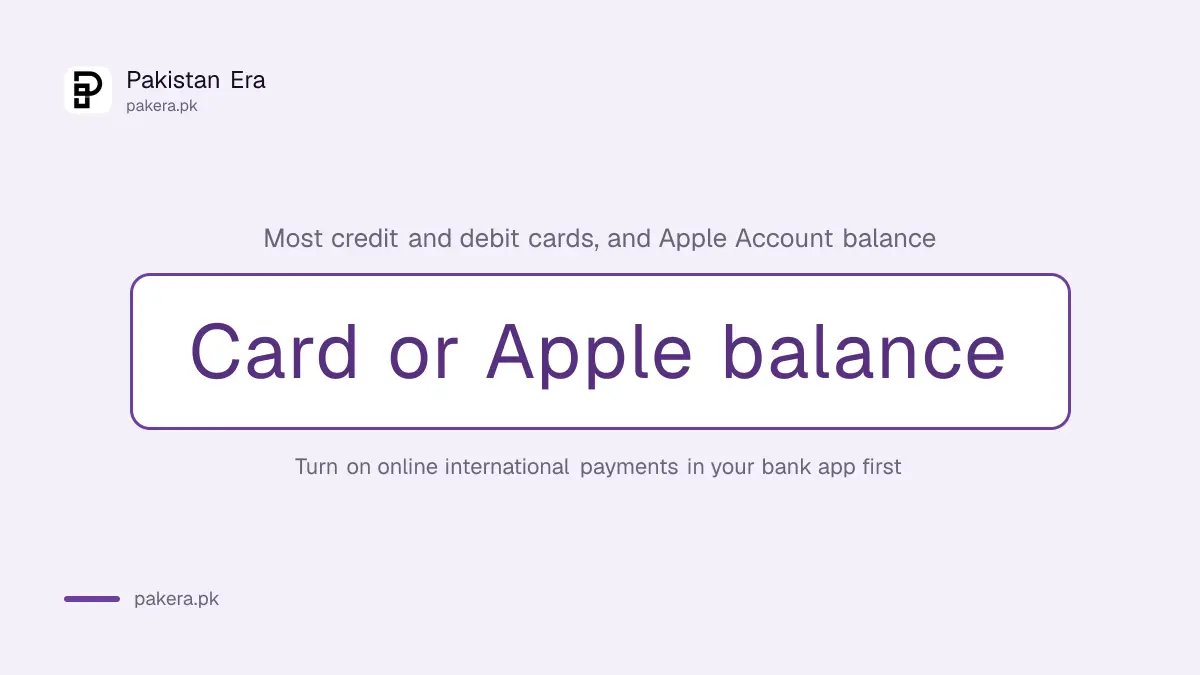
Apple lists two payment methods for Pakistan: most credit and debit cards, and Apple Account balance. There is no carrier billing on the list. Turn on online international transactions in your bank app before adding the card, or Apple may reject it.
The usual reasons a Pakistani card fails, and the fixes, are in adding a payment method to your Apple ID. The billing address you type must be in Pakistan, and the name should match the card.
Apple says you may need a valid payment method for the new country. If you do not want to add one, Apple's alternative is to wait until you are in that country and create a new Apple Account. For most people that is worse, because purchases stay with the old account.
Some apps and purchases do not move with you
Apple warns that some content may not be available in the new country. An app that is not sold in the Pakistan App Store may not be available to download again after the switch, so install what you need first.
Redownload apps, music, films and books on each device after the change. Region-locked apps, such as some banking and streaming apps from abroad, may not appear in the Pakistan store at all.
Your Apple Account itself does not change. The same email, password, photos in iCloud and device list stay. If you think someone else has access to the account, run through the steps to check signed-in devices on your Apple Account before you add a new card.
Common questions
Why can I not change my Apple ID country?
Usually because of a leftover balance, an active subscription, a pending refund or pre-order, or Family Sharing. Clear each one, then try again.
What if my Apple balance is too small to spend?
Apple says to contact Apple Support to have a small balance cleared so you can change the country.
Can I use JazzCash or Easypaisa on a Pakistan Apple ID?
Apple lists only cards and Apple Account balance for Pakistan. A wallet's virtual debit card may work as a card, but we did not test one.
Will I lose my photos if I change Apple ID country?
No. The country setting affects the store and payments. Your iCloud data stays, but check your iCloud+ plan if you cancel it first.
Do I need to be in Pakistan to change Apple ID country?
Apple asks for a payment method from the new country. Without one, Apple says to wait until you are there and create a new account.
How we verified this
What we checked, where we read it, and what we could not confirm.
We read Apple's support page on changing your Apple Account country or region (support.apple.com/118283) and Apple's list of payment methods by country (support.apple.com/111741) on 27 October 2026. The checklist, the iPhone, Mac and web steps, and the payment rules are Apple's. We did not change a live account ourselves. The note about a View Account screen reflects older iOS menus and may not appear on yours.
About the author

Technology Journalist & Multimedia Producer
Ahmad Ali is a technology journalist and multimedia producer at Pakistan Era, joining the team in October 2026. He covers consumer technology and digital life for Pakistani readers, combining research with hands-on product testing.