Hide Your Facebook Friends List in Pakistan and Stop Strangers Finding You by Phone Number
Hide your Facebook friends list in Pakistan, limit friend requests to friends of friends, and stop Facebook suggesting you to people who saved your number.
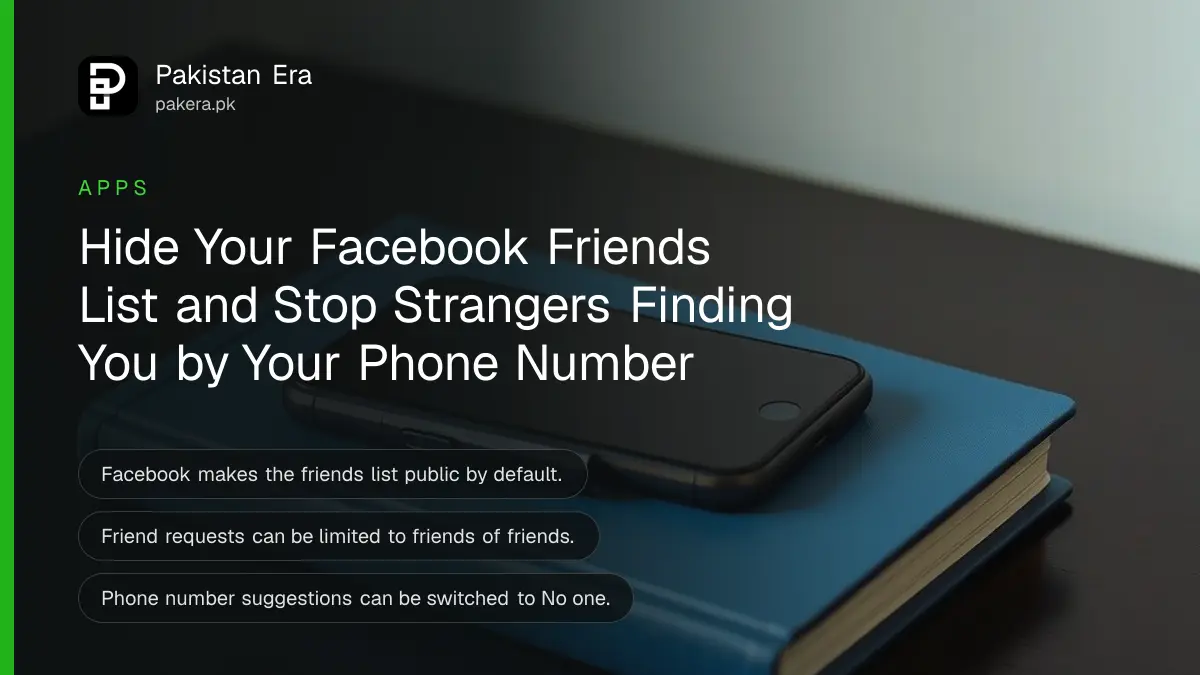
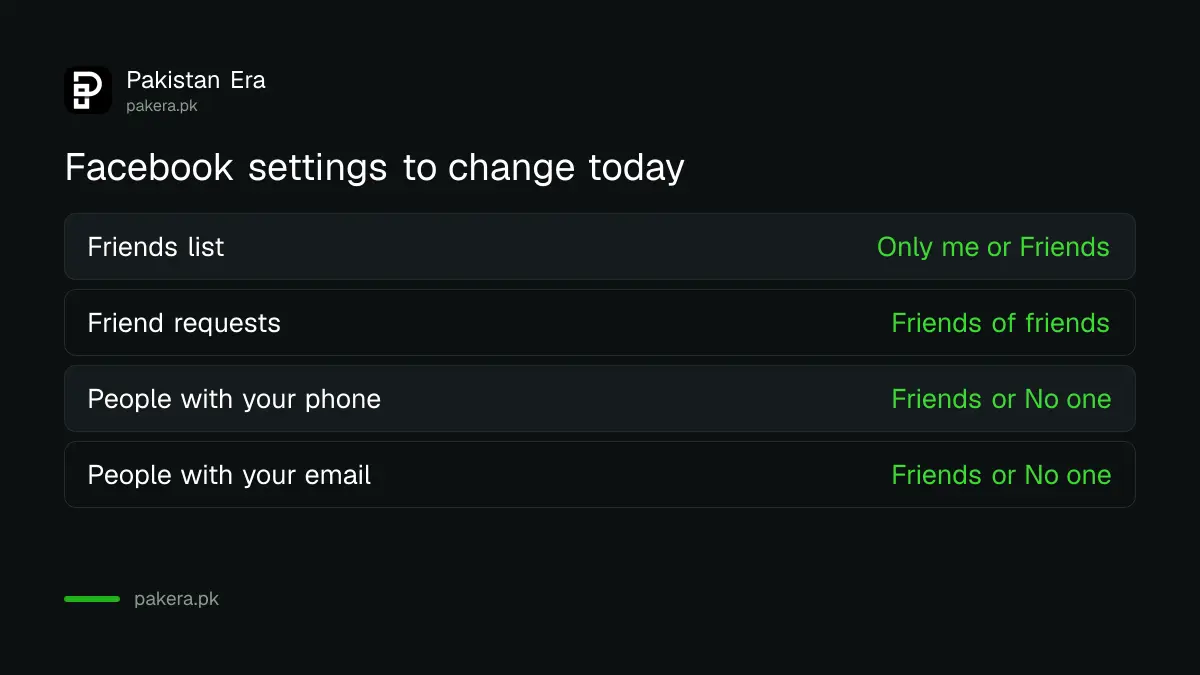
To hide your Facebook friends list, go to Settings and privacy, then Settings, scroll to Audience and visibility, tap How people find and contact you, tap Who can see your friends list, and choose Only me or Friends. On the same screen you can limit who sends you friend requests and who Facebook suggests your profile to using your phone number or email.
Facebook makes the friends list public by default. For many Pakistani users that list is a map of family, classmates and colleagues. Scammers who copy a profile use it to message the same people and ask for money. Three settings on one screen close most of that gap.
Three settings on one screen control who finds you
All three settings sit under How people find and contact you. One hides your friends list. One limits friend requests to friends of friends. One stops Facebook suggesting you to people who saved your phone number or email. Change all three together.
| Setting | Most open choice | Safer choice |
|---|---|---|
| Who can see your friends list? | Public | Only me or Friends |
| Who can send you friend requests? | Everyone | Friends of friends |
| People with your phone number | Possible connections | Friends or No one |
| People with your email address | Possible connections | Friends or No one |
Hide your friends list in five steps
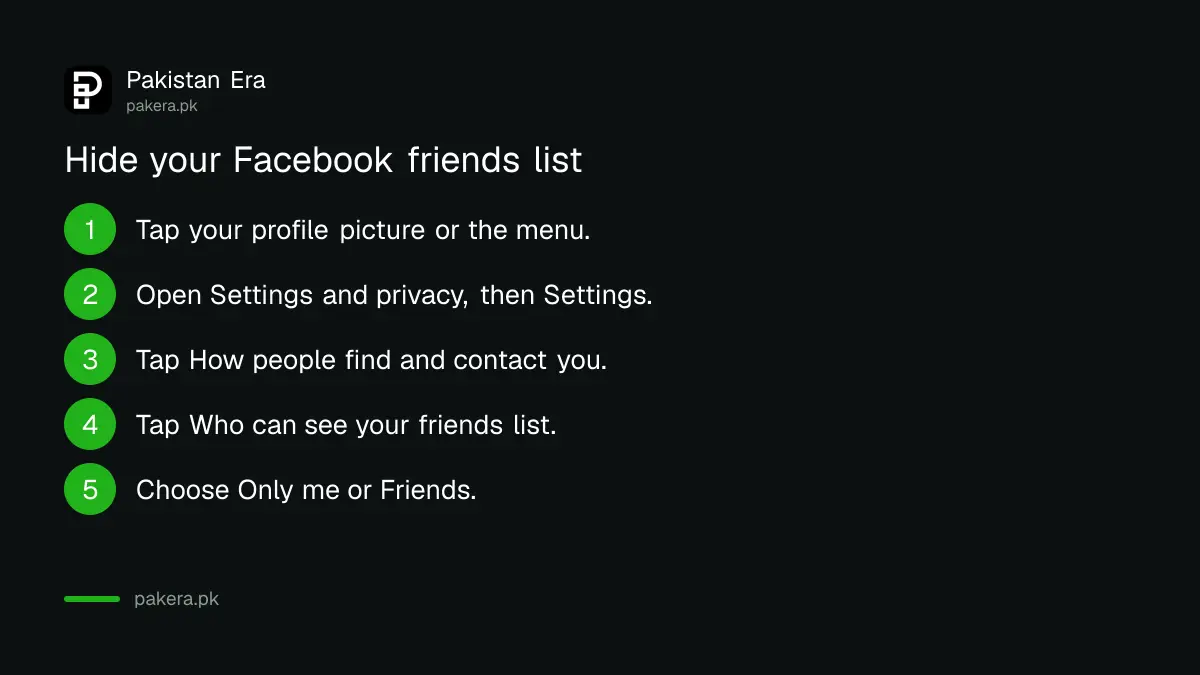
Open Settings and privacy, then Settings. Under Audience and visibility tap How people find and contact you, then Who can see your friends list. Pick Only me to hide it fully, or Friends to show it only to people you have accepted.
- Tap your profile picture at the top right of Facebook, or the menu in the app.
- Tap Settings and privacy, then Settings.
- Scroll to Audience and visibility and tap How people find and contact you.
- Tap Who can see your friends list?
- Choose Only me, Friends or another audience.
One limit applies. You control only your own list. If a friend leaves their list public, anyone can still see that you two are friends on their profile, and in Feed and Search. People may also see mutual friends when they open your profile. Ask close family to make the same change.
Limit who can send you friend requests
On the same screen, tap Who can send you friend requests and choose Friends of friends instead of Everyone. Strangers with no shared friends then cannot send a request at all.
- Go to Settings and privacy, Settings, then How people find and contact you.
- Tap Who can send you friend requests?
- Choose Friends of friends.
Facebook offers only these two choices, Everyone and Friends of friends. A fake account can still reach you if it first befriends someone you know. So treat a second request from a "friend" you already have as a warning sign, and check it against the signs of a fake Facebook profile.
Stop Facebook suggesting you from your phone number
Facebook may suggest your profile to people who uploaded your phone number or email from their contacts. By default this is set to Possible connections. Change both the phone and email settings to Friends or No one.
- On the How people find and contact you screen, tap View next to People with your phone number.
- Choose No one, Friends, Friends of friends or Possible connections.
- Go back and tap View next to People with your email address, and choose again.
This matters in Pakistan because phone numbers pass through many hands: a shopkeeper, a courier, a property dealer. Each one who saves your number to a phone with Facebook installed can see you in People you may know. Facebook says your number itself is not shown in the suggestion.
Facebook adds that even with these limits, People you may know can still suggest you for other reasons, such as mutual friends. These settings narrow the reach, they do not make you invisible.
Cloned profiles are why the friends list matters
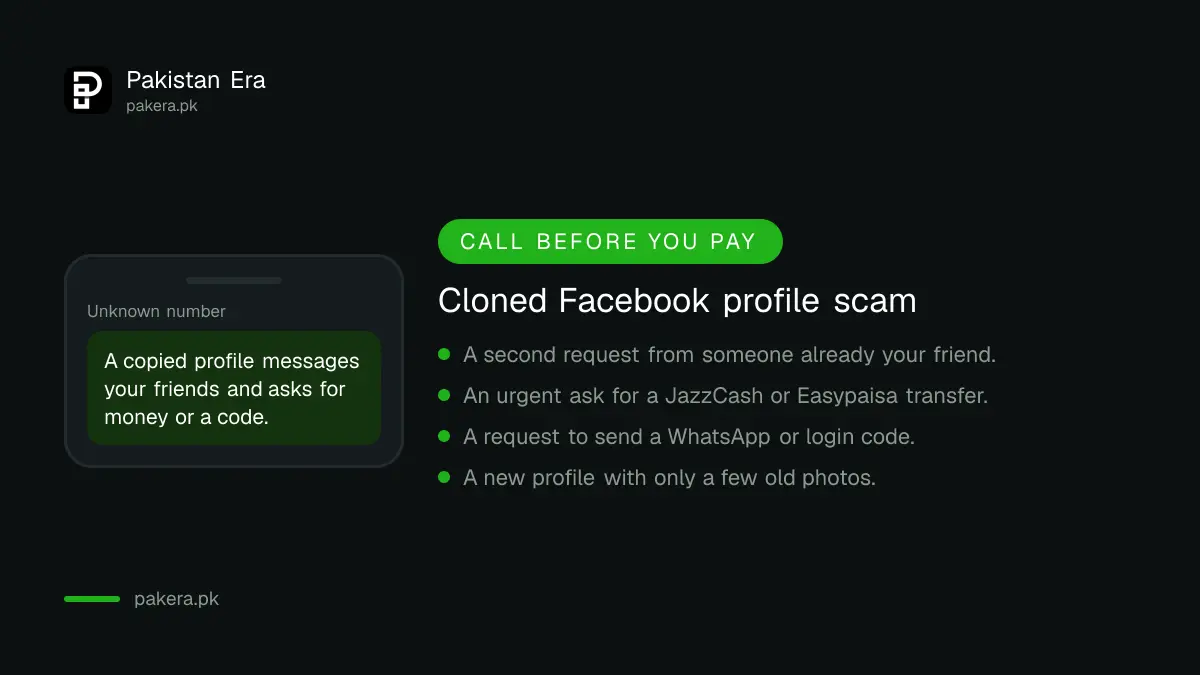
A common scam in Pakistan copies someone's name and photo into a new profile, then sends requests to everyone on their public friends list. Once accepted, it asks for money, a JazzCash or Easypaisa transfer, or a WhatsApp code. Hiding the list makes this harder.
- Call the person on their known number before sending money to any "friend" on Messenger.
- Never share a login or WhatsApp code with anyone, even a relative.
- Report the copy to Facebook as impersonation and tell your friends not to accept it.
- Check which devices are logged in to your account and remove the ones you do not know. The steps to see where Facebook is logged in take a minute.
For the rest of your profile, the Facebook Privacy Checkup walks through who sees your posts, your profile details and your search visibility.
Common questions about hiding your Facebook friends list in Pakistan
Is my Facebook friends list public by default?
Yes. Facebook says the Friends section of your profile is public by default, so everyone can see it until you change the setting.
Can people still see my friends if I set the list to Only me?
Partly. Friends with public lists still show you as their friend, and visitors may see mutual friends on your profile.
Can I stop all friend requests on Facebook?
No. The strictest choice is Friends of friends. People with no mutual friends then cannot send you a request.
How do I stop people finding me on Facebook by my phone number?
Under How people find and contact you, tap View next to People with your phone number and choose No one or Friends.
Does Facebook show my phone number in friend suggestions?
No. Facebook says your number or email is not shared in People you may know. It is only one factor in who sees you suggested.
How we verified this
What we checked and where we read it.
Last checked 15 November 2026. We read the Facebook Help Centre pages Adjust who can see your Friends section on Facebook, How do I change who can add me as a friend on Facebook and Control who Facebook can suggest your profile to based on your email address or phone number. These pages render only in a full browser, and the menu names above match their computer instructions, which the app follows closely.
About the author

Technology Journalist & Multimedia Producer
Ahmad Ali is a technology journalist and multimedia producer at Pakistan Era, joining the team in October 2026. He covers consumer technology and digital life for Pakistani readers, combining research with hands-on product testing.