How to Report a Fake Facebook or Instagram Account Pretending to Be You in Pakistan
Report a fake Facebook or Instagram account using your name or photos in Pakistan: the menu steps, the form if you have no account, and when to go to NCCIA.
To report a fake Facebook profile using your name or photos, open it, tap the three dots (Options), choose Report profile and follow the prompts. On Instagram, open the fake account, tap the three dots, then Report, Report Account and "It's pretending to be someone else". You can report on both apps even without an account, through Meta's contact forms. Instagram says your report stays anonymous.
Fake profiles are a common problem in Pakistan. Someone copies your photos, messages your relatives for money, or posts in your name to embarrass you. Reporting it to Meta is the fastest way to get it taken down. We read Facebook's help page on impersonation and Instagram's page on reporting an impostor on 20 October 2026.
Facebook and Instagram both remove accounts that pretend to be you
Facebook says profiles and Pages that impersonate other people break its Community Standards. Instagram says you can report an account pretending to be you, someone you follow, a public figure or a business. Both apps also accept reports from people who have no account.
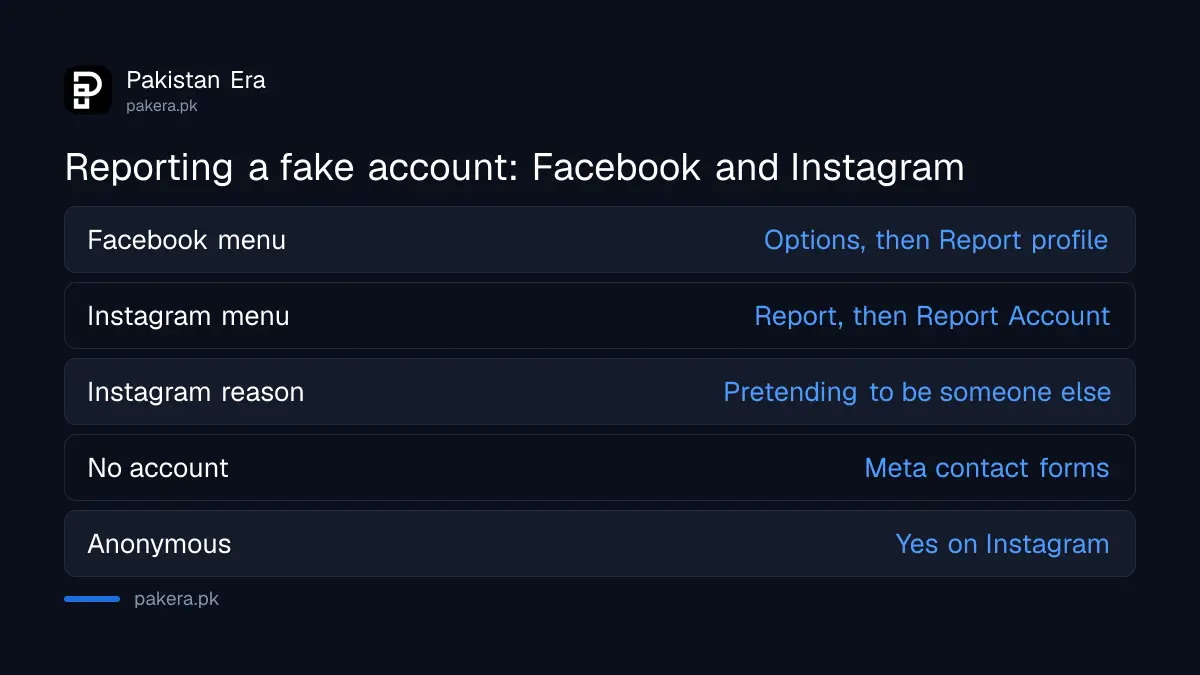
| Question | Instagram (and Threads) | |
|---|---|---|
| Where to start | Options (three dots) below the cover photo | Options (three dots) next to the username |
| Menu to choose | Report profile, or Report Page | Report, then Report Account |
| Reason to pick | Follow the prompts for pretending to be someone | It's pretending to be someone else |
| No account? | Facebook contact form | Meta contact form for impersonation |
| Is it anonymous? | Not stated on the page we read | Yes, except intellectual property reports |
How to report a fake Facebook profile or Page
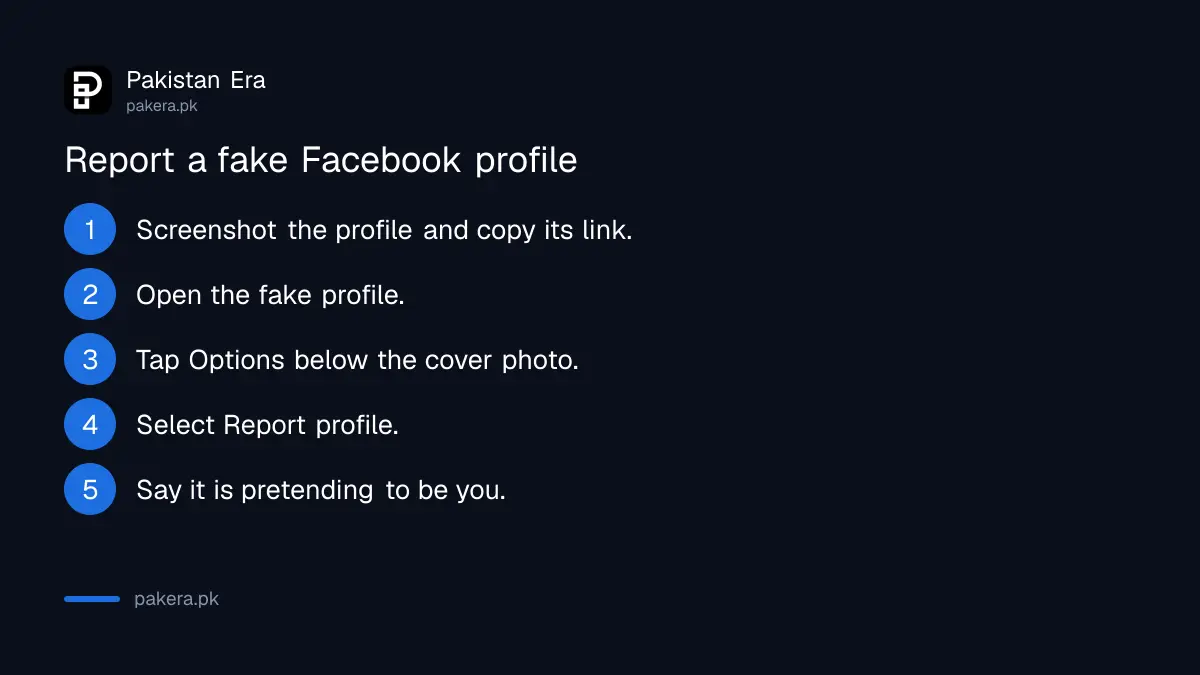
Go to the fake profile, tap or click Options under the cover photo, select Report profile and follow the steps. For a fake Page, choose Report Page instead. If you cannot find it, search the name or ask a friend to send you the link.
- Take screenshots of the fake profile, its posts and any messages it sent, before you report. Copy its link too.
- Open the fake profile or Page on Facebook.
- Click or tap Options, the three dots below the cover photo.
- Select Report profile, or Report Page for a Page.
- Follow the prompts and say it is pretending to be you.
- Ask family members who received messages from it to report it as well.
Facebook says you can also report an impostor from inside Messenger. That is handy when the fake account first reached you, or a relative, through a message asking for money or an Easypaisa transfer.
If someone took over your real account rather than copying it, that is a different problem. Use the steps to recover a hacked Facebook account first, then report any copies.
How to report a fake Instagram or Threads account
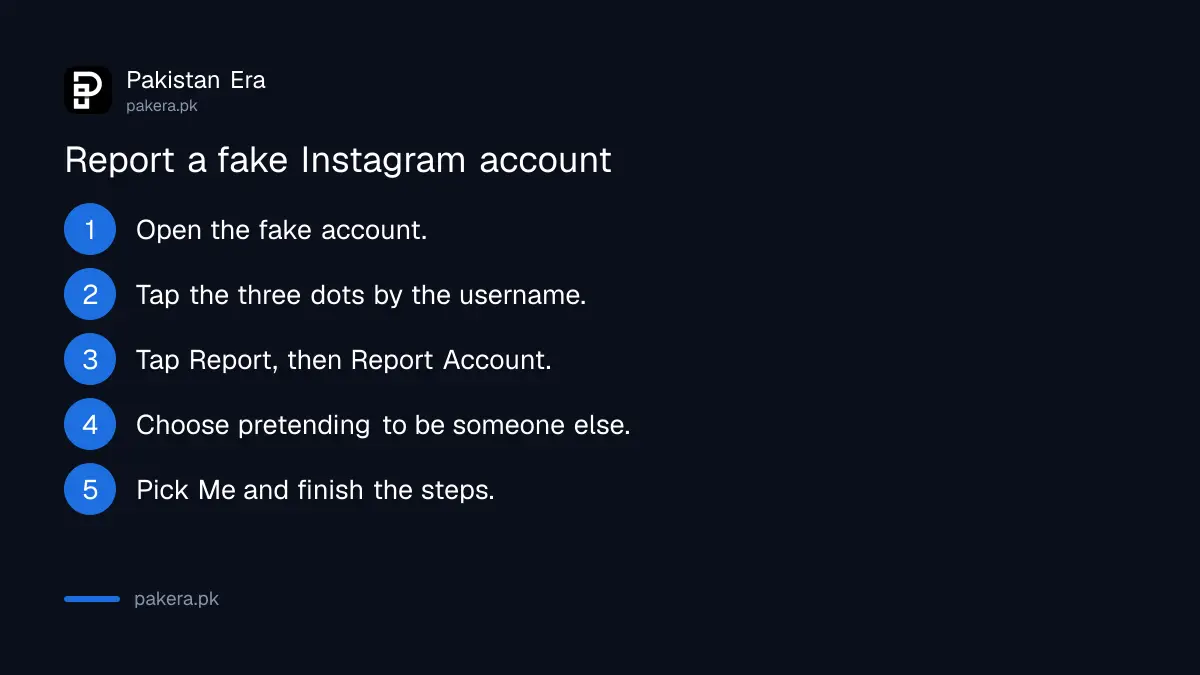
Open the fake account by tapping its name or searching it, tap the three dots next to the username, then Report, then Report Account. Choose "It's pretending to be someone else", pick who it is pretending to be, and follow the on-screen steps. The same report covers Threads.
- Screenshot the fake profile and copy its username.
- Open the account from a post, a story or the Search tab.
- Tap Options, the three dots next to the username.
- Tap Report, then Report Account.
- Tap "It's pretending to be someone else".
- Choose Me, someone you follow, a celebrity or public figure, or a business, and finish the steps.
Instagram is strict about one point. You can report an account for impersonating someone, but not just for misrepresenting itself. A page that says it is a "top boutique" when it is not is a different report. A page using your shop's name and photos is impersonation.
No account, or reporting for your child, uses a contact form
If you have no Facebook account or have lost access, Facebook points you to its contact form. On Instagram, the same goes for people without an account and for parents or others authorised to act for someone, such as your child.
Instagram's page names your child as an example of someone you are authorised to represent. So if a classmate sets up a fake account of your son or daughter, use Meta's impersonation contact form rather than the in-app button. We have not filled in the form ourselves, so we cannot tell you which ID documents it accepts from Pakistan. Have your CNIC or the child's B-Form ready in case it asks.
Once the fake is gone, tighten your own settings so it is harder to copy you next time. Making your profile private, as in how to make an Instagram account private, hides your photos from strangers.
When a fake account becomes a crime in Pakistan
If the fake account is used to cheat people, blackmail you or harass you, it may also be an offence under the Prevention of Electronic Crimes Act. Report it to Meta first, keep your evidence, then report to the National Cyber Crime Investigation Agency.
The sections of the law that cover using someone's identity and online stalking are explained in reporting a fake social media account under PECA. For the complaint itself, follow the steps to report a cybercrime in Pakistan. Meta's reports and a police complaint run separately. One does not wait for the other.
Never pay someone who offers to "remove" a fake account for a fee. Meta's reporting tools are the route, and anyone selling a shortcut is more likely to be running a second scam.
Common questions
How long does Facebook take to remove a fake account?
Facebook's help page does not give a time. Check the fake profile again after a few days, and report it again if it is still up.
Will the fake account know I reported it?
Instagram says your report is anonymous, except for intellectual property reports. Facebook's impersonation page does not say.
Can I report a fake account without a Facebook or Instagram account?
Yes. Both apps have contact forms for people without an account.
Can I report a fake account of my child?
Yes. Instagram says you can report an account impersonating someone you are authorised to represent, such as your child, through Meta's contact form.
Someone is using my shop name on Instagram. Is that impersonation?
Yes, if it is pretending to be your business. Choose a business or organisation when you report it.
Should I also go to NCCIA?
If the account is used for fraud, blackmail or harassment, yes. Keep screenshots and links as evidence.
How we verified this
What we checked, where we read it, and what we could not confirm.
Last checked 20 October 2026. We read Facebook's help page "Report a Facebook profile or Page pretending to be you or someone else" and Instagram's help pages "Report an account that's impersonating you on Instagram" and "How to report an Instagram or Threads imposter account", all on 20 October 2026. We did not file a report or use the contact forms. Meta gives no review time, and menu names may differ slightly between app versions.
About the author

Technology Journalist & Multimedia Producer
Ahmad Ali is a technology journalist and multimedia producer at Pakistan Era, joining the team in October 2026. He covers consumer technology and digital life for Pakistani readers, combining research with hands-on product testing.