Google Review Extortion Scam in Pakistan: Report Fake 1 Star Reviews and Money Demands in 4 Steps
Fake 1 star reviews followed by a demand for money? Do not pay. Collect 5 kinds of proof, report it on Google's extortion form and file with the NCCIA too.
یہ صفحہ اردو میں پڑھیں
If someone floods your Google Business Profile with fake 1 star reviews and then asks for money to remove them, do not pay and do not reply. Collect screenshots, then report it on Google's merchant extortion report form at support.google.com/business/contact/merchant_extortion. Google's team investigates and tells you the result. In Pakistan you can also file a cybercrime complaint with the NCCIA.
We read Google's Business Profile Help pages on extortion scams and on reporting reviews on 8 November 2026. The signs, evidence list and steps below come from those pages. We did not file a report ourselves, so we make no claim about how fast Google acts.
The scam follows one pattern: a spike in bad reviews, then a demand
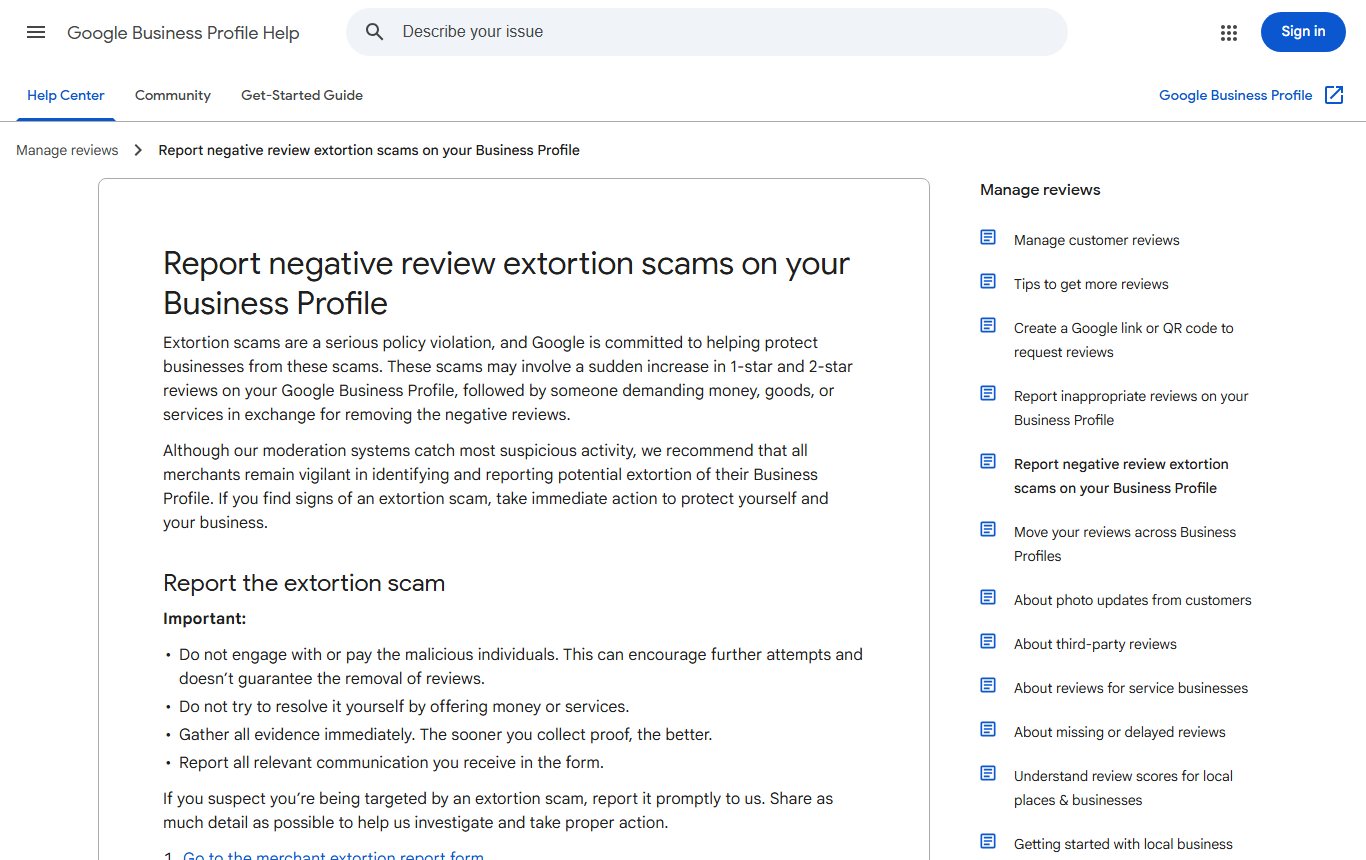
Google describes it like this. A business suddenly gets many 1 star and 2 star reviews. Then someone contacts the owner and asks for money, goods or services in exchange for removing them. Google calls this a serious policy violation.
For a Pakistani restaurant, clinic or shop, the contact can come on WhatsApp, by email or through a social media message. The demand may be put as a "reputation service" or a "fee to clean your rating". The wording changes. The pattern of reviews first, demand second, does not.
| Sign | What it looks like |
|---|---|
| Sudden spike | Many 1 or 2 star reviews in hours or days, after weeks of normal reviews |
| No real visit | Reviews that name no product, staff member or date |
| A contact soon after | A message offering to remove the reviews |
| A price | A request for money, free goods or free services |
| Pressure | A threat of more reviews if you do not pay |
Do not pay, do not bargain, and do not reply with an offer
Google's help page is direct on this. Do not engage with or pay the people behind it. Google says paying can encourage more attempts and does not guarantee the reviews will be removed. It also says not to try to settle it yourself by offering money or services.
Do not post angry replies under each fake review either. Your replies are public and stay on the profile. A short, calm reply is fine, for example "We have no record of this visit and have reported this review to Google." Our guide to replying to Google reviews has more examples.
Collect this evidence before you report
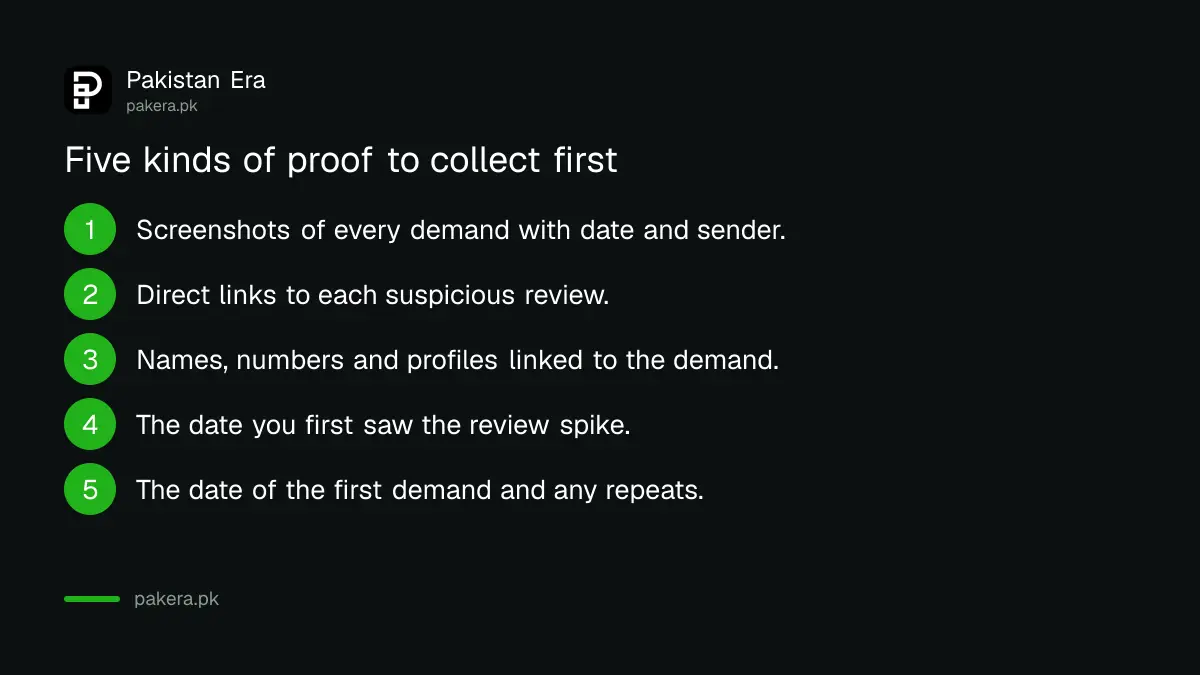
Google says to gather evidence immediately, because the sooner you collect proof the better. Save it in one folder before anything is deleted. Google asks for:
- Screenshots of every demand, showing the date, the time and the sender's details, such as phone number, email or social profile.
- Direct links to each suspicious review. Open the review on Google Maps, tap Share and copy the link.
- Any names, usernames, emails, phone numbers or social profiles linked to the demands.
- When you first noticed the spike in reviews.
- When you first received the demand, and any earlier attempts like it.
Report it on Google's merchant extortion form in 4 steps
This form is only for cases where someone has directly demanded money or favours from you. Google gives these steps:
| Step | What to do |
|---|---|
| 1 | Open the merchant extortion report form at support.google.com/business/contact/merchant_extortion |
| 2 | Fill in your contact details, your role in the business, the business name, address and profile link, the suspicious reviews and how the person contacted you |
| 3 | Attach the screenshots and files that show the messages and evidence |
| 4 | Submit the form |
After that, Google says its team investigates and notifies you of the results. For privacy and security reasons, it will not share details of the investigation. So you may learn only that reviews were removed, not who was behind them.
Report the fake reviews one by one as well
The extortion form is about the demand. The reviews themselves can also be reported under Google's normal review rules. Google says only reviews that break its policies can be removed, so a review you simply dislike will stay.
To report a single review, open your Business Profile, select Read reviews, click the report icon next to the review, choose a reason such as Spam, and select Send report. Google's Reviews Management Tool shows the status of each report: Decision pending, Report reviewed with no policy violation, or Escalated. If Google finds no violation, you can appeal once, for up to 10 reviews at a time. Google says review checks typically take several days.
If your profile was suspended in the middle of all this, follow our steps to fix a suspended Google Business Profile.
File a cybercrime complaint in Pakistan too
Asking for money with a threat to harm your business is a matter for the police in Pakistan as well as for Google. Online cases go to the National Cyber Crime Investigation Agency (NCCIA). Your screenshots and links serve both reports, so you do not need to collect anything twice.
Our guide to the NCCIA online complaint form shows how to file, and you can follow it later with NCCIA complaint tracking. If you are unsure which agency handles your case, read PKCERT or NCCIA: which one to use.
Common questions
Should I pay someone who offers to remove fake Google reviews?
No. Google says paying can encourage more attempts and does not guarantee the reviews will be removed.
Where is Google's review extortion report form?
It is the merchant extortion report form on Google Business Profile Help, at support.google.com/business/contact/merchant_extortion.
Will Google tell me who posted the fake reviews?
No. Google says it will notify you of the results but will not share specific details of its investigation, for privacy and security reasons.
Can I use the extortion form for normal spam reviews?
No. Google says the form is only for direct extortion attempts. Spam or off topic reviews go through the normal review reporting process.
How many reviews can I appeal at once?
Up to 10. In the Reviews Management Tool you can make a one time appeal for reviews Google found no violation in.
Can I report review blackmail to the police in Pakistan?
Yes. Online cases are handled by the NCCIA, and you can file a complaint online with the same screenshots you give Google.
How we verified this
What we checked, where we read it, and what we could not confirm.
Last checked 8 November 2026. Sources: Google Business Profile Help, Report negative review extortion scams on your Business Profile, and Report inappropriate reviews on your Business Profile.
About the author

Founder and Editor
Umer Kureshi founded Pakistan Era in July 2024 and runs it as administrator, SEO lead and writer, overseeing website operations, search growth, content strategy and coverage of technology and current affairs.