How to Download Your DigiSkills E-Certificate From the LMS in Pakistan
Download your DigiSkills e-certificate from the LMS: My Results, View, confirm your name. Batch-04 issued 19 November 2026, who qualifies and fixes that work.
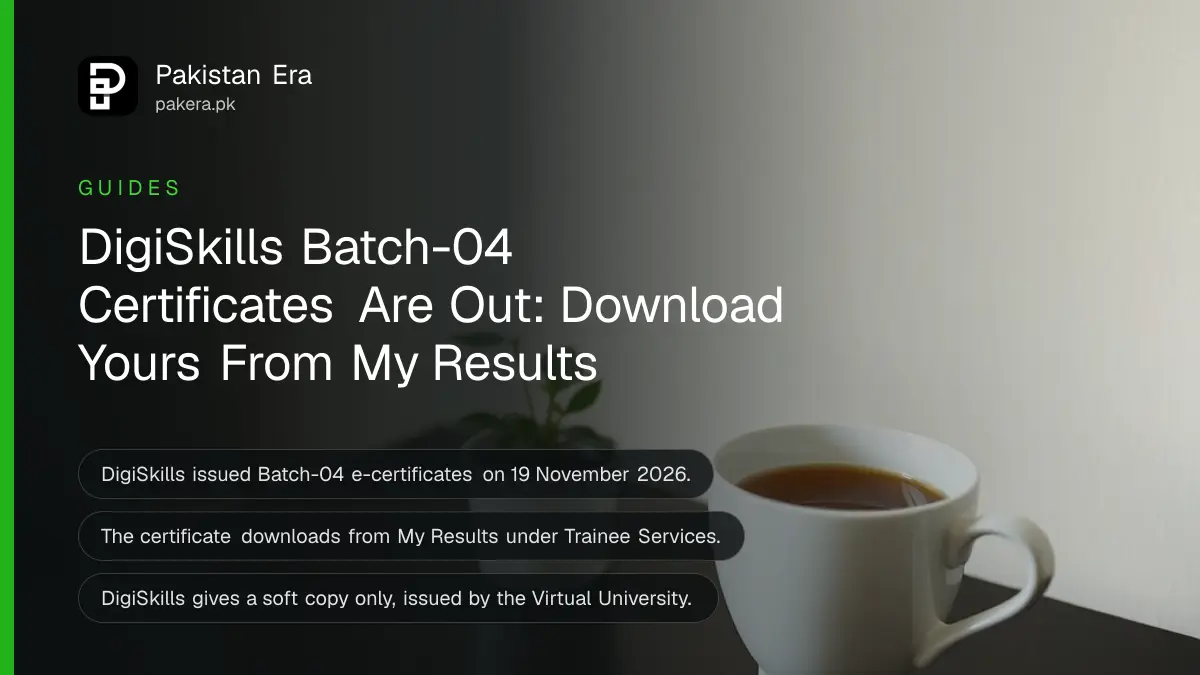
DigiSkills issued Batch-04 e-certificates on 19 November 2026. To download yours, sign in at lms.digiskills.pk, press My Results under Trainee Services, click View next to the course, confirm your full name in the pop-up, then use Download or Print at the top right. Check your name first.
Weeks of videos, quizzes and exercises end with one PDF. That certificate is what a client or employer will ask to see, so it is worth getting it right the first time. DigiSkills, the free federal training programme run by the Virtual University of Pakistan for Ignite, issues it only online.
The certificate is in the LMS under My Results
DigiSkills does not email or post the certificate. Eligible trainees download it from the learning management system, the LMS, at lms.digiskills.pk. Sign in, open My Results under Trainee Services on the home page, then press View next to each completed course.
Each course gets its own certificate. If you took two courses in Batch-04, you will see two rows in My Results, and you download two certificates. The certificate is issued by the Virtual University of Pakistan.
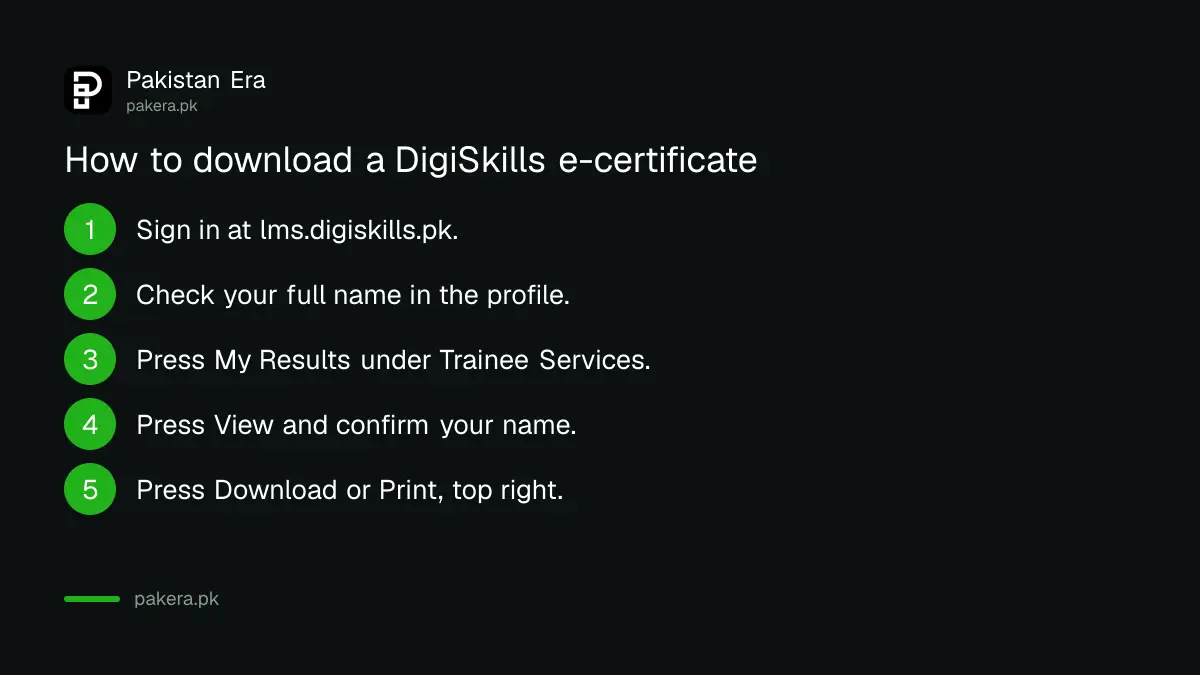
Download your DigiSkills e-certificate in six steps
Fix your name in the LMS profile first, then sign in, open My Results, press View, confirm your full name in the pop-up and download. DigiSkills' own notice tells trainees to check their full name before downloading, because the name you confirm is the name printed.
- Sign in at lms.digiskills.pk with your registered email and password.
- Open your profile and check that your full name is spelled exactly as you want it on the certificate.
- Go back to the home page and press My Results under Trainee Services.
- Press View next to the completed course.
- Confirm your full name in the pop-up message.
- Use the Download or Print option at the top right of the certificate page. Save the PDF in two places.
Use a laptop or desktop if you can. The certificate page is easier to save as a PDF from a computer browser, and you will want a clean copy for job applications and freelance profiles.
Only trainees who meet the completion criteria get a certificate
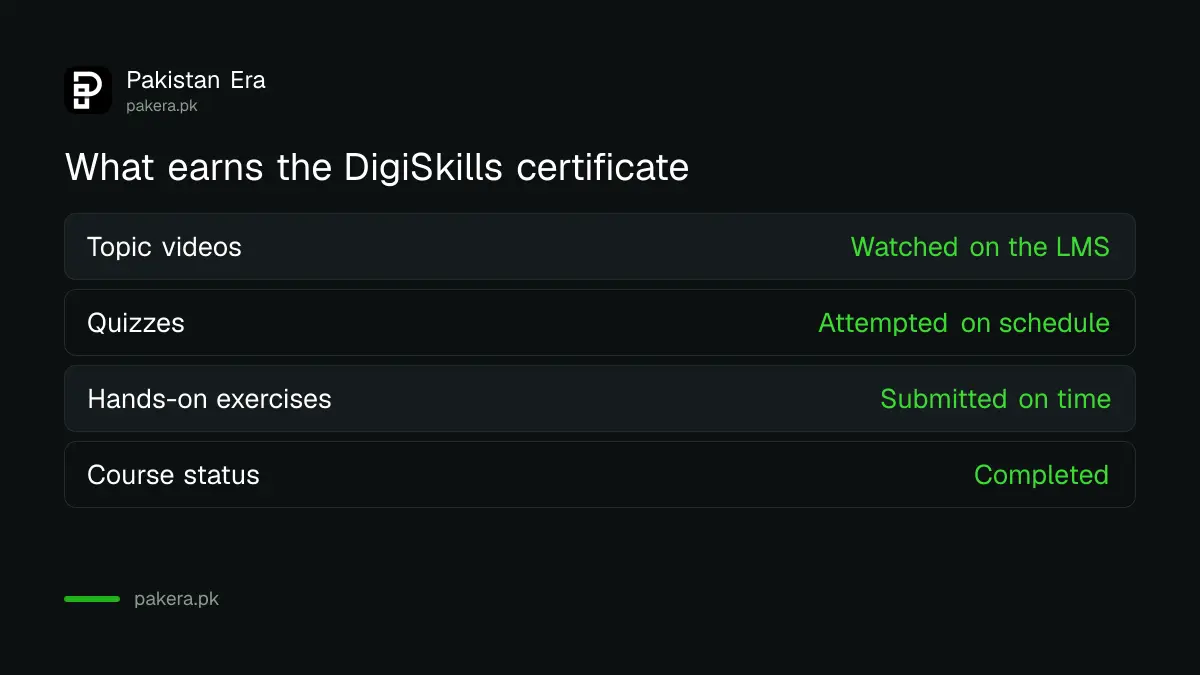
DigiSkills gives the e-certificate only to trainees who meet each course's completion criteria. Its How It Works page lists them in plain terms: watch the topic videos on the LMS, attempt the quizzes and submit the hands-on exercises on the set calendar.
| What DigiSkills asks for | What it means |
|---|---|
| Watch topic videos | Each week's videos are viewed on the LMS |
| Attempt quizzes | Quizzes are taken on the scheduled dates |
| Submit exercises | Hands-on exercises are uploaded before their deadline |
| Complete the course | The course shows as completed in My Results |
DigiSkills' study tips are blunt about this: never miss a lecture or run over a quiz or exercise deadline. A missed deadline cannot be fixed after the batch ends. If you did not qualify this time, enrol in the same course again in a later batch.
There is no hard copy, only a verified soft copy
DigiSkills' FAQ says eligible trainees get only a soft copy of a verified e-certificate for each course. No printed certificate is posted. You can print the PDF yourself from the Print option, and that print is the same document.
No fee is charged for the certificate. DigiSkills calls the whole programme "absolutely for FREE", so anyone offering a faster or "stamped" certificate for money is not part of DigiSkills. Do not share your LMS password with an agent or a shop.
Fixes when the certificate does not show
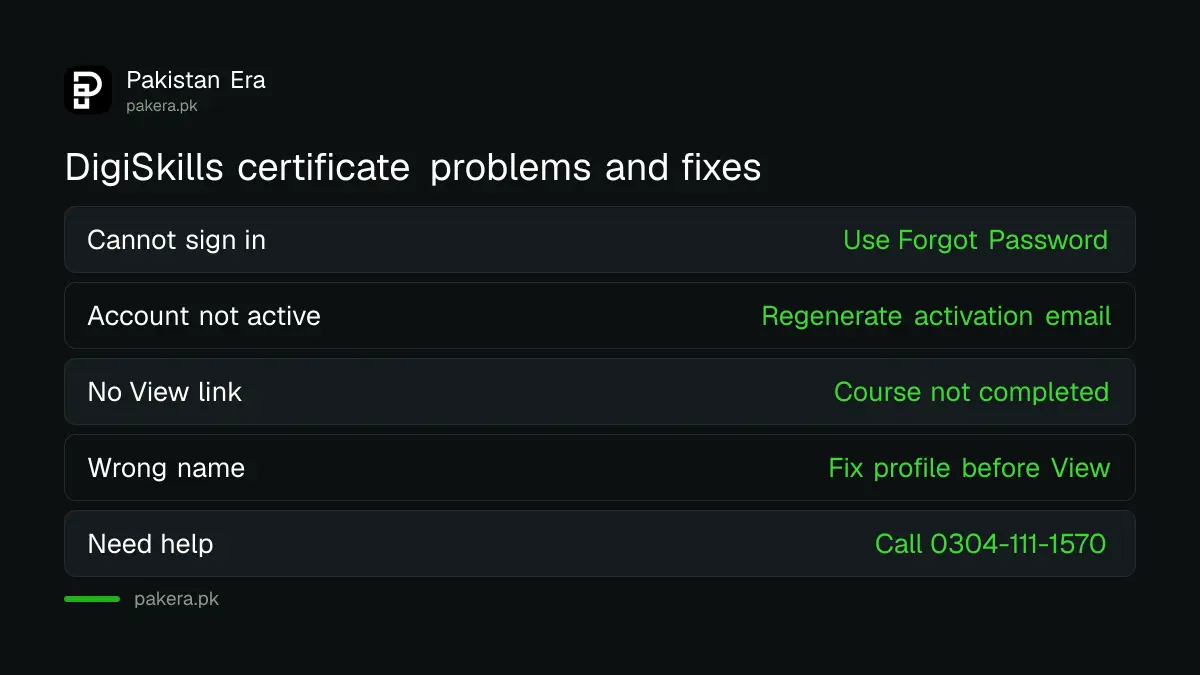
The usual snags are a wrong name, a forgotten password, or a course that was not completed. Use Forgot Password on the sign-in page, correct your name in the profile before pressing View, and call the DigiSkills coach line on 0304-111-1570 with your course extension if a completed course shows no certificate.
- Cannot sign in: press Forgot Password on the sign-in page and follow the steps. If it still fails, use the Contact Us form on digiskills.pk.
- Account not activated: sign in with your email and password and regenerate the activation email.
- No View link for a course: that course did not meet the completion criteria, or its certificates are not yet released.
- Name spelled wrong: correct it in your LMS profile before you confirm the name in the pop-up.
- Lost the course material: videos, exercises and solutions stay under My Previous Courses. Handouts, books and links are removed when a batch ends.
Call 0304-111-1570 and dial your course extension to reach that course's team.
| Course | Ext. | Course | Ext. |
|---|---|---|---|
| Freelancing | 1 | Communication and Soft Skills | 14 |
| Digital Marketing | 2 | E-Commerce Management | 15 |
| AI using Python | 3 | WordPress | 16 |
| Graphic Design | 4 | Creative Writing | 17 |
| Video Editing, Animation and Vlogging | 5 | Digital Literacy | 18 |
| Full Stack Development with MERN | 6 | Startup Strategies and Entrepreneurship | 19 |
| Shopify Development and Dropshipping | 7 | Affiliate Marketing | 20 |
| Data Analytics and Business Intelligence | 8 | Virtual Assistant | 21 |
| Mobile Game and App Development | 9 | AutoCAD | 22 |
| SEO | 10 | QuickBooks | 23 |
| 3D Modeling | 11 | Legal Drafting and Global Compliance | 24 |
| Cloud Computing | 12 | UI/UX and Webflow | 13 |
Batch-05 classes start in the first week of December 2026
Enrolment for DigiSkills 3.0 Batch-05 opened on 2 November 2026 on a first come, first served basis. DigiSkills says classes start in the first week of December 2026, with the exact date to follow. You can take up to two courses per batch.
The full sign-up steps and the course list are in the guide to enrolling in a free DigiSkills course. If you want free lectures without a batch calendar, Virtual University's open courseware has hundreds of courses. For a certificate that employers in trades recognise, check NAVTTC certificate verification. Freelancers putting a new certificate to work should also set up a freelancer digital account for payments.
Common questions about the DigiSkills certificate
When were DigiSkills Batch-04 certificates issued?
DigiSkills announced the Batch-04 e-certificates on 19 November 2026. Eligible trainees can download them from My Results on the LMS.
Who issues the DigiSkills certificate?
The Virtual University of Pakistan issues it for the DigiSkills Training Program, which the Ministry of IT and Telecom runs through Ignite.
Can I get a printed DigiSkills certificate?
No. DigiSkills gives only a verified soft copy. Use the Print option on the certificate page to print it yourself.
Do I get one certificate for two courses?
No. DigiSkills issues a certificate for each course you complete, so two completed courses mean two certificates.
Is there a fee for the certificate?
No. DigiSkills says the programme is completely free, and that includes the certificate.
What if I missed a quiz or exercise?
You may not meet the completion criteria for that course. Enrol in the same course again in a later batch and keep to the calendar.
How we verified this
What we checked and where we read it.
Last checked 25 November 2026. We read the DigiSkills notice on Batch-04 e-certificates dated 19 November 2026, the DigiSkills FAQs (Batch-05 enrolment and class dates, certificate, hard copy, password, activation, previous courses, coach extensions), the How It Works page and the DigiSkills home page. How It Works calls the award a certificate of participation, while the FAQ and the notice call it a verified e-certificate issued by the Virtual University; we use the FAQ wording.
Free on WhatsApp
Get last dates and rule changes on WhatsApp
We post new last dates, fee changes and fixes for common problems, a few short posts a day.
Follow Pakera on WhatsAppOther followers cannot see your number.
Pakera Solves It
Which online process wasted your time this week?
A portal that will not load, a form nobody explains, a complaint that went nowhere. Tell us. Every week we pick one, solve it step by step and publish the answer.
About the author

Technology Journalist & Multimedia Producer
Ahmad Ali is a technology journalist and multimedia producer at Pakistan Era, joining the team in October 2026. He covers consumer technology and digital life for Pakistani readers, combining research with hands-on product testing.