WhatsApp One Tick Only in Pakistan: 4 Reasons a Message Is Not Delivered and How to Tell If You Are Blocked
WhatsApp message stuck on one tick? The 4 reasons WhatsApp gives, the 3 signs that together suggest you are blocked, and what to do while you wait in Pakistan.

One grey tick on WhatsApp means your message left your phone but has not reached the other person's phone. WhatsApp gives four reasons: their phone is off or out of coverage, their mobile data has run out, they saw the alert but have not opened WhatsApp, or they have blocked you. One tick alone does not prove a block. Below is how to tell the difference, using the signs WhatsApp itself lists.
We read WhatsApp's help page on messages that will not send or arrive on 4 November 2026. It explains the single tick, the signs of being blocked, and the separate problem of a message stuck on a clock. In Pakistan, where many people switch data off to save their bundle or lose signal for hours during load shedding, a single tick is far more often a phone problem than a block.
One tick means sent but not delivered
WhatsApp says a single check mark means your message left your phone but has not reached the recipient's device. Your side worked. The delay is on the other person's side, and it usually clears by itself once their phone is back online.
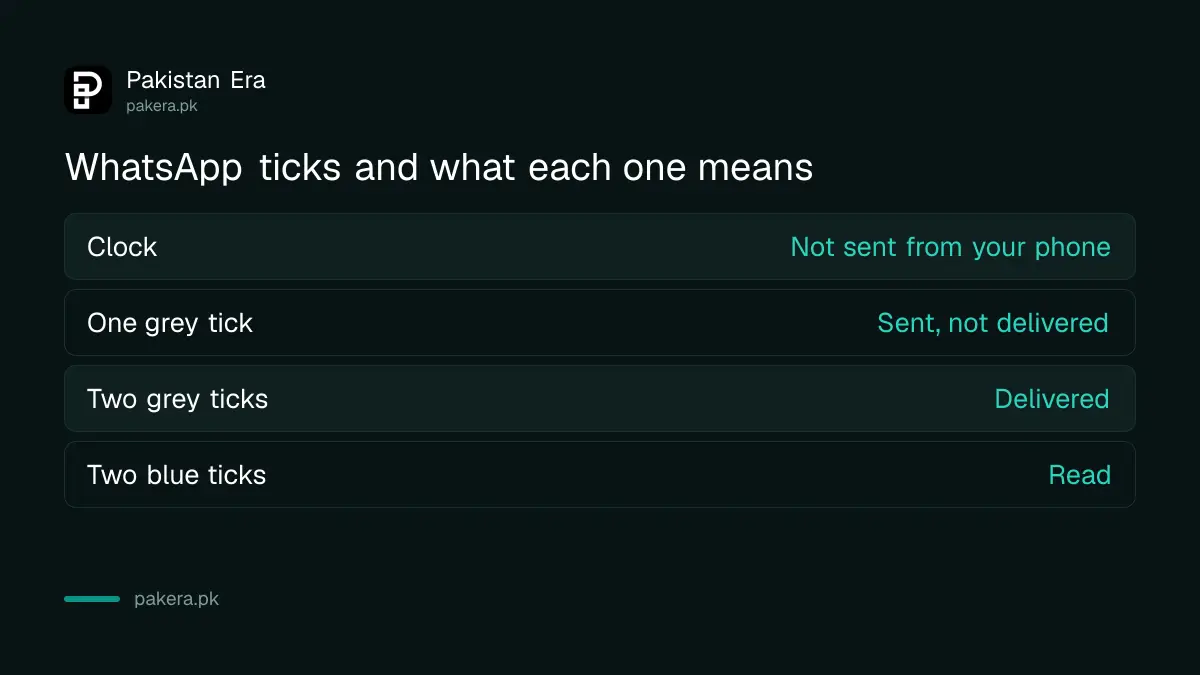
WhatsApp shows three states you will see every day. A clock means the message has not left your phone. One grey tick means it left your phone but has not reached the other phone. Two ticks mean it reached the other phone. If the other person has read receipts on, the two ticks turn blue once they open the chat.
| What you see | What it means | Whose side the problem is on |
|---|---|---|
| Clock icon | Not sent from your phone yet | Yours: check your internet |
| One grey tick | Sent, not delivered | Theirs: phone off, no data, or blocked |
| Two grey ticks | Delivered to their phone | No problem |
| Two blue ticks | Read | No problem |
Four reasons a WhatsApp message stays on one tick
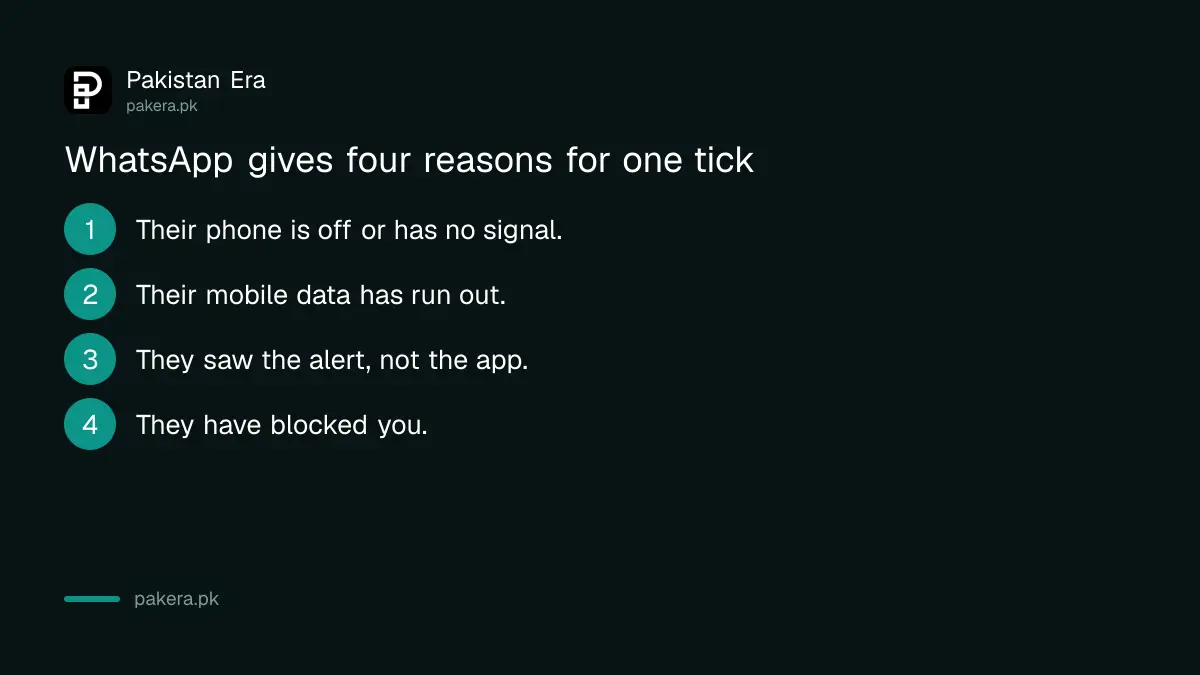
WhatsApp lists four causes: the phone is turned off or out of coverage, the person has run out of mobile data, they saw the notification but have not opened WhatsApp, or they have blocked you. The first three are far more common and fix themselves.
- Phone off or no signal. A dead battery, a trip to an area with no coverage, or a phone left switched off overnight.
- No mobile data. Their daily or weekly bundle ended, or they turned data off to save it. This is very common with prepaid bundles in Pakistan.
- Notification seen, app not opened. WhatsApp lists this as a cause too. Some phones hold messages until the app is opened, especially when battery saving is strict.
- You have been blocked. Messages from a blocked number stay on one tick forever.
A single tick that turns into two ticks hours later answers the question: you were not blocked. Their phone came back online.
Three signs together suggest you are blocked
WhatsApp lists three signs of being blocked: your messages always show one tick, you cannot see the person's last seen or online status, and your calls to them do not go through. One sign alone proves nothing. All three together, for days, point to a block.
Each sign has an innocent explanation on its own. Anyone can hide their last seen and online status in privacy settings, and many people do; our guide to hiding last seen and profile photo shows the option. Calls fail when the phone is off. So look at the pattern over two or three days, not over two hours.
| Sign | Could also mean |
|---|---|
| Messages always on one tick | Phone off or no data for a long time |
| No last seen or online status | They hid it in privacy settings |
| Calls do not go through | Phone off, or they silence unknown callers |
The third point matters more now. WhatsApp has a setting to silence unknown callers, so a call from a number they have not saved may never ring. The WhatsApp privacy checkup explains how that setting works.
Other reasons you cannot message one person
WhatsApp says that if you cannot message a specific person, they may have blocked you, changed their phone number, or deleted their WhatsApp account. A number change is common in Pakistan when people switch networks or lose a SIM.
If the person changed their number, your old chat goes nowhere. Ask a mutual friend for the new number. If they deleted WhatsApp, messages also stay on one tick. In groups, a different rule applies. WhatsApp says you may see "Only admins can send messages" if the admin limited who can post, or "You can't send messages to this group" if you were removed.
What to do while a message sits on one tick
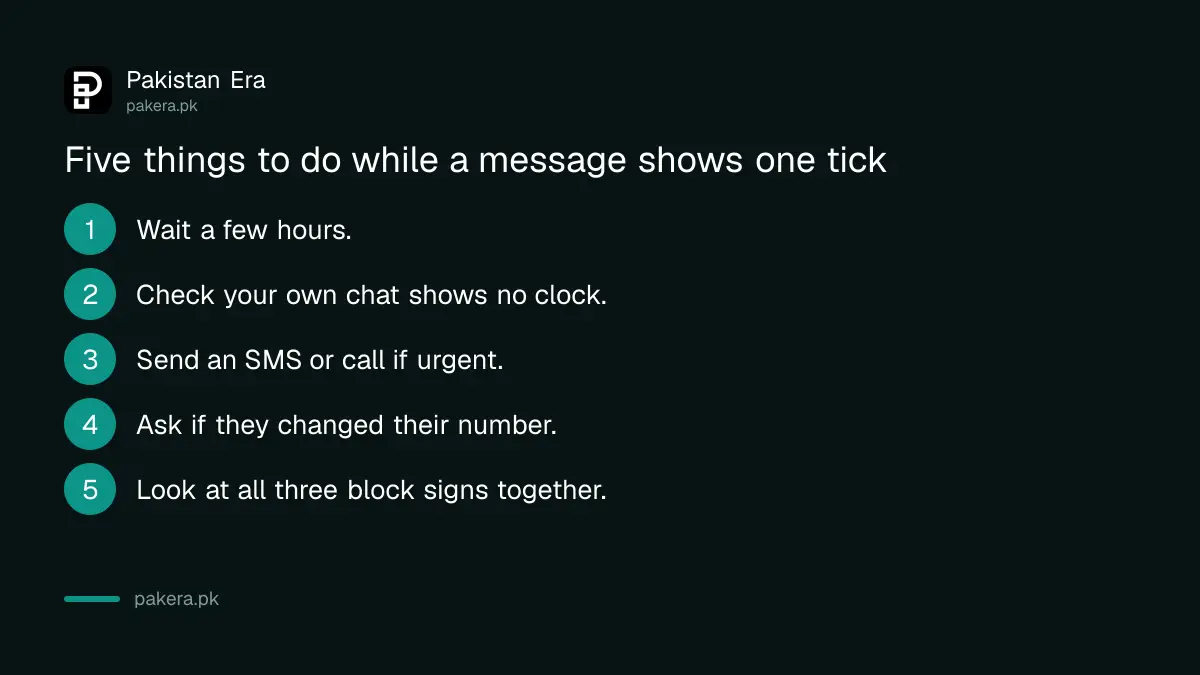
Wait first. Most single ticks become two ticks within hours. If the message is urgent, send a normal SMS or call on the mobile network. Do not send the same message ten times, and never pay anyone who offers to "check if you are blocked" or unblock you.
- Wait a few hours and check again.
- Make sure your own chat shows ticks, not a clock. A clock means the problem is your internet.
- Send a normal SMS or make a mobile call if it is urgent.
- Ask a mutual contact whether the person changed their number.
- Look at all three block signs together over two or three days.
Apps that promise to show "who blocked you" or "who viewed your profile" are not from WhatsApp. They often ask for your WhatsApp code, which hands your account to a stranger. If you ever gave a code like that, follow the steps to recover a hacked WhatsApp account straight away.
Common questions
Does one tick on WhatsApp mean I am blocked?
Not on its own. WhatsApp says one tick can also mean the phone is off, out of coverage, out of mobile data, or that the person has not opened WhatsApp yet.
How long can a WhatsApp message stay on one tick?
As long as the other phone stays offline. If you are blocked, it stays on one tick for good. If it turns into two ticks later, you were not blocked.
Can I see the last seen of someone who blocked me?
No. WhatsApp lists not seeing last seen or online status as one sign of a block. But people can also hide it in privacy settings, so it is not proof.
Why do my WhatsApp calls not ring for one person?
Their phone may be off, they may have blocked you, or they may have turned on the setting that silences calls from unknown numbers.
What does the clock icon mean on WhatsApp?
The message has not left your phone. Check your own internet, turn airplane mode on and off, and restart the phone.
Sources and last checked
On 4 November 2026 we read WhatsApp's help page Can't send or receive messages. The meaning of one tick, the four reasons it stays, the three signs of a block, the number change and group messages come from that page. The tick table and the advice to look at signs together over days are our own reading.
About the author

Technology Journalist & Multimedia Producer
Ahmad Ali is a technology journalist and multimedia producer at Pakistan Era, joining the team in October 2026. He covers consumer technology and digital life for Pakistani readers, combining research with hands-on product testing.