Pay a Traffic Challan With NayaPay in Pakistan: 5 Steps With Your Ticket Number, Plus M-Tag Recharge
Pay a traffic challan with NayaPay in Pakistan: tap Traffic Challan, pick your location, enter the ticket number and confirm. Plus M-Tag recharge steps.
To pay a traffic challan with NayaPay, tap the Traffic Challan icon on the app's home screen, tap Pay, select your location and enter the ticket number from your challan. Review the payment summary, tap Confirm, and approve with Face ID, fingerprint or your MPIN. The payment goes through at once, with no branch queue and no cash.
The same home screen also recharges an M-Tag for the motorway and pays StormFiber bills. Below are the steps for all three, plus what to check first so the payment lands on the right challan.
Pay a traffic challan in the NayaPay app in 5 steps
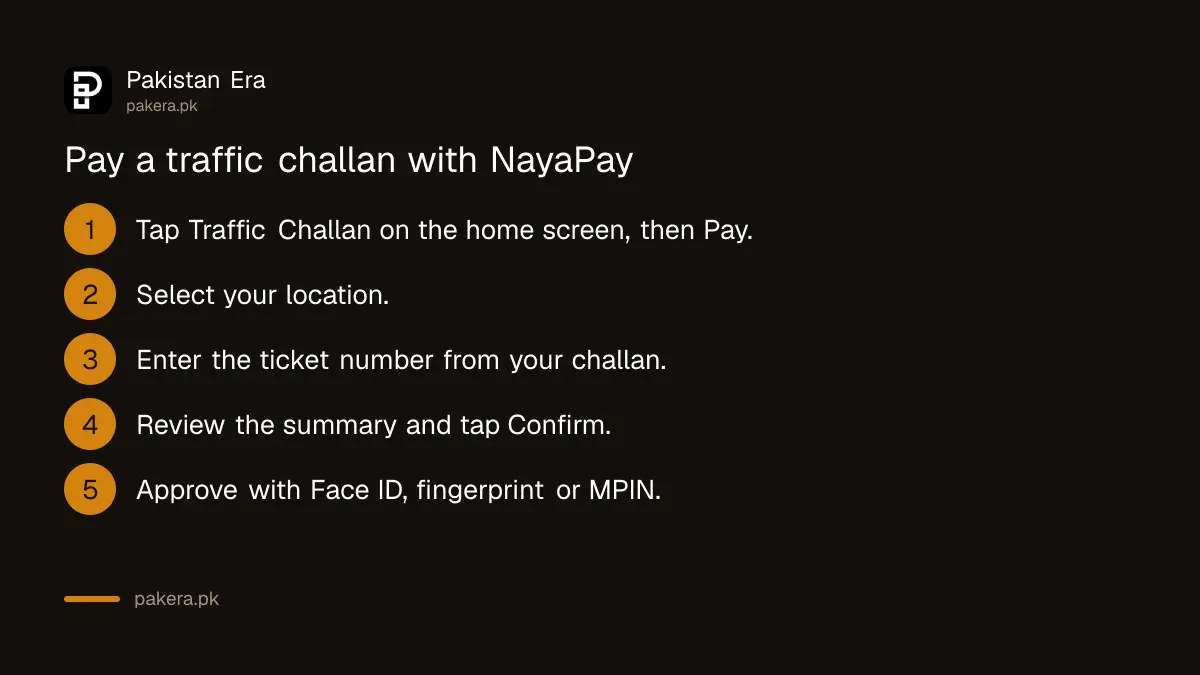
Open NayaPay, tap Traffic Challan on the home screen, then Pay. Select your location, type the ticket number, check the summary, tap Confirm and approve with your fingerprint, Face ID or MPIN. NayaPay shows the payment as complete straight away.
- Open the NayaPay app and tap the Traffic Challan icon on the home screen. Tap Pay.
- Select your location and enter your ticket number.
- Review the payment summary and tap Confirm.
- Approve the payment with Face ID, your fingerprint or your MPIN.
- Your traffic challan payment is complete. Keep the receipt from the Payments tab.
Keep enough balance in the wallet before you start. You can add money from any bank app by IBFT: select NayaPay from the bank list and enter your NayaPay mobile number as the account number.
Find your ticket number before you pay
NayaPay asks for the ticket number, so have the challan in front of you. On a paper ticket it is printed on the slip. For an e-challan, look it up on your province's official traffic portal using your vehicle number or CNIC, then copy the ticket number.
| Where you were fined | How to find the ticket |
|---|---|
| Punjab, including Lahore | Punjab e-challan portal by CNIC or vehicle number |
| Islamabad | Islamabad Traffic Police e-challan by vehicle number or CNIC |
| Karachi and Sindh | Sindh e-challan portal by vehicle or CNIC |
| Khyber Pakhtunkhwa | KP portal by ticket number |
| Motorway | National Highways and Motorway Police challan |
The e-challan check in every province lists each official portal. Choose your location in NayaPay to match the authority that fined you. If your city is not in the list, pay through that authority's own channels instead.
A challan sent by SMS with a payment link is a common scam. Real e-challans carry a ticket number you can look up on the official portal. The fake e-challan SMS warning shows the signs.
Recharge your M-Tag through NayaPay
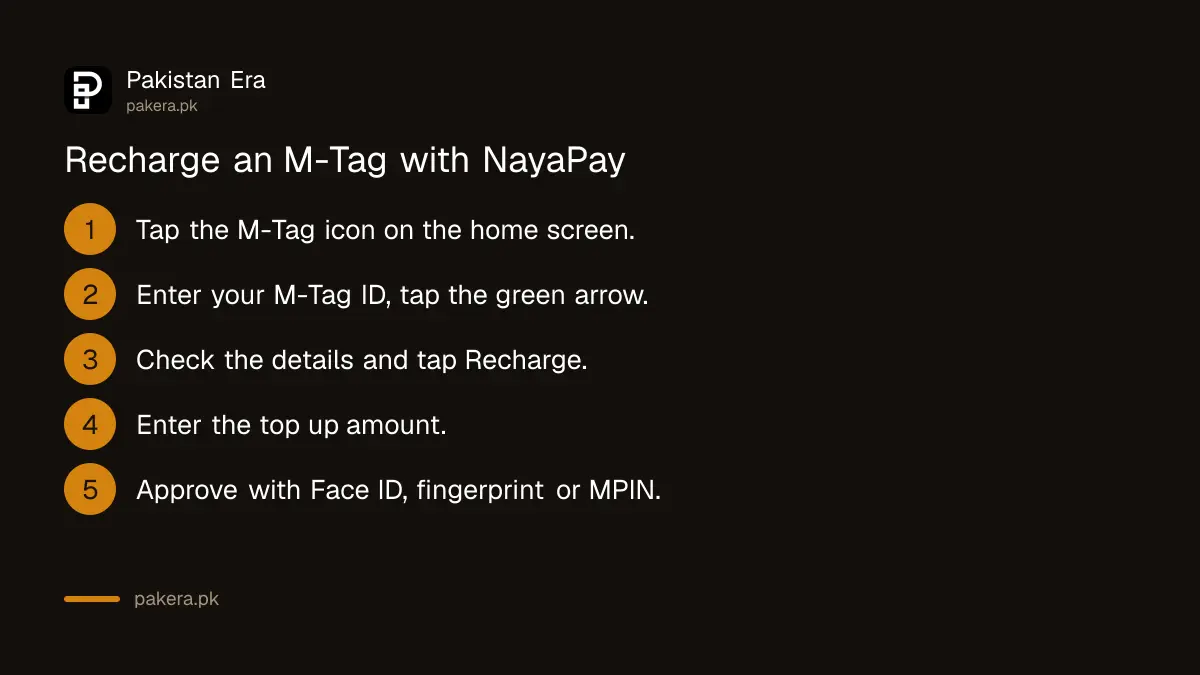
Tap the M-Tag icon on the NayaPay home screen, enter your M-Tag ID and tap the green arrow. Check the account details, tap Recharge, enter the amount, verify the recipient, and approve with Face ID, fingerprint or MPIN. The top up is done in the app.
- Tap the M-Tag icon on the home screen.
- Enter your M-Tag ID and tap the green arrow.
- Check the M-Tag account details and tap Recharge.
- Enter the amount you want to top up.
- Verify the recipient's details and approve with Face ID, fingerprint or MPIN.
Do not know your M-Tag ID? The M-Tag balance and ID check finds it by vehicle number or CNIC.
Other payments on the NayaPay home screen
NayaPay's help centre lists more payments that work from the home screen: StormFiber internet bills, Fly Jinnah air tickets, Alipay merchants and Vendi vending machines. Each one ends the same way, with Face ID, fingerprint or MPIN.
- StormFiber: tap StormFiber, then Link Account, enter the mobile number registered with StormFiber and the OTP. Then Pay, Get Bill, Pay. Later bills appear in the app when they are generated.
- Fly Jinnah: book on the Fly Jinnah website and choose NayaPay at payment. Copy the NayaPay invoice number, tap Fly Jinnah in the app, then Purchase, paste the number and pay.
- Quick Pay: scan another NayaPay user's QR code, or search their NayaPay ID or mobile number, and send money at once.
Wallet limits and failed payments
A new NayaPay wallet can spend Rs 50,000 a day on merchant payments and receive Rs 50,000 a month. Biometric verification raises daily merchant payments to Rs 400,000. If a challan payment fails but money left your wallet, raise it in the NayaPay in-app chat with the ticket number.
- Limit reached: verify your fingerprint in the app, or at a Meezan Bank ATM under Biometric Services, then NayaPay. Full limits are in NayaPay limits and charges.
- Payment deducted, challan still unpaid: send the receipt and ticket number in the in-app chat, or email support@nayapay.com.
- Unresolved: the NayaPay complaint steps explain how to escalate to the State Bank.
- Wrong ticket number: check the portal again before paying a second time.
Common questions
Can I pay a traffic challan with NayaPay?
Yes. Tap Traffic Challan on the home screen, tap Pay, select your location, enter the ticket number and confirm.
What do I need to pay a challan in NayaPay?
The ticket number from your challan and enough wallet balance. NayaPay also asks you to select your location.
How do I pay an M-Tag recharge with NayaPay?
Tap the M-Tag icon, enter your M-Tag ID, check the details, tap Recharge, enter the amount and approve.
Is a NayaPay challan payment instant?
NayaPay shows the payment as complete as soon as you approve it. Keep the receipt from the Payments tab.
What if my city is not in the NayaPay location list?
Pay through the traffic authority's own portal or app. The official portal in every province is linked above.
Can I pay a challan with an unverified NayaPay wallet?
Yes, within the Rs 50,000 daily merchant payment limit. Biometric verification raises it to Rs 400,000.
How we verified this
What we checked and where we read it.
Last checked 14 November 2026. Payment steps come from NayaPay's help centre: How can I pay my traffic challan through NayaPay?, How can I recharge my M-Tag through NayaPay?, and the StormFiber, Fly Jinnah and Quick Pay articles in the App Features and Sending Money sections, all last updated between April and November 2024. Limits come from NayaPay's account limits article, last updated 24 June 2025. The challan article does not name the locations covered; the app's list is the authority on that.
About the author

Technology Journalist & Multimedia Producer
Ahmad Ali is a technology journalist and multimedia producer at Pakistan Era, joining the team in October 2026. He covers consumer technology and digital life for Pakistani readers, combining research with hands-on product testing.