Payoneer to NayaPay in Pakistan: Add Your 24 Digit IBAN, Verify in 1 to 2 Days and Withdraw in 5 Steps
Withdraw from Payoneer to NayaPay in Pakistan: copy your 24 digit IBAN, add NayaPay as a PKR bank, wait 1 to 2 days, and lift the Rs 50,000 cap with biometrics.
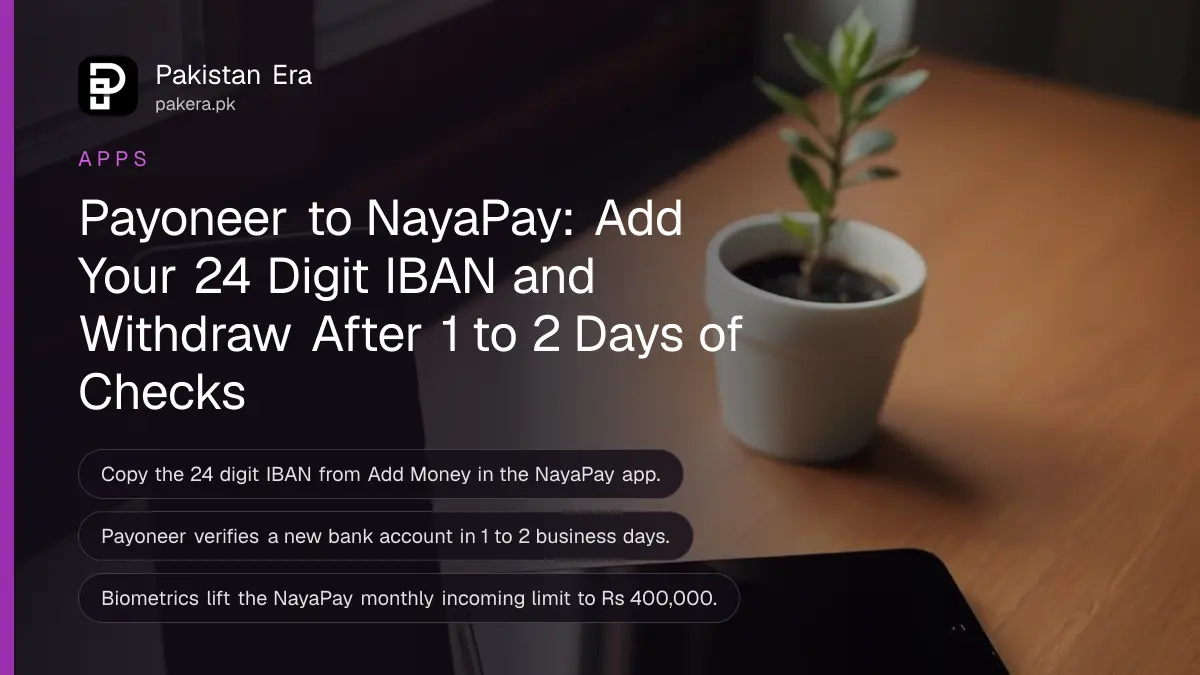
To withdraw from Payoneer to NayaPay, add NayaPay as a bank account in Payoneer: category Personal, country Pakistan, currency PKR, bank name NayaPay, your name as on your CNIC, and the 24 digit IBAN from the Add Money screen in the NayaPay app. Payoneer usually takes 1 to 2 business days to verify a new bank account. After that, every withdrawal is a few taps.
Check one thing before you start. A NayaPay wallet without biometric verification can receive only Rs 50,000 a month. Verify your fingerprint first, and the incoming limit rises to Rs 400,000 a month.
Find your NayaPay IBAN first
Payoneer needs the 24 character IBAN, not your mobile number or NayaPay ID. Open the NayaPay app, tap Add Money, and copy the IBAN shown there. Paste it into Payoneer rather than typing it, so a single wrong digit does not send the payment back.
- Open the NayaPay app and log in.
- Tap Add Money on the home screen.
- Copy the 24 digit IBAN shown for your account.
- Keep it on your clipboard, or paste it into a note, before you open Payoneer.
A Pakistani IBAN starts with PK, then two check digits, a four letter bank code and the account number. The IBAN check guide shows how to read each part.
Add NayaPay as a bank account in Payoneer
In Payoneer, choose the currency balance you want to withdraw, tap Withdraw, then Add new. Fill in Personal, Pakistan and PKR, select NayaPay as the bank, and enter your CNIC name and IBAN. Confirm with your date of birth and Payoneer password.
- Sign in to your Payoneer account.
- Select the currency balance you want to withdraw from, and tap Withdraw.
- Tap Add new to add a bank account.
- Bank details: Bank account category Personal, Bank country Pakistan, Bank account currency PKR.
- Account details: Bank name NayaPay, your name exactly as on your CNIC, and the 24 digit IBAN.
- Confirm with your date of birth and Payoneer password, then tap Confirm.
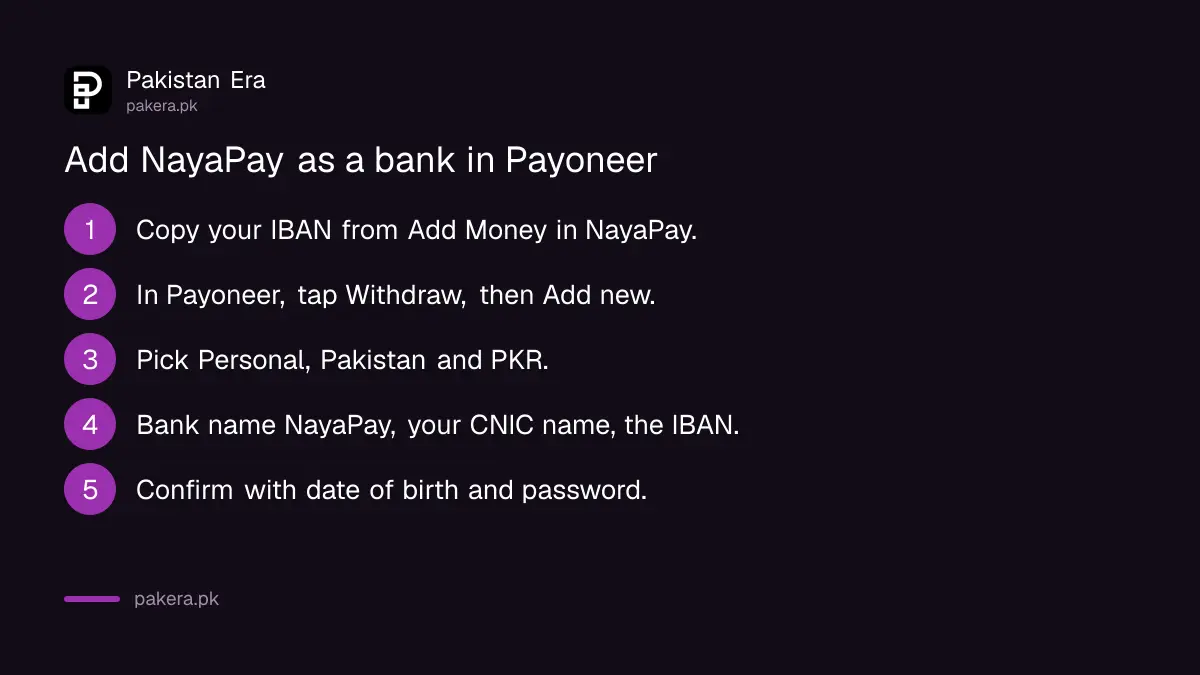
The name matters. NayaPay asks you to enter it exactly as it appears on your CNIC, because your wallet is registered in that name. Do not use a nickname or a shortened form.
Wait for Payoneer to verify NayaPay
A newly added bank account usually takes 1 to 2 business days to verify. Payoneer emails you when NayaPay has been added. Only then does it appear as a choice on the withdrawal screen, so do not add it a second time while you wait.
Business days exclude weekends and public holidays. If the money is urgent, add NayaPay a few days before you need the money.
Withdraw from Payoneer to NayaPay
Once NayaPay is verified, go to Withdraw, pick the currency, choose NayaPay, enter the amount and an optional description, tap Review, then Withdraw. If two-step verification is on, Payoneer asks for a code. NayaPay credits the money as soon as the transfer reaches the wallet.
- In Payoneer, select the currency balance and tap Withdraw.
- Choose your verified NayaPay account.
- Enter the amount. A description is optional.
- Tap Review and check the amount in PKR.
- Tap Withdraw, and enter the two-step code if asked.
Payoneer converts the balance to rupees and charges its own withdrawal fee. The Payoneer fees in Pakistan lists the current rate. If the money has not arrived in the time Payoneer shows, see Payoneer withdrawal not received.
NayaPay limits that can block a Payoneer withdrawal
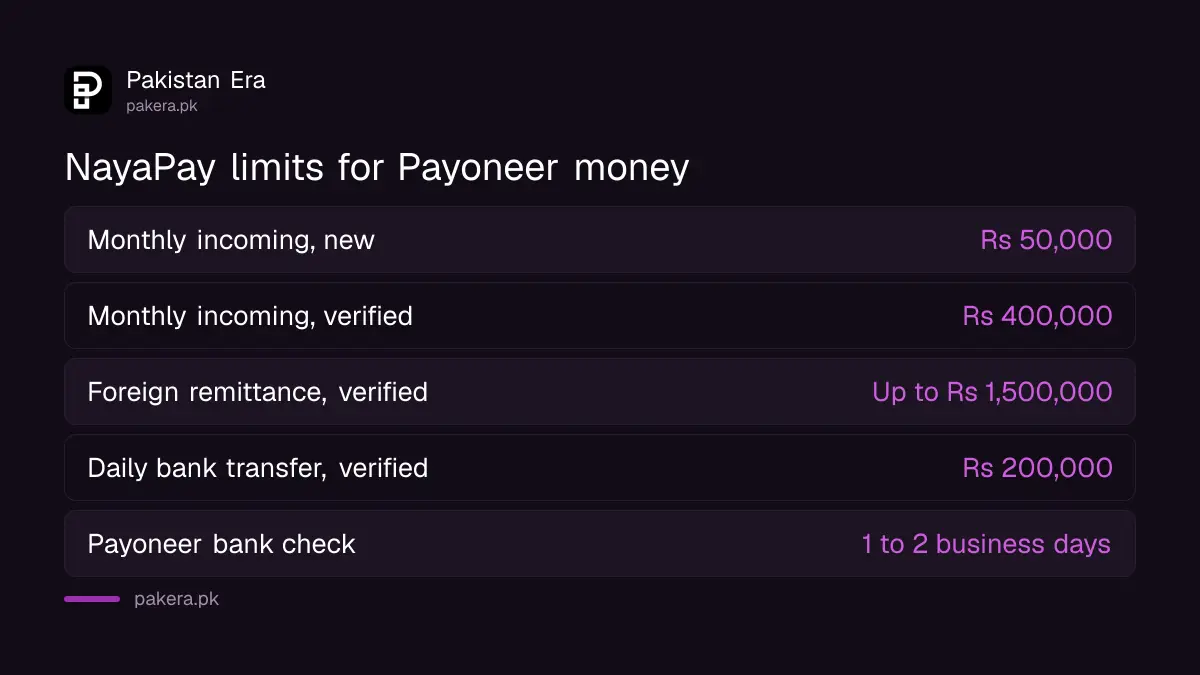
NayaPay follows State Bank of Pakistan limits for electronic money institutions. A new wallet can receive Rs 50,000 a month. After biometric verification, that rises to Rs 400,000 a month, and the foreign remittance limit rises from Rs 50,000 to up to Rs 1,500,000 a month.
| Limit | Before biometrics | After biometrics |
|---|---|---|
| Monthly incoming | Rs 50,000 | Rs 400,000 |
| Monthly foreign remittance | Rs 50,000 | Up to Rs 1,500,000 |
| Daily transfers to banks | Rs 50,000 | Rs 200,000 |
| Daily cash withdrawal | Rs 10,000 | Up to Rs 50,000 |
| Daily in-store payments | Rs 50,000 | Rs 400,000 |
Upgrade in the app with in-app fingerprint verification, or at any Meezan Bank ATM without a card: choose Biometric Services, then NayaPay, then Biometric Verification. The full fee list is in NayaPay limits and charges.
Large or regular freelance income? You may also want a proceeds realisation certificate for tax. The PRC guide for freelancers explains when you need one.
Common questions
Can I withdraw from Payoneer to NayaPay?
Yes. Add NayaPay as a Pakistani PKR bank account in Payoneer, using your CNIC name and your 24 digit NayaPay IBAN.
Where do I find my NayaPay IBAN?
Open the NayaPay app and tap Add Money. The 24 digit IBAN is shown there to copy.
How long does Payoneer take to verify NayaPay?
Usually 1 to 2 business days. Payoneer emails you when the account is added and ready.
How fast does the money reach NayaPay?
NayaPay updates your balance as soon as the transfer reaches the wallet. The Payoneer side sets the transfer time.
What is the NayaPay receiving limit for Payoneer money?
Rs 50,000 a month on a new wallet. After biometric verification, Rs 400,000 incoming and up to Rs 1,500,000 in foreign remittance a month.
Which bank name do I select in Payoneer?
Select NayaPay as the bank name, with Personal as the category, Pakistan as the country and PKR as the currency.
How we verified this
What we checked and where we read it.
Last checked 14 November 2026. The Payoneer steps and the 1 to 2 business day verification time come from NayaPay's help article How can I transfer money from Payoneer to my NayaPay account? (last updated 19 August 2023). The limits and the Meezan ATM upgrade come from Are there any account limits? (last updated 24 June 2025). The instant credit rule comes from NayaPay's article on transfer times.
About the author

Technology Journalist & Multimedia Producer
Ahmad Ali is a technology journalist and multimedia producer at Pakistan Era, joining the team in October 2026. He covers consumer technology and digital life for Pakistani readers, combining research with hands-on product testing.