Apple Account Locked or Disabled in Pakistan: Unlock It Free With iforgot.apple.com
Apple Account locked or disabled for security reasons? Match the alert, reset your password or use Request Access, and know the recovery wait in Pakistan.
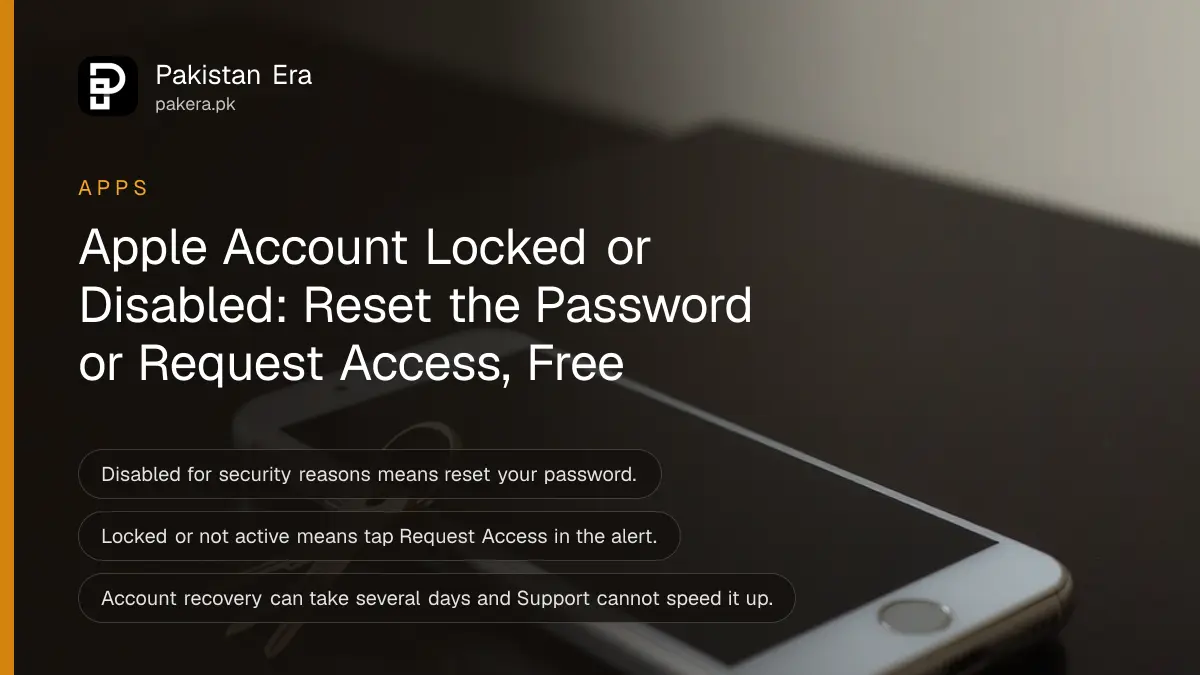
Apple Account locked or disabled on your iPhone? If the alert says "locked for security reasons" or "disabled for security reasons", reset your password. If it says the account is locked or not active, tap Request Access in the alert or go to iforgot.apple.com/unlock. Both routes are free. You do not need to visit a shop in Pakistan to start either one.
The words in the alert decide the fix. Apple uses three different messages, and each one has its own route back in. Read the alert slowly before you tap anything, then match it to the table below.
Apple shows three different lock messages
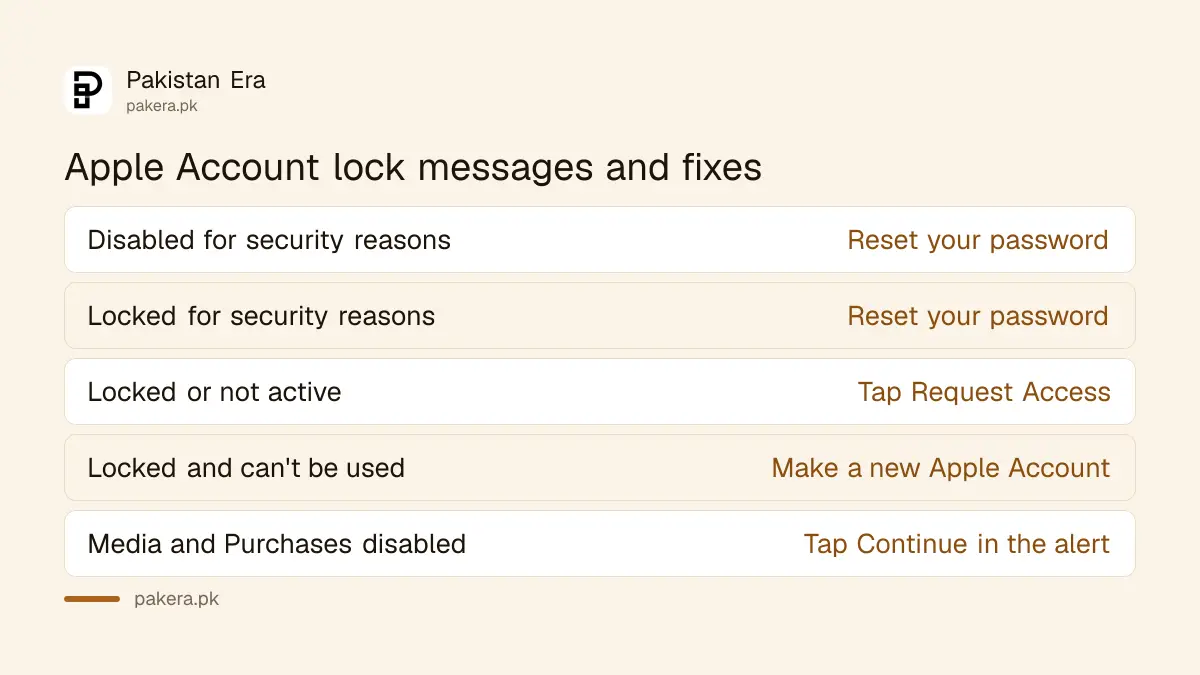
Apple uses one message for too many wrong passwords, one for an account that is locked or not active, and one for App Store and iTunes purchases. Each needs a different fix, so match your exact wording first and follow only that route.
| Message you see | Usual cause | What to do |
|---|---|---|
| This Apple Account has been disabled for security reasons | Too many wrong passwords or account details | Reset your password |
| This Apple Account has been locked for security reasons | Too many wrong passwords or account details | Reset your password |
| Your Apple Account is locked or not active | Apple has limited the account | Tap Request Access, or use iforgot.apple.com/unlock |
| This Apple Account is locked and can't be used | The unlock request did not succeed | Make a new Apple Account |
| Your Media & Purchases account has been disabled | A problem with App Store or iTunes purchases | Tap Continue, or ask Apple to reactivate it |
Reset your password when the account is disabled for security reasons
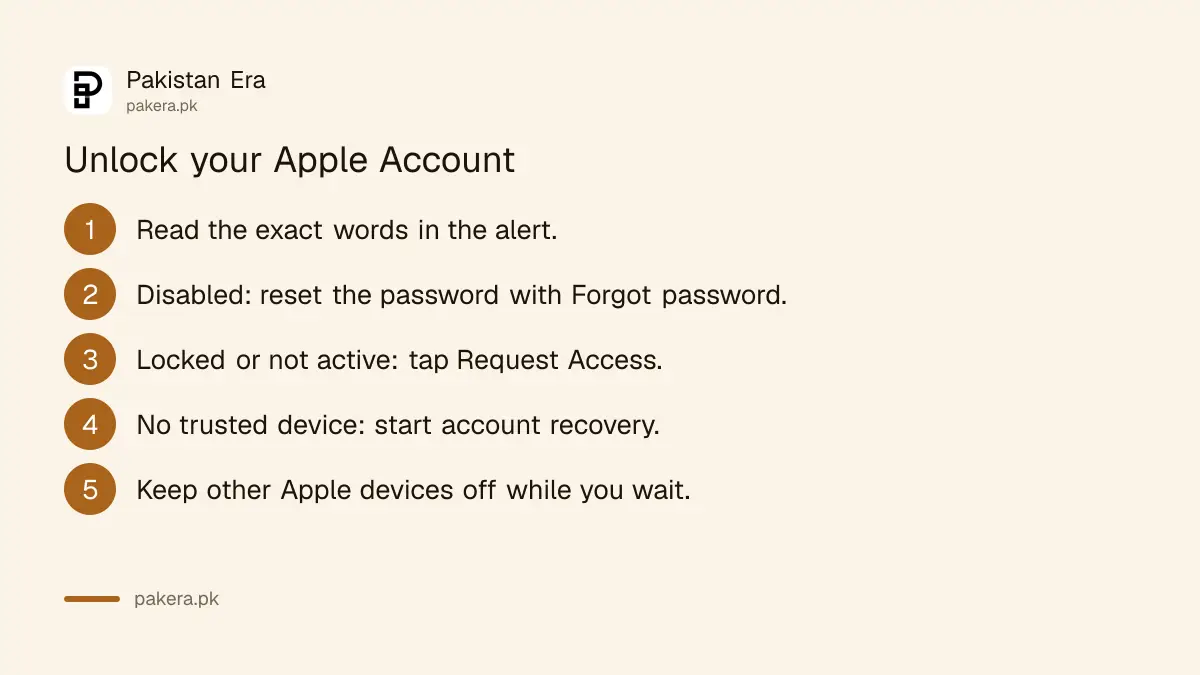
A "disabled" or "locked for security reasons" message usually follows too many wrong passwords. Apple's fix is a password reset. On a trusted iPhone where you are still signed in, change the password there. On a new phone, tap Forgot password.
On an iPhone that is still signed in
- Open Settings and tap your name.
- Tap Sign-In & Security, then Change Password.
- Enter your iPhone passcode when asked.
- Type the new password twice and tap Change.
On a new or reset phone
- During setup, in Settings or in the App Store, tap Forgot password? or Forgot password or don't have an Apple Account?
- Follow the steps on screen. Apple may send you to a trusted device, ask for your trusted phone number, or set a waiting period.
- Sign in with the new password once the reset is done.
Keep these details ready before you start: the trusted phone number, the Apple Account email, and the CVV of the card on the account if there is one. A code from your recovery contact also works. If you never added one, set up a recovery contact on your Apple Account as soon as you are back in.
Use Request Access when the account is locked or not active
When Apple says the account is locked or not active, a password reset is not the fix. Tap Request Access in the alert, or open iforgot.apple.com/unlock in a browser, and follow the steps to ask Apple to unlock the account.
- Tap Request Access in the alert on your iPhone, iPad or Mac.
- If the alert has gone, open Safari and go to iforgot.apple.com/unlock.
- Enter your Apple Account email or phone number.
- Follow the steps and answer each check with the same details you used to set up the account.
If the request fails, Apple may show "This Apple Account is locked and can't be used", or deny the request. Apple's own answer at that point is to create a new Apple Account. Purchases on the old account do not move to the new one.
If you bought the iPhone yourself and it is stuck on Activation Lock, Apple runs a separate request at al-support.apple.com. You need proof of purchase, such as the shop's receipt with the serial number. A used phone bought in a market without a receipt usually cannot pass this check.
Account recovery takes several days and cannot be rushed
If you cannot reset the password and have no trusted device, Apple offers account recovery. It can take several days or more. Apple Support cannot shorten the wait, and a confirmation email with your date arrives within 72 hours.
- Start it: in Safari at iforgot.apple.com, or on a friend's iPhone in the Apple Support app under Support Tools, Reset Password, Help Someone Else. Apple says it does not store your details on the borrowed phone.
- Turn off your other Apple devices if you started on the web. A signed-in device cancels the request.
- Check status at iforgot.apple.com with the same email and phone number you used to start. Different details can extend the wait.
- When it is ready, Apple emails you and texts or calls the number you gave. Then go to apple.com/recover.
Do not send a second request while the first one is open. Apple says that can make the wait longer unless you have new recovery details to add.
Paid iCloud unlock offers are a risk, the real fix is free
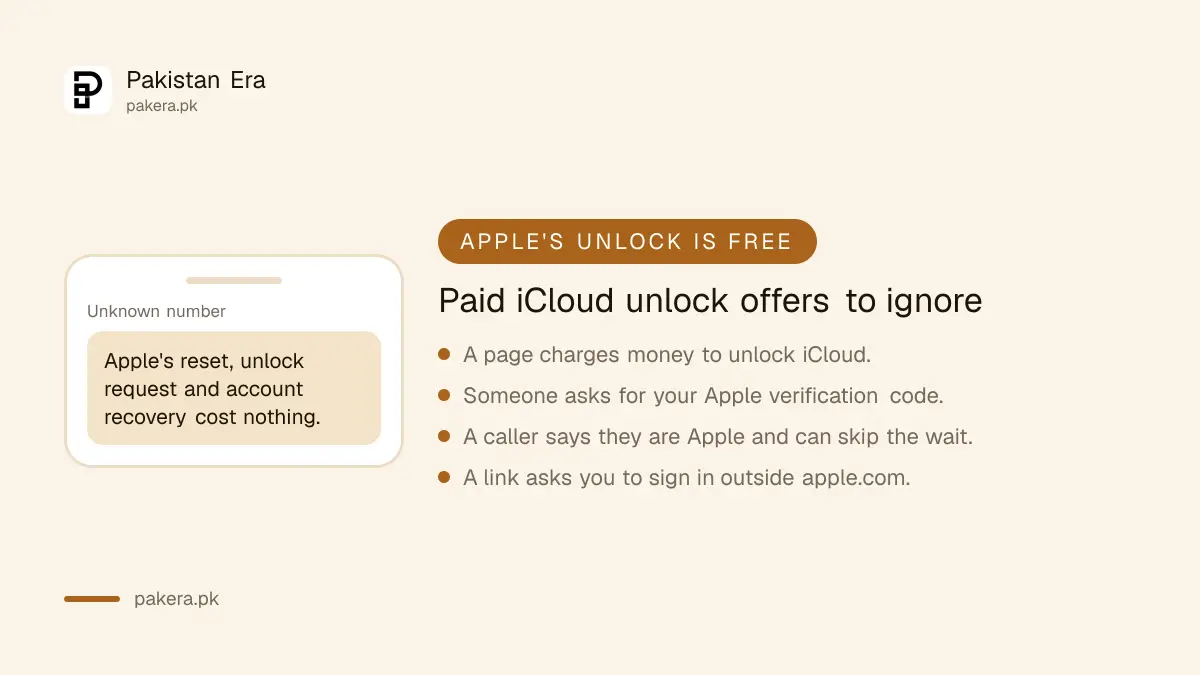
Apple's password reset, unlock request and account recovery are free. Pakistani shops and social media pages that sell "iCloud unlock" services ask for your Apple Account details or money. Use only Apple's own pages, and never share your verification codes.
After you get back in, check which devices are signed in and remove any you do not know. If someone else changed your password, follow the steps for an Apple Account that was hacked. Then turn on Stolen Device Protection, so a thief who learns your passcode cannot change the password quickly.
Your iPhone screen passcode is a different lock. If the phone itself says "iPhone Unavailable", the problem is the passcode, not the Apple Account, and the steps to unlock a phone with a forgotten passcode apply instead.
Common questions about a locked Apple Account in Pakistan
Why is my Apple Account disabled for security reasons?
Apple says this usually happens after too many wrong passwords or account details. Reset your password from a trusted device or with Forgot password to get back in.
How long does Apple take to unlock an account?
A password reset can be quick. Account recovery can take several days or more, and the confirmation email with your date arrives within 72 hours.
Can Apple Support in Pakistan unlock my account faster?
No. Apple says contacting Support cannot shorten the account recovery wait. Keep your devices off and wait for the date in the email.
What does "Your Media & Purchases account has been disabled" mean?
It affects App Store and iTunes purchases only. Tap Continue in the alert, or ask Apple to reactivate the account through Apple Support.
Can I use my iPhone with a new Apple Account?
Yes, if the phone is not stuck on Activation Lock. Sign out of the old account first. Apps bought on the old account stay on that account.
How we verified this
What we checked and where we read it.
Last checked 15 November 2026. We read Apple Support's pages If your Apple Account is locked, not active, or disabled, If you forgot your password and can't sign in to your Apple Account and What to expect during account recovery. The locked account page does not list a waiting time for the unlock request itself, so this article gives only the account recovery timings Apple publishes.
About the author

Technology Journalist & Multimedia Producer
Ahmad Ali is a technology journalist and multimedia producer at Pakistan Era, joining the team in October 2026. He covers consumer technology and digital life for Pakistani readers, combining research with hands-on product testing.