Forgot Phone Password or Pattern in Pakistan: Unlock iPhone, Samsung and Android (Every Official Method)
Forgot your phone password or pattern? iPhone and Samsung accept the old passcode for 72 hours. After that, see the official reset routes and what you need.
If you forgot your phone password or pattern, first try the old-lock option: iPhone (iOS 17 or later) and Samsung (One UI 6.1 or later) let you unlock with your previous passcode for 72 hours after a change. If you never changed it, the only official way back in is to erase the phone and restore from a backup. Anyone who promises to unlock a phone without erasing it is offering something Apple, Samsung and Google do not.
It usually happens after a new PIN set in a hurry, or a phone kept in a drawer for months. We read Apple's three passcode pages, Samsung Pakistan's previous-lock page and Google's Android reset help on 25 October 2026. Below is every method, in the order to try them, and what you need for each.
There are four official ways back into a locked phone
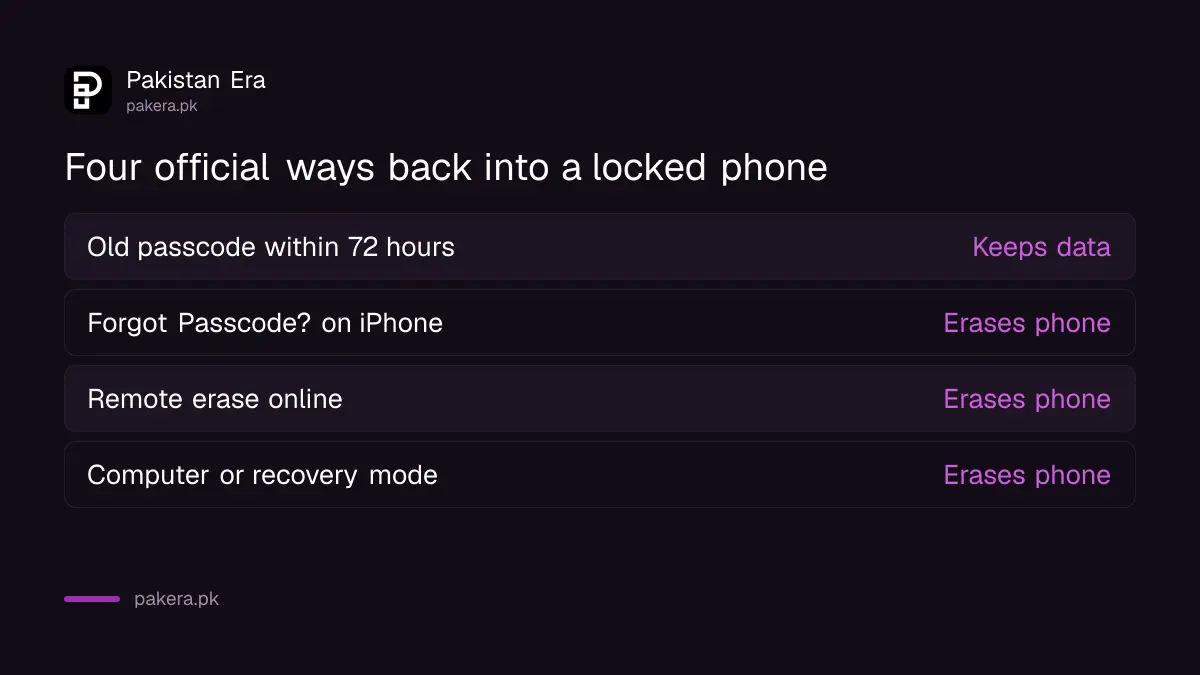
The first is free and keeps your data: unlock with the previous passcode within 72 hours. The other three erase the phone: an on-screen reset, a remote erase from Find My, SmartThings Find or Find Hub, and a reset through a computer or recovery mode.
| Method | Phones | Keeps data? | You need |
|---|---|---|---|
| Previous passcode, 72 hours | iPhone iOS 17+, Samsung One UI 6.1+ | Yes | The old PIN or pattern |
| Forgot Passcode? on lock screen | iPhone iOS 15.2+ | No | Apple Account password, internet, Find My on |
| Remote erase | Samsung, any Android, iPhone | No | Samsung or Google account login |
| Computer or recovery mode | iPhone, Android | No | A computer and cable for iPhone |
iPhone Passcode Reset lets you use the old passcode for 72 hours
Apple says that after you change your passcode on iOS 17 or later, you have 72 hours to get in with the previous one. Enter wrong codes until the iPhone Unavailable screen appears, tap Forgot Passcode?, then Enter Previous Passcode.
Apple says the Forgot Passcode? button appears only when the iPhone is on mobile data or Wi-Fi, signed in to your Apple Account, with Find My turned on. After you get in, set a new passcode straight away.
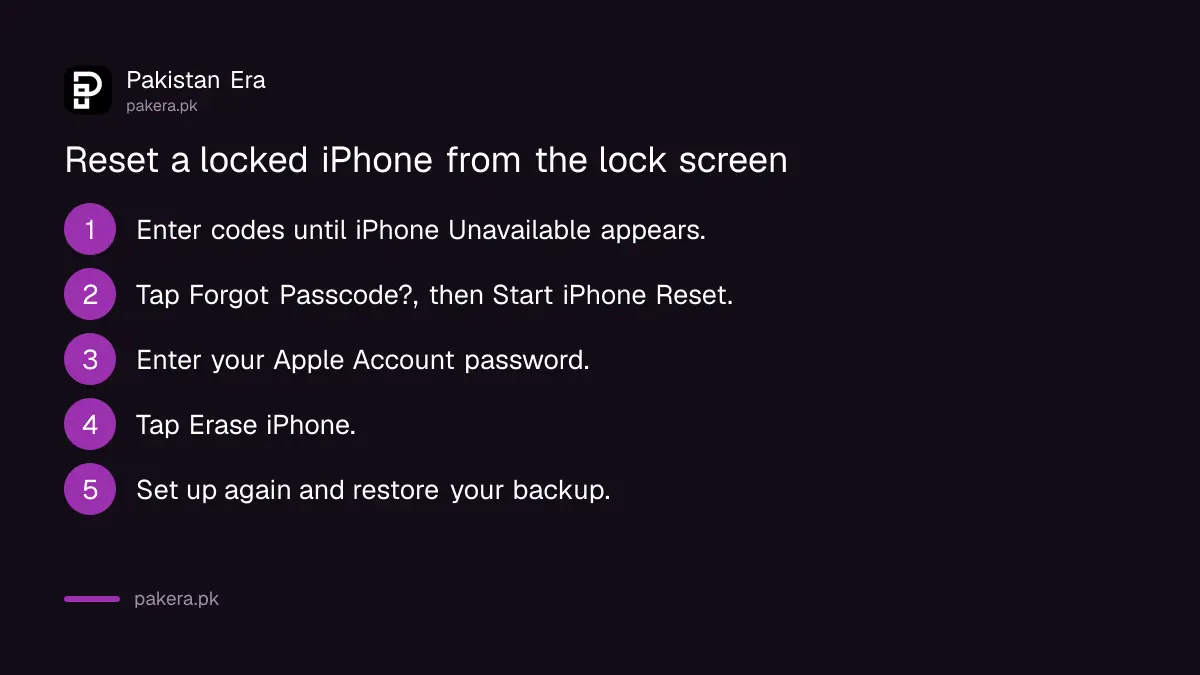
If 72 hours have passed, the same button erases the phone instead:
- Keep entering the passcode until the iPhone Unavailable screen appears.
- Tap Forgot Passcode?, then Start iPhone Reset on the Security Lockout screen.
- Enter your Apple Account password to sign out of the account on the phone.
- Tap Erase iPhone. On iOS 17 or later you can choose to keep your eSIM.
- Set the phone up again and restore your backup.
Apple says this works from iOS 15.2. If you use an eSIM on iOS 16 or earlier, ask your network for a new eSIM QR code before you start. Without the Apple Account password, this route will not work, so recover that first.
Samsung's previous screen lock works once, after 5 wrong tries
Samsung Pakistan says Galaxy phones on One UI 6.1 or later keep your previous PIN, password or pattern for 72 hours after a change. A Forgot PIN link appears on the lock screen after at least 5 failed attempts. You can use it once per lock type.
Tap the Forgot link, enter the old lock, then choose and confirm a new one. Samsung warns that after 3 wrong entries of the previous lock, no further attempts are allowed. So do not guess.
Samsung's remote unlock is no longer offered: its support pages say you can no longer unlock a phone remotely through SmartThings Find. What remains is a remote erase. Sign in at smartthingsfind.samsung.com with your Samsung account, pick the phone and click Erase data. Samsung says the data is deleted permanently, and an offline phone is wiped when it next connects.
Other Android phones reset through Find Hub or recovery mode
On Xiaomi, Infinix, Tecno, Pixel and other Android phones, the official route is a factory reset. Google's Find Hub can erase the phone remotely with the Google account and password on it, or you can reset with the power and volume buttons.
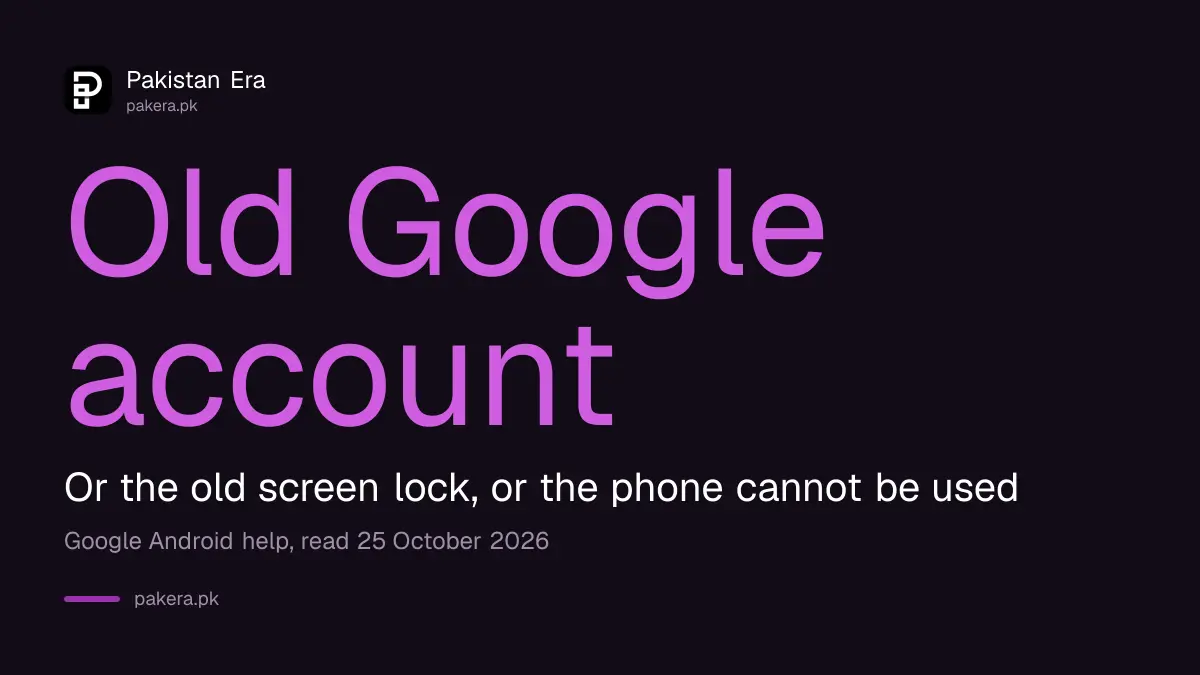
Button combinations differ by brand, so check the maker's support page for yours. The bigger catch is Factory Reset Protection. Google says that after a reset, a protected phone asks for the screen lock or the Google Account that was on it. If you cannot give either, Google says you will not be able to use the device at all.
So before you reset, make sure you know your Gmail address and password. Google also advises waiting 24 hours after a recent Google password change, charging to at least 70 percent and being on Wi-Fi or mobile data. Find Hub and Find My work the same way for a lost phone as for a locked one.
An iPhone with no working screen option resets through a computer
If Forgot Passcode? does not appear, Apple's last route is a Mac or Windows PC. Turn the iPhone off, connect it while holding the side button until a computer-and-cable image appears, then choose Restore in Finder or the Apple Devices app.
Apple lists a computer, a charging cable, an internet connection and up to 60 minutes. The download alone can take more than 15 minutes. iPhone 7 uses Volume down, and iPhone 6s and earlier use the Home button, in place of the side button. No computer at home? Apple says to visit an Apple Store or an Apple Authorised Service Provider.
Any erase is only as painful as your last backup. If your photos were in Google Photos or iCloud, they return when you sign back in. Check now, before the next lockout: your last iCloud backup date is in Settings.
Unlock shops cannot do what Apple, Samsung and Google will not
None of the official methods unlock a phone without erasing it, apart from the 72-hour previous-lock option. A shop offering to bypass a Google or Apple account lock is not using an official tool, and a phone that needs one may be stolen.
If you are buying a used phone, ask the seller to sign out of the Apple or Google account in front of you, then erase the phone before the money changes hands. Keep your own box and bill safe as well, since they are the simplest proof that a locked phone is yours.
Common questions
Can I unlock my phone without losing data if I forgot the password?
Only with the previous passcode within 72 hours on iPhone (iOS 17+) or Samsung (One UI 6.1+). Every other official route erases the phone.
Can Samsung unlock my phone remotely?
No longer. Samsung says remote unlock through SmartThings Find is no longer possible. You can still erase the phone remotely there.
Why does Forgot Passcode? not appear on my iPhone?
Apple says it needs mobile data or Wi-Fi, your Apple Account signed in and Find My turned on. Without those, use a computer.
Will my Android phone work after a factory reset?
Only if you can enter the old screen lock or the Google Account that was on it. Google says otherwise you will not be able to use the device.
How many tries do I get on a Samsung before the Forgot link appears?
At least 5 failed attempts. After that, 3 wrong entries of the old lock block further tries.
Do I need a computer to reset a locked iPhone?
Not on iOS 15.2 or later if Find My is on and the phone is online. Otherwise Apple asks for a Mac or Windows PC.
How we verified this
What we checked, where we read it, and what we could not confirm.
Last checked 25 October 2026. We read Apple's reset without a computer page, its Passcode Reset page (105039) and its computer reset page (118430); Samsung Pakistan's previous screen lock page and Samsung's pages on SmartThings Find; and Google's Android help on factory reset and reset protection, on that date. Samsung's India page lists the feature for One UI 6.1 to 8.5, while the Pakistan page says 6.1 or later. We did not test a locked phone.
About the author

Technology Journalist & Multimedia Producer
Ahmad Ali is a technology journalist and multimedia producer at Pakistan Era, joining the team in October 2026. He covers consumer technology and digital life for Pakistani readers, combining research with hands-on product testing.