How to Erase Your Phone Before Selling It in Pakistan (Android and iPhone)
Selling or handing over your phone in Pakistan? Back up, sign out of your account, then erase it from Settings. Steps for iPhone and Android, with SIM notes.
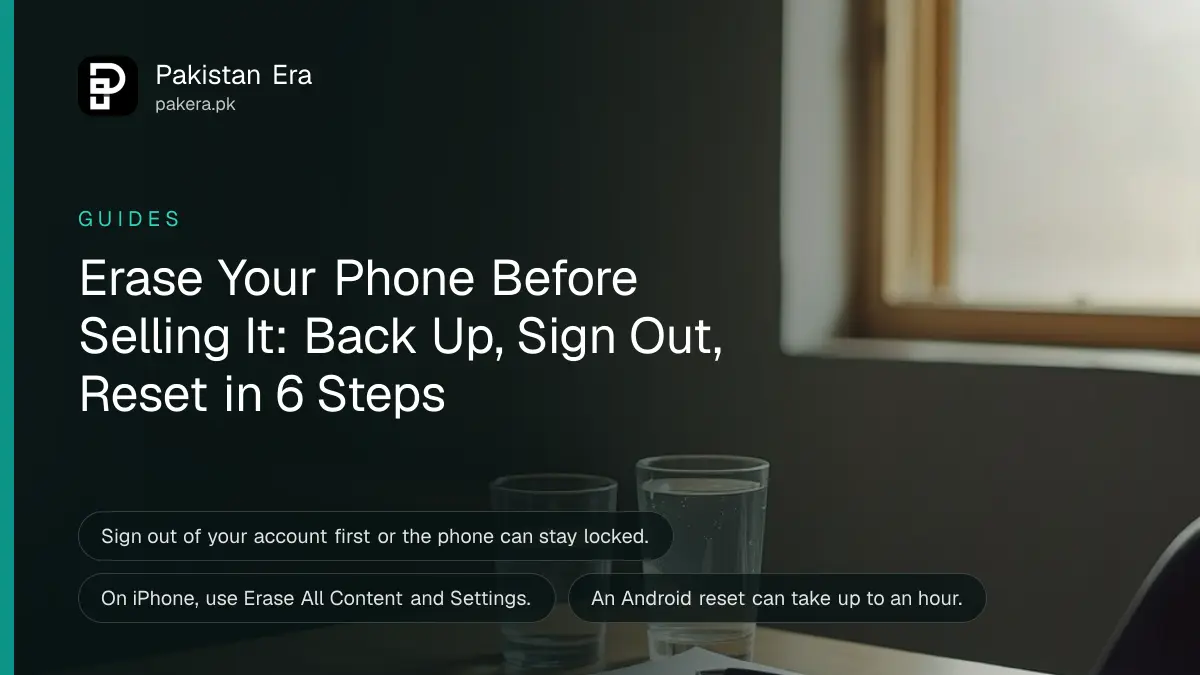
To erase a phone before you sell it, back it up, sign out of your Apple or Google account, then reset it from Settings. On an iPhone, the path is Settings, General, Transfer or Reset, Erase All Content and Settings. On Android, the reset sits in Settings, but the menu name changes by brand.
Many people in Pakistan sell an old phone through a shop or an online listing and hand it over with photos, chats and bank apps still inside. A reset done in the wrong order can also leave the phone locked to your account, which the buyer will notice in minutes. This guide gives the order that avoids both problems.
Back up everything before you erase anything
Make a full backup first, because an erase cannot be undone. Apple says to create a backup and move your information to the new device, then back up once more before you remove personal information. Google says the same for Android: save data to your Google Account first.
Check these items before you move on:
- Photos and videos are in your cloud backup or on a computer.
- WhatsApp chats are backed up. Our guide to backing up and restoring WhatsApp chats shows how.
- Your contacts and calendar are synced to your account.
- You know your account password. Google says to confirm it by signing in on another device.
If your storage is nearly full and the backup keeps failing, clear space first using the guide to fixing a full phone.

Sign out of your account first so the phone is not locked
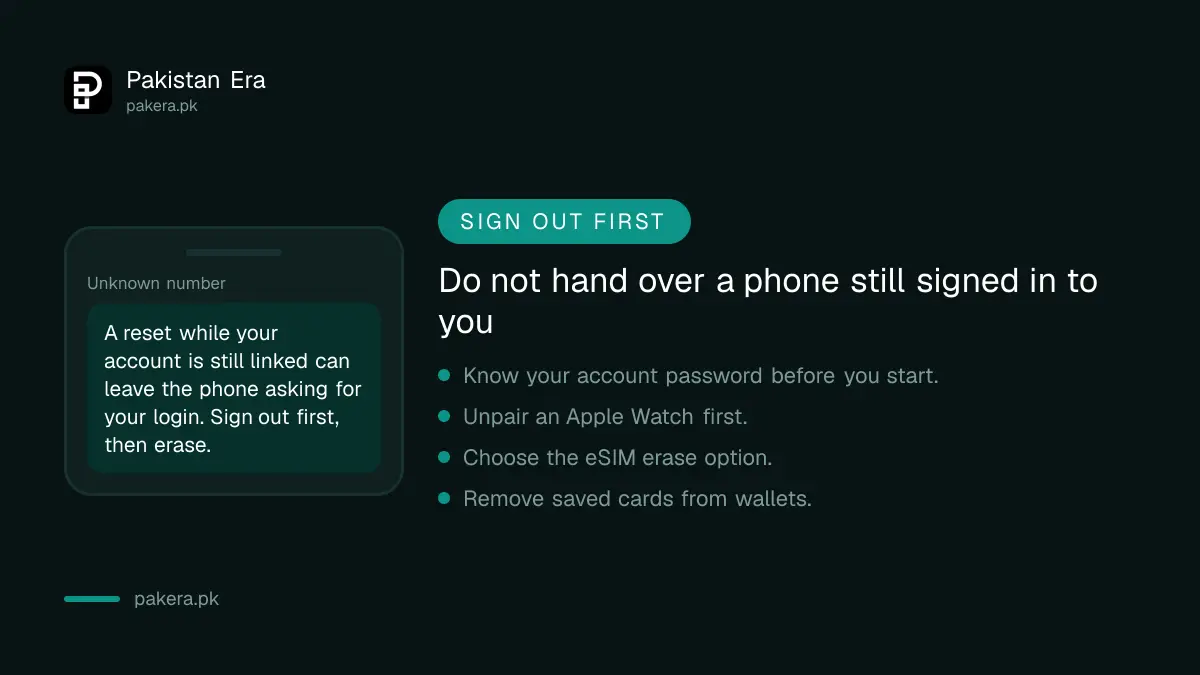
Sign out before you erase. Apple lists signing out of iCloud, iTunes and the App Store as part of removing personal information, and says Find My and Activation Lock turn off when the iPhone is erased. If you skip this, the buyer may meet a lock that only you can clear.
On an iPhone, open Settings, tap your name, scroll down and tap Sign Out. If you paired an Apple Watch, unpair it first. If you are moving from iPhone to a non-Apple phone, Apple also says to deregister iMessage so texts reach your new phone.
On Android, remove your Google Account from the phone before the reset. Google notes that it can ask for your account details after a reset, and that is the reason to know your password. Our guide to using Find My Device explains the tracking tool that is tied to your account.
Run the reset from Settings on iPhone or Android
Use the Settings app for the reset. It is the safest route. Button-combination resets are a backup option when the screen will not open, and the buttons differ by maker, so look up your brand first.
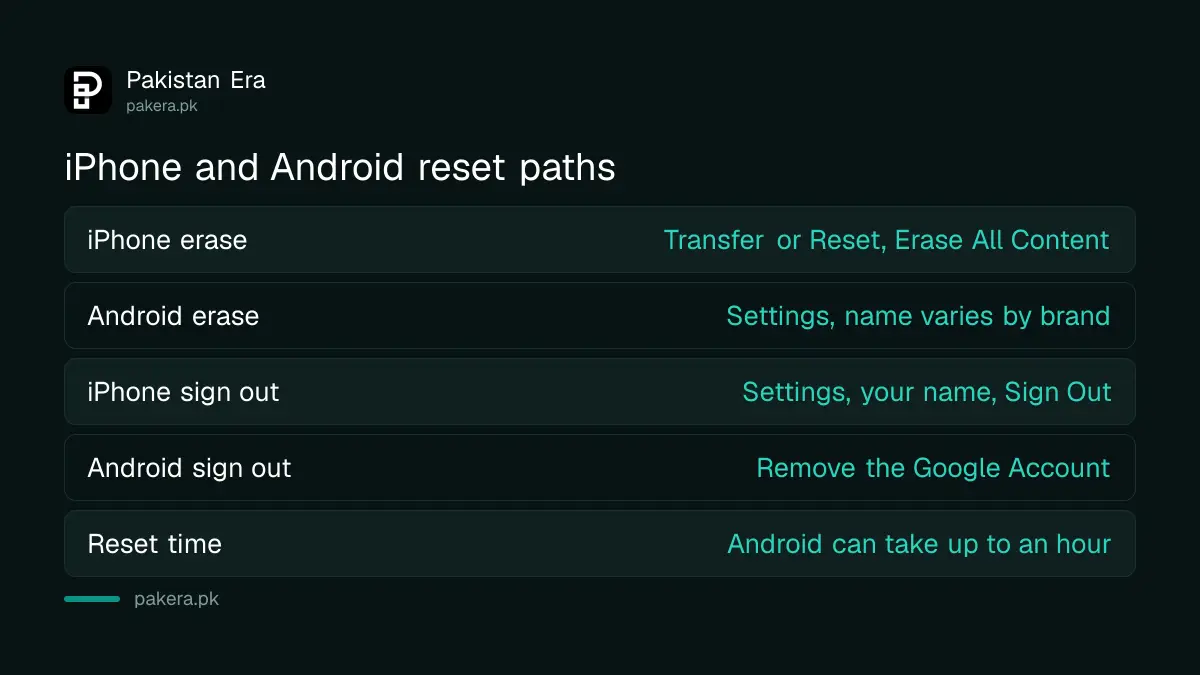
| Step | iPhone | Android |
|---|---|---|
| Back up | iCloud or a computer | Google Account backup |
| Sign out | Settings, your name, Sign Out | Remove the Google Account |
| Erase | General, Transfer or Reset, Erase All Content and Settings | Settings, reset option (name varies by brand) |
| Confirm | Enter passcode, tap Erase | Enter screen lock, confirm |
Google says to charge the phone to at least 70 per cent and to connect to Wi-Fi or mobile data. The reset can take up to an hour, so do not interrupt it. When the phone restarts at the welcome screen, it is clean.
- Make and check your backup.
- Sign out of your Apple or Google account.
- Remove your SIM and any memory card.
- Run the erase from Settings and enter your passcode.
- Wait for the welcome screen.
- Take off cases and screen protectors, then hand it over.
Handle the SIM, eSIM and payment cards before handover
Take out your physical SIM and any memory card. If your phone uses an eSIM, Apple says to choose the option that erases the device and the eSIM profile. Cards for Apple Pay or your wallet apps are removed by the erase, but check them anyway.
Banking apps and wallets deserve a second look. Sign out of each one and remove any saved card before the reset. If your number moves to another phone, read how to transfer SIM ownership so the SIM does not stay in your name.
Selling a phone that has a PTA problem is a separate risk for you. Before you advertise, check the device with the steps in checking an IMEI number.
If the phone is already gone, erase it from another device
You can still act after the sale. Apple says that if you no longer have the device you can ask the new owner to erase it, or erase it remotely through Find Devices on iCloud.com. Then remove it from your trusted devices and change your account password.
For a lost or stolen phone, do not only erase it. Block the IMEI too, as in our guide to blocking a lost or stolen phone. Remove Apple Pay cards and passes from your wallet, and turn on two step sign in for your account.
Common questions about erasing a phone before selling
Does a factory reset remove everything?
It removes your apps, photos and settings from the phone. It does not remove data in your cloud account, so sign out and remove the device from your account list too.
Should I sign out before or after the reset?
Before. Signing out first switches off the account locks tied to your phone, which is what keeps a buyer from meeting a locked screen.
Can I reset an iPhone if I forgot my Apple Account password?
Recover the password first. Apple may ask for your account details when Find My is on, so a reset without them can leave the phone stuck.
How long does the reset take?
Google says an Android reset can take up to an hour. Charge the phone to 70 per cent or more and leave it alone until the welcome screen appears.
Do I need to remove the SIM?
Yes. Take out the physical SIM and memory card. For an eSIM, choose the option that also erases the eSIM profile, as Apple advises.
How we verified this
What we checked, where we read it, and what we could not confirm.
Last checked 8 October 2026. The iPhone steps come from Apple's support page on what to do before you sell, give away or trade in an iPhone. The Android preparation notes come from Google's Android help page on factory reset. Menu names change between phone brands and software versions, so follow your own phone's Settings search if a name differs. We have not tested every brand sold in Pakistan.
About the author

Senior Writer, Public Services and Technology
Shahid joined us in 2024 as an author. He is a senior contributor to Pakistan's leading technology websites. He writes detailed articles, mostly covering his expertise in the latest tech, mobiles, apps, gadgets, and step-by-step guides. His ideology is to help people understand the latest trends and explain complex methods through very easy-to-understand guides.