TikTok Forgot Password in Pakistan: Reset It in 5 Steps, and Fix the Unrecognised Device Error
Reset a forgotten TikTok password in Pakistan in 5 steps by +92 number or email, fix the unrecognised device error, and what to do if you joined with Google.
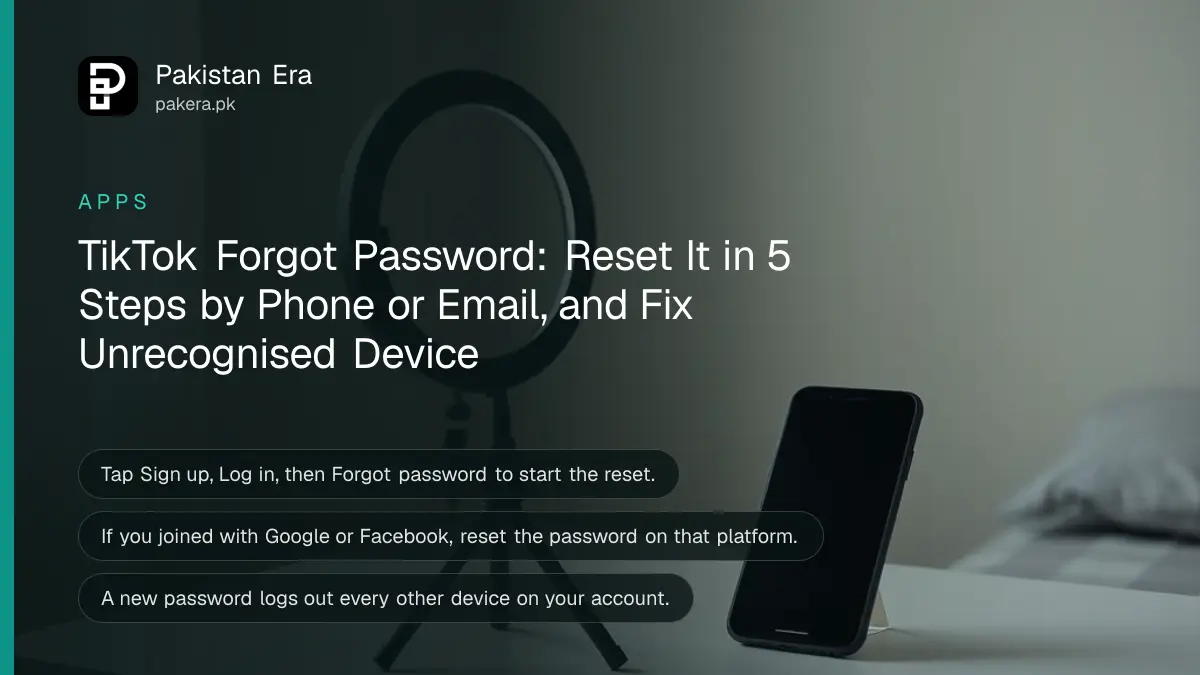
Forgot your TikTok password? In the TikTok app tap Sign up, then Log in, then Use phone / email / username, choose Email / Username, tap Forgot password? and pick Phone number or Email to get a reset code. It is free and takes a few minutes. Already logged in? Go to Profile, Menu, Settings and privacy, Account, Password.
Two things trip people up. If you joined TikTok with Google, Facebook or another account, there is no TikTok password to reset. And an "unrecognised device" error means you need a phone you have used for TikTok before. Both are covered below.
How to reset your TikTok password when logged out
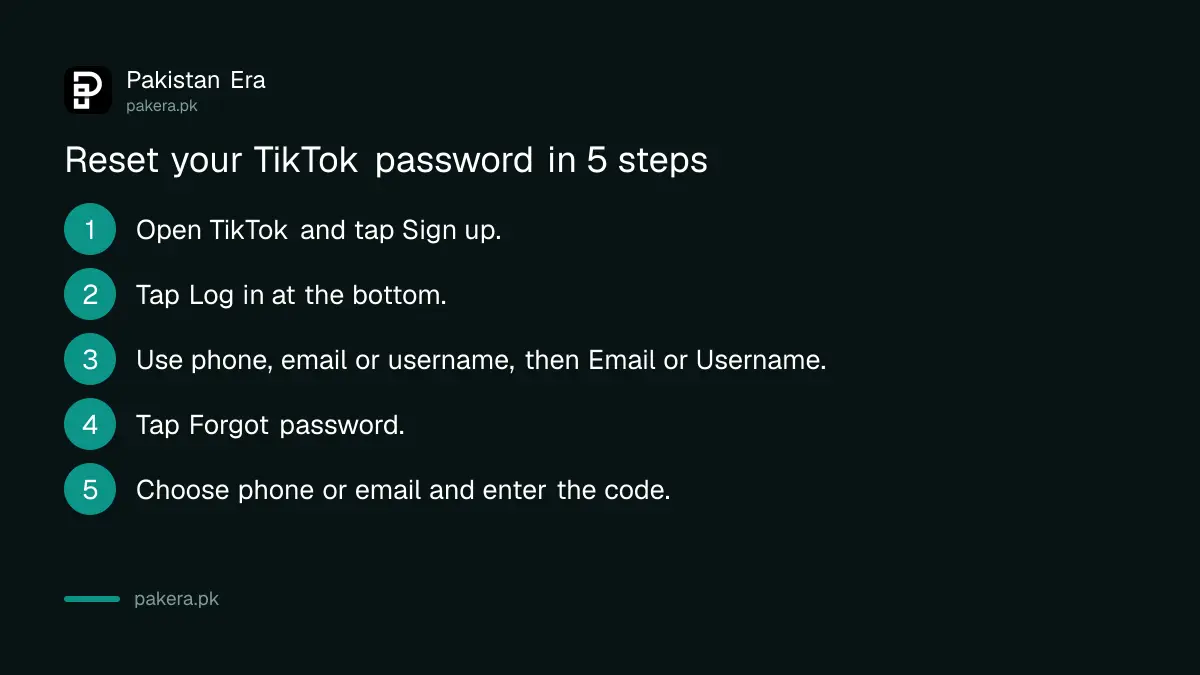
The reset starts from TikTok's sign-up screen, which is easy to miss. Go to Log in from there, choose email or username, then Forgot password. TikTok sends a code by SMS or email, and you set a new password with it.
- Open the TikTok app and tap Sign up.
- Tap Log in at the bottom of the page.
- Select Use phone / email / username, then choose Email / Username.
- Tap Forgot password?
- Choose Phone number or Email, enter it, and type the code TikTok sends. Then set a new password.
For a Pakistani number, pick Pakistan (+92) as the country and type the number without the first zero, so 0300 1234567 becomes 300 1234567. A code sent to a SIM you no longer have will never arrive, so use the email option in that case.
How to change your TikTok password when logged in
If you can still open TikTok but want a new password, change it from settings. It takes under a minute, and TikTok then logs out every other device using your account.
- Tap Profile at the bottom of the app.
- Tap the Menu button at the top.
- Tap Settings and privacy, then Account, then Password.
- Follow the instructions on screen to set the new password.
That automatic log out is useful. If you suspect someone else is using your account, a password change throws them out at once. They would need your new password to get back in.
Which fix to use for your problem
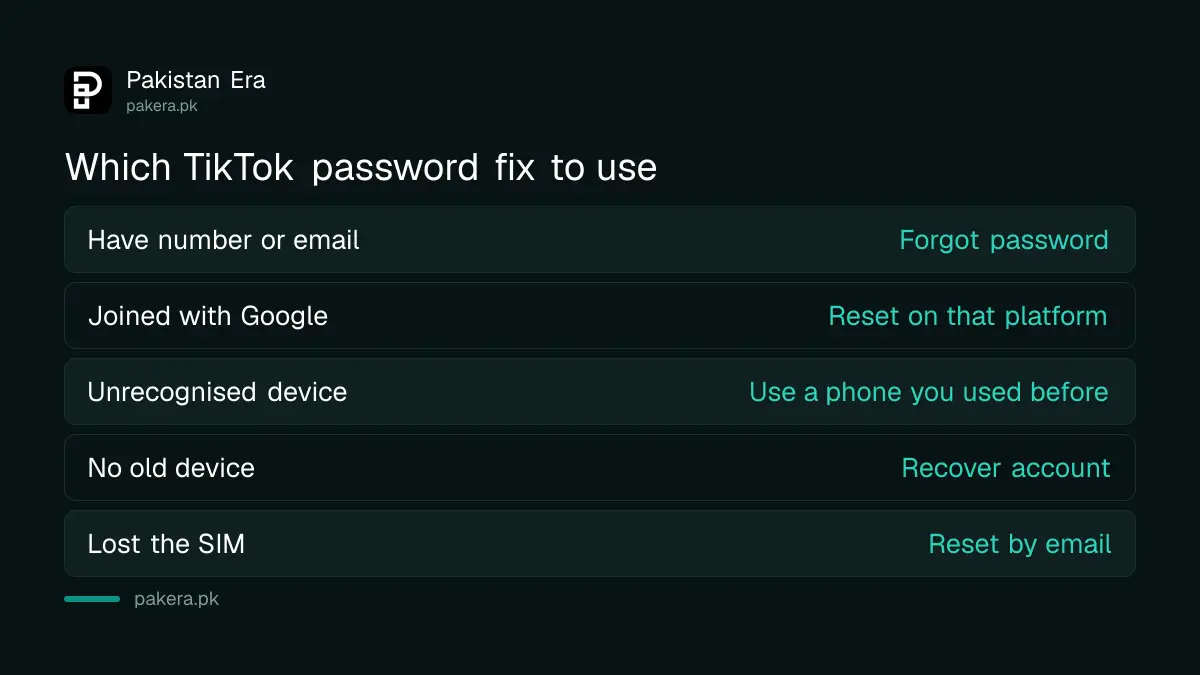
Match the fix to the message or situation you see. Most cases need the normal reset. Social logins, lost SIMs and untrusted devices each need a different route, set out in the table below.
| Your situation | What to do |
|---|---|
| Forgot the password, still have the number or email | Forgot password? on the login screen |
| Joined with Google, Facebook or Apple | Log in with that button, or reset the password on that platform |
| "Unrecognised device" error | Reset from a phone you used for TikTok before |
| No trusted device left | Forgot password?, then Recover account |
| Lost the SIM on the account | Reset by email, or get a duplicate SIM |
Not sure how you signed up? Try the Continue with Google or Continue with Facebook buttons first. If one opens your account, that is your login, and there is no separate TikTok password.
Fix the "unrecognised device" error
This error is a security check, not a fault. It appears when 2-step verification is on and you try to reset the password from a new phone. It stops someone with your email or SIM from taking over the account.
- Option 1: use a phone or tablet you have logged in to TikTok on before, then reset the password there.
- Option 2: if you have no old device, open TikTok, tap Forgot password? on the login screen, then Recover account.
- Recovery asks for details such as your registered email, phone number or old passwords. TikTok's support team reviews the request and replies.
Give as many correct details as you can. Our guide to recovering a hacked TikTok account explains the recovery form in more depth.
Keep your TikTok login safe after the reset
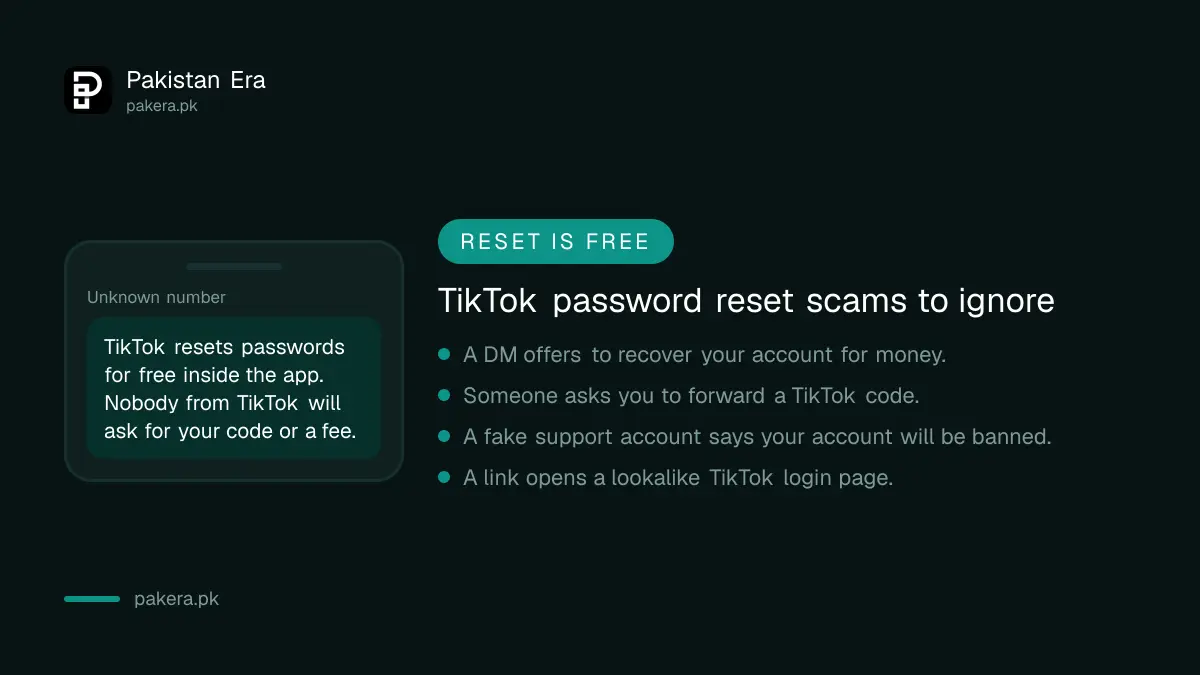
Once you are back in, add a second way to log in and turn on 2-step verification. Then a lost SIM or a guessed password will not lock you out. Never share a TikTok code with anyone who calls or messages you.
- Check the phone number and email under Settings and privacy, Account. Update a number you no longer use with our TikTok number change guide.
- Turn on 2-step verification in the security settings.
- Keep TikTok logged in on your main phone, so you always have a device TikTok already knows.
- Ignore DMs or calls that offer to recover your account for money.
If TikTok banned the account rather than locking you out, a new password will not help. Use the banned account appeal instead.
Common questions about TikTok password reset in Pakistan
How do I reset my TikTok password without my phone number?
Choose Email on the Forgot password screen and use the email on your account. If you have neither, tap Recover account and give the details TikTok asks for.
Why does TikTok say "unrecognised device" when I reset my password?
You have 2-step verification on and are using a new phone. Reset from a phone you used before, or use Recover account.
I signed up with Google. How do I reset my TikTok password?
You do not have a separate TikTok password. Log in with the Google button, and reset your Google password if you forgot it.
Will changing my TikTok password log me out of other phones?
Yes. TikTok logs you out on all other devices when you update the password, so anyone else using your account loses access.
Does TikTok charge to reset a password in Pakistan?
No. The reset is free inside the app. Anyone asking for money to recover a TikTok account is not from TikTok.
How we verified this
What we checked and where we read it.
Last checked 14 November 2026. Steps and rules come from TikTok's Help Centre page How to reset your password on TikTok, including its troubleshooting section on the unrecognised device error and account recovery.
About the author

Technology Journalist & Multimedia Producer
Ahmad Ali is a technology journalist and multimedia producer at Pakistan Era, joining the team in October 2026. He covers consumer technology and digital life for Pakistani readers, combining research with hands-on product testing.