NayaPay Forgot Password or MPIN in Pakistan: Reset Steps and 3 Ways to Unlock a Locked Account
Reset a forgotten NayaPay password, NayaPay ID or 6 digit MPIN in Pakistan, and unlock an account after 5 wrong MPIN tries by phone, app fingerprint or ATM.
Forgot your NayaPay password? On the login screen tap "Need help logging in?", then Forgot Password, follow the steps and set a new one. Forgot the 6 digit MPIN? Go to More, then Change MPIN, or call NayaPay on (021) 111-222-729. Five wrong MPIN tries lock the account, and you unlock it with a security question, a fingerprint check in the app or a Meezan Bank ATM.
NayaPay has three separate login details, and each one has its own fix. This page takes them one at a time: the password, the NayaPay ID, the MPIN, and a locked account. All of them are free to reset.
NayaPay has a password, a NayaPay ID and an MPIN
Your NayaPay ID and password log you in to the app. The MPIN is a 6 digit code that approves payments and opens sensitive screens. Forgetting one does not lock the others, and each has its own reset route in the app.
| Login detail | What it does | If you forget it |
|---|---|---|
| NayaPay ID | Your username for logging in | Need help logging in?, then Forgot NayaPay ID |
| Password | Logs you in with the ID | Need help logging in?, then Forgot Password |
| MPIN (6 digits) | Approves payments | More, then Change MPIN, or call 021-111-222-729 |
| Account locked | After 5 wrong MPIN tries | Security question, app biometrics or Meezan ATM |
| Debit card PIN | ATMs and card machines | Separate from the MPIN |
How to reset a forgotten NayaPay password
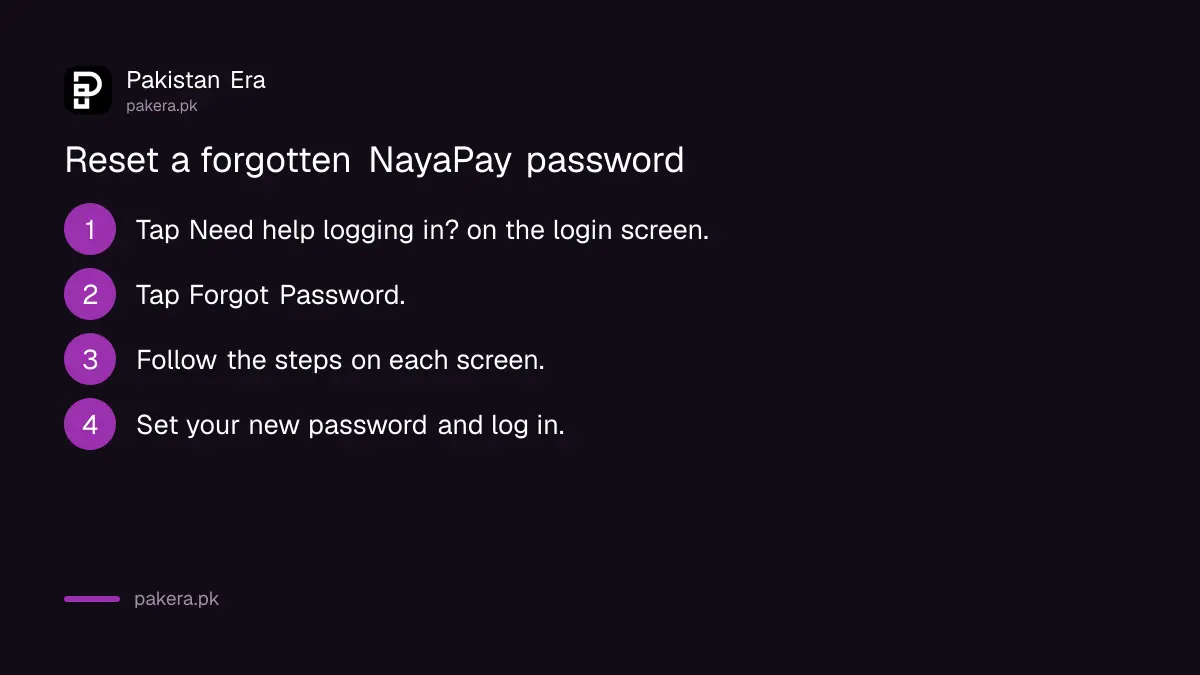
Tap "Need help logging in?" on the login screen, choose Forgot Password, follow the steps on screen and set a new password. If you still know the password and only want a new one, change it from Settings, then Account, then Change Password.
- Open NayaPay and tap Need help logging in?
- Tap Forgot Password.
- Follow the instructions on each screen.
- Set your new password and log in with it.
Forgot your NayaPay ID too
- Tap Need help logging in?, then Forgot NayaPay ID.
- Enter the OTP sent to your registered mobile number and email address.
- NayaPay sends your ID to the same mobile number and email.
Both codes have to arrive, so keep the registered SIM in the phone and your email open. If the email is the problem, recover it first. The Gmail steps are in how to recover a Gmail account in Pakistan.
Forgot your NayaPay MPIN: change it or call
The MPIN is the 6 digit code that approves every payment. To change it, open Home, tap More, then Change MPIN. You can also call Customer Service on (021) 111-222-729. From abroad, NayaPay says its US number +1 650 468 2078 may be cheaper.
- On the Home screen, tap More.
- Select Change MPIN.
- Follow the prompts and set a new 6 digit MPIN.
Do not guess. Each wrong MPIN counts, and the fifth one locks the account. If you are not sure, stop after two tries and change the MPIN instead.
How to unlock a locked NayaPay account
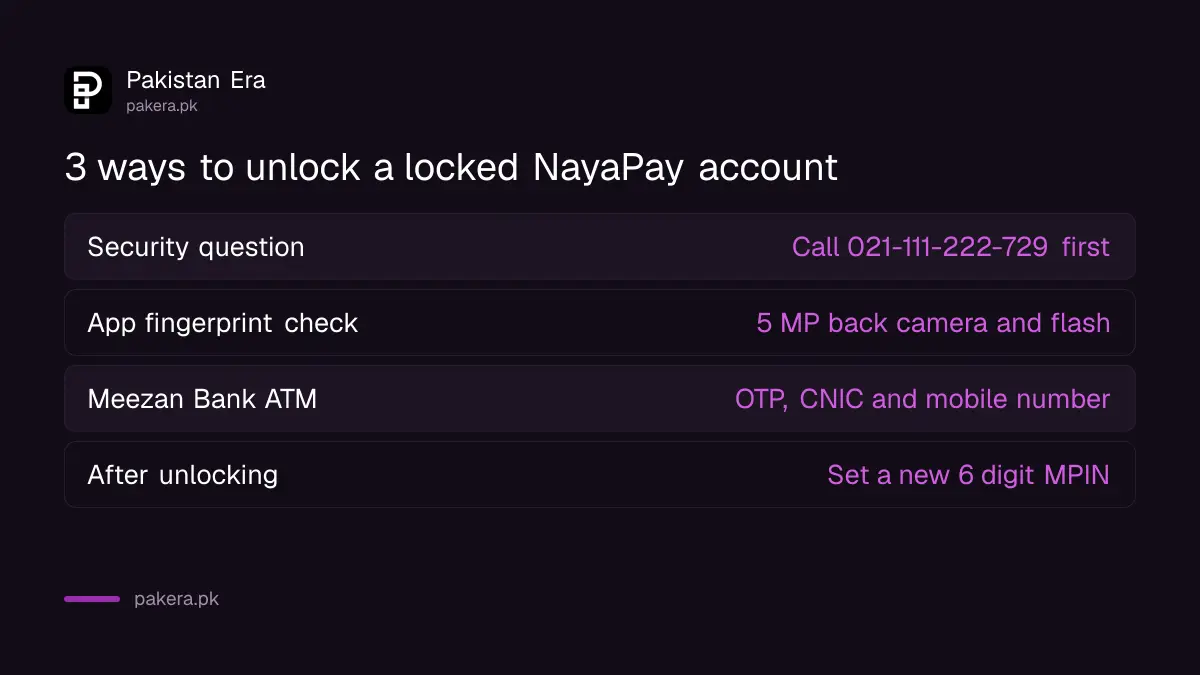
NayaPay locks an account by itself after 5 wrong MPIN attempts. You can unlock it in three ways: answer a security question after calling Customer Service, pass a fingerprint check in the app, or verify your fingerprints at a Meezan Bank ATM. Then set a new MPIN.
With a security question
- Call Customer Service on (021) 111-222-729. The agent checks who you are and turns on the security question route.
- Tap the Account Locked banner on your Home screen.
- Select Answer Security Question. At least one answer must be right.
- Tap the Reset secret MPIN banner and set a new MPIN.
With a fingerprint check in the app
- Tap the Account Locked banner and choose Biometric Verification through App.
- Allow location access, which NADRA requires. The phone needs a back camera of 5 MP or more and a flashlight.
- Hold your fingers close together inside the frame so the app can photograph them.
- Tap Next to check them against NADRA's records, then set a new MPIN.
At a Meezan Bank ATM
- Generate a One-Time PIN in the NayaPay app.
- Go to a Meezan Bank ATM with that PIN, your CNIC number and your registered mobile number.
- Choose Biometric Services, then NayaPay, then Unlock Account.
- Enter the One-Time PIN, CNIC and mobile number, and place the finger the screen asks for.
- When the success message shows, set a new MPIN in the app.
The security question route only works if you set your questions earlier. Do it now while you can: tap your profile icon, go to Settings, then Account and Privacy Settings, then Update Security Questions, enter your MPIN and pick two questions.
Lost phone and scam calls: what NayaPay says
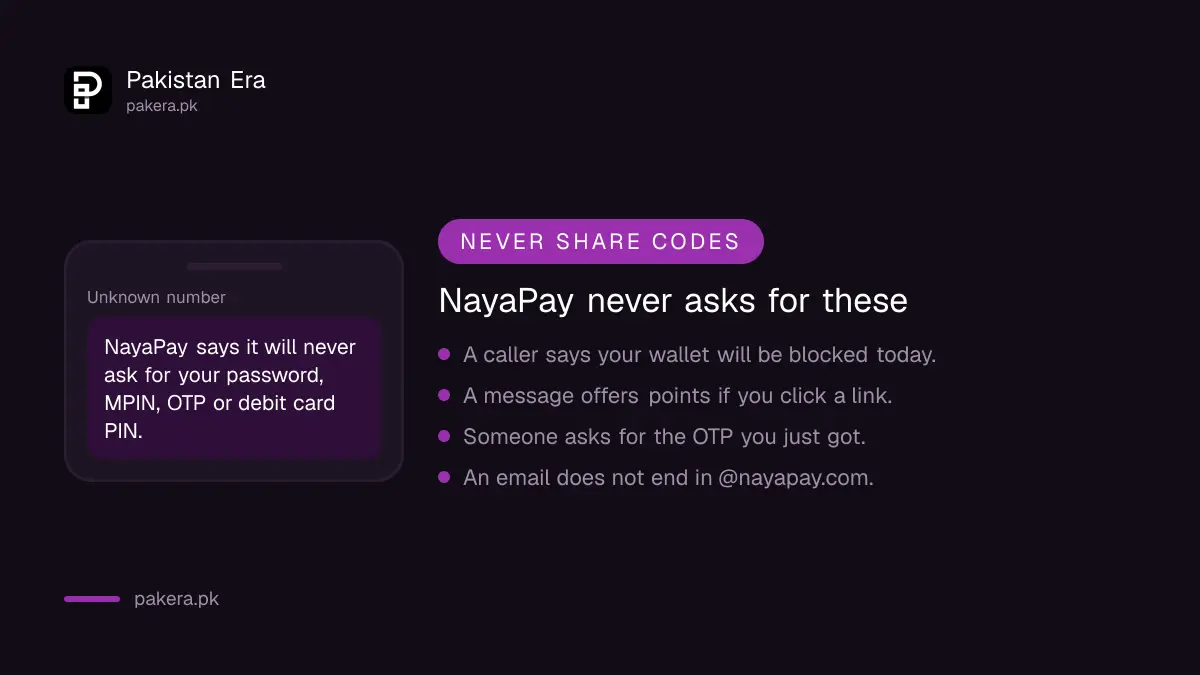
A lost phone does not stop your NayaPay debit card, which still works for payments and cash. Install NayaPay on a new phone and log in with your ID and password; a new device asks for an OTP on your registered number. NayaPay never asks for your MPIN or OTP.
- Get a duplicate SIM on the same number first if the SIM was lost too. Operators need your CNIC and a biometric check.
- To stop the card, freeze it in the app. The card rules are in how to freeze or block a NayaPay card.
- Real NayaPay calls come from (021) 38400729, and real emails end in @nayapay.com.
- Anyone asking for your password, MPIN, OTP or card PIN is not NayaPay. Report it on (021) 111-222-729. The usual tricks are listed in the OTP scam list for Pakistan.
Once you are back in, check that your wallet limit is still where you expect. The monthly caps after biometric verification are in NayaPay limits and charges.
Common questions about NayaPay login problems
How many digits is the NayaPay MPIN?
Six. It approves payments and opens sensitive screens in the app. Keep it different from your debit card PIN.
How many wrong MPIN attempts lock NayaPay?
Five. After the fifth wrong MPIN the account locks by itself, and you need one of the three unlock routes.
What is the NayaPay helpline number?
(021) 111-222-729 in Pakistan. From abroad, NayaPay lists +1 650 468 2078 as a cheaper option.
Why can't I use biometric unlock on my phone?
The in-app fingerprint check needs a back camera of at least 5 MP, a flashlight and location access. Without them, use a Meezan Bank ATM.
Does my NayaPay card stop working if I lose my phone?
No. NayaPay says the debit card keeps working for card payments and cash withdrawals without your phone. Freeze it in the app on your new phone if the card is lost too.
How we verified this
What we checked and where we read it.
Last checked 14 November 2026. Steps come from NayaPay's help centre: I forgot my password, I forgot my MPIN, My account is locked, and the articles on a forgotten NayaPay ID, security questions, a lost phone, what an MPIN is and staying safe from scams. The locked account article was last updated on 2 October 2024 and the password and MPIN articles on 24 June 2025.
About the author

Technology Journalist & Multimedia Producer
Ahmad Ali is a technology journalist and multimedia producer at Pakistan Era, joining the team in October 2026. He covers consumer technology and digital life for Pakistani readers, combining research with hands-on product testing.