How to Switch Your WhatsApp Backup to WhatsApp Cloud Storage With 2 GB Free in Pakistan
WhatsApp cloud storage gives every user 2 GB free and always encrypted backups. How to switch from Google Drive in Pakistan, what fits and the 120 day rule.
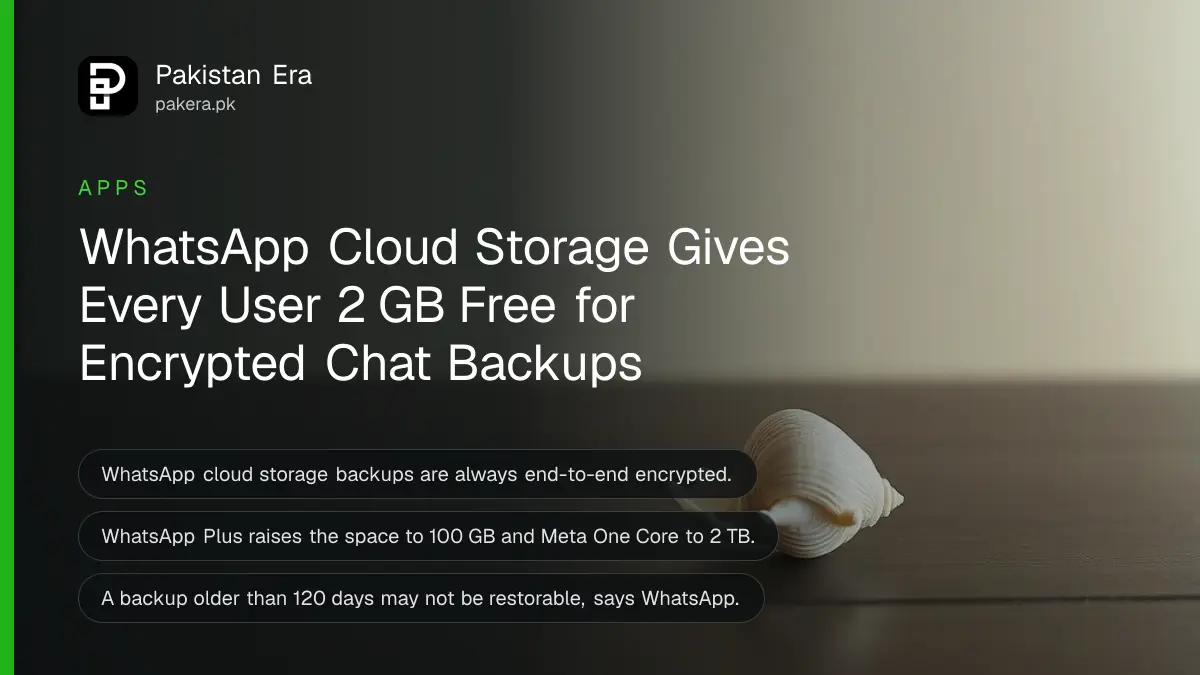
WhatsApp now offers its own cloud backup, called WhatsApp cloud storage, alongside Google Drive. Every user gets 2 GB free, the backup is always end-to-end encrypted, and you switch in Settings, then Chats, then Chat backup, then Cloud backup. WhatsApp says the feature is still being tested and may not have reached your phone yet.
For years an Android backup in Pakistan meant one thing: a copy in your Google account, eating into the free 15 GB that Gmail and Photos also use. We read WhatsApp's Help Center pages on WhatsApp cloud storage and backing up your chat history on 20 October 2026. We did not see the new option on a test phone.
WhatsApp cloud storage gives every user 2 GB free
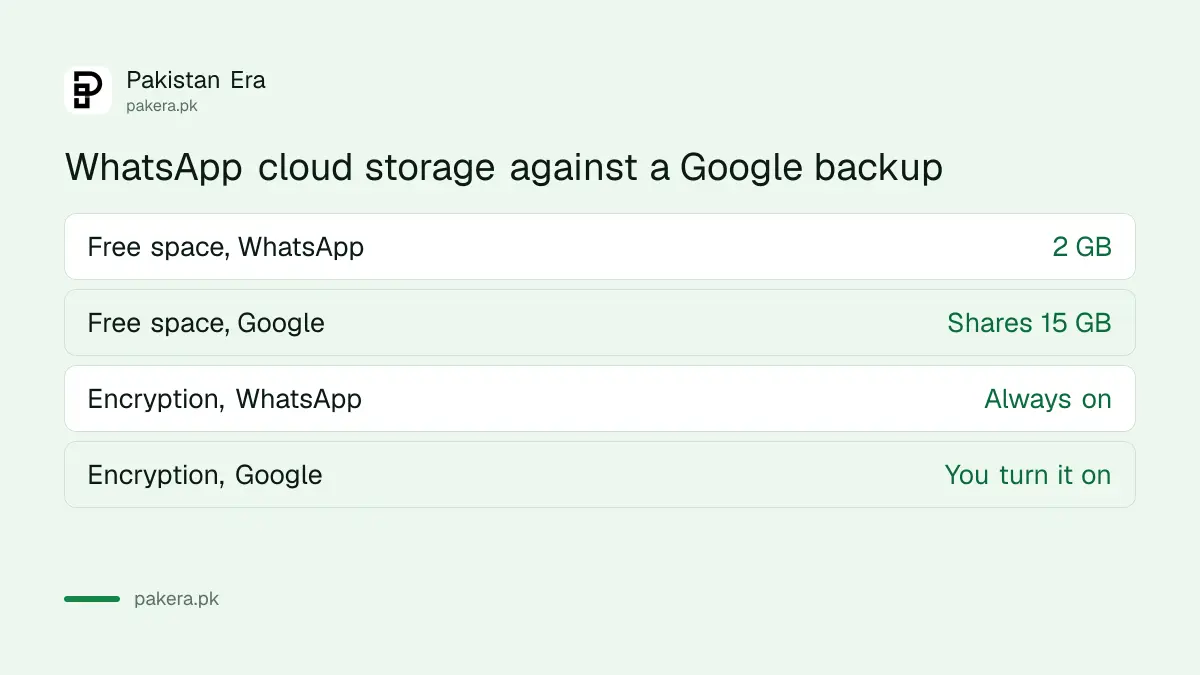
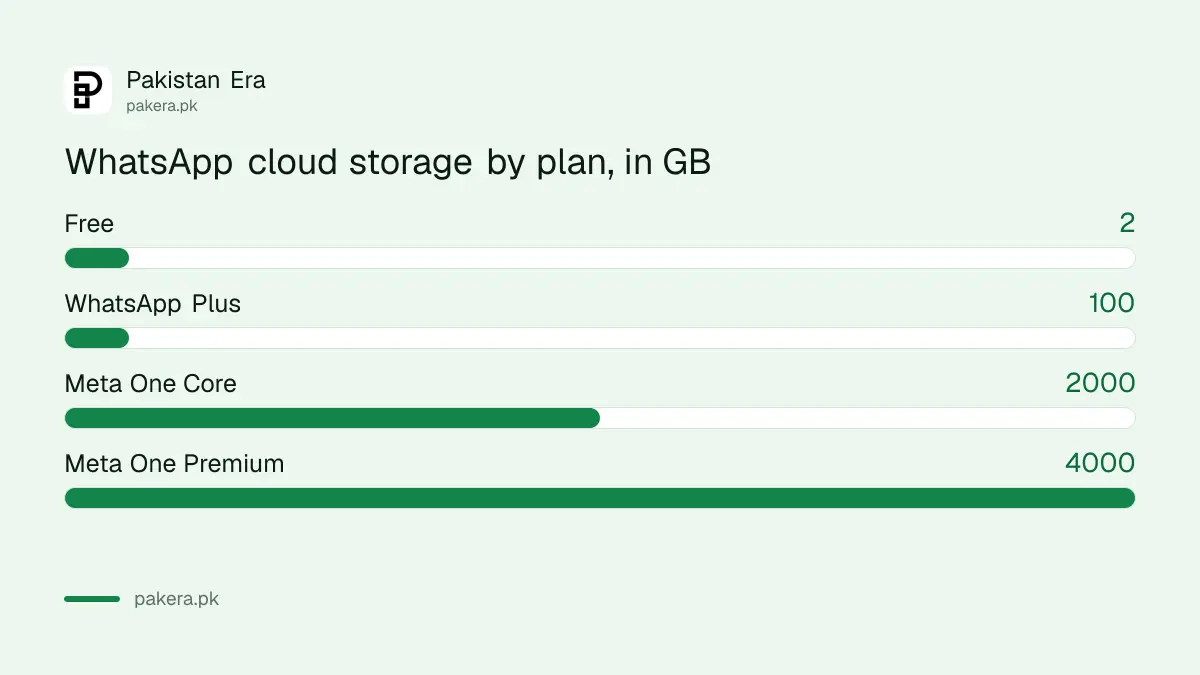
WhatsApp cloud storage is an optional backup kept by WhatsApp itself. All users get 2 GB free. Paid plans add more: WhatsApp Plus gives 100 GB, Meta One Core 2 TB and Meta One Premium 4 TB. Google Drive stays available as the other choice.
| Backup choice | Free space | Encryption | Paid upgrade |
|---|---|---|---|
| WhatsApp cloud storage | 2 GB | Always end-to-end | WhatsApp Plus 100 GB, Meta One Core 2 TB, Meta One Premium 4 TB |
| Google account | Shares the account's 15 GB | Optional, you turn it on | Google One plans |
End-to-end encrypted means only you hold the key. WhatsApp says no one, not even WhatsApp or Meta, can read a backup in its cloud. With Google, encryption is a setting you must switch on yourself.
Switching from Google takes seven steps and some patience
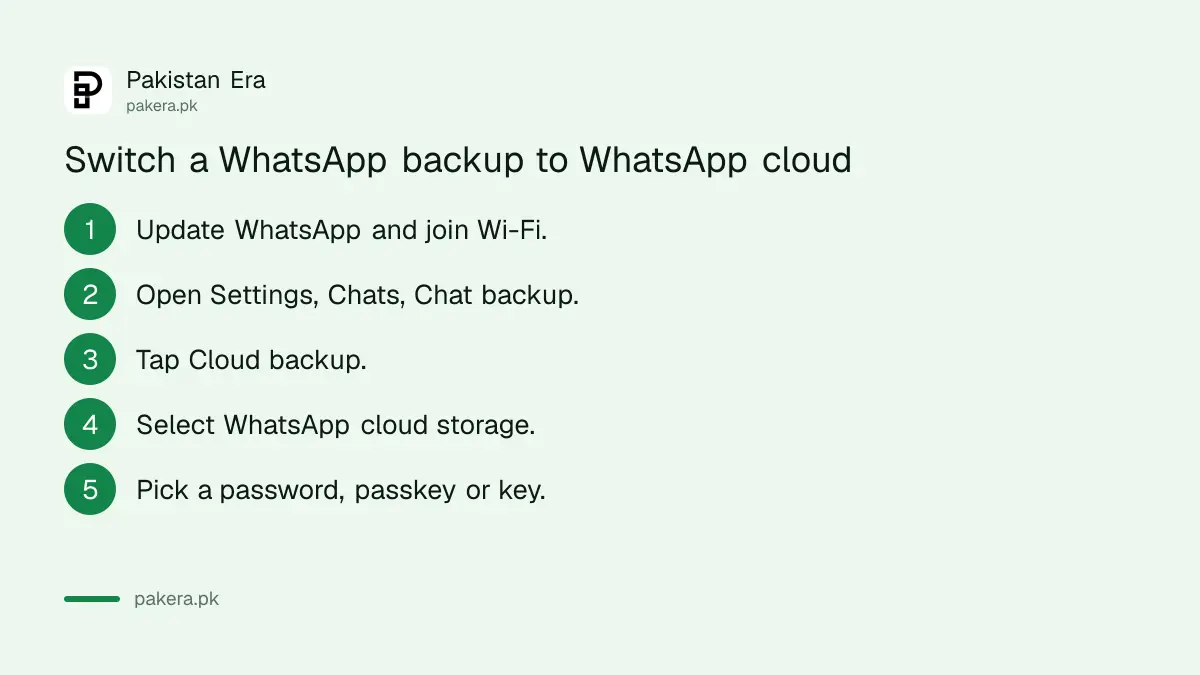
Open Settings, then Chats, then Chat backup, then Cloud backup, and select WhatsApp cloud storage. Pick a password, passkey or 64-digit key, then tap Continue. WhatsApp moves your existing backup, and you can keep chatting while it runs.
- Update WhatsApp from Google Play, and charge your phone or plug it in.
- Connect to a stable Wi-Fi network.
- Open WhatsApp Settings, then Chats, then Chat backup.
- Tap Cloud backup, or Choose your cloud backup provider.
- Select WhatsApp cloud storage and read the encryption notice.
- Choose a password, a passkey or a 64-digit encryption key.
- Tap Continue and wait for the move to finish.
WhatsApp warns that a large backup "may take several days" to complete. So start on home Wi-Fi rather than mobile data, and do not panic if it is still running the next morning.
If you do not see WhatsApp cloud storage in the list, the feature has not reached your account. WhatsApp's advice is to keep the app updated.
Your password or key is the only way back into the backup
Because the backup is end-to-end encrypted, WhatsApp cannot reset it for you. Lose the password, passkey or 64-digit key and the backup cannot be opened. Write the key down on paper and keep it somewhere safe at home.
A passkey is the easiest choice if you already use one for WhatsApp, because it is tied to your phone's screen lock. Setting one up is covered in turning on a WhatsApp passkey. A password is better if you often change phones, as long as you can remember it.
A backup with videos can outgrow 2 GB quickly
Videos are the biggest part of most backups. If yours is over 2 GB, WhatsApp says you must free up space, drop videos from the backup or buy more storage. Until then, new backups pause, but the last one stays.
Family groups full of forwarded clips fill 2 GB quickly. Three ways to fit:
- Turn off Include videos in Chat backup.
- Open Manage your storage in Chat backup and delete large chats from the backup.
- Clear big files on the phone first, using the steps to free up WhatsApp storage on Android.
WhatsApp Plus is the paid route to 100 GB. The official subscription is bought inside WhatsApp, and the difference from the old fake app is laid out in official WhatsApp Plus versus the fake APK. We could not find a rupee price on WhatsApp's pages.
Back up at least every 120 days or risk losing the backup
WhatsApp says a backup that has not been updated for more than 120 days may not be restorable. Deleting your WhatsApp account also deletes the backup. Set automatic backups to daily, weekly or monthly so you never reach that limit.
Four more rules from WhatsApp's pages are worth knowing before you switch:
- One backup per phone number. You cannot store backups from several numbers in one WhatsApp cloud.
- With two WhatsApp accounts on one phone, only the active account backs up. Switch accounts to back up the other.
- If a WhatsApp Plus or Meta One plan ends, your space drops back to 2 GB.
- The storage figure can take up to 48 hours to update after you delete items.
The older Google route still works, and restoring from either one on a new phone follows the steps in backing up and restoring WhatsApp chats.
Common questions
Is WhatsApp cloud storage free?
Yes, up to 2 GB for every user. More space needs WhatsApp Plus or a Meta One plan.
Why can I not see WhatsApp cloud storage?
WhatsApp says it is a new feature being tested and may not be available to you yet. Keep the app updated.
Does my Google Drive backup disappear when I switch?
WhatsApp's page says your existing backup is moved to WhatsApp cloud storage. It does not say whether the Google copy is deleted, so check your Google storage afterwards.
Can WhatsApp recover my backup if I forget the password?
No. The backup is end-to-end encrypted, and the password, passkey or key is the only way to open it.
Can I switch back to Google later?
Yes. WhatsApp says you can change your backup provider at any time under Chats, then Chat backup.
Does it work with WhatsApp Business?
WhatsApp's Meta One page says Core and Premium plans for WhatsApp users are only on WhatsApp Messenger. It does not say whether the free 2 GB reaches WhatsApp Business.
How we verified this
What we checked, where we read it, and what we could not confirm.
Last checked 20 October 2026. We read four WhatsApp Help Center articles on 20 October 2026: "How to back up your chat history", the WhatsApp cloud storage article, "How to switch to WhatsApp cloud storage" and the Meta One plans article. The 2 GB free limit, the 100 GB, 2 TB and 4 TB tiers, the switching steps, the 120 day rule and the encryption details all come from those pages. We did not see the option on a test phone, and WhatsApp's pages give no date for a wider rollout and no price in rupees. The note on Google's free 15 GB comes from Google's storage help page as read for our Google One price guide.
About the author

Technology Journalist & Multimedia Producer
Ahmad Ali is a technology journalist and multimedia producer at Pakistan Era, joining the team in October 2026. He covers consumer technology and digital life for Pakistani readers, combining research with hands-on product testing.