Google Photos Backup in Pakistan: 15 GB Free, How to Check and Clear Space
Turn on Google Photos backup in Pakistan, learn what the free 15 GB covers, check how full it is and clear space without paying. Follow the steps today.
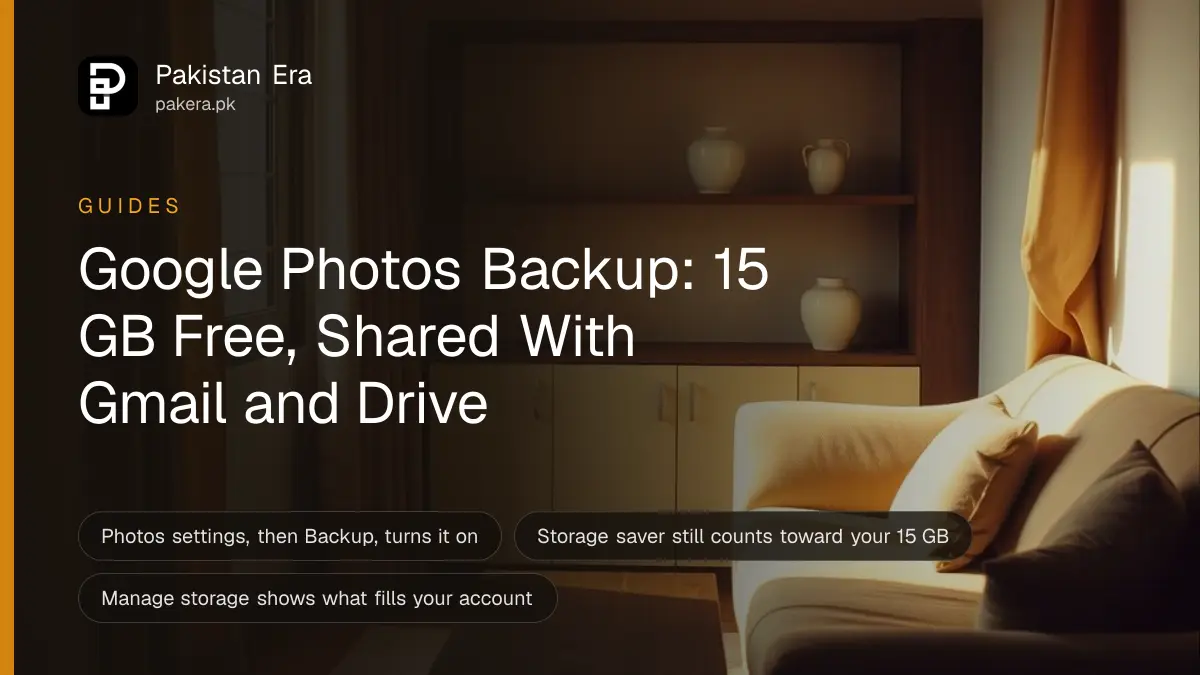
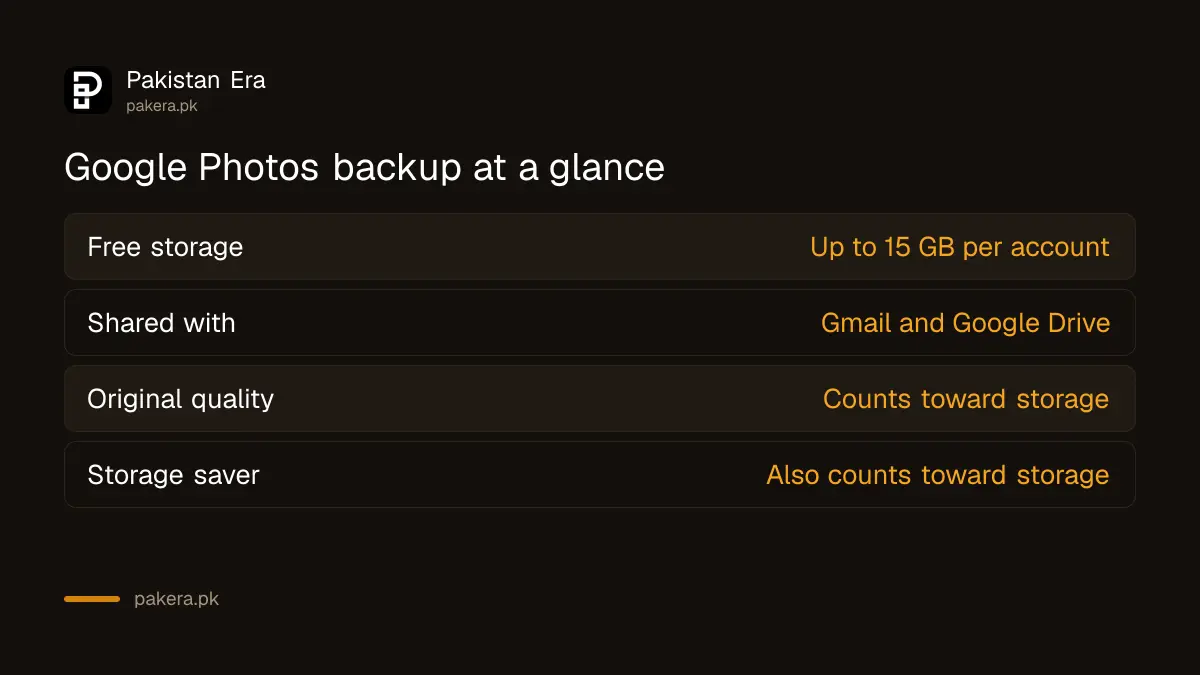
Google Photos backup saves your photos and videos to your Google Account. Every account gets up to 15 GB free, shared across Gmail, Google Drive and Google Photos. To turn backup on, open Google Photos, tap your profile picture, then Photos settings, then Backup.
Most people find out about the 15 GB limit the hard way. The phone is full, so backup was switched on, and months later Gmail says storage is full. The photos were the reason.
Here is what backup does, how to turn it on, how to check your space, and how to free it without paying.
What Google Photos backup does
When backup is on, photos and videos you take on that device are saved to your Google Account. You can open them from any device where you are signed in. Google says it also helps with search, so you can find pictures by people, places and objects.
Backup keeps a copy in your account. It does not keep a second copy on the phone. Google lists limits for files it will back up: photos up to 200 MB or 200 MP, and videos up to 10 GB. Battery saver settings can also stop backup from running.
How to turn on backup on Android and iPhone
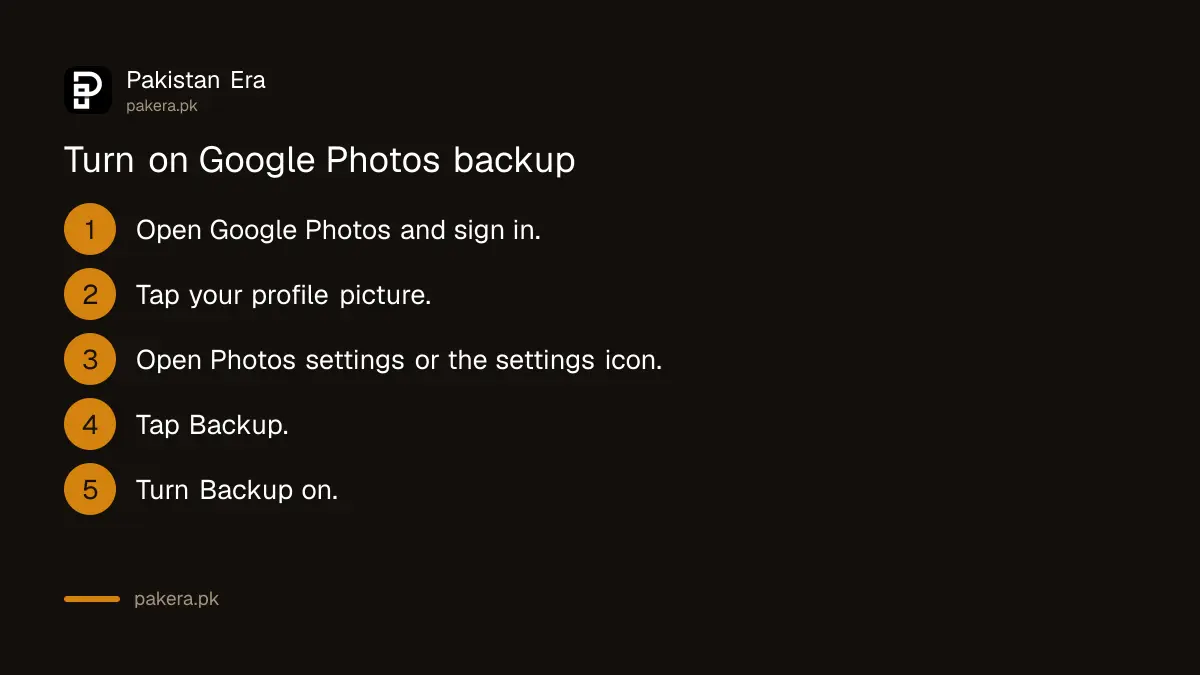
On Android, open Google Photos, tap your profile picture, then Photos settings, then Backup, and turn it on. On iPhone, tap your profile picture, then the settings icon, then Backup, and turn it on. Allow access to your photos if the phone asks.
- Open the Google Photos app and sign in to your Google Account.
- Tap your profile picture at the top right.
- Android: tap Photos settings, then Backup. iPhone: tap the settings icon, then Backup.
- Turn Backup on.
- Check the status at the top of your library. It shows "Backup complete" when it has finished.
Google says a backup can take a while, depending on your internet connection and how much you upload. On iPhone it suggests keeping the app open and the phone plugged in. We did not run these steps on a handset for this page. They come from Google's help pages, which we opened on 7 October 2026.
Original quality or Storage saver
Original quality keeps photos and videos at the size you took them. Storage saver reduces them slightly. Google says photos above 16 MP are resized to 16 MP, and videos above 1080p are resized to 1080p. Both count toward your 15 GB.
| Option | What happens | Counts toward 15 GB |
|---|---|---|
| Original quality | Same size as you took it | Yes |
| Storage saver | Photos above 16 MP resized to 16 MP, video above 1080p resized to 1080p | Yes |
Many people think Storage saver is free and unlimited. It is not. Google's help page says both options count toward your storage, except for items backed up before 1 June 2021.
Your phone camera sets the real difference. If it shoots 50 MP photos or 4K video, Storage saver will shrink them and save space. If it shoots 12 MP and 1080p, you gain very little. On a computer, you choose the setting at photos.google.com/settings. Google says you can also convert earlier Original quality backups to Storage saver from Manage storage.
Check how full your Google storage is
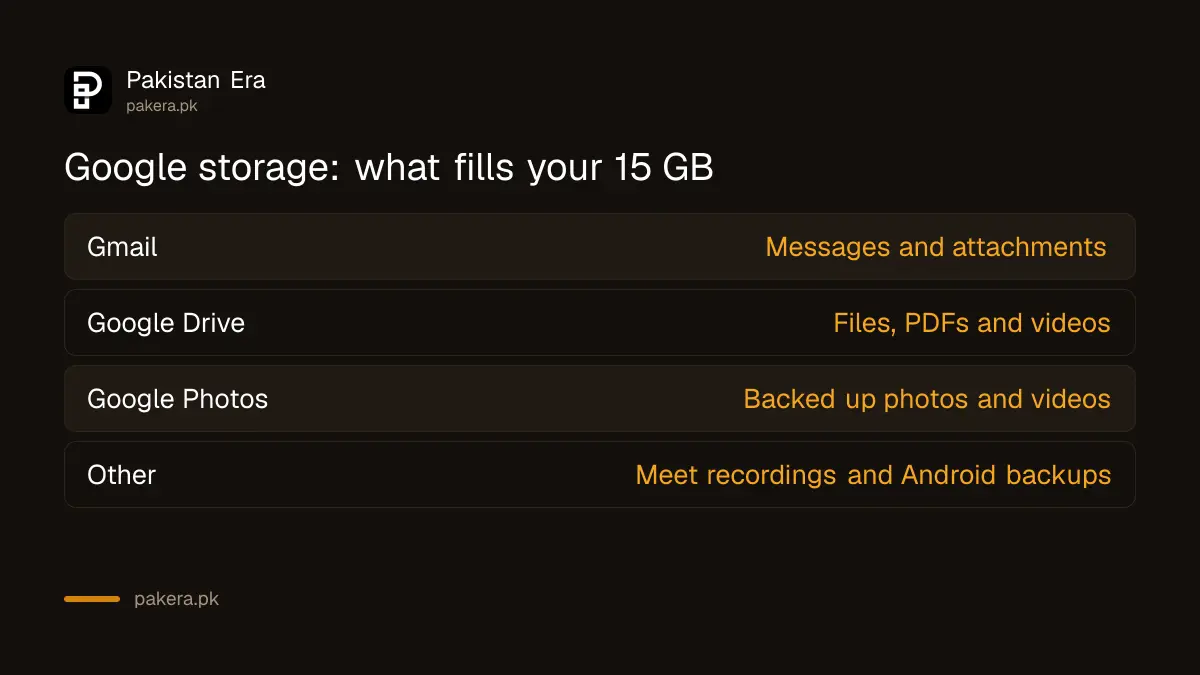
Open the Google Photos app, or Gmail or Drive settings, and go to Manage storage. It opens the Google One storage manager, which shows what each service uses. Google says the 15 GB is shared across Gmail, Drive and Photos, and also counts Meet recordings and Android device backups.
| What uses the 15 GB | Example |
|---|---|
| Gmail | Messages and attachments |
| Google Drive | Files, PDFs, videos |
| Google Photos | Original quality and Storage saver backups |
| Other | Meet recordings, Docs, Sheets, Android backups |
When you pass the limit, Google says you cannot upload files, back up photos or create new documents, and email may be affected. Staying over quota for two years or longer can lead to content being removed, and Google says it will try to give at least three months of notice.
Free up space without paying
Delete large videos and old attachments first, then empty the trash. In Google Photos, tap your profile picture and choose Free up space on this device to remove local copies that are already backed up. Google says items under 30 days old stay on the phone.
Be careful here. Google says deleted items stay in trash for 30 days, and after that they are gone. Check that backup is complete before you free up anything.
For the phone side, such as apps, WhatsApp media and junk files, follow the steps to fix phone storage that is full on Android and iPhone. That covers the device. This page covers the account.
When 15 GB is not enough
If clearing space is not enough, Google One sells more storage. The current Pakistan plans and prices are in Google One prices in Pakistan, and Google can change them. This page does not repeat any rupee prices, so check Google's own plans page before you pay.
Common questions
Is Google Photos backup free in Pakistan?
Yes, up to 15 GB. Every Google Account gets up to 15 GB, shared across Gmail, Drive and Photos. After that you must free space or buy more.
Does Storage saver use my 15 GB?
Yes. Google says both Original quality and Storage saver count toward storage. Only items backed up before 1 June 2021 are treated differently.
What happens when my Google storage is full?
Google says you cannot upload files, back up photos or create new documents. Email may also be affected, so clear space soon.
Does Free up space delete my photos from Google Photos?
No. It removes the copies on your phone that are already backed up. The photos stay in your Google Account.
How do I check my Google storage?
Open Google Photos, Gmail or Drive settings and tap Manage storage. It shows the use by service.
Can I see my photos on another phone?
Yes. Google says you can open backed up photos from any device where you are signed in to the same account.
How we verified this
What we checked, where we read it, and what we could not confirm.
Last checked on 7 October 2026 on Google's help pages: Back up photos and videos, Choose the backup quality, Free up space on your device, and How your Google storage works. Menu names can change with app updates, and Google can change limits and plans.
About the author

Technology Journalist & Multimedia Producer
Ahmad Ali is a technology journalist and multimedia producer at Pakistan Era, joining the team in October 2026. He covers consumer technology and digital life for Pakistani readers, combining research with hands-on product testing.